See llms.txt for all machine-readable content.

Bitly and Google Calendar integration

Save yourself the work of writing custom integrations for Bitly and Google Calendar and use n8n instead. Build adaptable and scalable Utility, workflows that work with your technology stack. All within a building experience you will love.


How to connect Bitly and Google Calendar

Create a new workflow and add the first step

In n8n, click the "Add workflow" button in the Workflows tab to create a new workflow. Add the starting point – a trigger on when your workflow should run: an app event, a schedule, a webhook call, another workflow, an AI chat, or a manual trigger. Sometimes, the HTTP Request node might already serve as your starting point.

Bitly and Google Calendar integration: Create a new workflow and add the first step

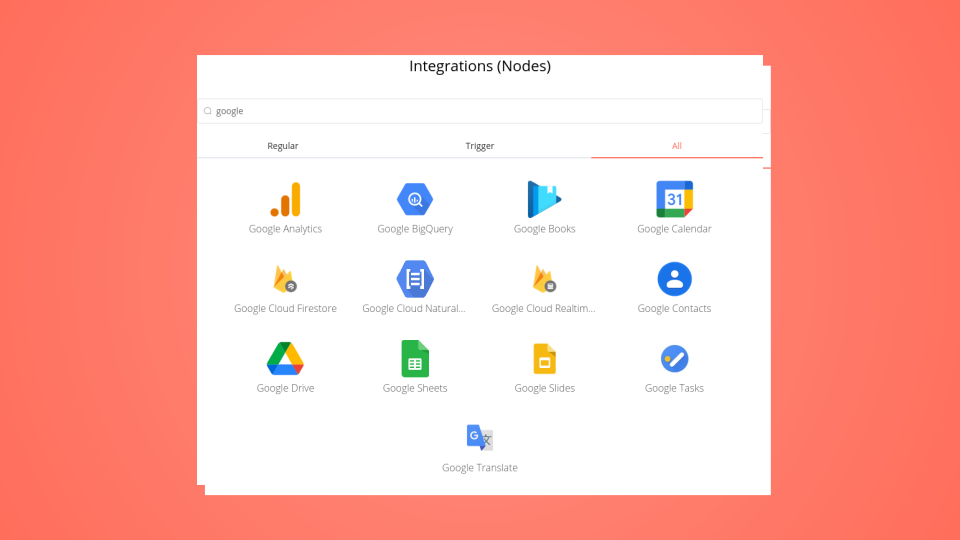
Explore n8n nodes in a visual reference library

WATCH THE n8n STARTER GUIDE 👇 Click Here! This template is featured in the n8n Starter Guide series. The template is free, but comes with two additional PDFs and a Quick Start video if you grab the full download pack on gumroad. How it works This template is a visual map of many useful n8n nodes. It groups nodes like Triggers, AI tools, and App connectors onto the canvas. Explore the sections to learn about different nodes and easily copy them for your own workflows. It acts as a handy visual reference guide. Set up steps • Setup takes about 5 minutes. • Import the template into your n8n instance. • Explore the node categories visually on the canvas. • A Quick Start video is included in the download pack, along with a prompts PDF and PDF with links to other awesome n8n templates here on the n8n template gallery.

Popular ways to use the Bitly and Google Calendar integration

Build your own Bitly and Google Calendar integration

Create custom Bitly and Google Calendar workflows by choosing triggers and actions. Nodes come with global operations and settings, as well as app-specific parameters that can be configured. You can also use the HTTP Request node to query data from any app or service with a REST API.

Bitly supported actions

Google Calendar supported actions

Bitly and Google Calendar integration details

Bitly

Bitly

Bitly is a smart tool that shortens URLs, creates link-in-bios, and generates QR codes. It allows more than 800 apps integrations, and has more than 5 million active users monthly. It makes it easier to build connection and call to action with your audience.

Google Calendar

Google Calendar

Google Calendar is a time-management and calendar service created by Google Workspace. It helps you schedule and organize events and meetings, send notifications, and synchronize with your team. It is widely used by both individuals and organizations.

FAQ about Bitly integrations

Need help setting up your Bitly and Google Calendar integration?

Discover our latest community's recommendations and join the discussions about Bitly and Google Calendar integration.

  • jake chard

    Google Calendar free/busy times output is confusing the AI sometimes

    jake chard

    Hi all! I’m currently using this workflow to suggest 2 available times in a google calendar. Currently I am just using the straight output from calendar node in the AI response, it gives the AI busy times. (Here are t…

    Open topic

Looking to integrate Slack and VirusTotal in your company?

Trusted by teams building smarter workflows

Why

Why use n8n to integrate Bitly with Google Calendar

Handle branching, merging and iteration easily. Pause your workflow to wait for external events.

Re-run single steps to test changes in no time. And pin your data to avoid generating trigger events every time you execute.

Your data is displayed alongside your settings, making edge cases easy to track down.

Use 1000+ workflow templates available from our core team and our community.

Copy and paste, easily import and export workflows.

Simple enough to 
understand + sophisticated 
enough to ship