JSON files that fail
You copy-paste workflow JSON that AI created into n8n. It breaks. Deprecated options. Missing parameters. Hallucinations. A mess.
See llms.txt for all machine-readable content.
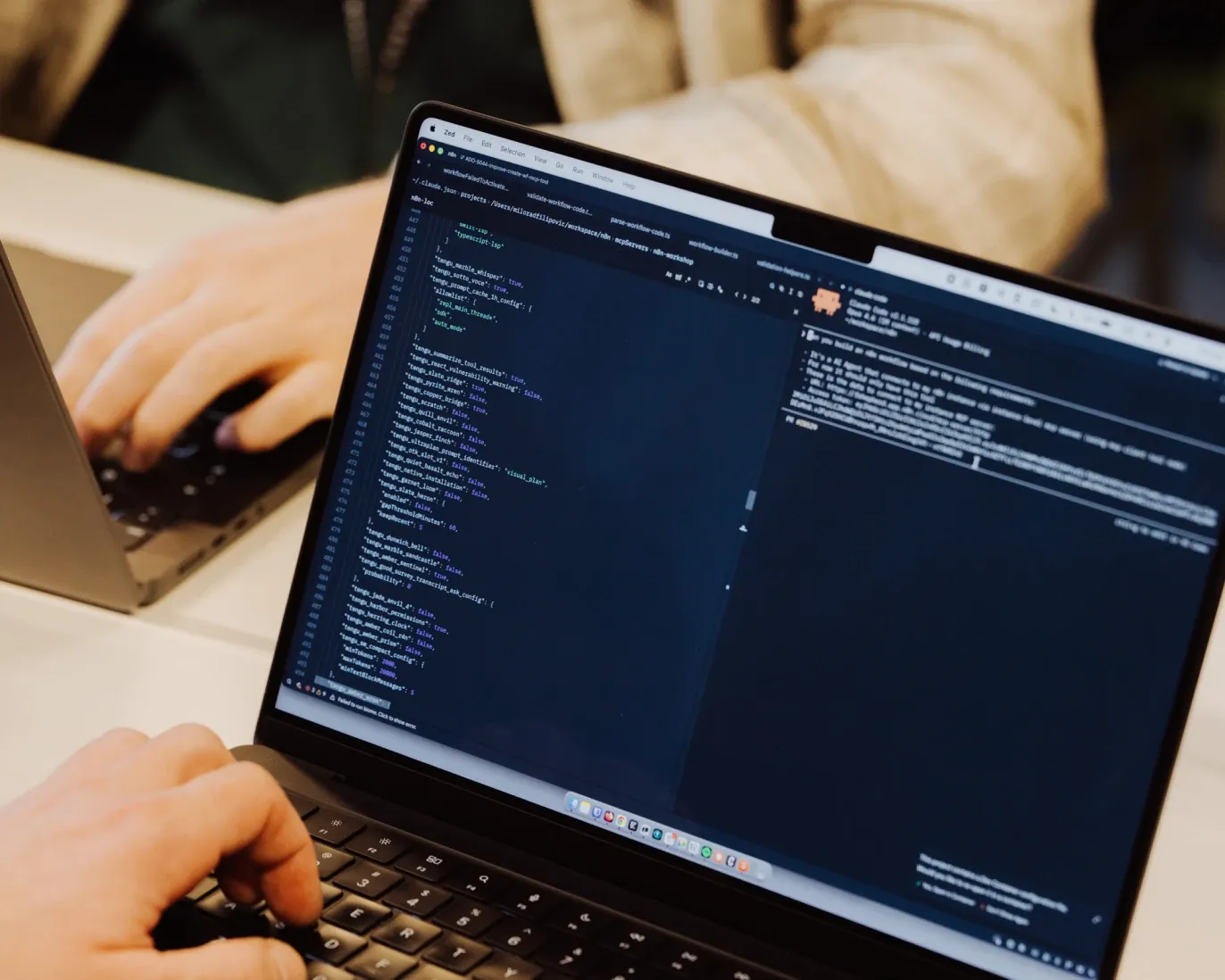
No more copy-paste. Simply tell Claude, ChatGPT, or your IDE what you want to
build, and get a ready-to-run workflow in minutes — built directly in n8n.
Trusted by technical teams automating CRM at scale.


You copy-paste workflow JSON that AI created into n8n. It breaks. Deprecated options. Missing parameters. Hallucinations. A mess.

AI makes a small edit — and something else breaks. With no way to see the live workflow state, AI can’t verify its changes. “I need to rewrite the SDK” isn’t what you signed up for.

Without access to workflow logs, figuring out why they failed becomes a forever loop. You give AI the error messages, manually apply the changes, and re-run—until you give up.
The n8n MCP server connects your n8n instance to any AI app or IDE that speaks
MCP. So you can build, edit, and test workflows inside n8n with AI, using natural
language alone.

Included on all n8n plans
Maintained by n8n
No 3rd parties
Once you’ve connected your AI MCP client to n8n, simply tell it what you want to build. It will create the workflow, validate it, and fix it all by itself if it breaks.
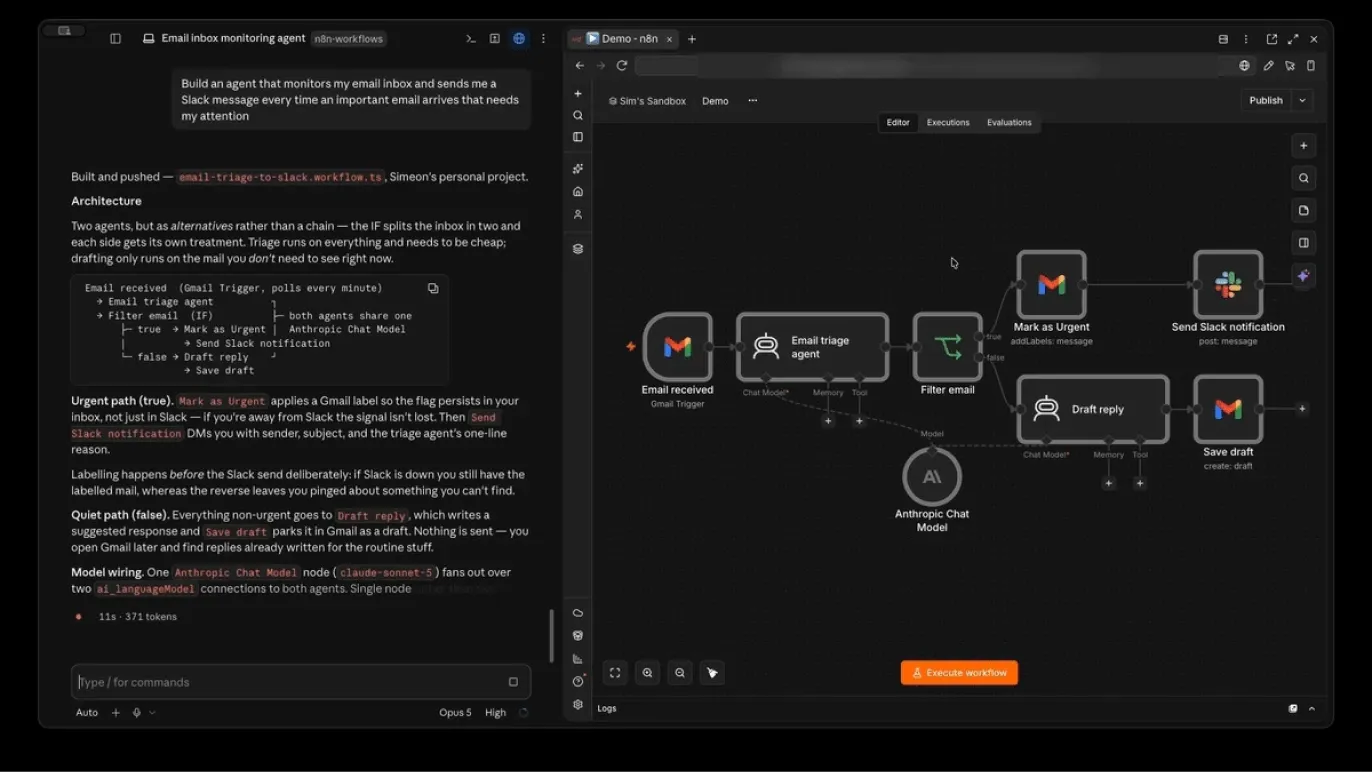
Claude, ChatGPT, Gemini, or Cursor. If your AI supports MCP — and they basically all do — you can build workflows with them directly inside n8n. Endless copy-paste is a thing of the past.
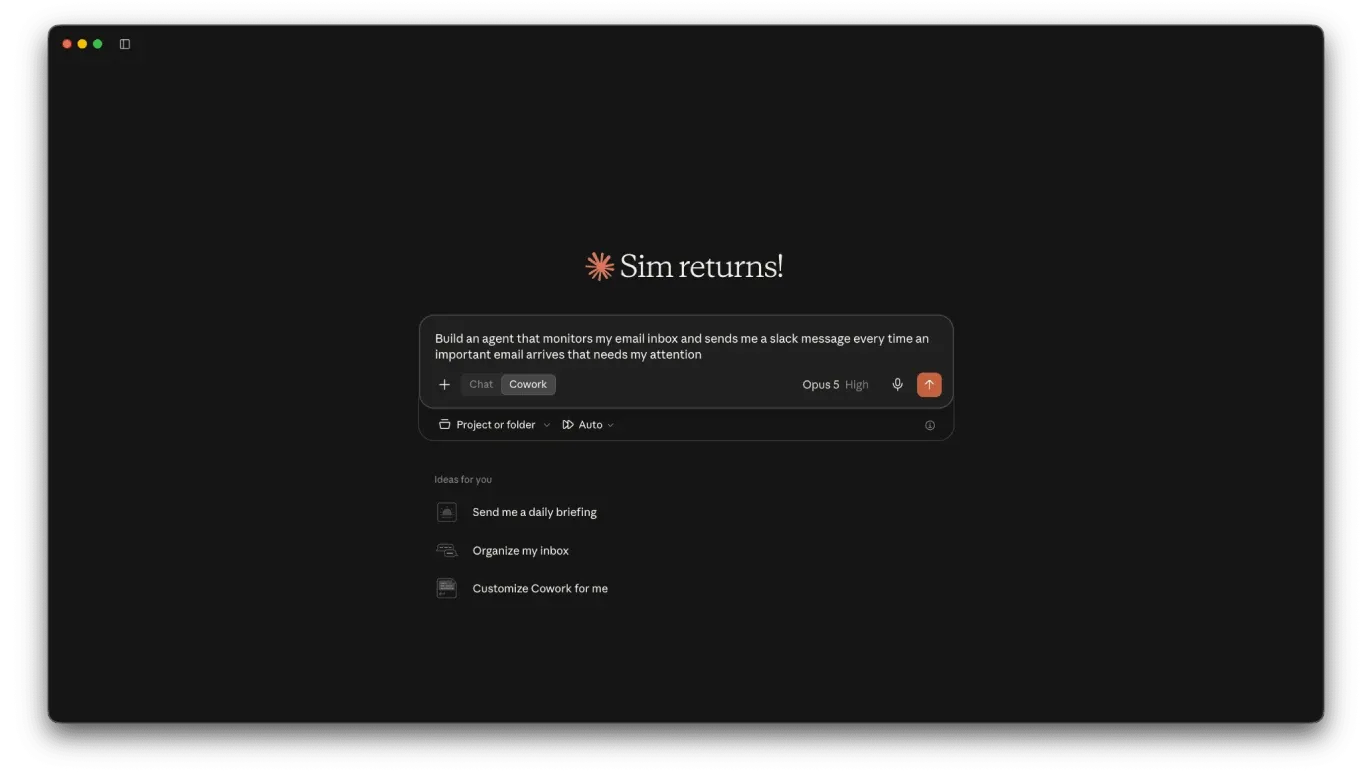
Live access to your n8n instance allows AI apps to understand, audit, and improve your workflows. So when a workflow fails, your AI reads the actual execution logs — and fixes the bug. No tab dancing necessary.
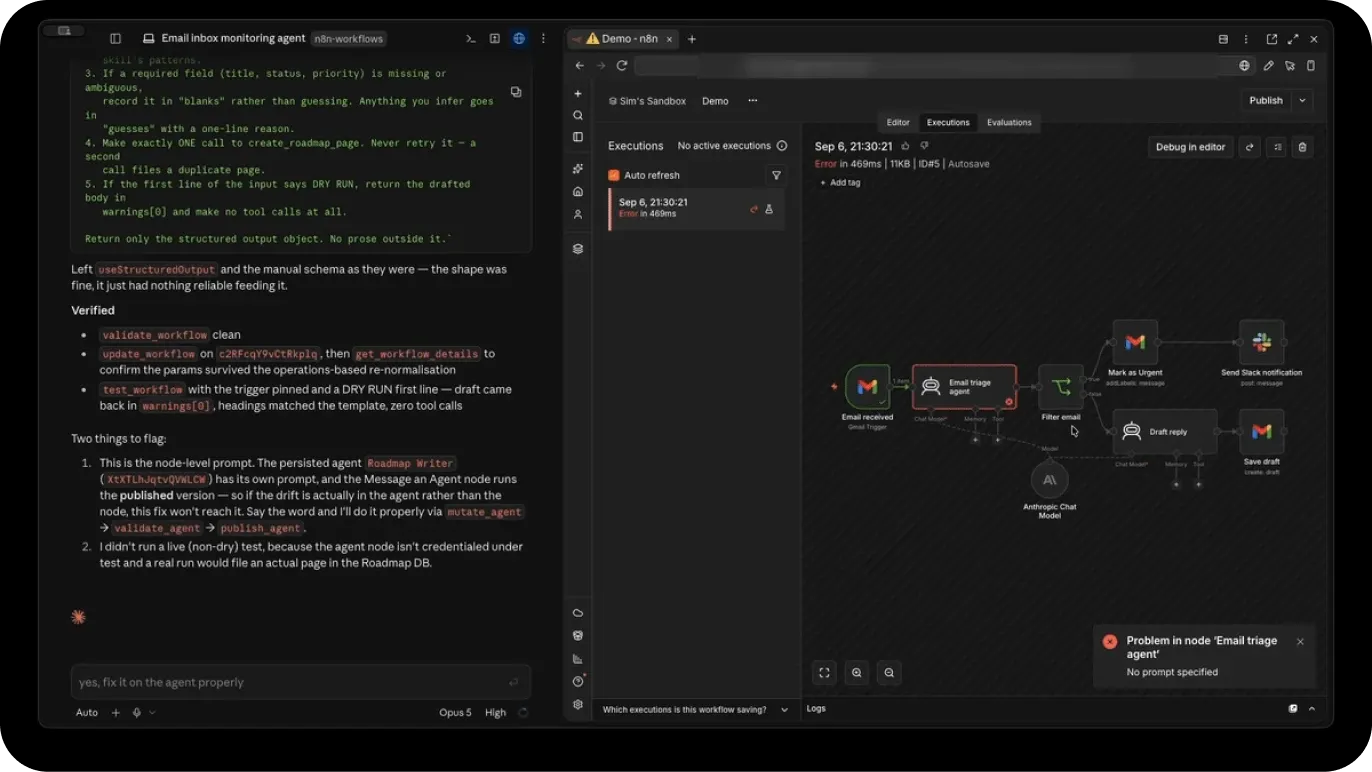
Add n8n’s official skills to your AI app, and it reviews them before it starts to build. So AI takes less time — and costs you fewer tokens — to get it right.
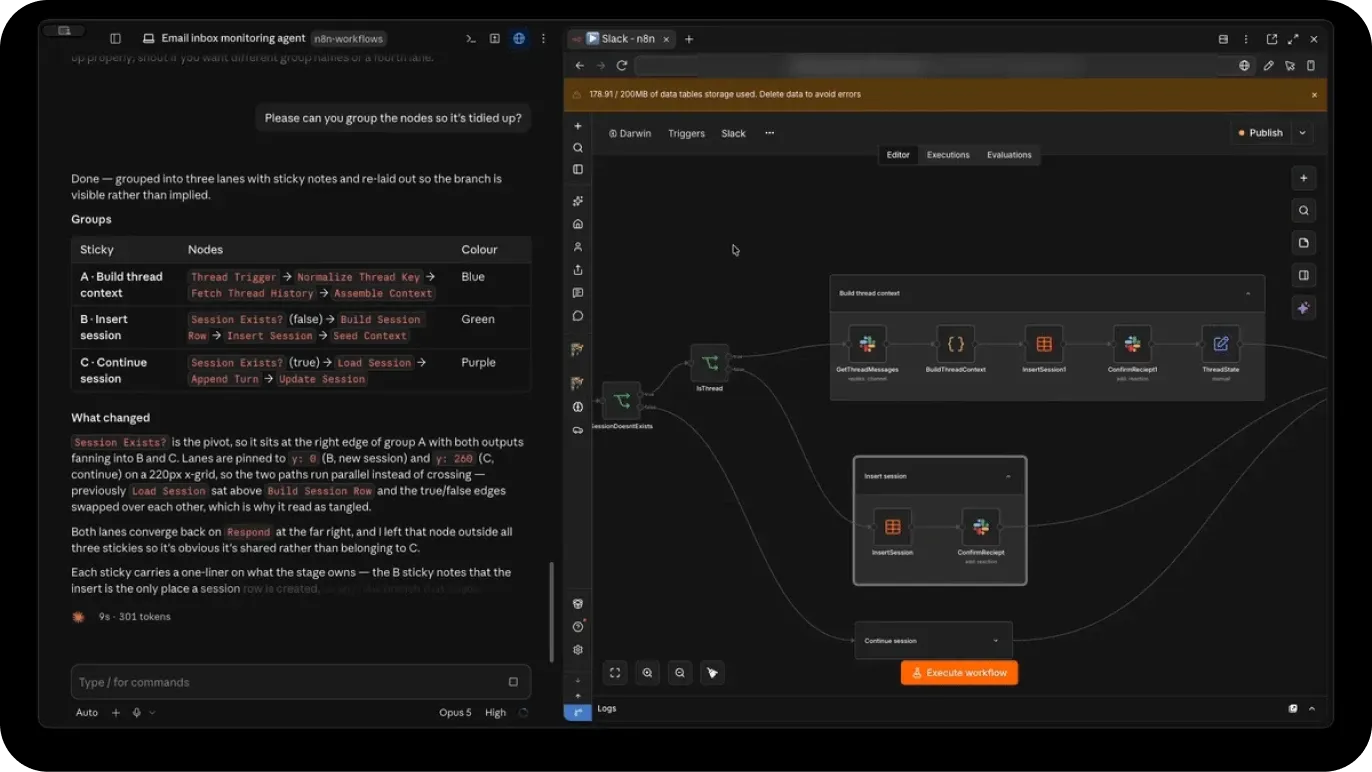
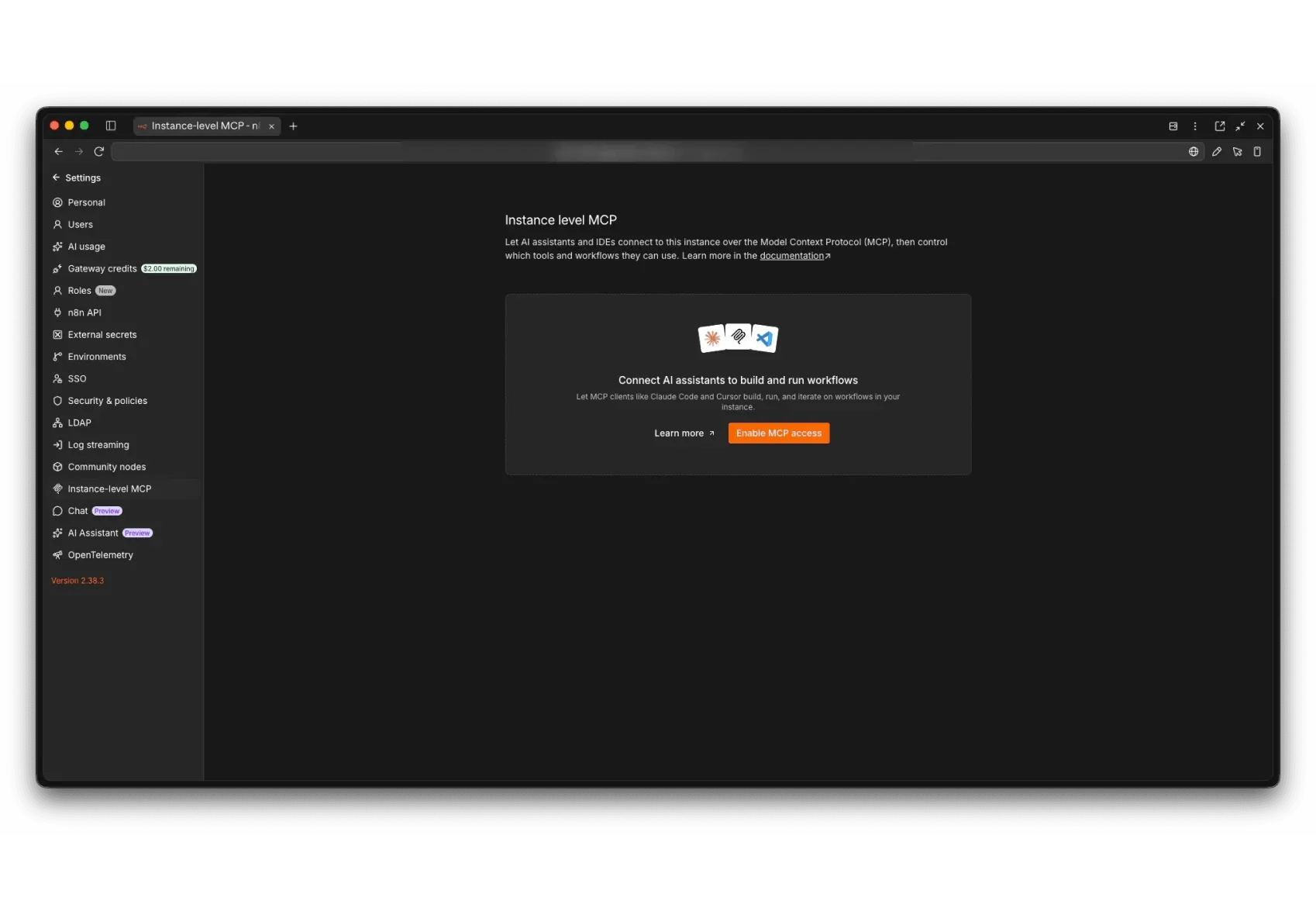
First, enable MCP in your n8n instance. Then, add the MCP server to your AI app. The exact process for connecting each AI tool to n8n via the MCP is different.
Check out the full MCP Setup Guide for per-tool instructions.
Here are the steps for Claude (the most popular app for n8n’s MCP server):
Navigate to Settings > Instance-level MCP. Then toggle Enable MCP access
Copy the Server URL from the OAuth tab in the Connection Details pop-up menu
Paste the URL in the Claude MCP installation setup widget.
You’re good to go.
n8n MCP server integrates with all the most popular AI tools.
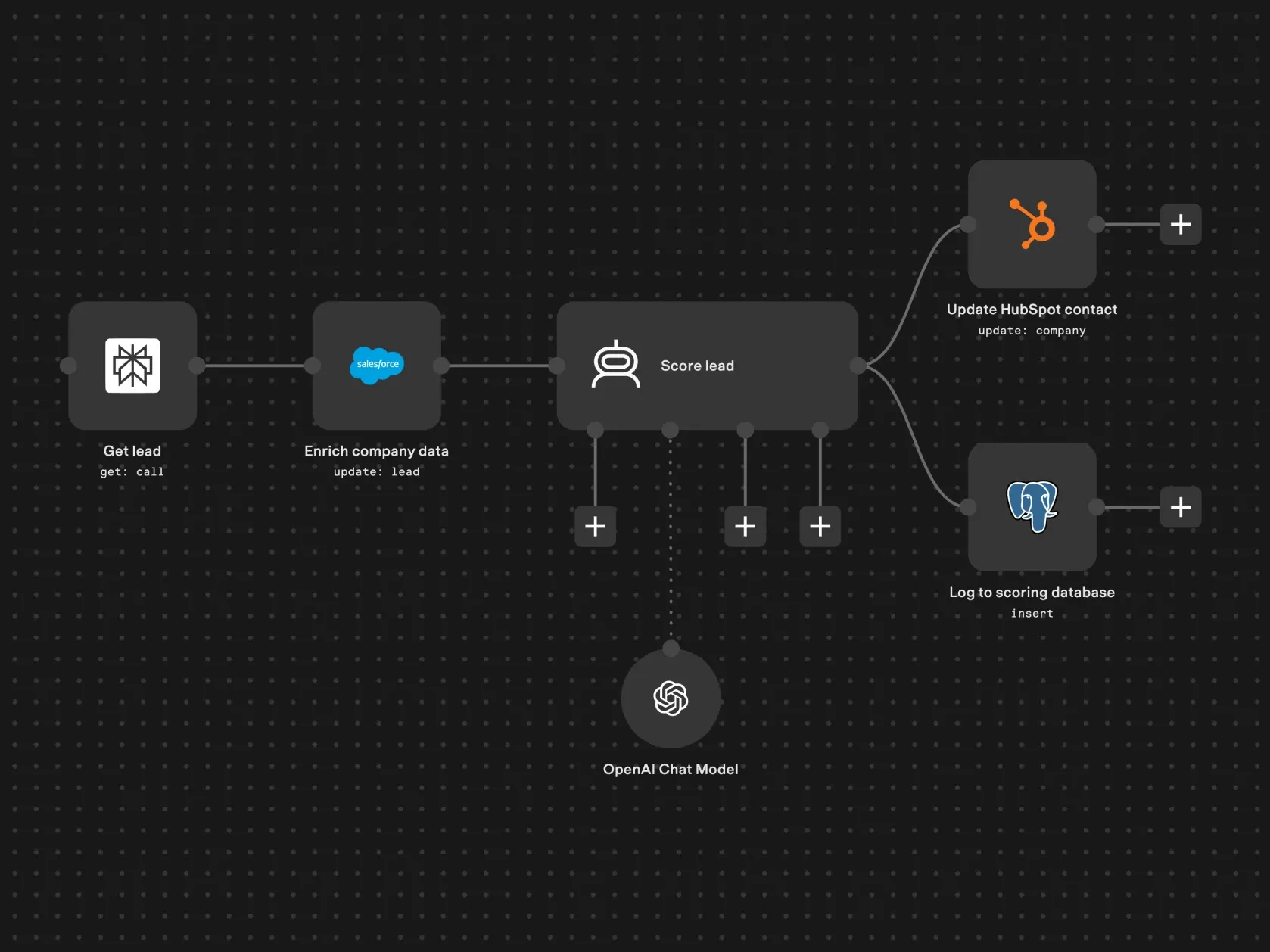
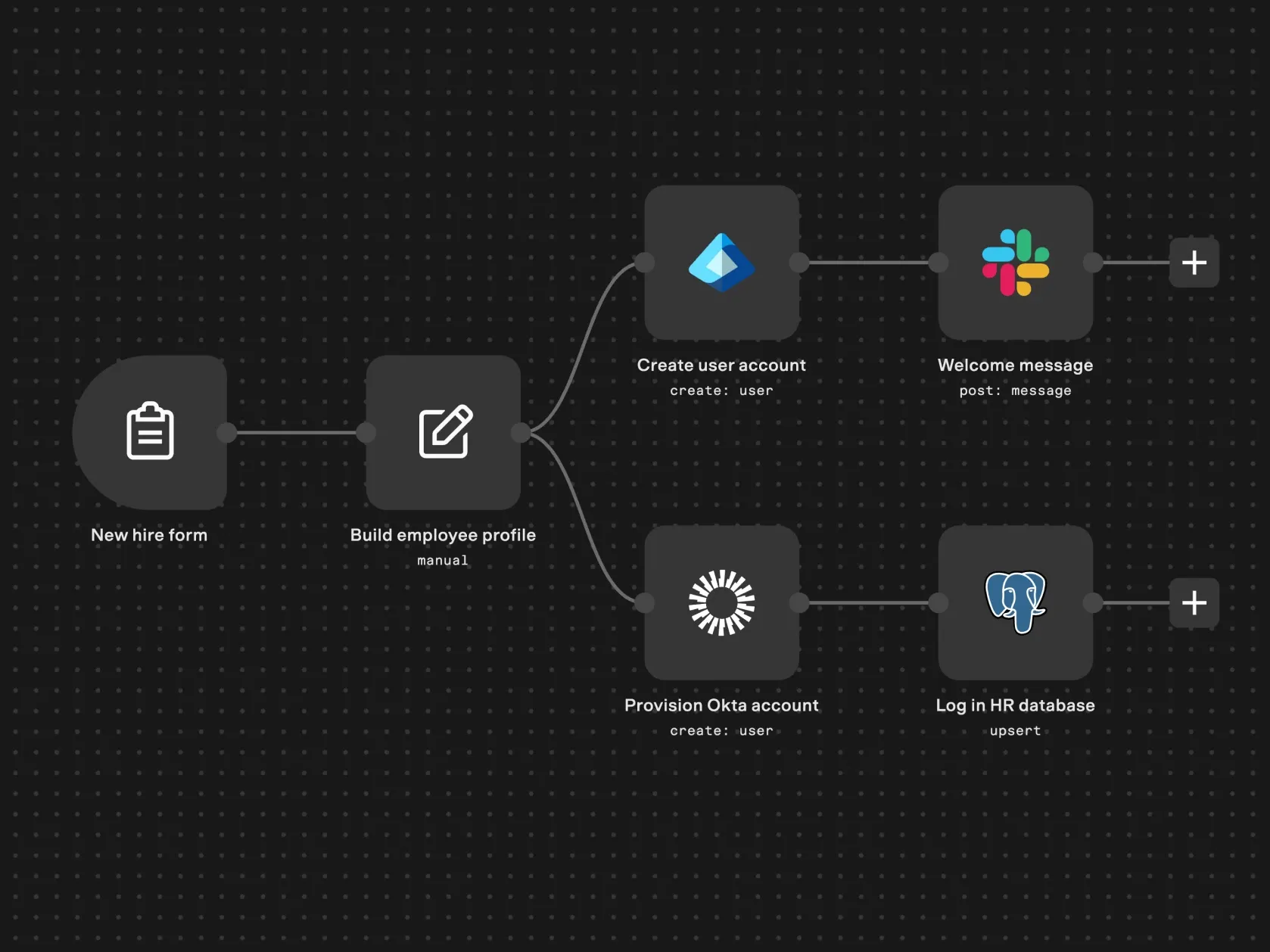
An agentic workflow. Or an autonomous agent for judgment-heavy tasks.
You just describe it. n8n does the rest.



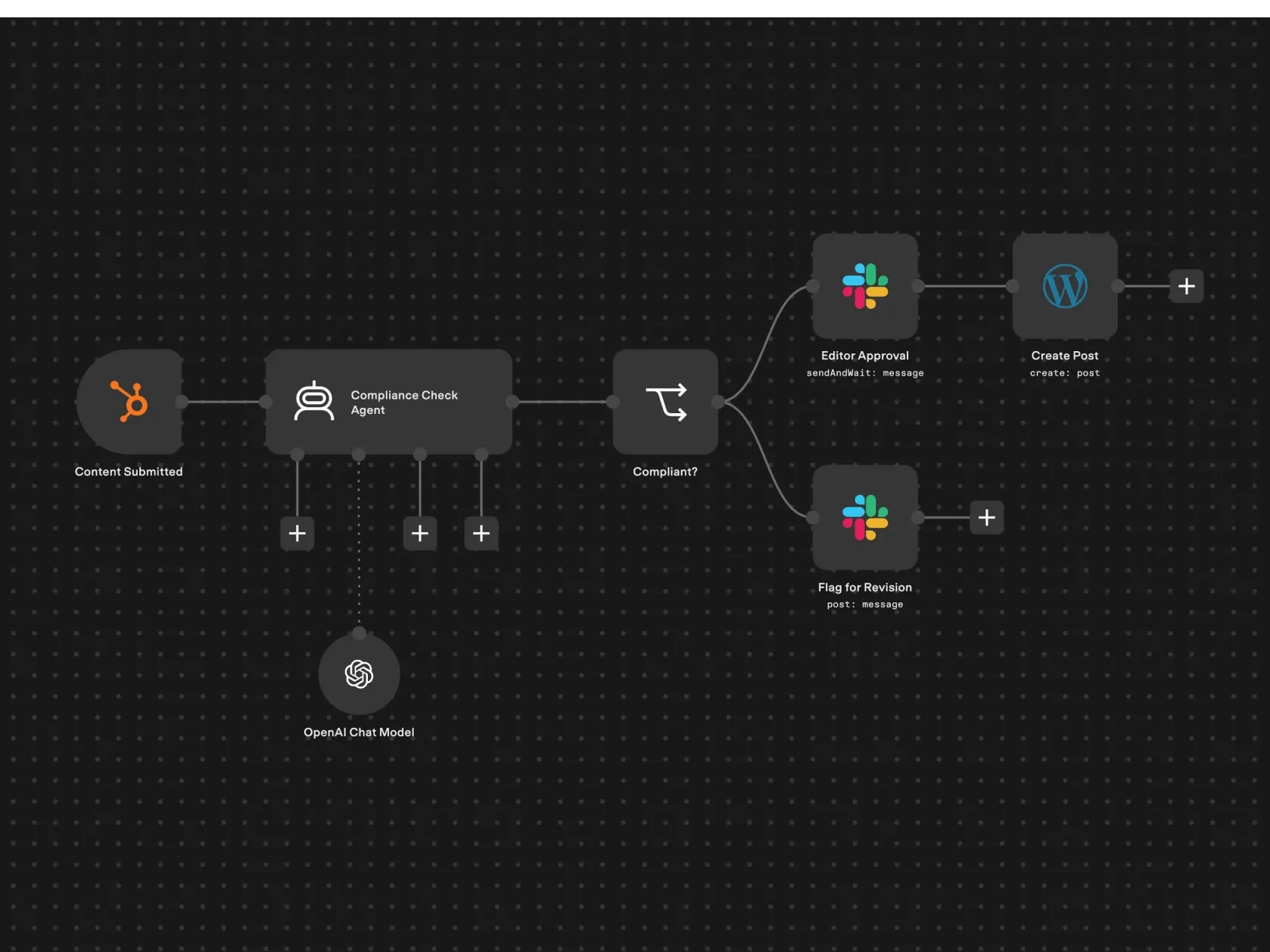

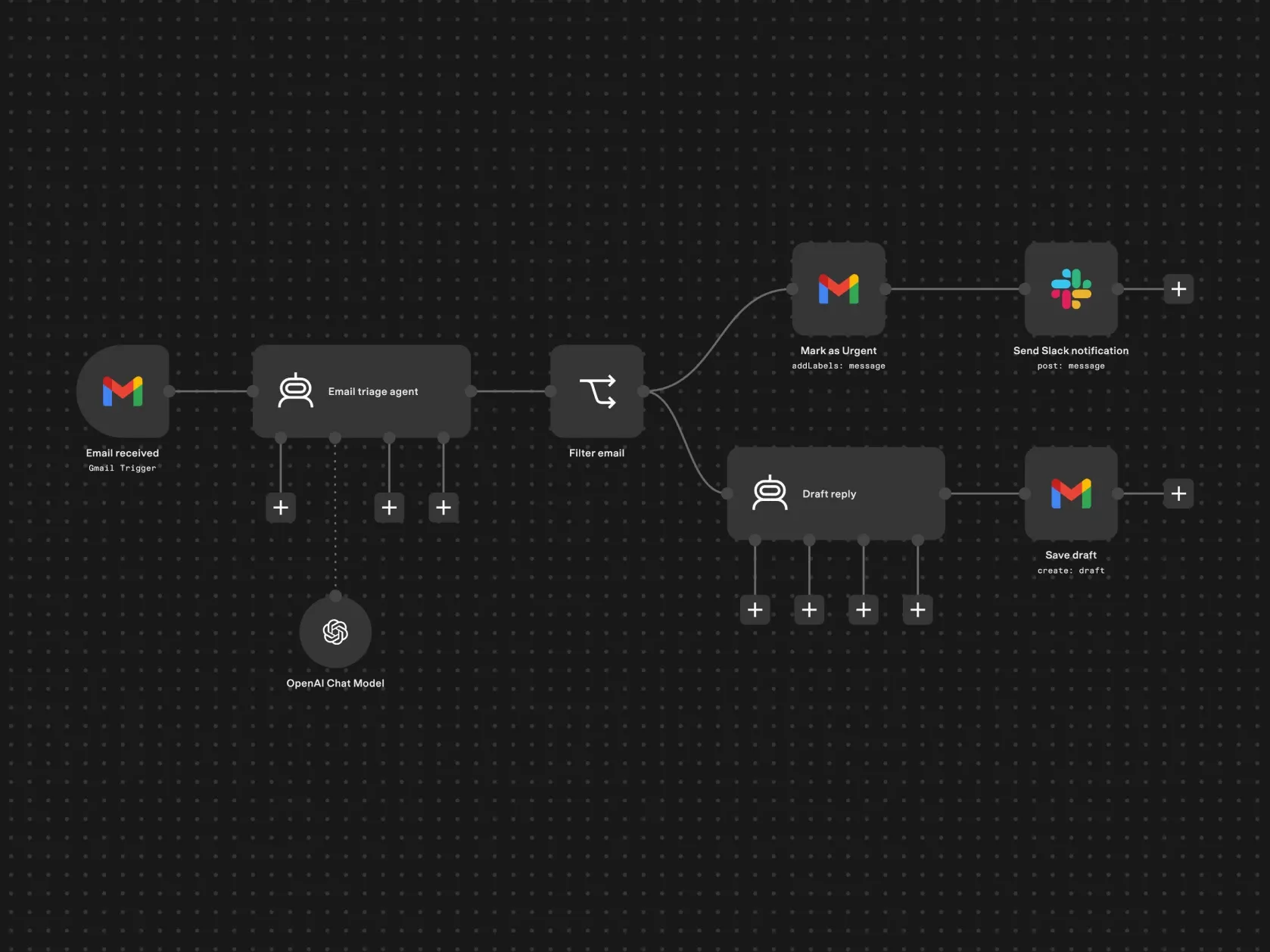

MCP eliminated manual debugging.

MCP blew my mind.

I’m not scared of making mistakes anymore.

n8n lets us run the entire agentic layer inside the customer's own perimeter, with no data leaving the jurisdiction.
The MCP server does more than create and update workflows. You can also validate workflows, run tests, and generate test data.
Here’s what a common flow looks like:
Generate the workflow
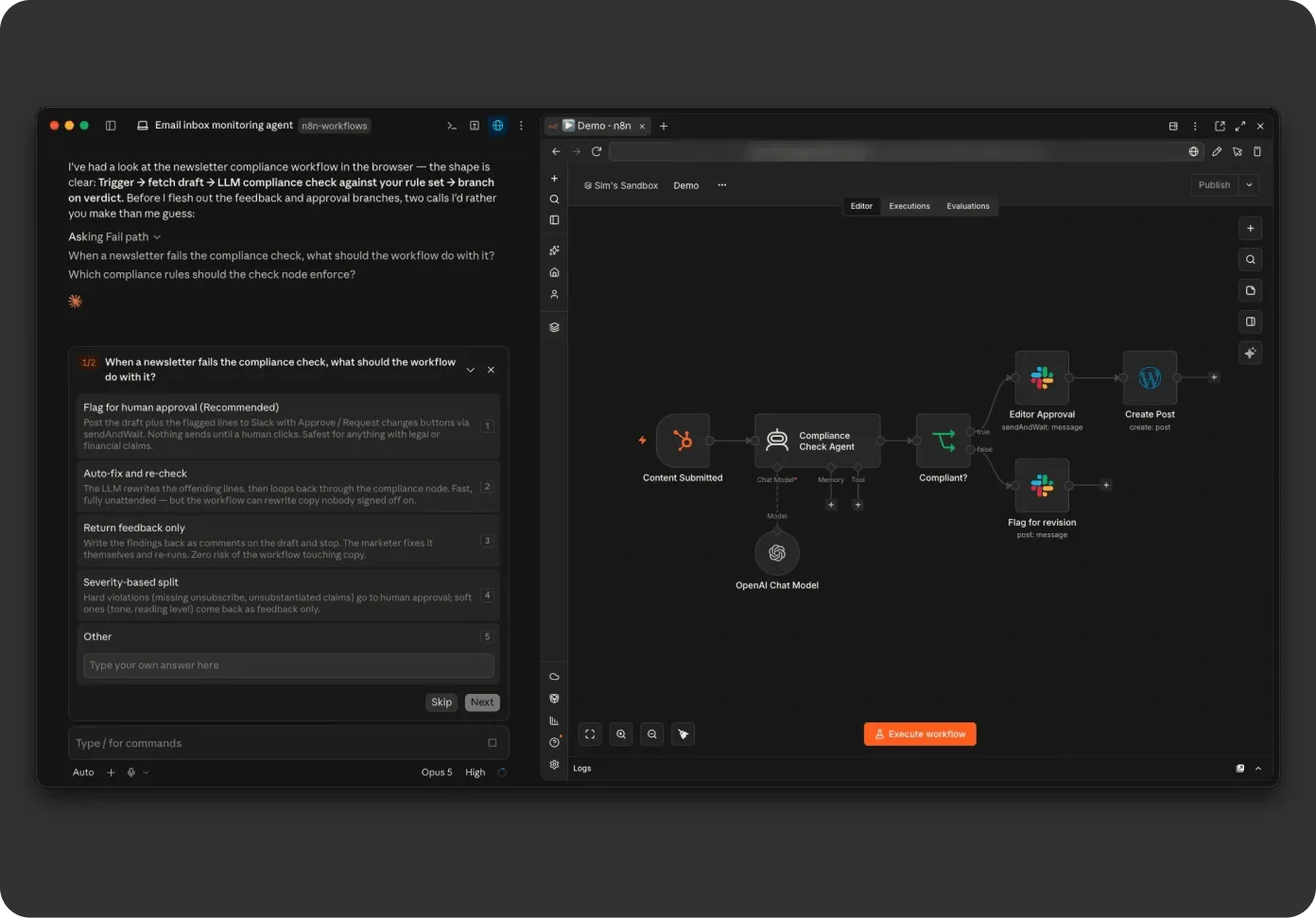
Generate the workflow
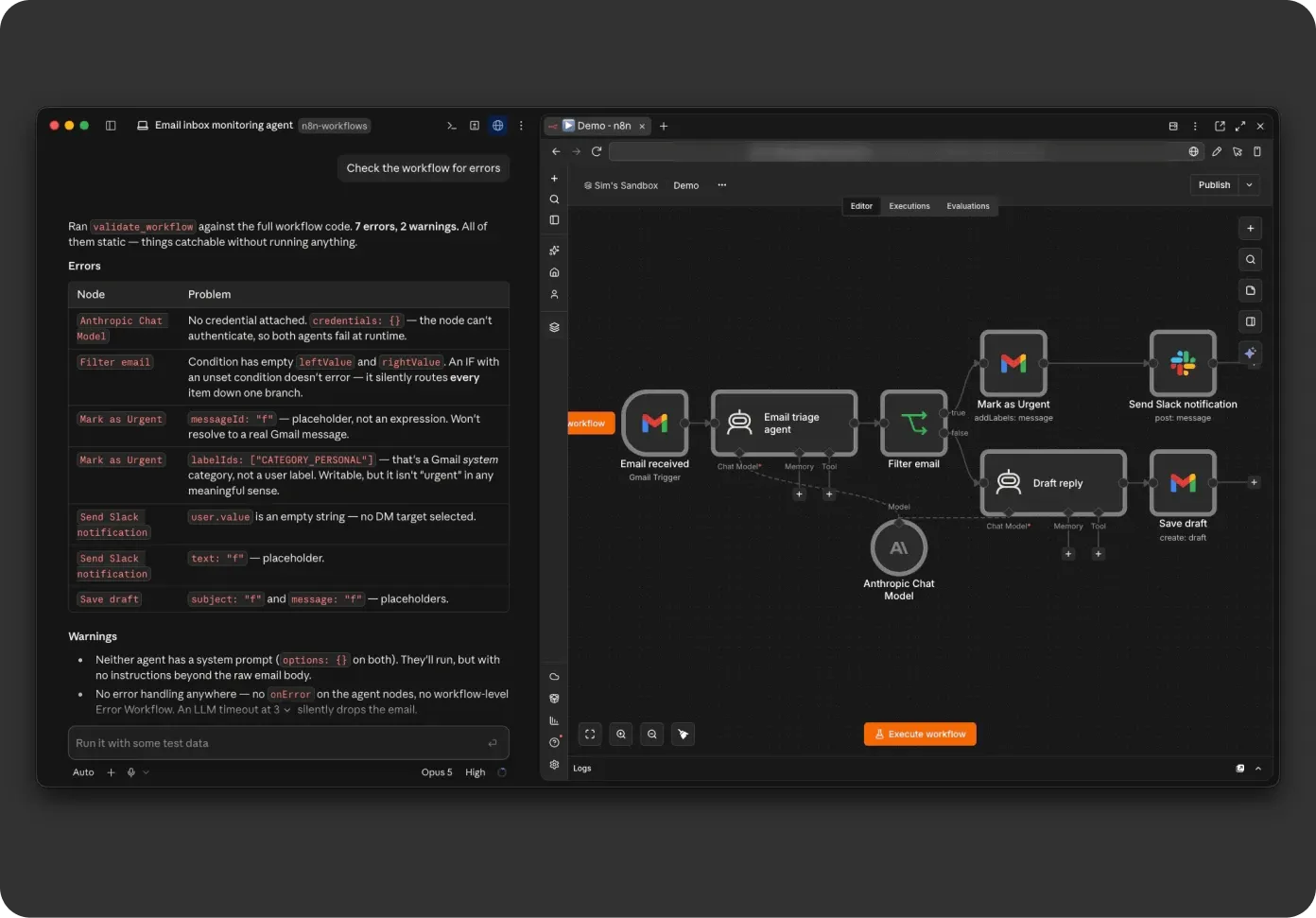
(catch most errors before execution)
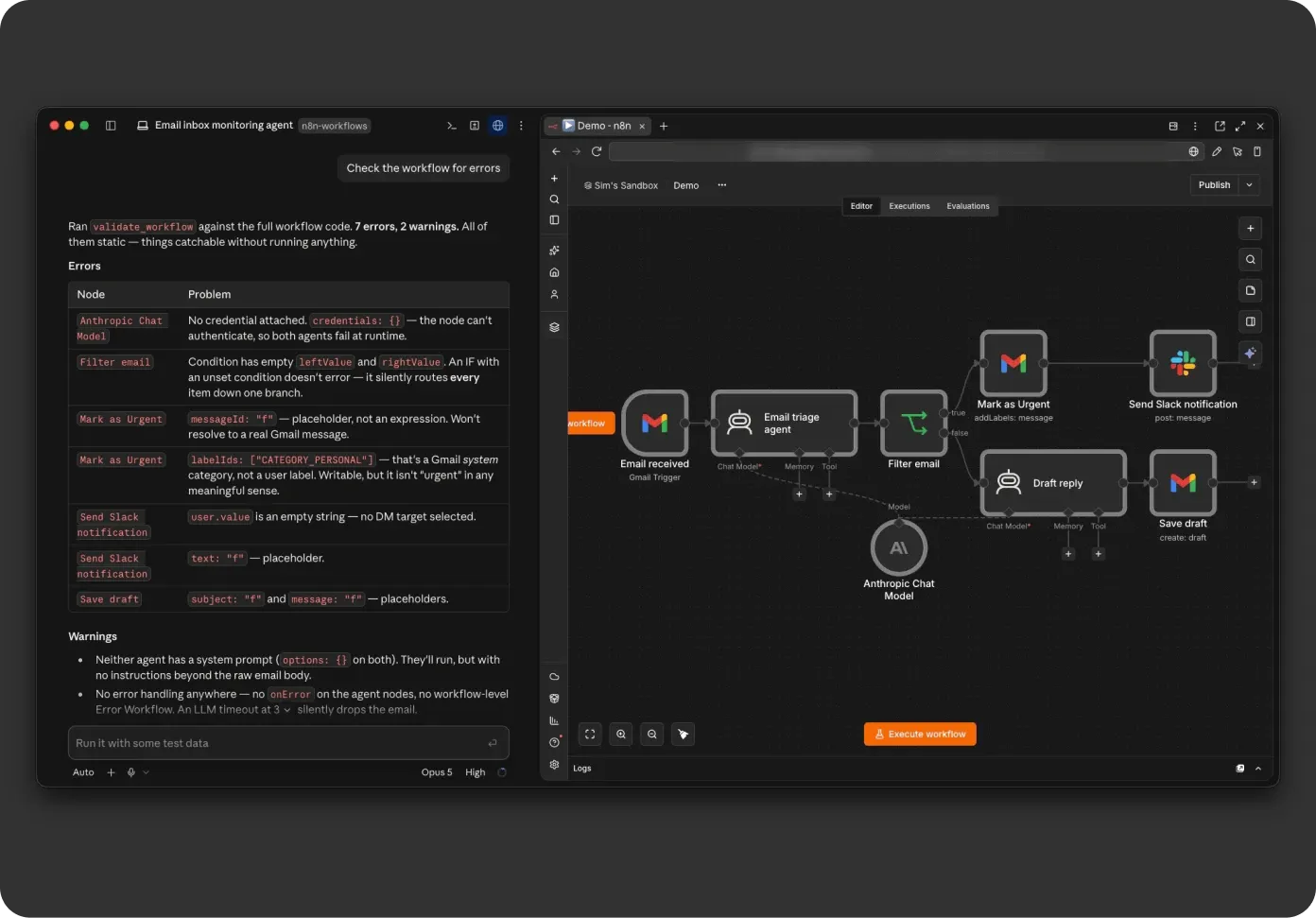
If validation fails, fix it and re-validate
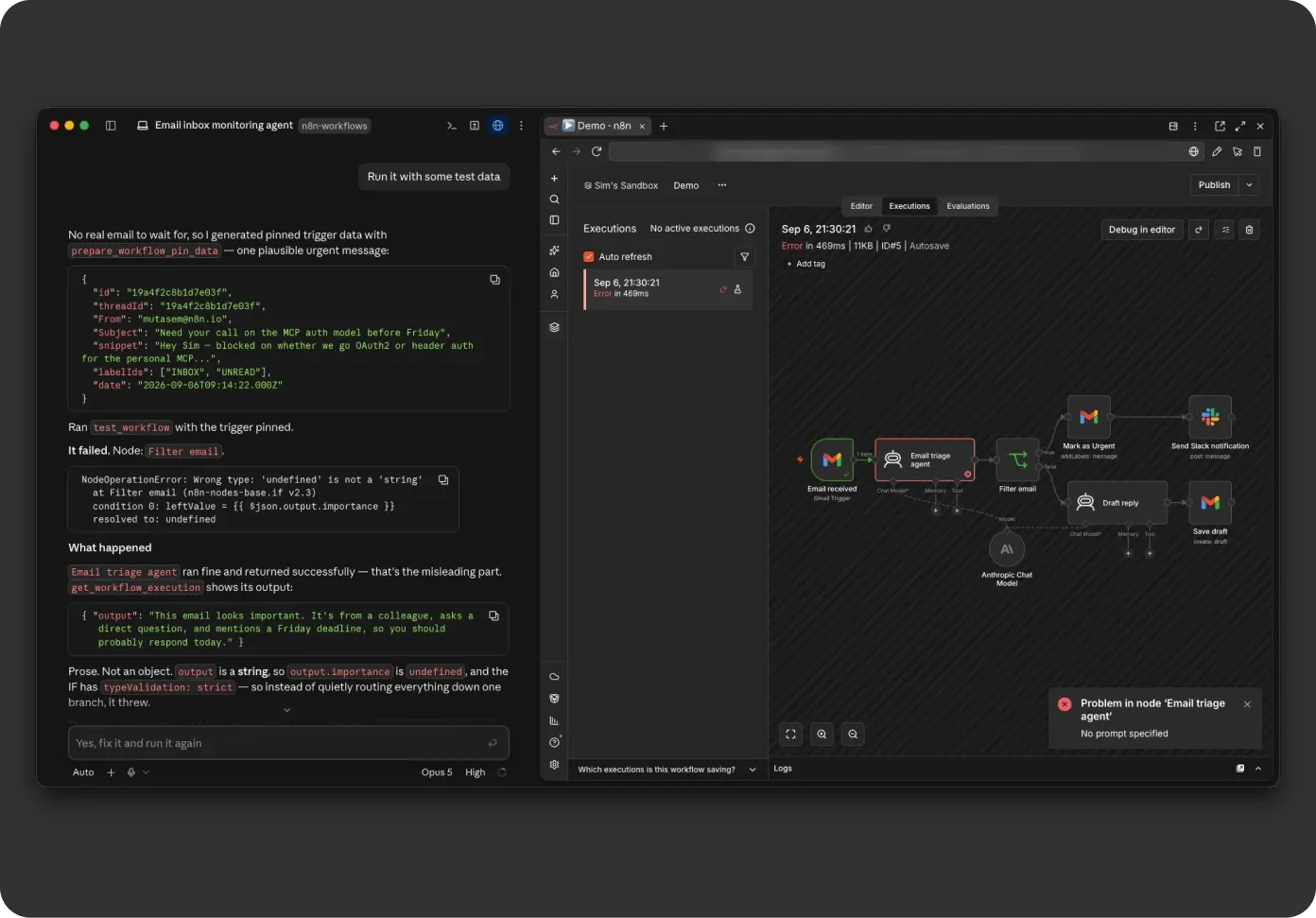
Execute & generate test data if needed.
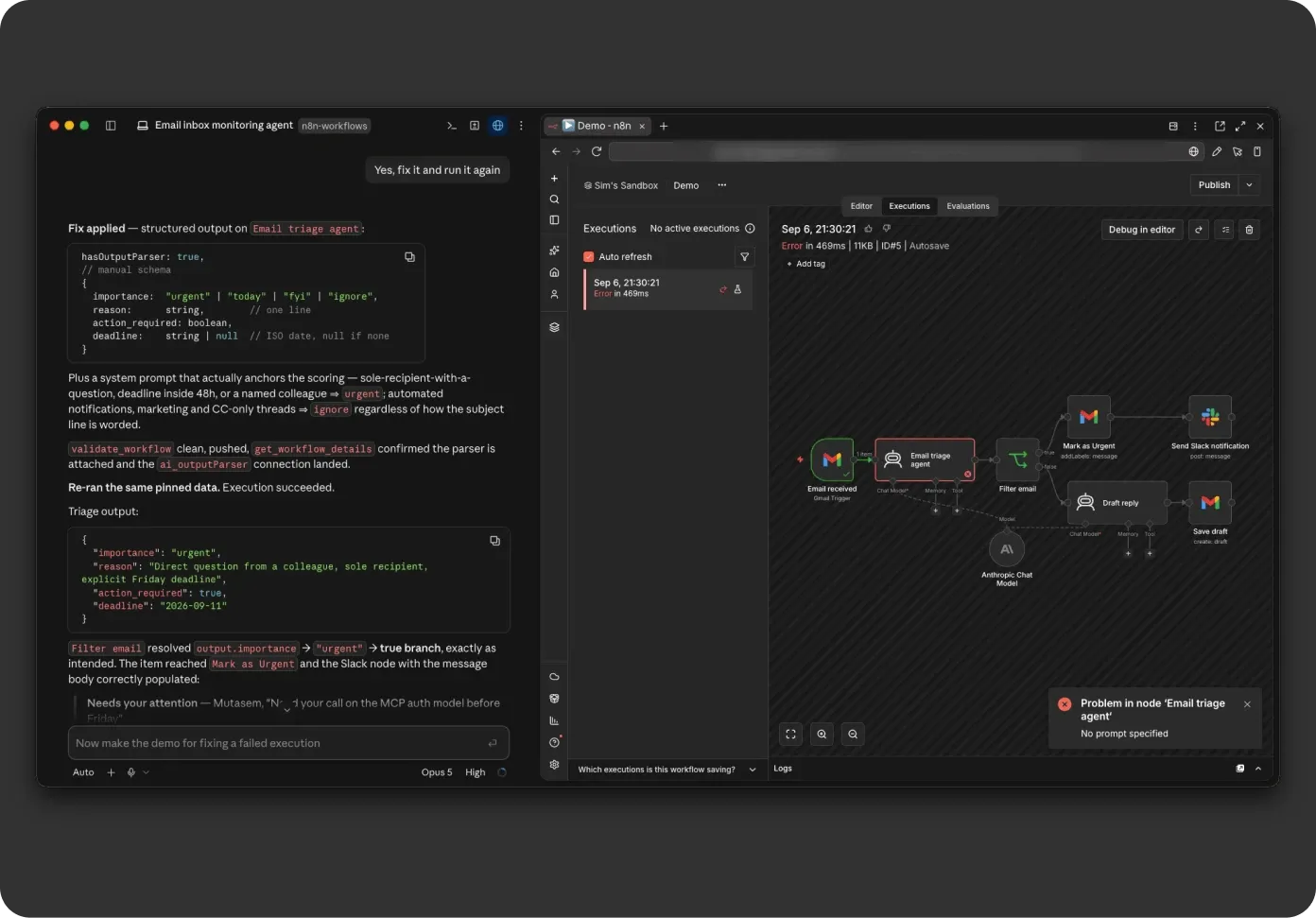
If execution fails, read the error, fix the workflow, and run it again.
Get started with creating and editing n8n workflows with your favorite AI tools.

This video shows how to integrate n8n with coding agents using the official MCP. The guide covers setting up connectors within Claude Desktop and OpenCode, configuring system prompts for workflow automation, and managing credentials to set up direct interaction between LLMs and n8n instances.
Liam McGarriggle | n8n
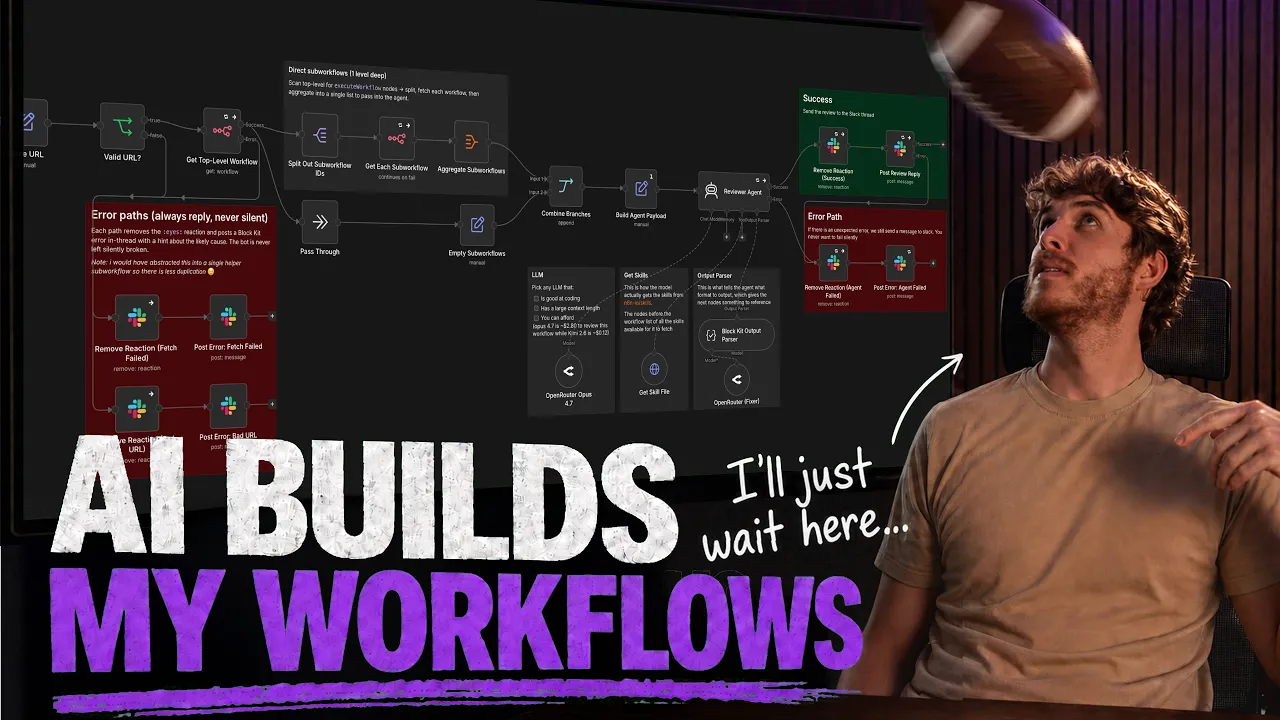
In this video, I show the process of "vibe coding" a Slack-based workflow reviewer via Claude Desktop’s integration with n8n’s MCP. See how to go from technical planning to a production-ready system while managing agent interactions and error handling throughout the development cycle.
Liam McGarriggle | n8n
The creator of n8n’s MCP, Milorad, shows you what you can do with the MCP by building three distinct workflows. These examples show how to go from simple deterministic tasks to creating complex AI-orchestrated systems.
Dylan J Watkins | n8n
In this video, Leonardo installs the n8n Skills plugin inside Claude Code, wires up the instance-level n8n MCP with its OAuth URL and access token, and then describes a simple workflow in plain English while Claude builds it for him.
Leonardo Grigorio