See llms.txt for all machine-readable content.
Back to integrations
Integrate AI Context by MCP Studio with 1000+ apps and services
Unlock the full potential of AI Context by MCP Studio and n8n’s automation platform by connecting AI Context by MCP Studio’s capabilities with over 1,000 apps, data sources, services, and n8n’s built-in AI features.
Need something that’s not covered yet?
Use n8n’s pre-authenticated HTTP Request node to create new connections, giving you the flexibility to build powerful automations on any stack.



Created by
AI Context by MCP Studio
Last update
4 days ago
AI Context by MCP Studio integration
is built and maintained by our partners at AI Context by MCP Studio and verified by n8n. That means it’s solid, safe, and ready to help you tap into some great capabilities.
What can you do with AI Context by MCP Studio?
Get Usage
Return plan, request usage, and limits so a workflow can branch before hitting a cap
Get Entitlements
Return trial state, analytics tier, and source limits
Get
Return request volume, success rate, latency, and the tool, source, and client breakdowns for one server
Create
Create a server, index its sources, and return the live MCP endpoint
Delete
Soft-delete a server, keeping it restorable for 7 days
Get
Return a server with its indexing progress, endpoint URL, and client config snippet
Get Many
List every server on the account
Refresh
Queue a re-index so the server picks up changed source content
Add
Add a source and queue it for indexing
Remove
Remove a source and its indexed content
Add
Enable more tools on an existing server. Tools already enabled are left alone.
Get Many
Return the tools a server exposes today, plus the full catalog it can choose from
Remove
Disable tools on an existing server. At least 3 have to remain.
Replace
Set the exact tool list, whatever was enabled before
How to install AI Context by MCP Studio and use it in your n8n workflows
Verified nodes need a quick setup by an instance owner first, but after that, everyone on the instance can start using them in their workflows. Learn more here.
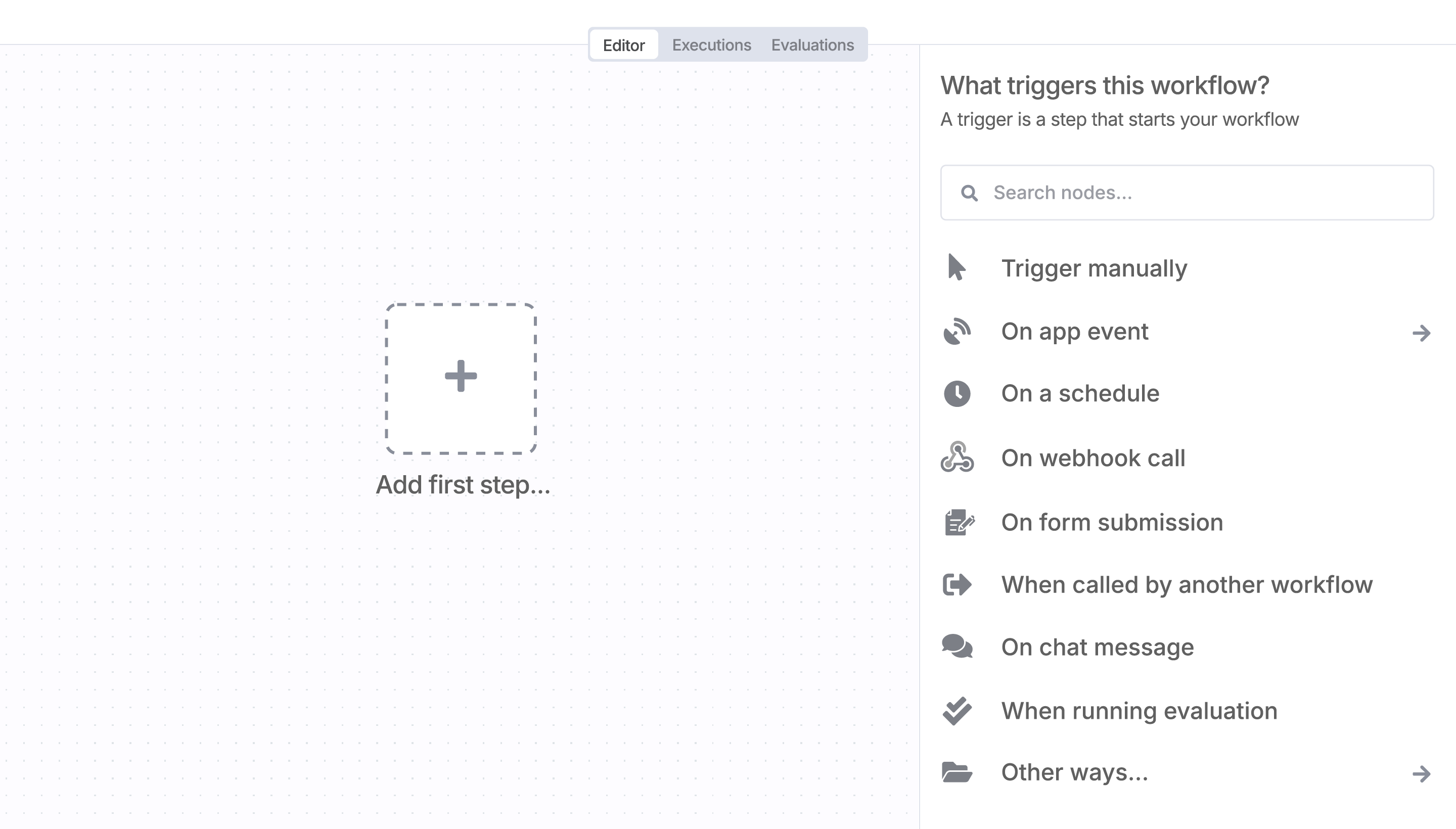
Sign in to n8n, open the editor, and click + in the top right to open the Nodes panel
Resources for AI Context by MCP Studio
AI agents and workflows for technical teams at


