See llms.txt for all machine-readable content.
Back to integrations
Integrate A.I. Slides by Brightdeck with 1000+ apps and services
Unlock the full potential of A.I. Slides by Brightdeck and n8n’s automation platform by connecting A.I. Slides by Brightdeck’s capabilities with over 1,000 apps, data sources, services, and n8n’s built-in AI features.
Need something that’s not covered yet?
Use n8n’s pre-authenticated HTTP Request node to create new connections, giving you the flexibility to build powerful automations on any stack.


Created by
A.I. Slides by Brightdeck
Last update
3 days ago
A.I. Slides by Brightdeck integration
is built and maintained by our partners at A.I. Slides by Brightdeck and verified by n8n. That means it’s solid, safe, and ready to help you tap into some great capabilities.
About A.I. Slides by Brightdeck
Use Brightdeck to create PowerPoint presentations. Describe the deck you need and Brightdeck generates a beautifully designed presentation with tables, charts, and illustrations that exports to native PowerPoint (.pptx) and is fully compatible with PowerPoint, Google Slides, and Keynote.
Brightdeck can also add slides to a deck you already have or edit your existing decks. New slides match your existing fonts, colors, and layouts, so the rest of the presentation stays exactly as your team built it.
Available features include:
- Generate a full presentation from a topic, outline, or prompt
- Turn documents, reports, and rough notes into a slide deck
- Add new slides to an existing PowerPoint without breaking its design
- Speaker notes on every slide
- Refine slide content in a chat-based conversation
- Export and download as PowerPoint (.pptx) or PDF — fully editable shapes and text, not flat images
Related categories

What can you do with A.I. Slides by Brightdeck?
Export as PDF
Get a temporary signed download URL for a PDF export
Export as PPTX
Get a temporary signed download URL for a PowerPoint export
Get Many
List who has access to a presentation
Revoke
Remove a collaborator from a presentation
Share
Grant presentation access to a user by email
Create Blank
Create an empty editable presentation
Generate With AI
Generate a complete presentation from a prompt (runs 30-120 seconds server-side)
Get
Get details for one presentation
Get Many
List presentations you can access
Get Share Link
Get the view URL and sharing visibility of a presentation
Update
Rename a presentation, change visibility, or adjust page numbers
Get Status
Check a deck-generation run: stage, per-slide progress, and failure detail
How to install A.I. Slides by Brightdeck and use it in your n8n workflows
Verified nodes need a quick setup by an instance owner first, but after that, everyone on the instance can start using them in their workflows. Learn more here.
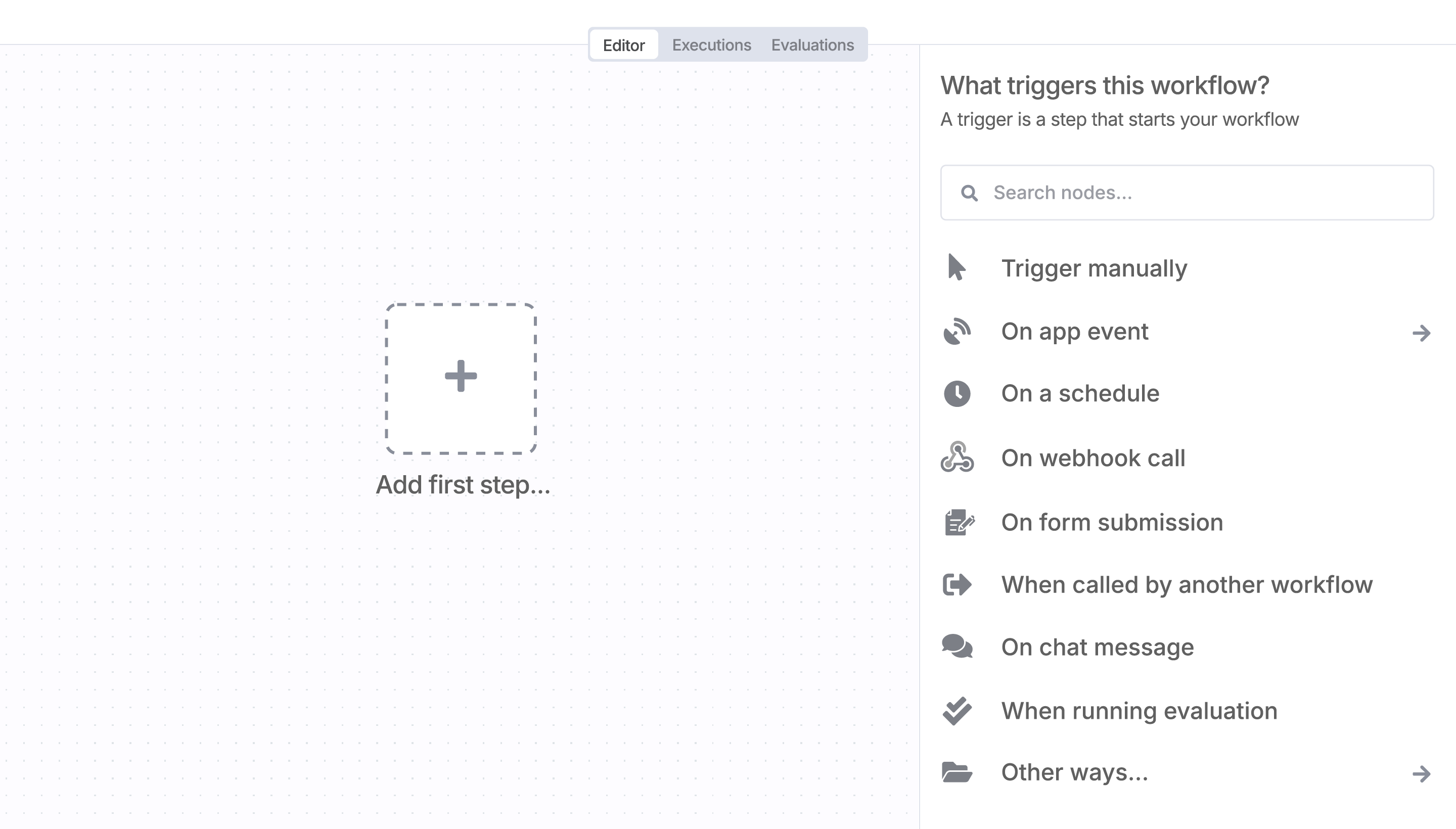
Sign in to n8n, open the editor, and click + in the top right to open the Nodes panel
Resources for A.I. Slides by Brightdeck
AI agents and workflows for technical teams at


