

See llms.txt for all machine-readable content.
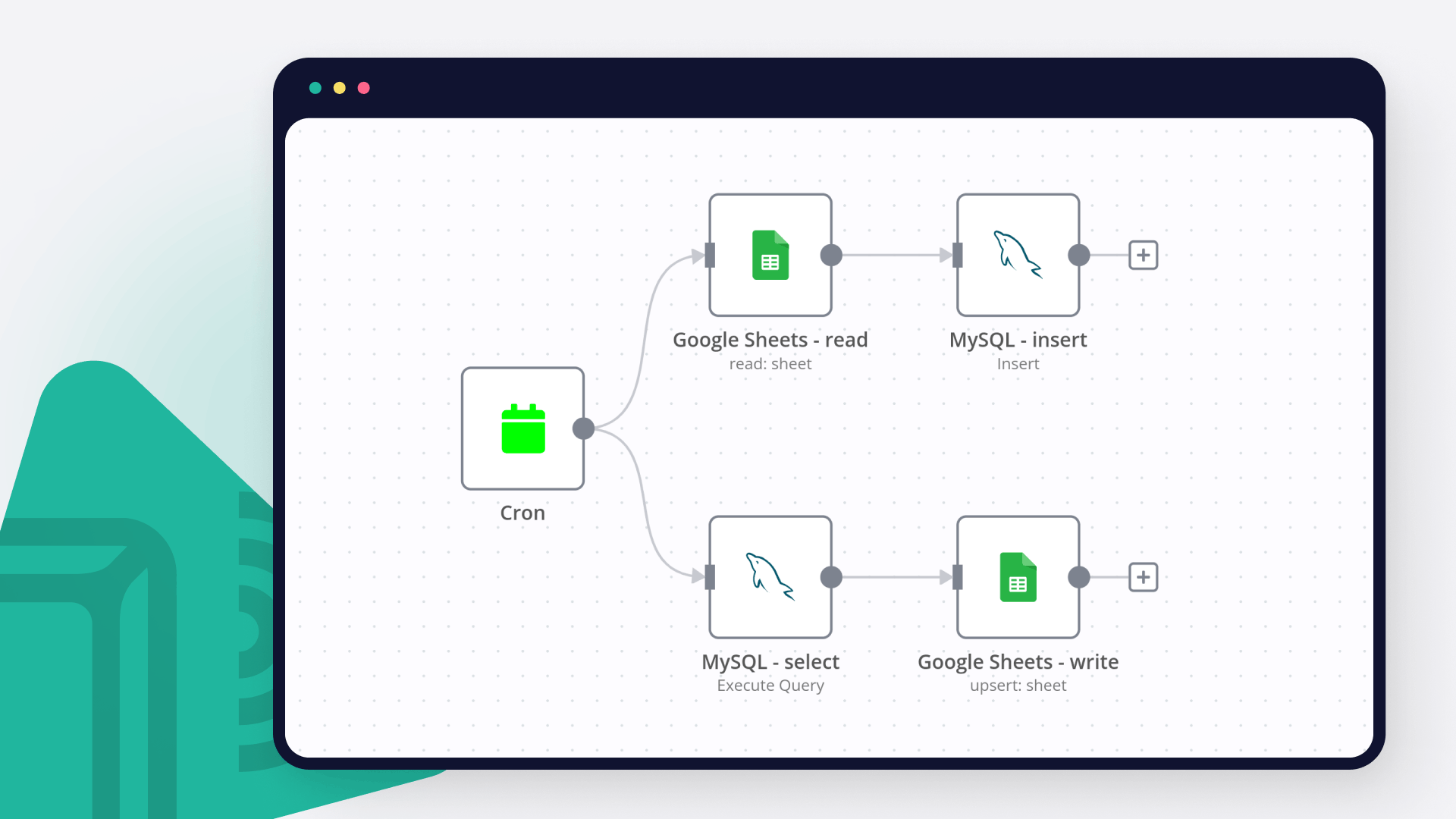
Save yourself the work of writing custom integrations for Dropbox and Google Sheets and use n8n instead. Build adaptable and scalable Data & Storage, workflows that work with your technology stack. All within a building experience you will love.


Dropbox helps you save files online and sync them with your devices using its cloud storage service. It has over 700 million registered users who trust the functionalities and security of Dropbox.
Google Sheets is a web-based spreadsheet program offered by Google for free. It similar to Microsoft Excel, and can be accessed anywhere on any device, you only need a Google account.
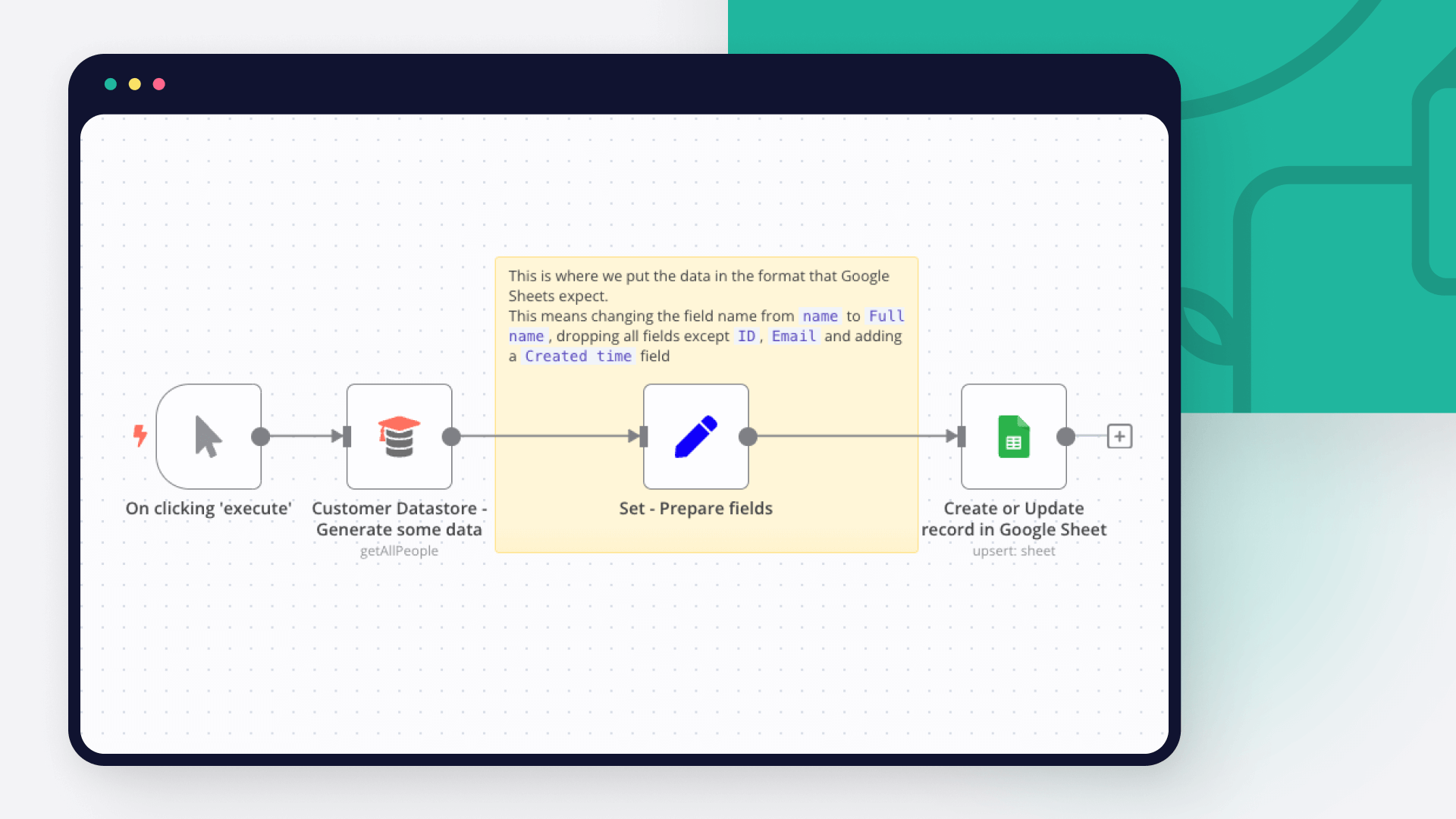
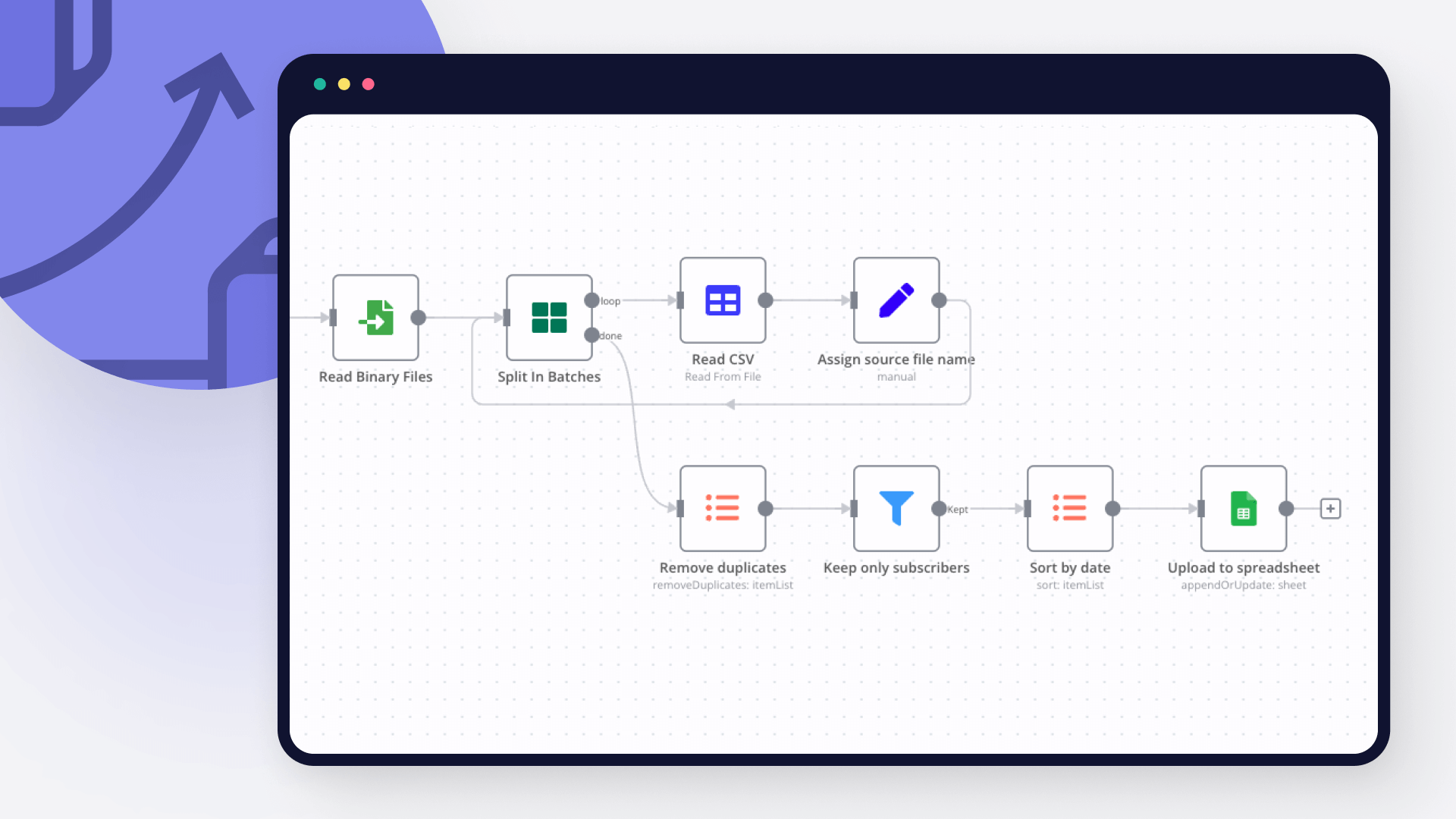
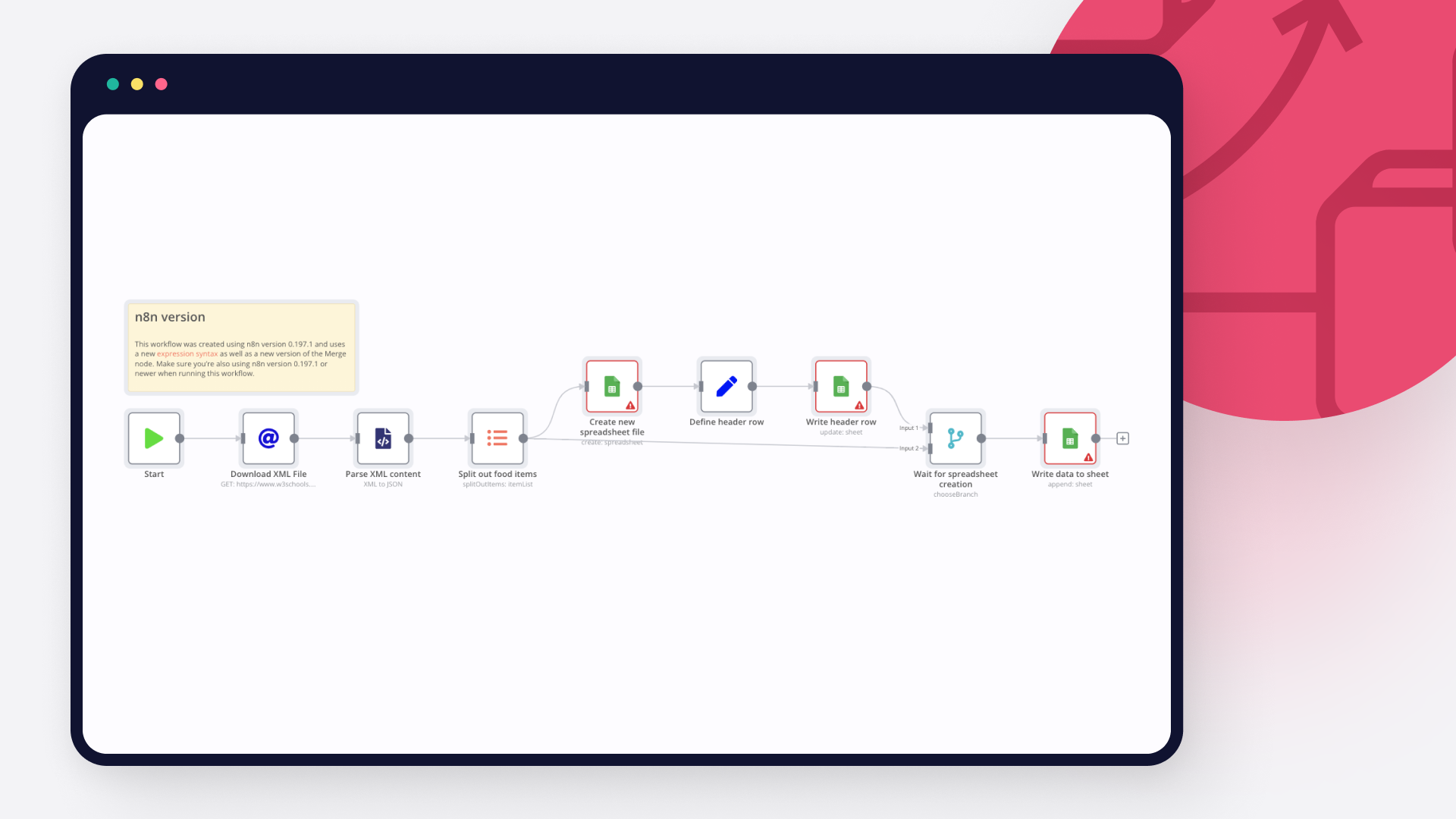
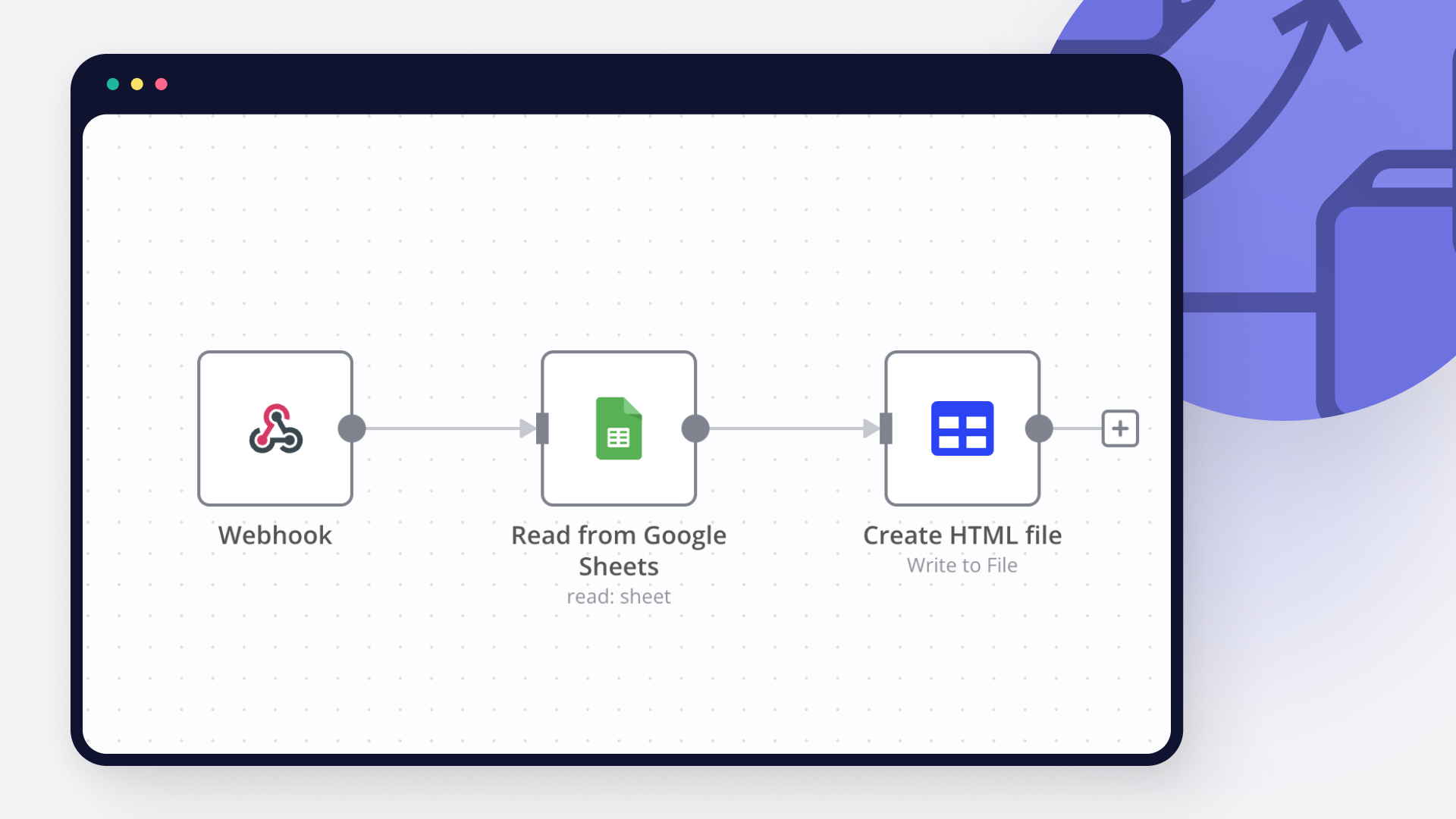
Discover our latest community's recommendations and join the discussions about Dropbox and Google Sheets integration.

usascholar
I used to be a heavy Make user but recently started transferring some of my automations to N8N. I quickly realized that some things just don’t translate well. For example, something that can be done with a single node in…

Blue Li
Hello I realized the built-in dropbox outh2 API has only 4 scopes. Without sharing.write we are not able to create shareable URL from Dropbox. I followed this thread to create a custom Generic Credential Type I man…

Ali
Hey guys, I built a workflow with Dropbox, but I discovered that the access token expires after 4 hours. What is the solution? If I use OAuth, will the problem be solved?

sw2025
Not a newbie to n8n - Have successfully used the G-sheets nodes many times in the past with the same credentials, never an issue. Today I’m trying to create a new automation that requires using the G-Sheets nodes - cann…

Tenzin Nyima 10B15
Hi everyone I’m currently learning n8n and experimenting with Google Sheets automation. I’ve set up a workflow (screenshot attached) that includes: Trigger: “When chat message received” AI Agent connected to: Goog…



Handle branching, merging and iteration easily. Pause your workflow to wait for external events.
Re-run single steps to test changes in no time. And pin your data to avoid generating trigger events every time you execute.
Your data is displayed alongside your settings, making edge cases easy to track down.
Use 1000+ workflow templates available from our core team and our community.
Copy and paste, easily import and export workflows.


I have found the holy grail of automation.

n8n’s integration with third-party services is absolutely mind-blowing. It’s like a Swiss army knife for automation.

Anything is possible with n8n. I think the cloud version is great, they are doing amazing stuff.

Thank you to the n8n community. I did the beginners course and promptly took an automation WAY beyond my skill level.




