See llms.txt for all machine-readable content.
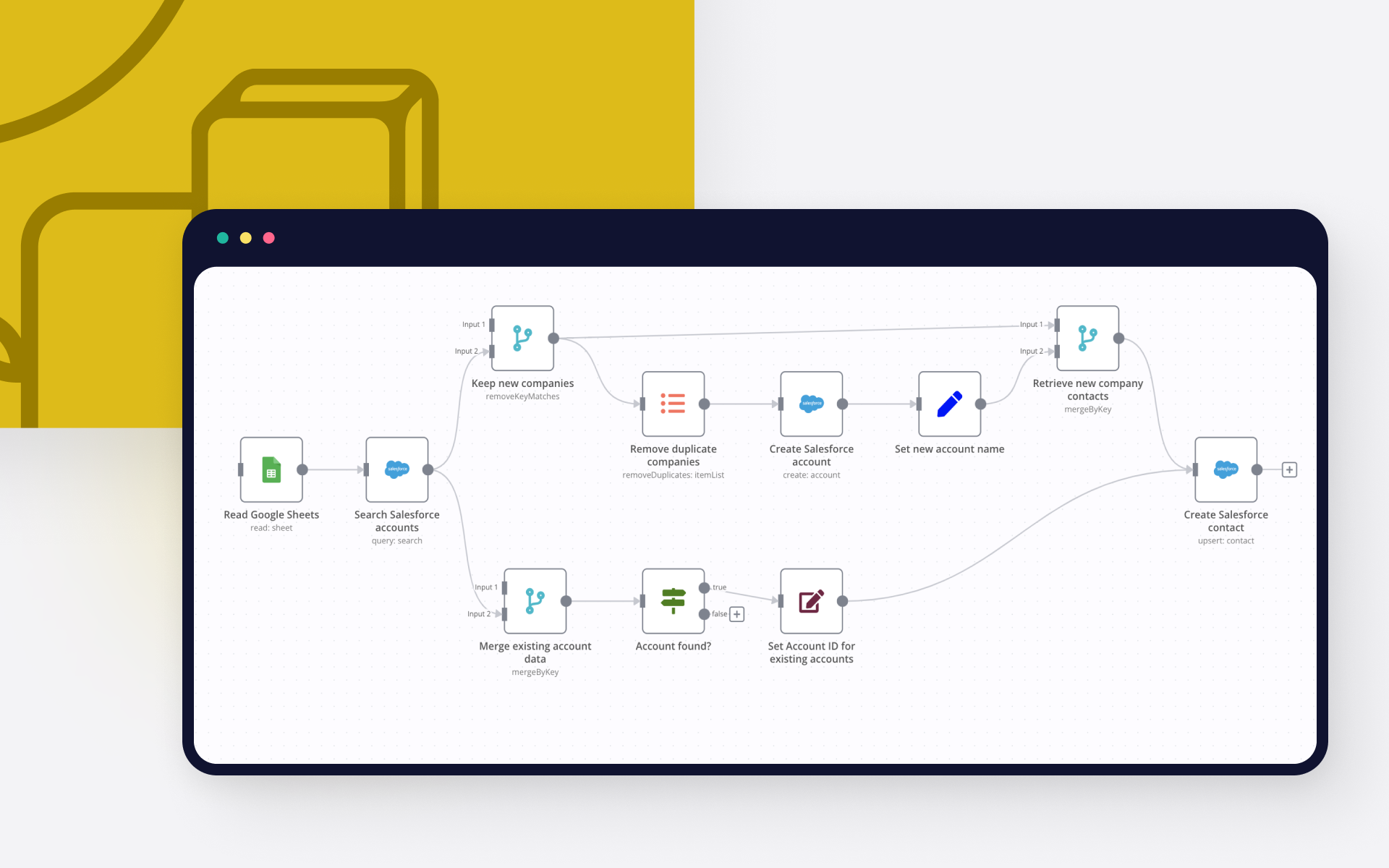
Save yourself the work of writing custom integrations for Miro and Salesforce and use n8n instead. Build adaptable and scalable Communication, workflows that work with your technology stack. All within a building experience you will love.


| Delete | |
|---|---|
| Get | |
| Head | |
| Options | |
| Patch | |
| Post | |
| Put |
Requires additional credentials set up
Miro is an online whiteboard for teams to brainstorm, plan, and collaborate visually. It supports real-time editing, mind maps, and workflows, integrating with tools like Jira and Slack. Ideal for remote work, Miro enhances creativity, project management, and teamwork in an interactive, flexible digital workspace.
Salesforce is one of the best cloud-based CRM (Customer Relationship Management) platform. It is an integrated CRM that provides a single shared view of each customer for all the departments within an organization, such as Marketing, Sales, Commerce, and Service.
Supercharge your CRM
Discover our latest community's recommendations and join the discussions about Miro and Salesforce integration.

trijste
I’m trying to build an MCP server that has access to my Salesforce org, but only at the schema and describe object level, ideally to provide more information for building out SOQL queries using custom fields from custom …

DV
I could not find node of trigger type, which will start workflow when “platform event is publishjed from salesforce”. I am looking for support in n8n to listen to platform event as soon as published by SalesForce.

Graeme Smith
Describe the problem/error/question Unable to create credentials (oauth) for salesforce sandbox with custom domain What is the error message (if any)? error=redirect_uri_mismatch redirect_url_must_match_configuration I…



Handle branching, merging and iteration easily. Pause your workflow to wait for external events.
Re-run single steps to test changes in no time. And pin your data to avoid generating trigger events every time you execute.
Your data is displayed alongside your settings, making edge cases easy to track down.
Use 1000+ workflow templates available from our core team and our community.
Copy and paste, easily import and export workflows.


I have found the holy grail of automation.

n8n’s integration with third-party services is absolutely mind-blowing. It’s like a Swiss army knife for automation.

Anything is possible with n8n. I think the cloud version is great, they are doing amazing stuff.

Thank you to the n8n community. I did the beginners course and promptly took an automation WAY beyond my skill level.