See llms.txt for all machine-readable content.
Integrate Clientify with 2,000+ apps and services
Unlock the full potential of Clientify and n8n’s automation platform by connecting Clientify’s capabilities with over 2,000 apps, data sources, services, and n8n’s built-in AI features.
Need something that’s not covered yet?
Use n8n’s pre-authenticated HTTP Request node to create new connections, giving you the flexibility to build powerful automations on any stack.

- Created by
- Clientify
- Last update
- 18 days ago
Clientify integration
is built and maintained by our partners at Clientify and verified by n8n. That means it’s solid, safe, and ready to help you tap into some great capabilities.
About Clientify
Clientify is an all-in-one CRM built for small and medium-sized businesses and agencies, with a strong presence across Spain and Latin America. It brings sales, marketing and customer communication together in a single platform: visual sales pipelines, contact and company management, email marketing, landing pages, forms, WhatsApp Business API and a multichannel inbox.
The Clientify node for n8n lets you connect your CRM to hundreds of other apps and automate the work that usually happens by hand between your sales team and the rest of your tools.
What you can do
Create, update, retrieve and search contacts and companies, keeping your CRM in sync with forms, e-commerce platforms, spreadsheets or any other source.
Manage deals across your pipelines: create opportunities, move them between stages and update their value or owner automatically.
Create and assign tasks so your sales team never misses a follow-up.
Start workflows in real time with the Clientify Trigger node, which listens to events in your account through webhooks.
Example use cases
Send new leads from Typeform, Facebook Lead Ads or your website straight into Clientify and assign them to the right salesperson.
Notify your team in Slack or Microsoft Teams when a deal is won or moves to a key stage.
Enrich new contacts with an AI model before they reach your sales team.
Sync won deals with your invoicing or ERP system to remove duplicate data entry.
Getting started
You will need a Clientify account and an API key, which you can generate from your account settings. Add it as a credential in n8n and you are ready to build your first workflow.
Related categories
Popular ways to use the Clientify integration
What can you do with Clientify?
| Add Company Address | Add an address to a company. |
|---|---|
| Add Company Call | Log a call on a company. |
| Add Company Check-in | Log a meeting/check-in on a company. |
| Add Company Email | Add an email to a company. |
| Add Company Employee | Link a contact as an employee of a company. |
| Add Company Note | Add a note to a company. |
| Add Company Phone | Add a phone to a company. |
| Add Company Tag | Add a tag to a company (creates the tag if needed). |
| Add Company Website | Add a website to a company. |
| Add Contact Address | Add an address to a contact. |
| Add Contact Call | Log a call on a contact. |
| Add Contact Check-in | Log a meeting/check-in on a contact. |
| Add Contact Email | Add an email to a contact. |
| Add Contact Note | Add a note to a contact. |
| Add Contact Other Company | Create an additional company relationship for a contact (by title). |
| Add Contact Phone | Add a phone to a contact. |
| Add Contact Tag | Add a tag to a contact (creates the tag if needed). |
| Assign Contact Owner | Assign an owner/user to a contact. |
| Batch Create Contacts | Create multiple contacts in a single request. |
| Complete Task | Mark a task as completed. |
| Create Company | Create a new company. |
| Create Contact | Create a new contact. |
| Create Task | Create a new task/activity. |
| Delete Company | Delete a company by id. |
| Delete Company Address | Delete a company address entry. |
| Delete Company Email | Delete a company email entry. |
| Delete Company Phone | Delete a company phone entry. |
| Delete Company Website | Delete a company website entry. |
| Delete Contact | Delete a contact by id. |
| Delete Contact Address | Delete a contact address entry. |
| Delete Contact Email | Delete a contact email entry. |
| Delete Contact Other Company | Delete a contact other-company relationship. |
| Delete Contact Phone | Delete a contact phone entry. |
| Get Company | Get a company by id. |
| Get Contact | Get a contact by id. |
| Get Current User | Get the currently authenticated Clientify user. |
| Get Task | Get a task by id. |
| List All Company Tags | List all available company tags (picklist helper; can be slow). |
| List All Contact Tags | List all available contact tags (picklist helper; can be slow). |
| List Companies | List companies from Clientify. |
| List Company Addresses | List addresses for a company. |
| List Company Custom Fields | List custom field values for a company. |
| List Company Emails | List emails for a company. |
| List Company Employees | List employees (contacts) for a company. |
| List Company Phones | List phones for a company. |
| List Company Sectors | List company sectors (picklist helper). |
| List Company Tags | List tags for a company. |
| List Company Tasks | List tasks for a company. |
| List Company Wall Entries | Get the company wall entries (timeline context). |
| List Company Websites | List websites for a company. |
| List Contact Addresses | List addresses for a contact. |
| List Contact Custom Fields | List custom field values for a contact. |
| List Contact Emails | List emails for a contact. |
| List Contact Other Companies | List additional company relationships for a contact. |
| List Contact Phones | List phones for a contact. |
| List Contact Tags | List tags for a contact. |
| List Contact Tasks | List tasks for a contact. |
| List Contact Wall Entries | Get the contact wall entries (timeline context). |
| List Contacts | List contacts from Clientify. |
| List Custom Field Values | List possible values for custom fields (use object_type to filter). |
| List Custom Fields | List custom fields (use object_type to filter). |
| List Task Stages | List task stages (picklist helper). |
| List Task Types | List task/activity types (picklist helper). |
| List Tasks | List tasks from Clientify. |
| List Users | List users from Clientify (for assignment/routing). |
| Remove Company Employee | Unlink a contact from a company employees list. |
| Remove Company Tag | Remove a tag from a company. |
| Remove Contact Tag | Remove a tag from a contact. |
| Search Companies | Search companies (wrapper over list with query params). |
| Update Company | Update an existing company. |
| Update Company Address | Update a company address entry. |
| Update Company Email | Update a company email entry. |
| Update Company Phone | Update a company phone entry. |
| Update Company Website | Update a company website entry. |
| Update Contact | Update an existing contact. |
| Update Contact Address | Update a contact address entry. |
| Update Contact Email | Update a contact email entry. |
| Update Contact Marketing Status | Update a contact marketing status. |
| Update Contact Other Company | Update a contact other-company relationship. |
| Update Contact Phone | Update a contact phone entry. |
| Update Task | Update an existing task. |
How to install Clientify and use it in your n8n workflows
Verified nodes need a quick setup by an instance owner first, but after that, everyone on the instance can start using them in their workflows. Learn more here.
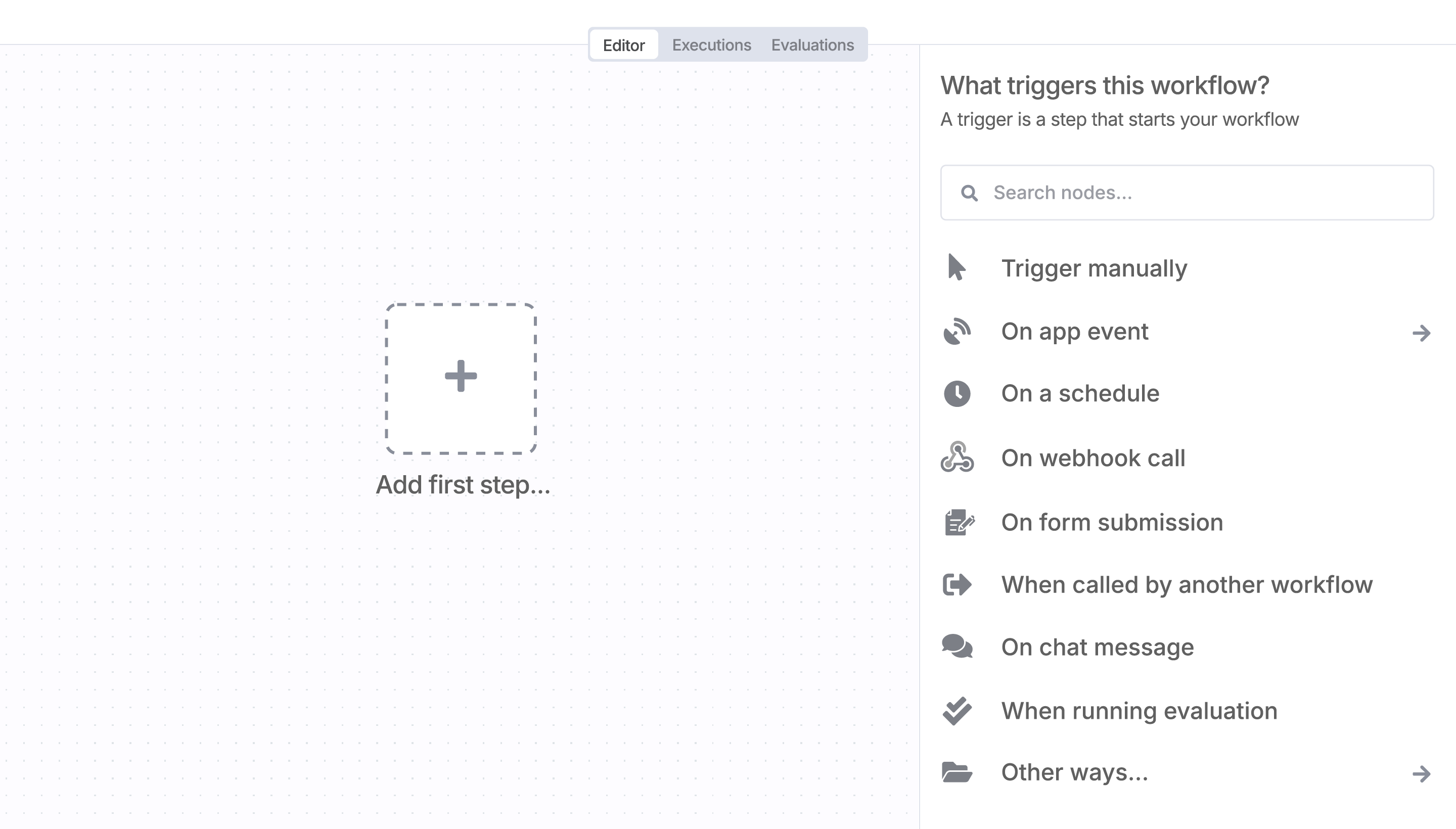
Sign in to n8n, open the editor, and click + in the top right to open the Nodes panel
Search for Clientify using the search bar. Look for the version marked by a badge  . Then, select install.
Once Clientify is installed, just drag, drop, and connect it like any other node in a workflow.
Resources for Clientify
Trusted by teams building smarter workflows.


Connect Clientify with your company’s tech stack and create automation workflows


I have found the holy grail of automation.
Luisa Vidal 
n8n’s integration with third-party services is absolutely mind-blowing. It’s like a Swiss army knife for automation.
Felix Leber 
Anything is possible with n8n. I think the cloud version is great, they are doing amazing stuff.
Robyn Tindall 
Thank you to the n8n community. I did the beginners course and promptly took an automation WAY beyond my skill level.
Charley Mann
Simple enough to
understand + sophisticated
enough to ship
