See llms.txt for all machine-readable content.
Integrate empirio.ai with 2,000+ apps and services
Unlock the full potential of empirio.ai and n8n’s automation platform by connecting empirio.ai’s capabilities with over 2,000 apps, data sources, services, and n8n’s built-in AI features.
Need something that’s not covered yet?
Use n8n’s pre-authenticated HTTP Request node to create new connections, giving you the flexibility to build powerful automations on any stack.

- Created by
- empirio.ai
- Last update
- 21 days ago
empirio.ai integration
is built and maintained by our partners at empirio.ai and verified by n8n. That means it’s solid, safe, and ready to help you tap into some great capabilities.
About empirio.ai
empirio.ai is a platform for modern surveys and forms. This integration lets n8n write your questions, pull live responses, and run the analysis, taking you from first question to final report.
What you can do
Build in seconds: "Create a 10-question employee engagement survey with rating scales and one open-ended question"
Track responses: "How many people finished the survey this week, and where are they dropping off?"
Analyze on the spot: "Cross-tabulate question 3 by department and tell me what stands out"
Report without the busywork: "Export the charts as PowerPoint and summarize the open-ended answers"
Built for every kind of survey: employee surveys, customer feedback, market research, event registration, and everyday online forms, with 35+ question types, ready-made questionnaire templates, and multilingual surveys. Works the same whether you're running a private poll, freelancing solo, or working inside a larger organization.
Getting started: Create a free account at empirio.ai and connect in one click. No credit card and no trial clock, just a free plan that keeps working, with paid plans available whenever you need more. EU-hosted and GDPR-compliant, with a data processing agreement in place from the first second, on every plan including the free one.
Related categories
What can you do with empirio.ai?
| Delete | Permanently delete selected responses, or every response of a survey. This cannot be undone. |
|---|---|
| Export Charts | Render response charts. Chart JSON is returned inline and keeps complete configured option and bounded-scale axes, including unused values with count 0; other formats return a temporary download URL. |
| Export Responses | Export the raw participation data and return a temporary download URL |
| Get Aggregates | Retrieve sparse per-question answer buckets, omitting zero-count values. Percentages use respondents, so multi-select percentages can exceed 100%; totalSelections reports selections. |
| Get Crosstab | Cross-tabulate the answers of two non-matrix questions |
| Get Many | Retrieve a list of participations with their answers |
How to install empirio.ai and use it in your n8n workflows
Verified nodes need a quick setup by an instance owner first, but after that, everyone on the instance can start using them in their workflows. Learn more here.
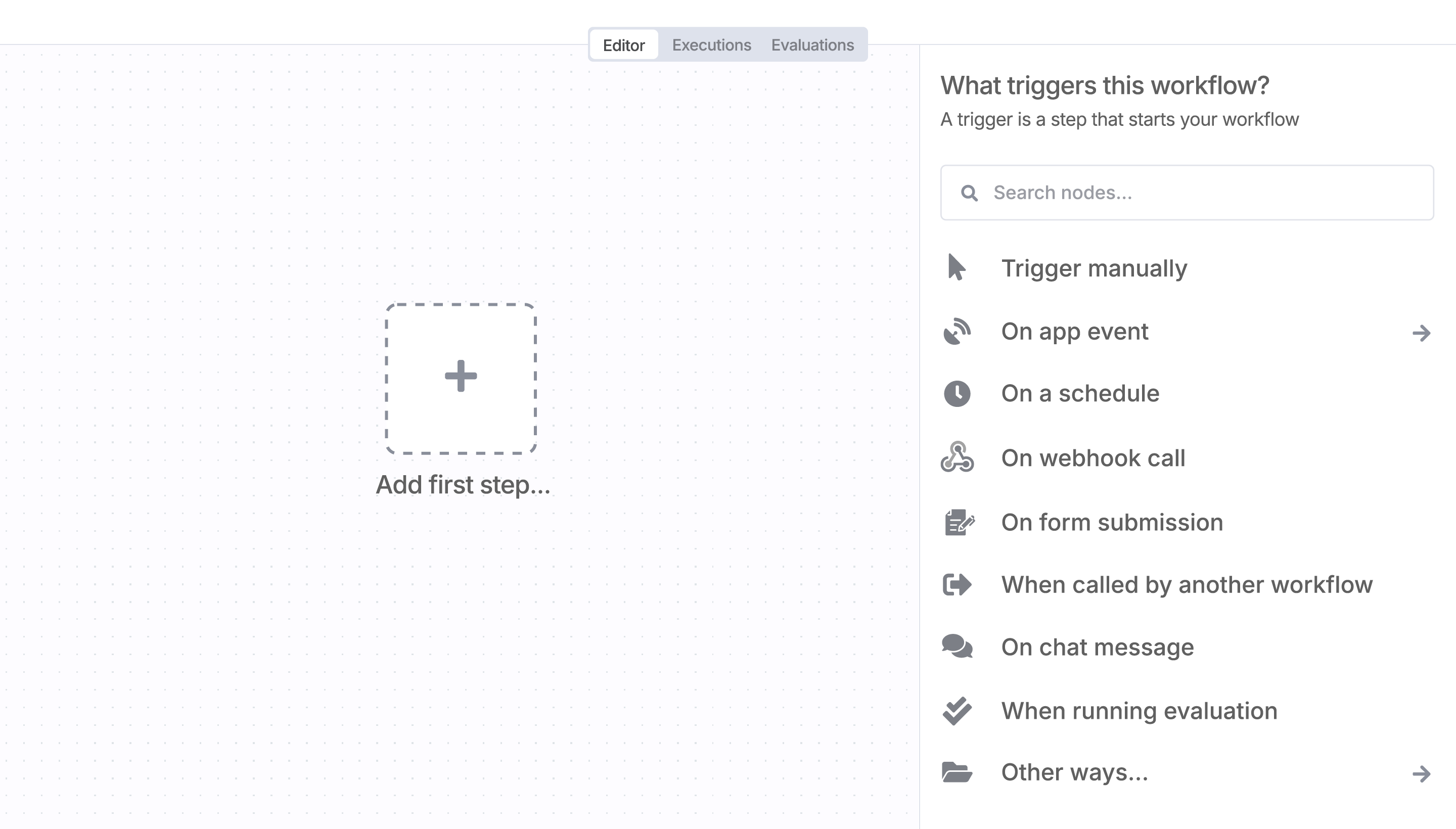
Sign in to n8n, open the editor, and click + in the top right to open the Nodes panel
Search for empirio.ai using the search bar. Look for the version marked by a badge  . Then, select install.
Once empirio.ai is installed, just drag, drop, and connect it like any other node in a workflow.
Resources for empirio.ai
Trusted by teams building smarter workflows.


Connect empirio.ai with your company’s tech stack and create automation workflows


I have found the holy grail of automation.
Luisa Vidal 
n8n’s integration with third-party services is absolutely mind-blowing. It’s like a Swiss army knife for automation.
Felix Leber 
Anything is possible with n8n. I think the cloud version is great, they are doing amazing stuff.
Robyn Tindall 
Thank you to the n8n community. I did the beginners course and promptly took an automation WAY beyond my skill level.
Charley Mann
Simple enough to
understand + sophisticated
enough to ship
