See llms.txt for all machine-readable content.
Integrate Exa with 2,000+ apps and services
Unlock the full potential of Exa and n8n’s automation platform by connecting Exa.ai’s capabilities with over 2,000 apps, data sources, services, and n8n’s built-in AI features.
Need something that’s not covered yet?
Use n8n’s pre-authenticated HTTP Request node to create new connections, giving you the flexibility to build powerful automations on any stack.

- Created by
- Exa.ai
- Last update
- 9 days ago
Exa integration
is built and maintained by our partners at Exa.ai and verified by n8n. That means it’s solid, safe, and ready to help you tap into some great capabilities.
About Exa
Bring AI-powered web search and deep research to n8n with Exa. Find relevant web pages, extract clean content, get citation-backed answers, and return structured JSON. Build AI agents and automate lead enrichment, competitor monitoring, and market research with one official integration.
Related categories
Popular ways to use the Exa integration
How to install Exa and use it in your n8n workflows
Verified nodes need a quick setup by an instance owner first, but after that, everyone on the instance can start using them in their workflows. Learn more here.
Sign in to n8n, open the editor, and click + in the top right to open the Nodes panel
Search for Exa using the search bar. Look for the version marked by a badge  . Then, select install.
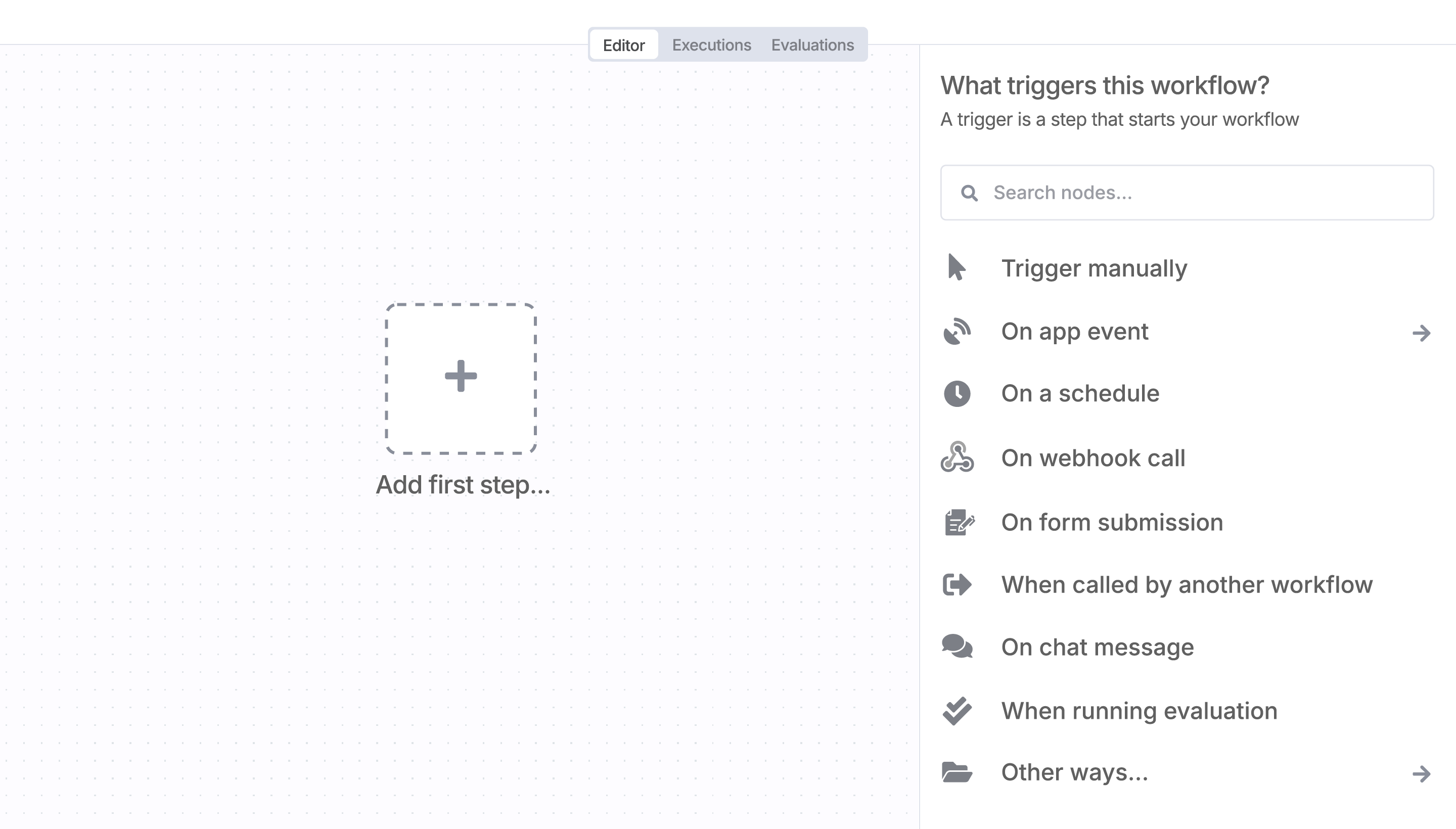
Once Exa is installed, just drag, drop, and connect it like any other node in a workflow.
Resources for Exa
Trusted by teams building smarter workflows.


Connect Exa with your company’s tech stack and create automation workflows


I have found the holy grail of automation.
Luisa Vidal 
n8n’s integration with third-party services is absolutely mind-blowing. It’s like a Swiss army knife for automation.
Felix Leber 
Anything is possible with n8n. I think the cloud version is great, they are doing amazing stuff.
Robyn Tindall 
Thank you to the n8n community. I did the beginners course and promptly took an automation WAY beyond my skill level.
Charley Mann
Simple enough to
understand + sophisticated
enough to ship
