See llms.txt for all machine-readable content.
Back to integrations
Integrate SlideForge with 1000+ apps and services
Unlock the full potential of SlideForge and n8n’s automation platform by connecting SlideForge’s capabilities with over 1,000 apps, data sources, services, and n8n’s built-in AI features.
Need something that’s not covered yet?
Use n8n’s pre-authenticated HTTP Request node to create new connections, giving you the flexibility to build powerful automations on any stack.


Created by
SlideForge
Last update
4 days ago
SlideForge integration
is built and maintained by our partners at SlideForge and verified by n8n. That means it’s solid, safe, and ready to help you tap into some great capabilities.
About SlideForge
SlideForge renders native, editable PowerPoint from your workflows: real text boxes and shapes, not images. Describe a slide or bind data to one of 200+ layouts for deterministic sub-second renders, with a per-field fidelity report so your automation can trust every slide it sends.
Related categories

What can you do with SlideForge?
Get
Get the fields, capacity and examples for one layout
Get Many
List every layout with what it is for and which fields it binds
Create
Render up to 30 slides in parallel and merge them into one deck
Outline
Preview the slide plan and the cost before rendering anything. Free.
Download PowerPoint
Attach the rendered .pptx to the item as binary data
Download Preview
Attach the rendered PNG preview to the item as binary data
Get
Get the status, fidelity report and warnings of one render
Get Many
List your recent renders, newest first
Create From Brief
Describe the slide in plain text and let SlideForge pick the layout
Create From Layout
Bind your own content to a named layout for a deterministic render
How to install SlideForge and use it in your n8n workflows
Verified nodes need a quick setup by an instance owner first, but after that, everyone on the instance can start using them in their workflows. Learn more here.
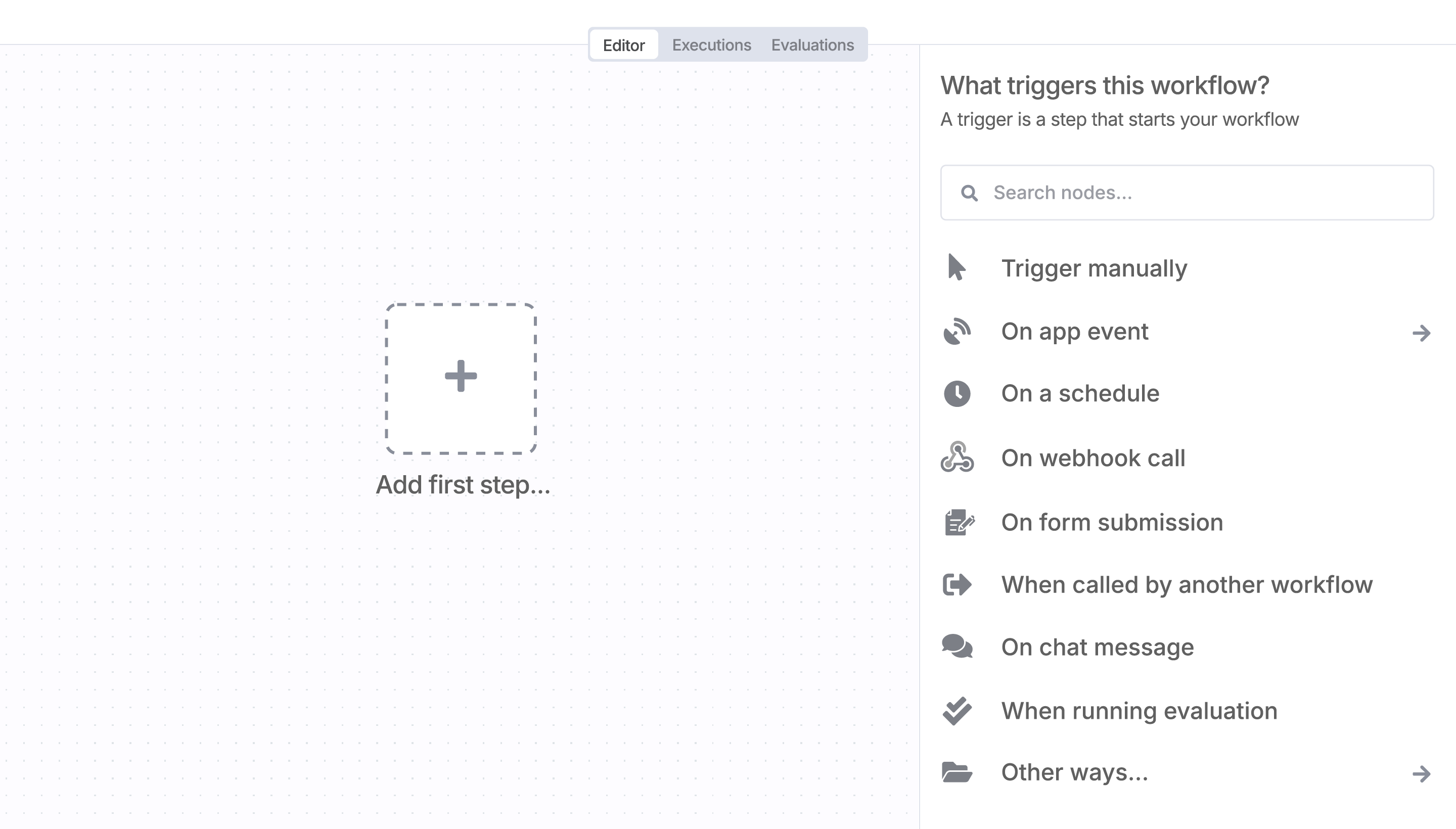
Sign in to n8n, open the editor, and click + in the top right to open the Nodes panel
Resources for SlideForge
AI agents and workflows for technical teams at


