See llms.txt for all machine-readable content.


Quick overview
This workflow runs every Monday and uses OpenAI to generate a social post concept, then sends it to the Canvora API to create on-brand visuals in selected formats and posts the finished image links to a Slack channel for review.
How it works
- Runs every Monday at 9am on a scheduled trigger.
- Sets campaign parameters like topic, desired output formats, optional language, and optional Canvora brand kit ID.
- Uses OpenAI to write a single, specific social post concept based on the configured topic.
- Sends the concept to Canvora to generate visuals in the requested formats (and applies language/brand settings when provided).
- Polls Canvora for generation status until it completes or a timeout threshold is reached.
- If generation succeeds, sorts the outputs and posts a Slack message with the file URLs and a Canvora review link; otherwise, it posts a failure/timeout notice to Slack.
Setup
- Add an OpenAI API credential and select the model you want to use for generating the post concept.
- Create a Canvora account, generate an API key, and configure an HTTP Header Auth credential named
X-API-Keywith your Canvora key for the Canvora HTTP requests. - Add a Slack credential and set the target channel (for example,
#content) where the review or failure messages should be posted. - Update the campaign settings (topic, comma-separated formats, and optional language/brandId) and adjust the schedule time if needed.
Requirements
-
- An OpenAI API key (or swap the node for Anthropic/Gemini — any text model works)
- A free Canvora account – canvora.ai, free credits included, no card required; API keys on all plans (Integrations → API Keys)
- A Slack workspace for the review channel
Customization
- Change the topic, formats (100+ available via the Canvora formats API), language (150+ generated natively), or brand kit in one Set node
- Swap Slack for LinkedIn/Buffer nodes to go fully automatic
Additional info
Example output
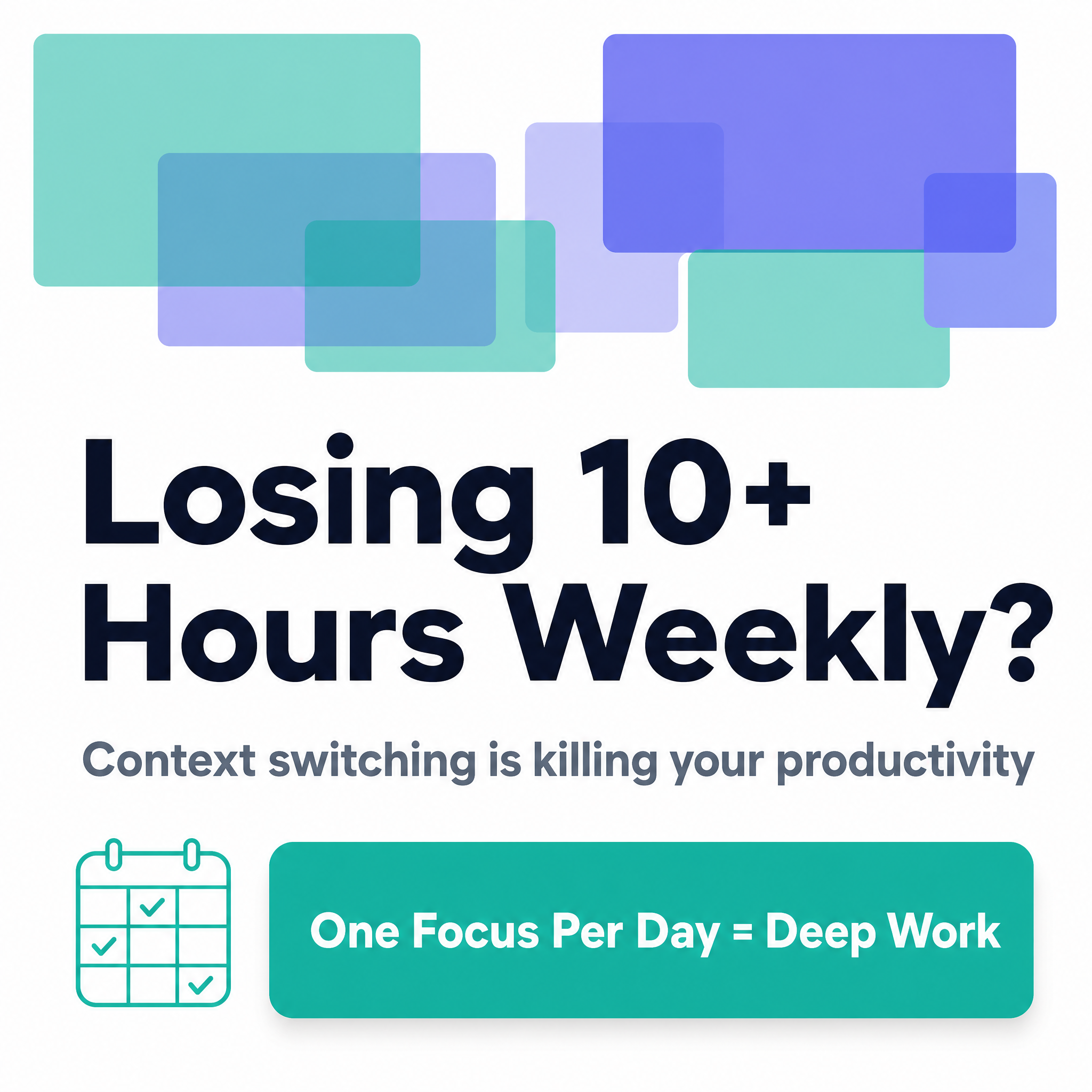
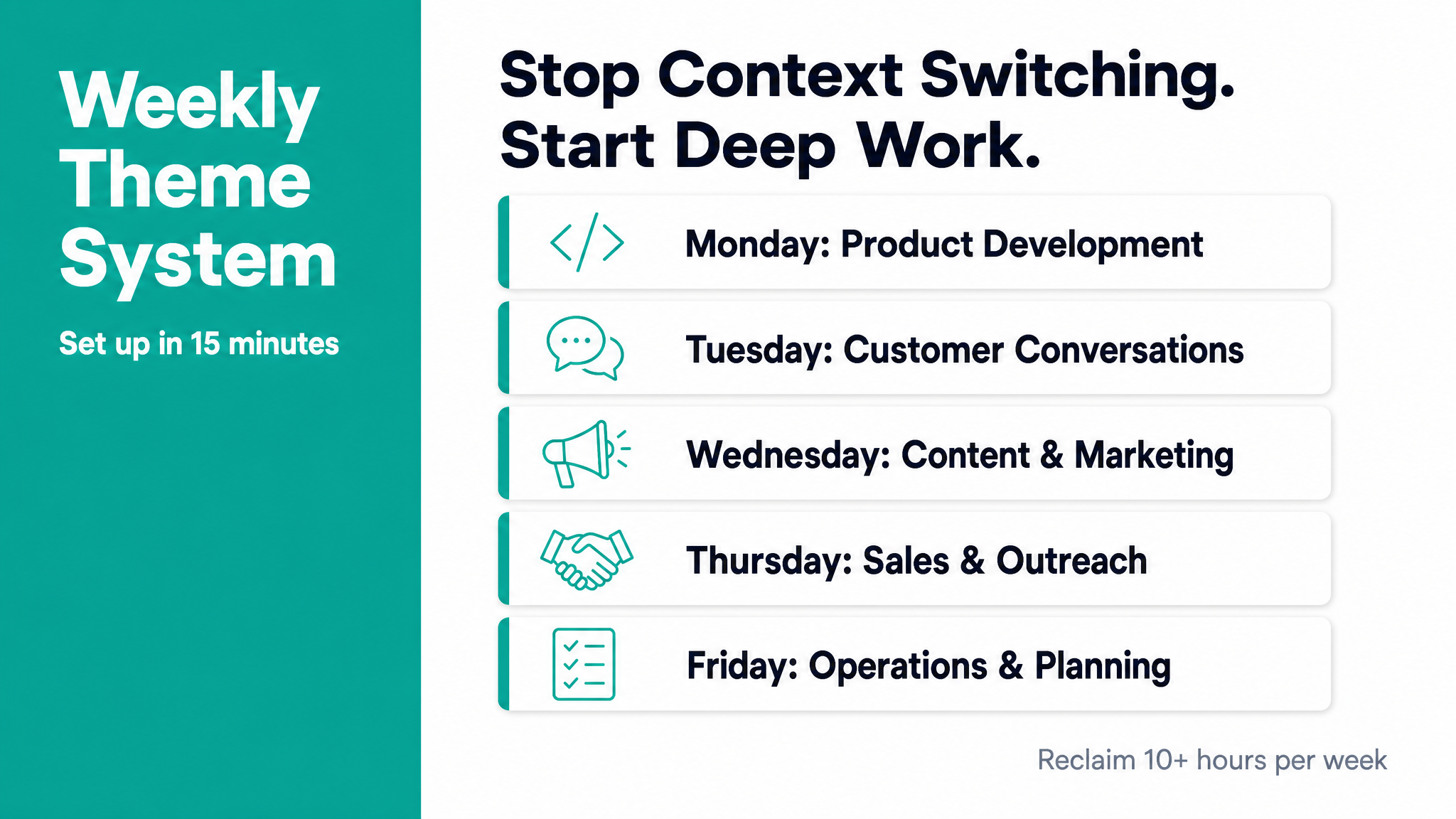
Real visuals produced by this exact workflow during testing – the AI wrote the concept, Canvora designed both: