See llms.txt for all machine-readable content.

APITemplate.io and Google Sheets integration

Save yourself the work of writing custom integrations for APITemplate.io and Google Sheets and use n8n instead. Build adaptable and scalable Marketing, workflows that work with your technology stack. All within a building experience you will love.

How to connect APITemplate.io and Google Sheets

Create a new workflow and add the first step

In n8n, click the "Add workflow" button in the Workflows tab to create a new workflow. Add the starting point – a trigger on when your workflow should run: an app event, a schedule, a webhook call, another workflow, an AI chat, or a manual trigger. Sometimes, the HTTP Request node might already serve as your starting point.

APITemplate.io and Google Sheets integration: Create a new workflow and add the first step

💾 Generate Blog Posts on Autopilot with GPT‑5, Tavily and WordPress

Who Is This For? This workflow is designed for marketers, content creators, agencies, and solo founders who want to publish long‑form posts with visuals on autopilot using n8n and AI agents. ​ Whether you run a blog, SaaS, personal brand, newsletter, or client accounts, this tool helps you keep a consistent content pipeline without manually writing every article, creating images, and posting to each platform one by one. ​ ​ 💪🏼 While the template is wired around classic blog + social media distribution, the underlying logic is universal. You can easily adapt it to any niche by editing prompts, swapping models, and re‑wiring nodes. You can plug in any LLM you like, from ChatGPT to Claude, Gemini, Mistral, DeepSeek, OpenRouter, or even local models through Ollama. ​ What Problem Is This Workflow Solving? 🤯 Most teams waste hours on the same repetitive loop: research a topic, gather links, write a blog post, craft social captions, generate visuals, upload everything to multiple platforms, and archive assets. ​ ​ 💎 This workflow solves that by automating the full content chain—from research and blog‑post generation to image creation, publishing across channels, and logging everything in your content database—so your feeds stay active while you focus on strategy, not busywork. ​ What This Workflow Does ✨ Generates in‑depth blog posts tailored to your topic and target audience, enriched with fresh references from the web via Tavily/SerpAPI search tools. ​ ✨ Creates an image prompt and title from the article, generates the visual with OpenAI Images (gpt-image-1), and converts it into a ready‑to‑use image file. ​ ✨ Automatically publishes content to your connected platforms (WordPress for blog posts, Telegram, X/Twitter, Facebook, LinkedIn) while saving images to Google Drive and logging each publication in Google Sheets for tracking. ​ How It Works? Surprisingly simple ☺️ The workflow is triggered by another n8n workflow or by one of several triggers (Facebook, RSS, Google Sheets, Airtable, Postgres) that pass in the blogTopic, targetAudience, and Telegram chatID. ​ ​ The Blog Post Agent (LLM with access to Tavily/SerpAPI) researches the topic, writes a structured article for the specified audience, and sends its output to the Image Prompt Agent, which turns the content into a visual prompt and title. ​ 🎯 The end result: you provide a topic, run the workflow, and receive a complete blog post, matching image, and ready‑made social posts shipped directly to your channels and archives—no manual copy‑paste. ​ How to Customize This Workflow to Your Needs 🎨 Switch AI models and fine‑tune prompts so the agent can handle your exact formats: tutorials, case studies, listicles, product updates, thought‑leadership pieces, or campaign landing posts. 🔍 Refine research sources inside Tavily/SerpAPI to prioritize the domains, blogs, and docs your audience trusts, keeping posts accurate and up to date. ⏰ Adjust posting cadence and schedules to align with peak engagement for your audience, mixing automated slots with manual “launch” runs for special announcements. 📱 Expand or trim channels as needed: keep just WordPress + LinkedIn, add Telegram as a content feed, or plug the workflow into additional automations like email campaigns or RSS feeds. 📊 Use Google Sheets as your content hub to store ideas, angles, CTAs, references, and performance notes so you can double‑down on topics and formats that perform best. 🎬 Swap images for video by replacing the image generation node with video tools (for example, Runway‑style APIs) if your strategy is video‑first while keeping the same prompt pipeline. 💾 Build a reusable prompt library in Sheets, Notion, or Airtable so you can rotate proven prompt patterns each month and keep quality high without reinventing the wheel. 🤖 The system will continuously generate blog posts, visuals, and social updates and publish them across your selected platforms while archiving everything in Drive and Sheets—keeping your brand visible, consistent, and professional with minimal ongoing effort.

Build your own APITemplate.io and Google Sheets integration

Create custom APITemplate.io and Google Sheets workflows by choosing triggers and actions. Nodes come with global operations and settings, as well as app-specific parameters that can be configured. You can also use the HTTP Request node to query data from any app or service with a REST API.

APITemplate.io supported actions

Google Sheets supported actions

APITemplate.io and Google Sheets integration details

APITemplate.io

APITemplate.io

APITemplate helps you generate images, banners, QR codes and PDFs automatically in the easiest way possible. It is easy to use, and can be integrated with several other online tools.

Google Sheets

Google Sheets

Google Sheets is a web-based spreadsheet program offered by Google for free. It similar to Microsoft Excel, and can be accessed anywhere on any device, you only need a Google account.
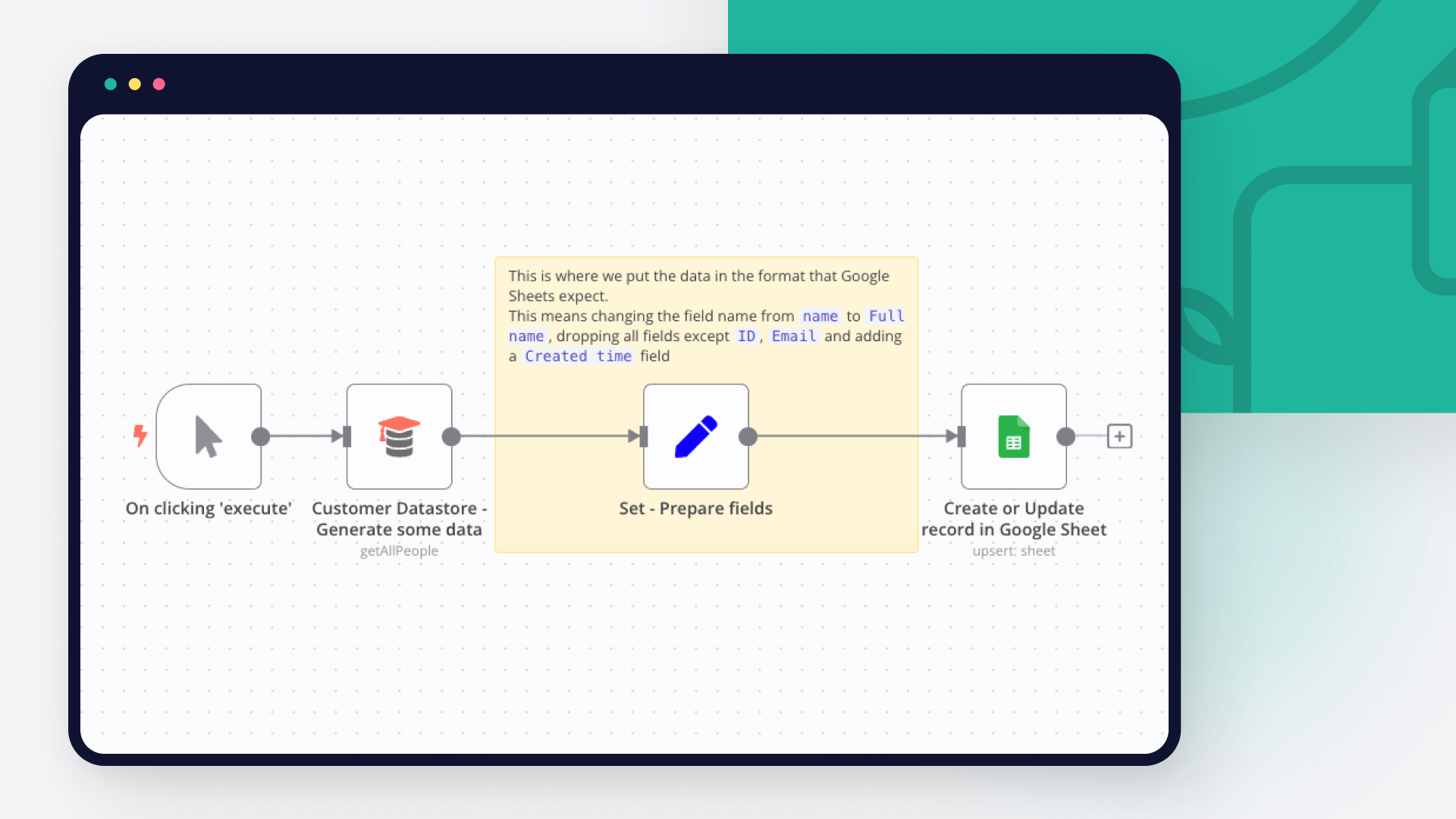
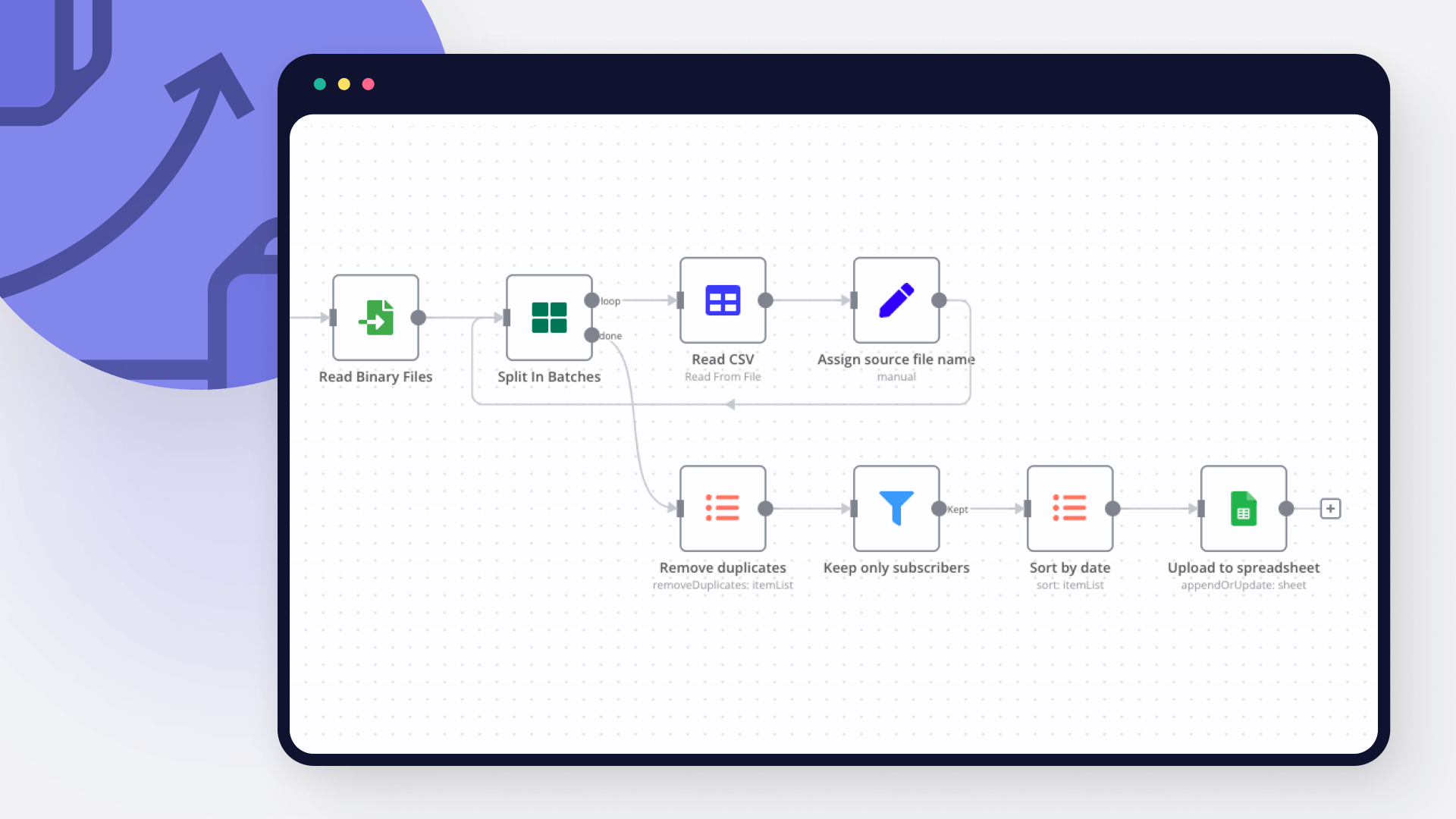
Automate lead management

Using too many marketing tools? n8n lets you orchestrate all your apps into one cohesive, automated workflow.

Learn more

FAQ about APITemplate.io integrations

Need help setting up your APITemplate.io and Google Sheets integration?

Discover our latest community's recommendations and join the discussions about APITemplate.io and Google Sheets integration.

  • sw2025

    Is the Google Sheets Node not working for anyone else (not a newbie)?

    sw2025

    Not a newbie to n8n - Have successfully used the G-sheets nodes many times in the past with the same credentials, never an issue. Today I’m trying to create a new automation that requires using the G-Sheets nodes - cann…

    Open topic
  • Tenzin Nyima 10B15

    How to Update Multiple Rows in Google Sheets at Once in n8n?

    Tenzin Nyima 10B15

    Hi everyone I’m currently learning n8n and experimenting with Google Sheets automation. I’ve set up a workflow (screenshot attached) that includes: Trigger: “When chat message received” AI Agent connected to: Goog…

    Open topic
  • Sergey Komardenkov

    Google Sheets Action is not picking up a list of available Sheets despite seeing the document itself

    Sergey Komardenkov

    Describe the problem/error/question I am testing a workflow where the final action is addition of a row into a Google sheet. I have created a new sheet, I gave it Edit permissions by link just in case, and of course I ad…

    Open topic
  • Filbert Henrico

    Seeking help to look for Pivot table or any formula operation in Google Sheet

    Filbert Henrico

    Hi there, I am using free service in n8n and I am looking for a support to provide information whether there is an option for pivot table or vlookup formula in the operation section for google sheet? Is it something th…

    Open topic
  • Boba228ai

    Switch Node with Google Doc File Problem

    Boba228ai

    Hello everyone! I set up workflow file transfer in supabase. Google Drive trigger receives file data, transfers it to switch, it determines what kind of file it is (google sheet, google doc, pdf) and then transfers it to…

    Open topic

Looking to integrate Slack and VirusTotal in your company?

Trusted by teams building smarter workflows.

Why

Why use n8n to integrate APITemplate.io with Google Sheets

Handle branching, merging and iteration easily. Pause your workflow to wait for external events.

Re-run single steps to test changes in no time. And pin your data to avoid generating trigger events every time you execute.

Your data is displayed alongside your settings, making edge cases easy to track down.

Use 1000+ workflow templates available from our core team and our community.

Copy and paste, easily import and export workflows.

Simple enough to 
understand + sophisticated 
enough to ship