See llms.txt for all machine-readable content.
Back to integrations
Autopilot and Mattermost integration
Save yourself the work of writing custom integrations for Autopilot and Mattermost and use n8n instead. Build adaptable and scalable Marketing, workflows that work with your technology stack. All within a building experience you will love.




How to connect Autopilot and Mattermost
Create a new workflow and add the first step
In n8n, click the "Add workflow" button in the Workflows tab to create a new workflow. Add the starting point – a trigger on when your workflow should run: an app event, a schedule, a webhook call, another workflow, an AI chat, or a manual trigger. Sometimes, the HTTP Request node might already serve as your starting point.

Build your own Autopilot and Mattermost integration
Create custom Autopilot and Mattermost workflows by choosing triggers and actions. Nodes come with global operations and settings, as well as app-specific parameters that can be configured. You can also use the HTTP Request node to query data from any app or service with a REST API.
Autopilot supported actions
Create or Update
Create a new contact, or update the current one if it already exists (upsert)
Delete
Delete a contact
Get
Get a contact
Get Many
Get many contacts
Add
Add contact to list
Add
Add contact to list
Exist
Check if contact is on list
Get Many
Get many contacts from a list
Remove
Remove a contact from a list
Create
Create a list
Get Many
Get many lists
Mattermost supported actions
Add User
Add a user to a channel
Create
Create a new channel
Delete
Soft delete a channel
Member
Get a page of members for a channel
Restore
Restores a soft deleted channel
Search
Search for a channel
Statistics
Get statistics for a channel
Delete
Soft delete a post, by marking the post as deleted in the database
Post
Post a message into a channel
Post Ephemeral
Post an ephemeral message into a channel
Create
Add a reaction to a post
Delete
Remove a reaction from a post
Get Many
Get many reactions to one or more posts
Create
Create a new user
Deactive
Deactivates the user and revokes all its sessions by archiving its user object
Get By Email
Get a user by email
Get By ID
Get a user by ID
Get Many
Retrieve many users
Invite
Invite user to team
Autopilot and Mattermost integration details
Other integrations with Autopilot




Other integrations with Mattermost


Autopilot and Mattermost integration tutorials
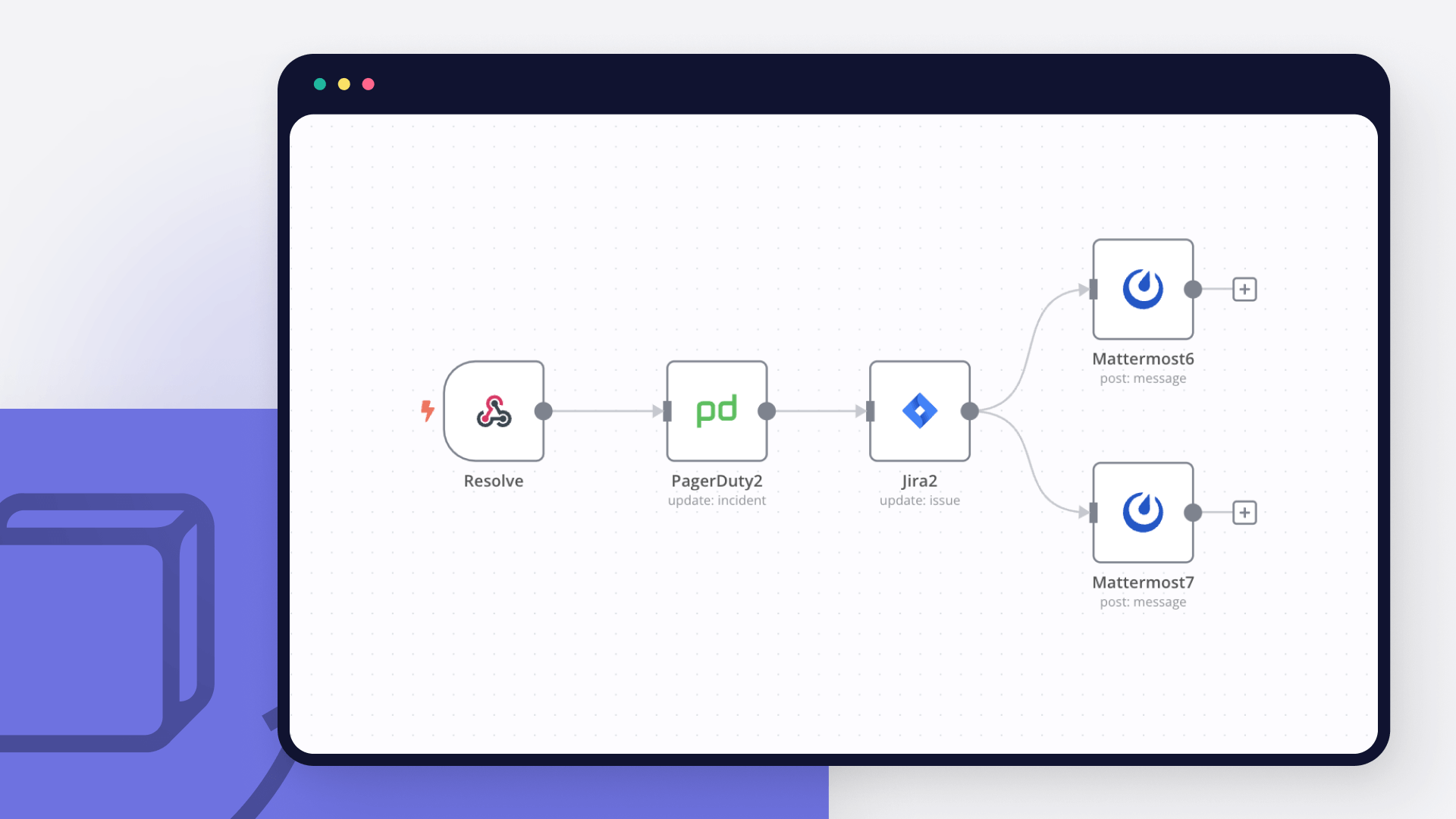
A guide to incident response playbooks
Learn the importance of incident response playbooks, how they enhance incident management, and automate your playbook with n8n workflow templates in this comprehensive article.
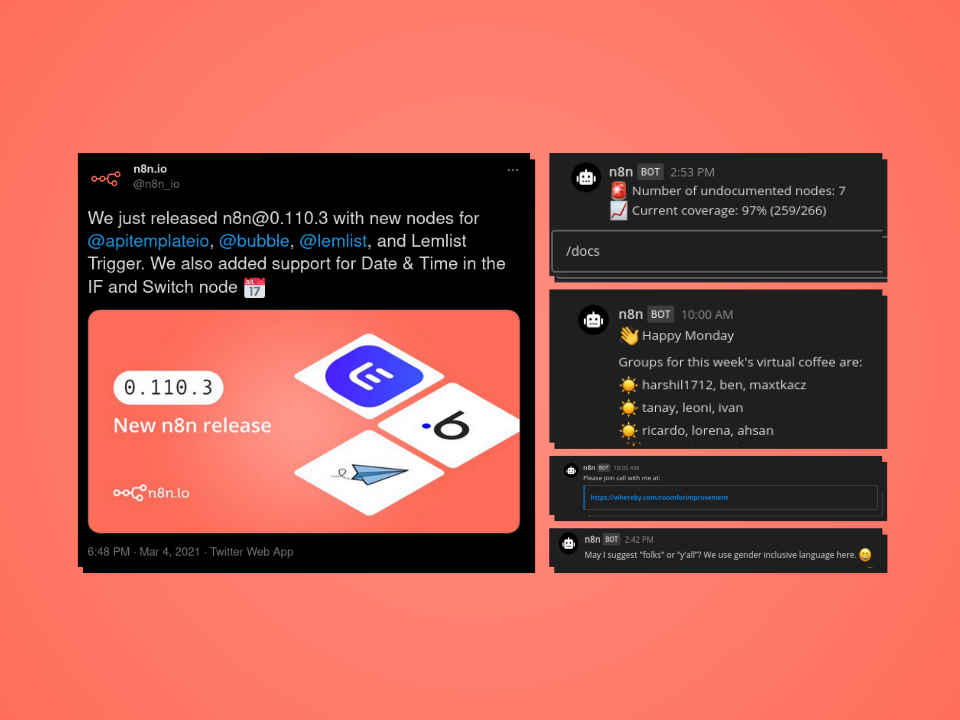
5 workflow automations for Mattermost that we love at n8n
Discover five of our favorite use cases of n8n with Mattermost, for both work productivity and team engagement.
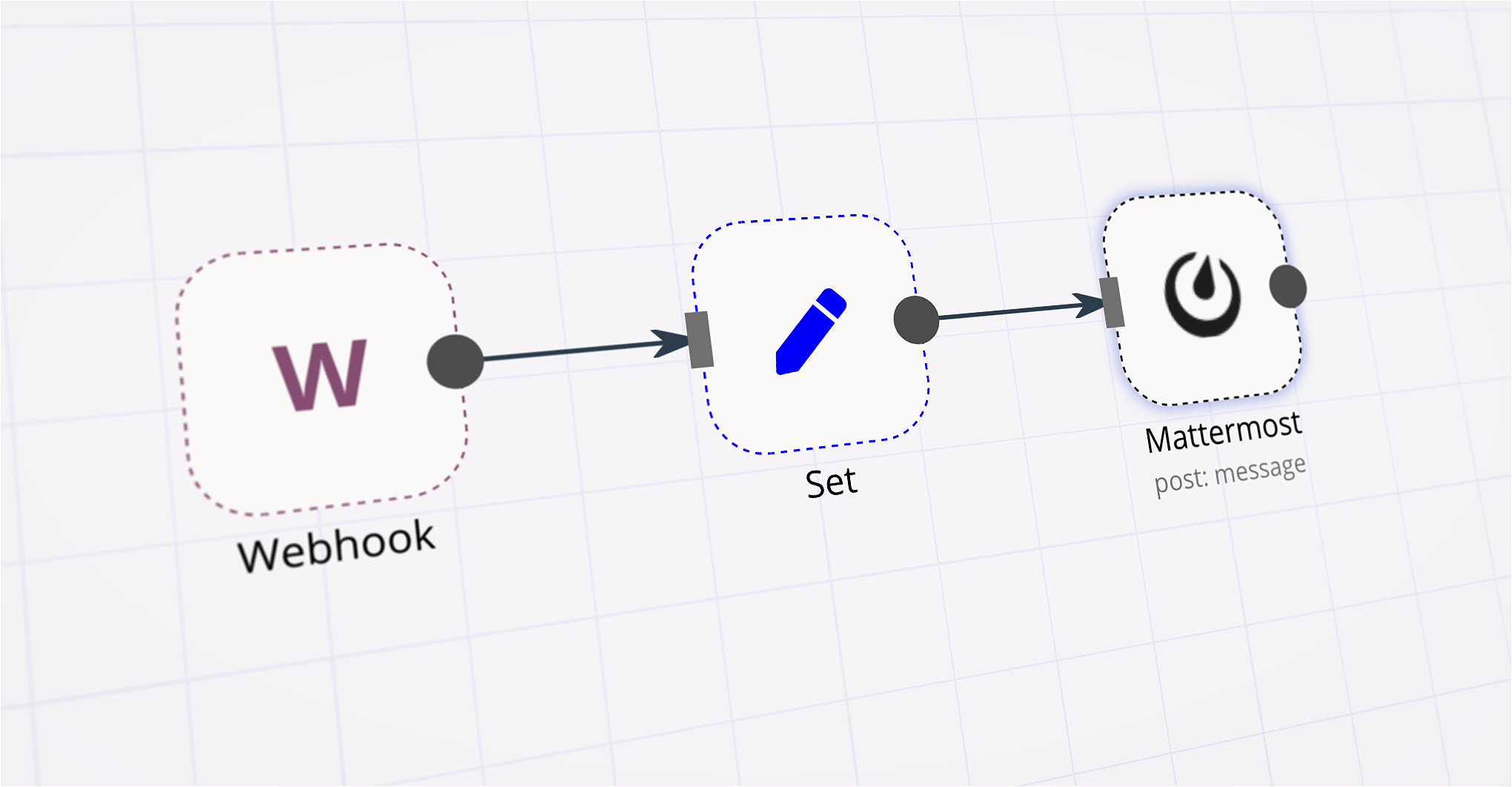
How to automate your team's video collaboration workflow
Create a custom Mattermost slash command that helps to quickly connect with other team members via Whereby.
FAQs
FAQ
AI agents and workflows for technical teams at


Why use n8n to integrate Autopilot with Mattermost
Build complex workflows, really fast
