See llms.txt for all machine-readable content.
Unlock the full potential of Firma and n8n’s automation platform by connecting Firma’s capabilities with over 1,000 apps, data sources, services, and n8n’s built-in AI features.
Need something that’s not covered yet?
Use n8n’s pre-authenticated HTTP Request node to create new connections, giving you the flexibility to build powerful automations on any stack.

Created by
Firma
Last update
16 days ago
Firma integration
is built and maintained by our partners at Firma and verified by n8n. That means it’s solid, safe, and ready to help you tap into some great capabilities.
The world's cheapest e-sign API. Automate e-signatures in your n8n workflows. Send contracts, track signing status, and trigger next steps the moment a document is signed. Pay per envelope from €0.049 (~5¢), no monthly minimums, no per-seat fees, legally valid in 55+ countries.
Get
Get company details
Update (Partial)
Partially update company details (PATCH)
Update (Full)
Full update of company details (PUT)
List
List all domains
Add
Add a new domain
Get
Get a domain by ID
Delete
Delete a domain
Verify DNS
Verify DNS records for a domain
Verify Ownership
Verify ownership of a domain
Finalize
Finalize domain setup after verification
Set Primary
Set a domain as the primary domain
List (Company)
List company-scoped email templates
Upsert (Company)
Create or update a company email template
Delete (Company)
Delete a company email template
List (Workspace)
List workspace-scoped email templates
Get (Workspace)
Get a workspace email template by type
Upsert (Workspace)
Create or update a workspace email template
Delete (Workspace)
Delete a workspace email template
Get Defaults
Get default email templates for a language
Get Placeholders
Get available email template placeholders
Generate Template Token
Generate a JWT for embedding the template editor
Revoke Template Token
Revoke a JWT for the template editor
Generate Signing Request Token
Generate a JWT for embedding the signing view
Revoke Signing Request Token
Revoke a JWT for the signing view
List
Get all signing requests
Create
Create a new signing request (draft, not sent)
Create and Send
Create and immediately send a signing request (atomic with rollback)
Get
Retrieve a signing request by ID
Update Properties
Update signing request properties (name, description, expiration, settings)
Update (Full)
Full update of a signing request (PUT)
Send
Send a signing request to its recipients
Cancel
Cancel a sent signing request
Resend
Resend notification emails to specific recipients
Download
Get a signed URL to download the signing request document
Get Audit Trail
Get the audit trail for a signing request
Get Users
Get the recipients/users of a signing request
Get Fields
Get the fields of a signing request
Get Reminders
Get the reminders configured for a signing request
Delete
Soft-delete a signing request (must not be sent — use Cancel for sent requests)
List Custom Fields
List custom fields on a signing request
Create Custom Field
Add a custom field to a signing request
Delete Custom Field
Remove a custom field from a signing request
List
Get all templates
Create
Create a new template
Get
Retrieve a template by ID
Update Properties
Update template properties (name, description, expiration, settings)
Update (Full)
Full update of a template (PUT)
Delete
Delete a template
Duplicate to Signing Request
Create a signing request from this template
Replace Document
Replace the document of a template
Get Fields
Get the fields of a template
Get Users
Get the recipients/users of a template
Get Reminders
Get the reminders configured for a template
List Custom Fields
List custom fields on a template
Create Custom Field
Add a custom field to a template
Delete Custom Field
Remove a custom field from a template
List
Get all webhooks. Without workspace_id, returns ONLY company-scoped webhooks.
Create
Create a new webhook subscription
Get
Retrieve a webhook by ID
Update
Update a webhook
Delete
Soft-delete a webhook
Test
Send a test delivery to a webhook (rate limited to 10/min)
Rotate Secret (Company)
Rotate the company-level webhook signing secret (1-hour cooldown)
Rotate Secret (Workspace)
Rotate a workspace-level webhook signing secret (1-hour cooldown)
Secret Status (Company)
Get the company-level webhook secret status
Secret Status (Workspace)
Get a workspace-level webhook secret status
List
Get all workspaces
Create
Create a new workspace
Get
Retrieve a workspace by ID
Update (Partial)
Partially update a workspace (PATCH)
Update (Full)
Full update of a workspace (PUT)
Get Settings
Get workspace settings
Update Settings
Update workspace settings (PATCH semantics despite PUT verb)
Regenerate API Key
Regenerate the API key for a workspace (rate limited to 1/min)
Expire API Key
Expire the API key for a workspace
List Custom Fields
List custom fields for a workspace
Create Custom Field
Create a custom field in a workspace
Update Custom Field
Update a custom field in a workspace
Delete Custom Field
Delete a custom field from a workspace
Verified nodes need a quick setup by an instance owner first, but after that, everyone on the instance can start using them in their workflows. Learn more here.
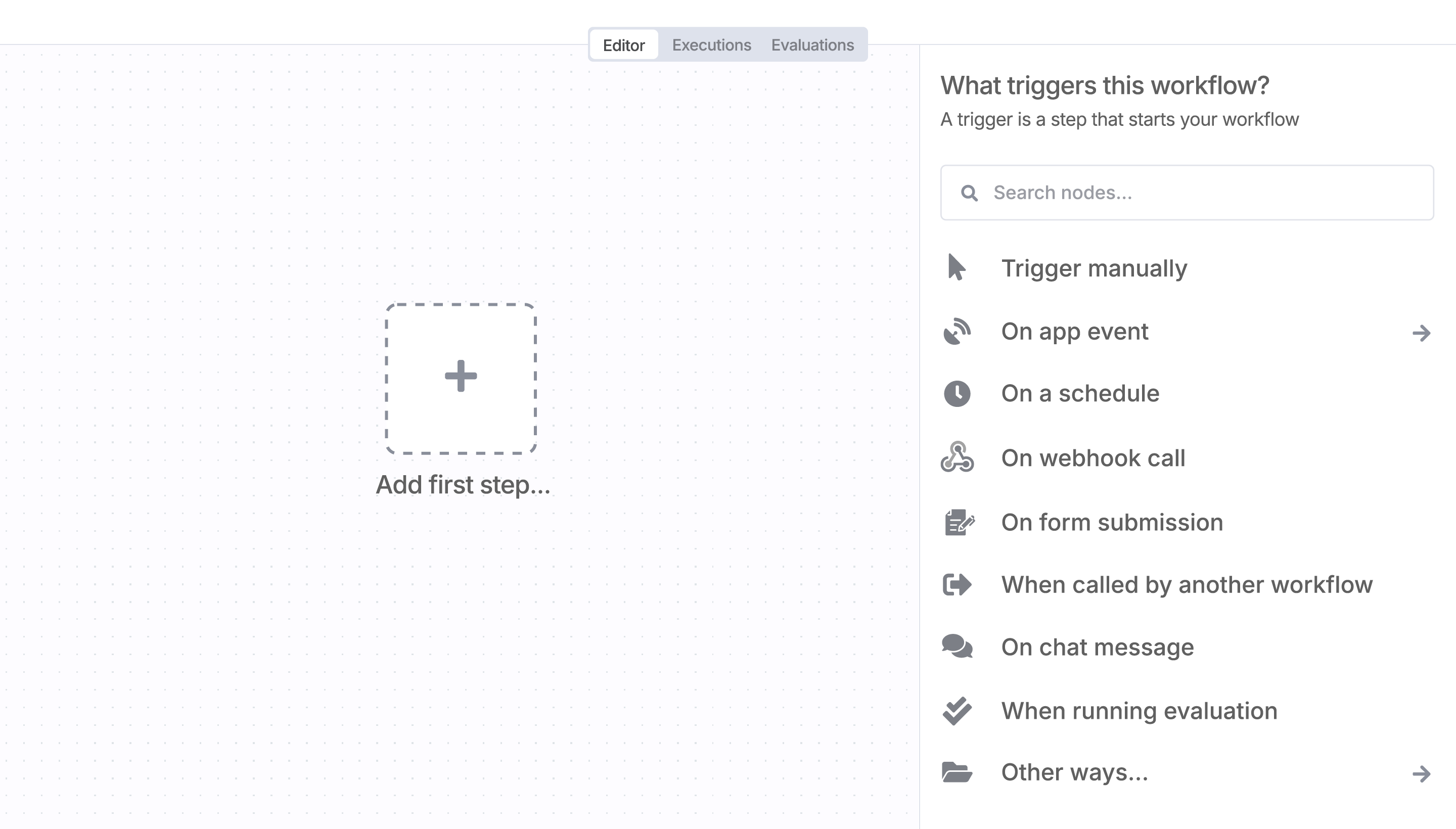
Sign in to n8n, open the editor, and click + in the top right to open the Nodes panel

AI agents and workflows for technical teams at