See llms.txt for all machine-readable content.
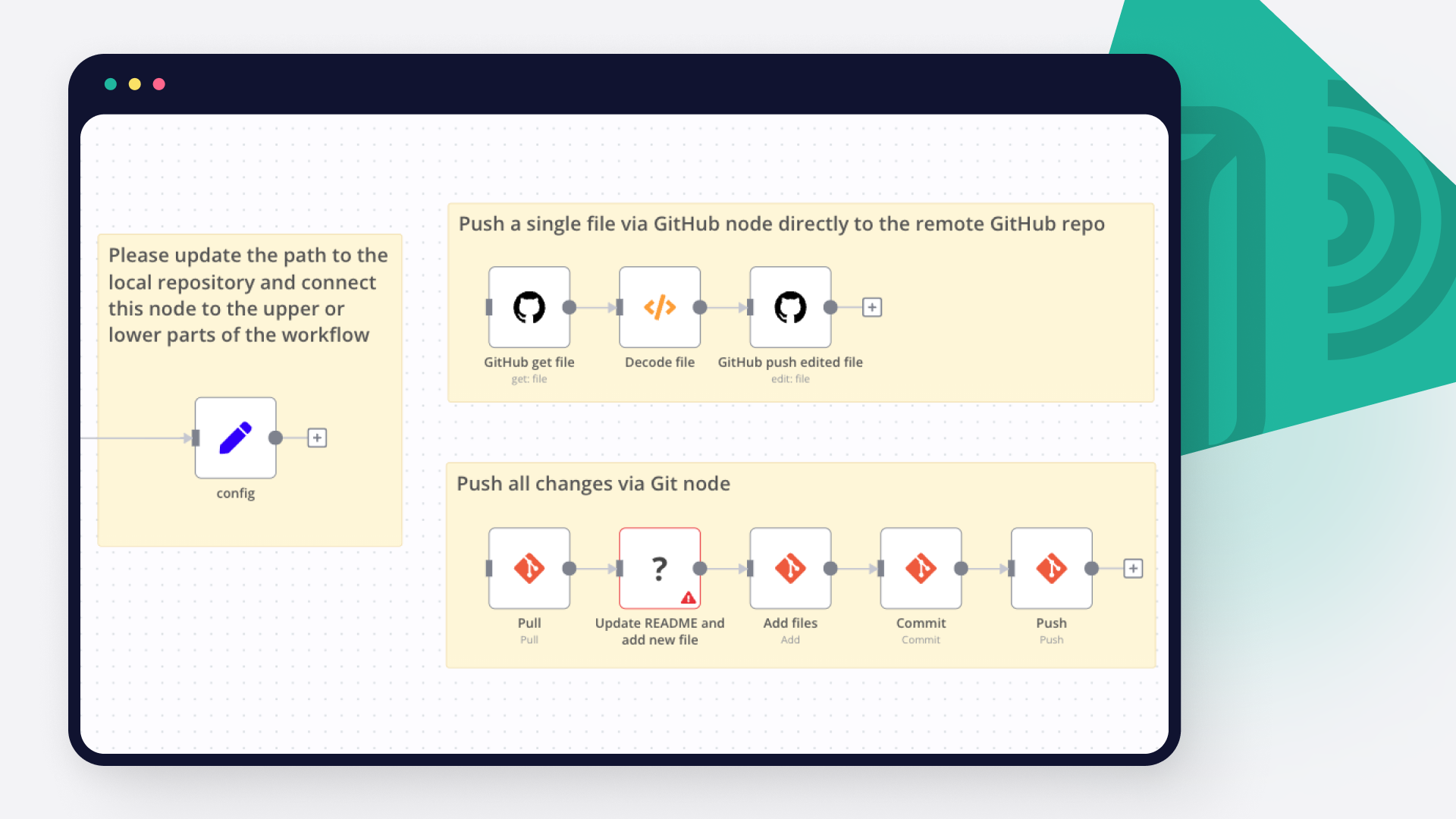
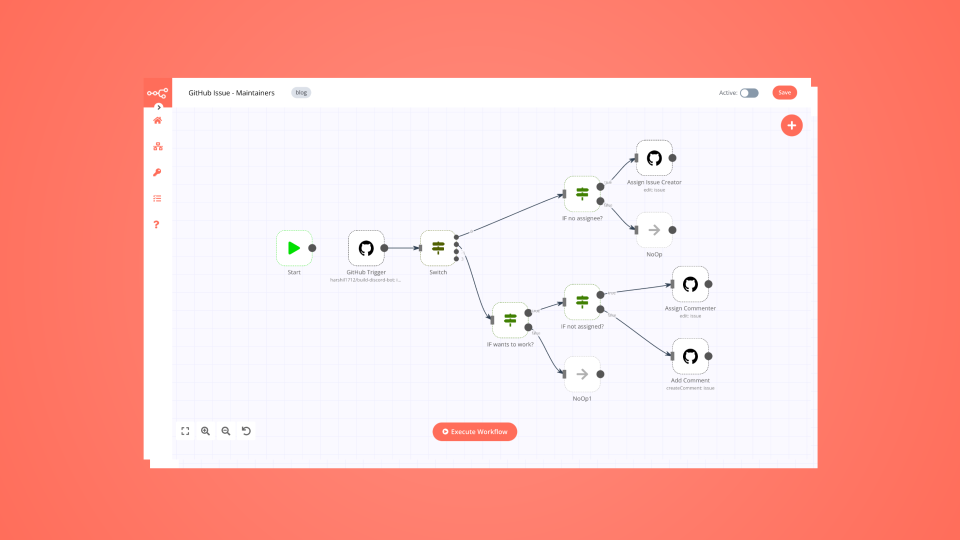
Save yourself the work of writing custom integrations for GitHub and Npm and use n8n instead. Build adaptable and scalable Development, workflows that work with your technology stack. All within a building experience you will love.


GitHub is the number one platform for developers. It boosts their software development and enhances their collaboration options. The tools offered by Github help you automate your tasks and facilitate your work, that is why it is preferred by millions of developers around the world.
npm (Node Package Manager) is a software package manager for JavaScript. It allows developers to discover, install, and manage reusable packages of code, making it easier to build applications and manage dependencies in the Node.js environment.
Discover our latest community's recommendations and join the discussions about GitHub and Npm integration.

Andy Slack
Hi Guys, I am running a prebuilt n8n service on elest.io which autoupdates which is pretty cool. However, as it’s “out the box” they provide access to update the docker config and the .env file from their portal. Howe…

DupervalAI
Hi, How am I supposed to download a binary file that I fetch with the “Get a file” feature of the GitHub node? I see the file in my execution but it has a downlad button in it that I need to click manually, it seems. I…

Семен Буров
Describe the problem/error/question I try to use many templates for N8N Backup to github. For example: Github N8N Backups: How to backup workflows with folder structure instead of tags? And in my case i have an error w…

Piotr Sikora
Describe the problem/error/question I’m using Github List node. I want to list files and directories from specific branch. As you can see above - there is no option to change the branch. Do you have any option to do…

Ammar Aamir
Is environmental control only available for the Enterprise subscription? Is N8N planning to make it available for the community version? This is literally an essential feature.



Handle branching, merging and iteration easily. Pause your workflow to wait for external events.
Re-run single steps to test changes in no time. And pin your data to avoid generating trigger events every time you execute.
Your data is displayed alongside your settings, making edge cases easy to track down.
Use 1000+ workflow templates available from our core team and our community.
Copy and paste, easily import and export workflows.


I have found the holy grail of automation.

n8n’s integration with third-party services is absolutely mind-blowing. It’s like a Swiss army knife for automation.

Anything is possible with n8n. I think the cloud version is great, they are doing amazing stuff.

Thank you to the n8n community. I did the beginners course and promptly took an automation WAY beyond my skill level.