See llms.txt for all machine-readable content.

Gmail and Planyo Online Booking integration

Save yourself the work of writing custom integrations for Gmail and Planyo Online Booking and use n8n instead. Build adaptable and scalable Communication, HITL, workflows that work with your technology stack. All within a building experience you will love.

How to connect Gmail and Planyo Online Booking

Create a new workflow and add the first step

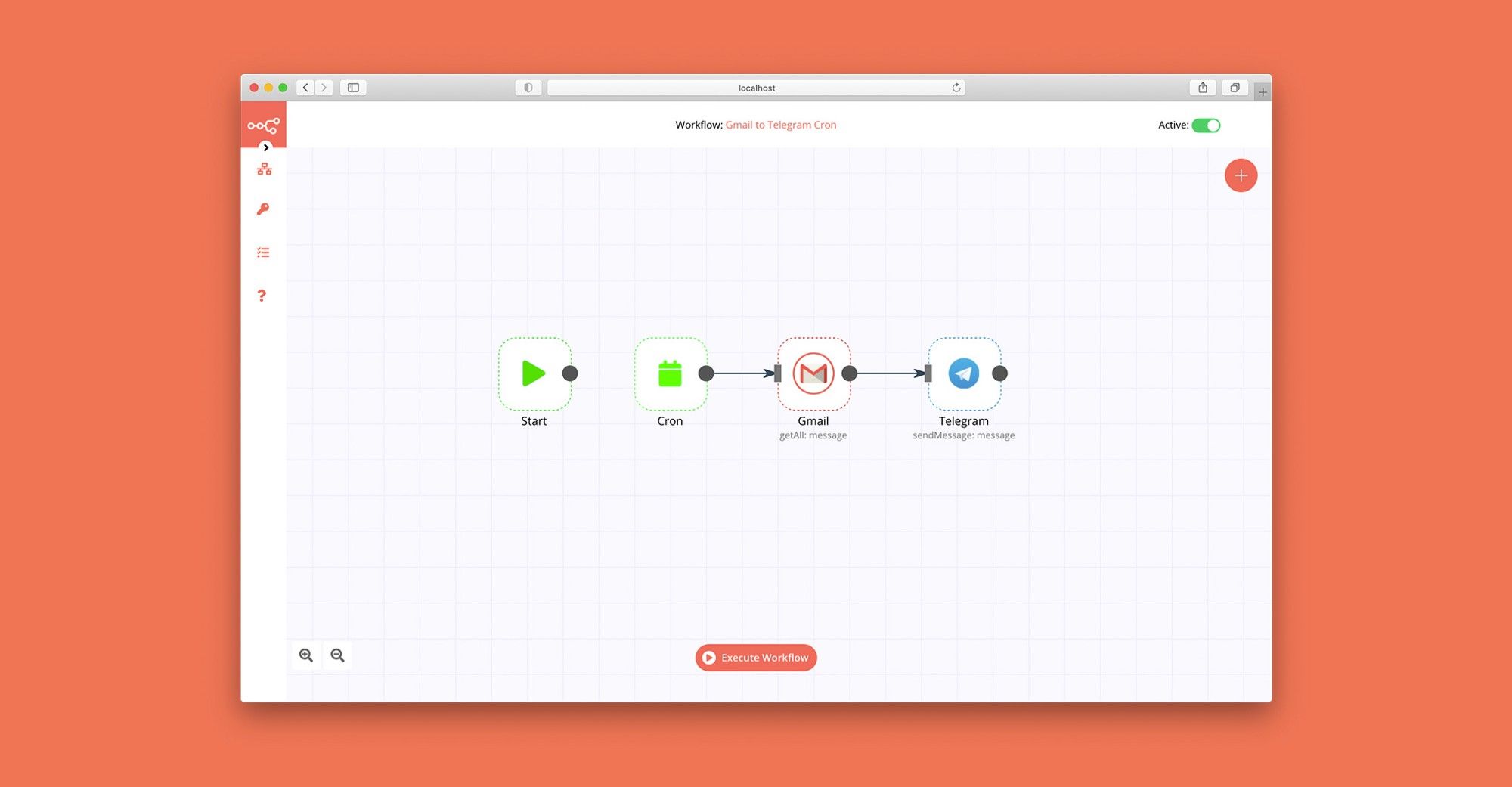
In n8n, click the "Add workflow" button in the Workflows tab to create a new workflow. Add the starting point – a trigger on when your workflow should run: an app event, a schedule, a webhook call, another workflow, an AI chat, or a manual trigger. Sometimes, the HTTP Request node might already serve as your starting point.

Gmail and Planyo Online Booking integration: Create a new workflow and add the first step

Generate & Translate Video Subtitles with OpenAI Whisper and LibreTranslate

This n8n template demonstrates how to automatically generate accurate subtitles from any video and optionally translate them into other languages. By combining FFmpeg, OpenAI Whisper, and LibreTranslate, this workflow turns video audio into ready-to-use .srt subtitle files that can be delivered via email. Use cases Auto-generate subtitles for training or educational videos Translate videos into multiple languages for global reach Create accessibility-friendly content with minimal effort Build a backend for media platforms to process subtitles automatically Good to know This workflow requires a self-hosted n8n instance since it uses the Execute Command node. FFmpeg is used for audio extraction and must be installed on the host machine. OpenAI Whisper (Local) is used for transcription, providing highly accurate speech-to-text results. LibreTranslate is used for translating subtitles into other languages. How it works Webhook Trigger – Starts when a video URL is received. Download Video – Fetches the video file from the provided link. Extract Audio (FFmpeg) – Separates audio from the video file. Run Whisper (Local) – Transcribes the extracted audio into text subtitles. Read SRT File – Loads the generated .srt subtitle file. Merge Paths – Combines both original and translated subtitle flows. Translate Subtitles (LibreTranslate) – Translates the .srt file into the target language. Write Translated SRT – Creates a translated .srt file for delivery. Send a Message (Gmail) – Sends the final subtitle file (original or translated) via email. How to use Clone this workflow into your self-hosted n8n instance. Ensure FFmpeg and Whisper are installed and available via your server’s shell path. Add your LibreTranslate service credentials for translation. Configure Gmail (or another email service) to send subtitle files. Trigger the workflow by sending a video URL to the webhook, and receive subtitle files in your inbox. Requirements Self-hosted n8n instance FFmpeg installed and available on the server OpenAI Whisper (Local) installed and callable via command line LibreTranslate service with API credentials Gmail (or any email integration) for delivery Customising this workflow Replace Gmail with Slack, Telegram, or Drive uploads for flexible delivery. Switch LibreTranslate with DeepL or Google Translate for higher-quality translations. Add post-processing steps such as formatting .srt files or embedding subtitles back into the video. Use the workflow as a foundation for building a multi-language subtitle automation pipeline.

Build your own Gmail and Planyo Online Booking integration

Create custom Gmail and Planyo Online Booking workflows by choosing triggers and actions. Nodes come with global operations and settings, as well as app-specific parameters that can be configured. You can also use the HTTP Request node to query data from any app or service with a REST API.

Gmail supported actions

Supported API Endpoints for Planyo Online Booking

To set up Planyo Online Booking integration, add the HTTP Request node to your workflow canvas and authenticate it using a generic authentication method. The HTTP Request node makes custom API calls to Planyo Online Booking to query the data you need using the API endpoint URLs you provide.

See the example here

These API endpoints were generated using n8n

n8n AI workflow transforms web scraping into an intelligent, AI-powered knowledge extraction system that uses vector embeddings to semantically analyze, chunk, store, and retrieve the most relevant API documentation from web pages. Remember to check the Planyo Online Booking official documentation to get a full list of all API endpoints and verify the scraped ones!

Gmail and Planyo Online Booking integration details

Gmail

Gmail

Gmail is a free of charge email service offered as part of Google Workspace. It is used by individuals and organizations to send and receive emails and communicate internally and externally. It remains the world’s most widely used email service.

Planyo Online Booking

Planyo Online Booking

Planyo-online-booking is a comprehensive reservation management system that provides businesses with a seamless online booking platform. It enables businesses to efficiently manage reservations, payments, and availability while offering customers a user-friendly and convenient way to book services or make appointments.

Other integrations with Gmail and Planyo Online Booking

FAQ about Gmail integrations

Need help setting up your Gmail and Planyo Online Booking integration?

Discover our latest community's recommendations and join the discussions about Gmail and Planyo Online Booking integration.

  • jake chard

    How do I remove n8n Email footer in Gmail node send message?

    jake chard

    Each email sent has “This email was sent automatically with n8n” in the footer or after the email. How do I remove this please?

    Open topic
  • Jan Koch

    Sending attachment via Gmail

    Jan Koch

    Describe the problem/error/question I am trying to send an email with an attachment using the Gmail node and get an error that I don’t understand. I am able to download that file from the original email and upload it to …

    Open topic
  • FawenYo

    Failed to send Gmail attachment

    FawenYo

    Describe the problem/error/question I’m trying to send an HTML file in the Gmail attachment, but it just raise an error. This question is similar to Sending attachment via Gmail , but I just couldn’t get it work …

    Open topic
  • Jean-Pierre GARNIER

    Gmail node subject text encoding issue

    Jean-Pierre GARNIER

    Describe the problem/error/question Hi, I’m facing an encoding problem while sending email with gmail node for every char with and accent (é,à,ô,î…). I noticed that this problem doesn’t occurs when i’m directly writing …

    Open topic
  • Anirudh Tugawe

    Update Google Sheets After sending Email

    Anirudh Tugawe

    Hi everyone, I’m working on a workflow where I’m using Google Sheets to get input data. I have a loop set up that correctly reads the data and processes it: it takes a Word document template, app…

    Open topic

Looking to integrate Slack and VirusTotal in your company?

Three colleagues talking around laptops at a shared desk

Trusted by teams building smarter workflows.

Why

Why use n8n to integrate Gmail with Planyo Online Booking

Handle branching, merging and iteration easily. Pause your workflow to wait for external events.

Re-run single steps to test changes in no time. And pin your data to avoid generating trigger events every time you execute.

Your data is displayed alongside your settings, making edge cases easy to track down.

Use 1000+ workflow templates available from our core team and our community.

Copy and paste, easily import and export workflows.

Simple enough to 
understand + sophisticated 
enough to ship

Man in a brown jacket working at his desk by a window