See llms.txt for all machine-readable content.

Google Calendar and OPN (formerly Omise) integration

Save yourself the work of writing custom integrations for Google Calendar and OPN (formerly Omise) and use n8n instead. Build adaptable and scalable Productivity, workflows that work with your technology stack. All within a building experience you will love.


How to connect Google Calendar and OPN (formerly Omise)

Create a new workflow and add the first step

In n8n, click the "Add workflow" button in the Workflows tab to create a new workflow. Add the starting point – a trigger on when your workflow should run: an app event, a schedule, a webhook call, another workflow, an AI chat, or a manual trigger. Sometimes, the HTTP Request node might already serve as your starting point.

Google Calendar and OPN (formerly Omise) integration: Create a new workflow and add the first step

Google Calendar automated notifications with email, SMS & analytics dashboard

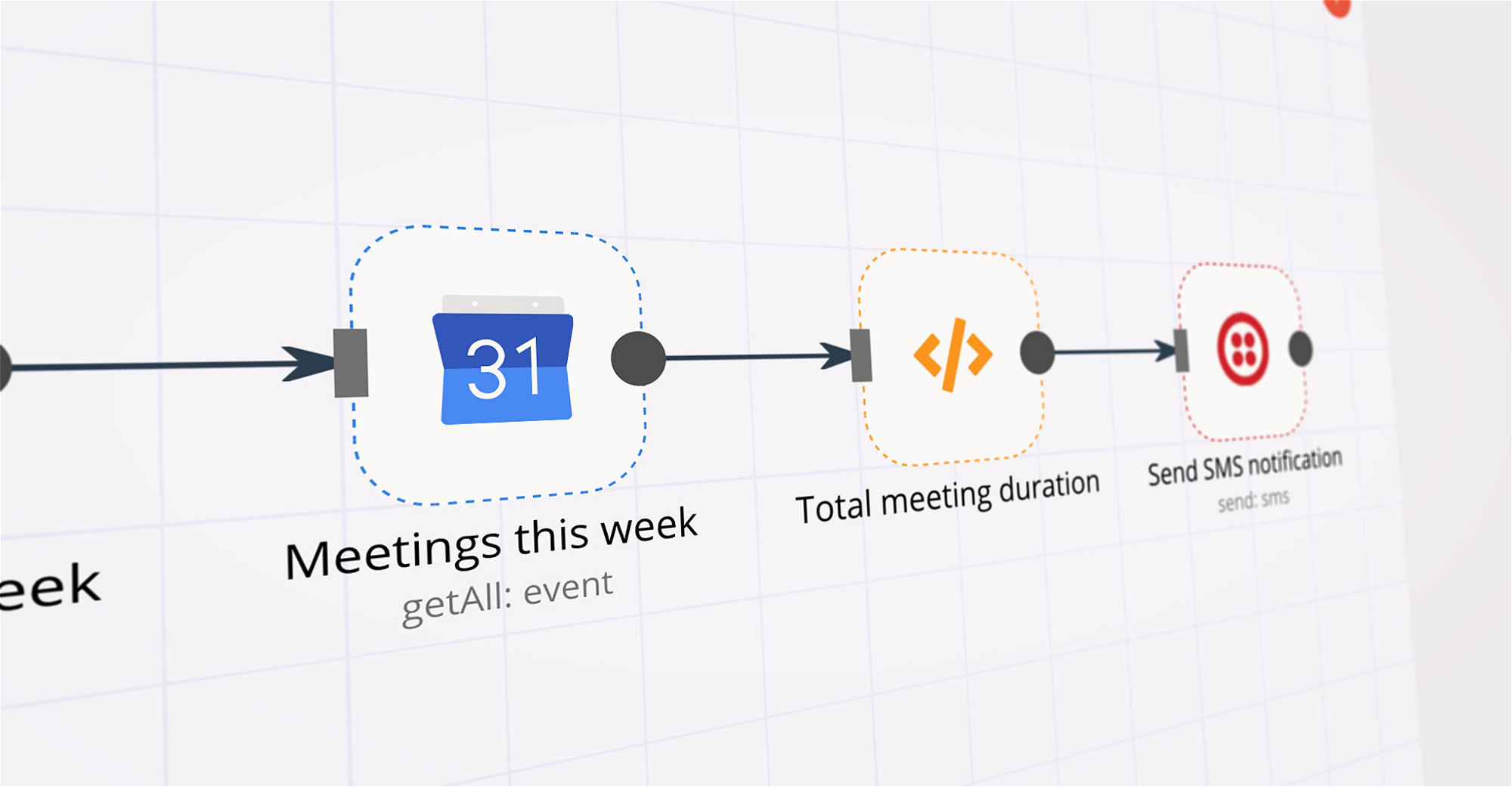
Automatically turn your Google Calendar into a fully-automated notification system with email alerts, SMS reminders, and a live performance dashboard - all powered by n8n. This automation helps you never miss an event, while giving you clear visibility into what notifications were sent, when, and how reliably they ran. What This Automation Does This solution is built as 4 connected workflows that run on a schedule and work together: 1. Daily Email Summary (Morning) Every morning, the workflow: Reads today’s events from Google Calendar Formats them into a clean email Sends a daily schedule summary via Mailchimp or SendGrid 2. Daily SMS Summary Shortly after, it: Sends a concise SMS overview of today’s meetings using Twilio 3. 15-Minute Event Reminders Before each event: Sends an individual SMS reminder Skips all-day events automatically 4. Weekly Schedule Preview Every Sunday: Sends a week-ahead summary so you can plan in advance Live Reporting & Dashboard All workflow activity is logged automatically into Google Sheets, which powers a real-time analytics dashboard showing: Number of notifications sent Success vs failure rates Daily and weekly execution stats Visual charts powered by Chart.js No manual tracking needed, everything updates automatically. How the Workflow Is Structured The automation is grouped into 3 clear sections: Section 1: Calendar Data Collection Pulls events from Google Calendar Filters relevant meetings Prepares clean event data Section 2: Notifications & Messaging Formats emails and SMS messages Sends reminders and summaries Handles scheduling logic Section 3: Logging & Reporting Saves every execution to Google Sheets Updates daily stats automatically Feeds the live dashboard SUPPORT & FEEDBACK Questions or issues? Connect with me on LinkedIn Want to see it in action? Try the live report demo: Click here

Build your own Google Calendar and OPN (formerly Omise) integration

Create custom Google Calendar and OPN (formerly Omise) workflows by choosing triggers and actions. Nodes come with global operations and settings, as well as app-specific parameters that can be configured. You can also use the HTTP Request node to query data from any app or service with a REST API.

Google Calendar supported actions

Supported methods for OPN (formerly Omise)

Delete
Get
Head
Options
Patch
Post
Put

To set up OPN (formerly Omise) integration, add the HTTP Request node to your workflow canvas and authenticate it using a generic authentication method. The HTTP Request node makes custom API calls to OPN (formerly Omise) to query the data you need using the API endpoint URLs you provide.

See the example here

Requires additional credentials set up

Use n8n's HTTP Request node with a predefined or generic credential type to make custom API calls.

Google Calendar and OPN (formerly Omise) integration details

Google Calendar

Google Calendar

Google Calendar is a time-management and calendar service created by Google Workspace. It helps you schedule and organize events and meetings, send notifications, and synchronize with your team. It is widely used by both individuals and organizations.

OPN (formerly Omise)

OPN (formerly Omise)

Omise is a payment gateway provider that enables businesses to process online transactions in Southeast Asia. It offers secure and efficient payment solutions, including credit card processing and digital wallets. Omise aims to simplify the payment process and improve the overall customer experience.

Other integrations with Google Calendar and OPN (formerly Omise)

FAQ about Google Calendar integrations

Need help setting up your Google Calendar and OPN (formerly Omise) integration?

Discover our latest community's recommendations and join the discussions about Google Calendar and OPN (formerly Omise) integration.

  • jake chard

    Google Calendar free/busy times output is confusing the AI sometimes

    jake chard

    Hi all! I’m currently using this workflow to suggest 2 available times in a google calendar. Currently I am just using the straight output from calendar node in the AI response, it gives the AI busy times. (Here are t…

    Open topic

Looking to integrate Slack and VirusTotal in your company?

Trusted by teams building smarter workflows

Why

Why use n8n to integrate Google Calendar with OPN (formerly Omise)

Handle branching, merging and iteration easily. Pause your workflow to wait for external events.

Re-run single steps to test changes in no time. And pin your data to avoid generating trigger events every time you execute.

Your data is displayed alongside your settings, making edge cases easy to track down.

Use 1000+ workflow templates available from our core team and our community.

Copy and paste, easily import and export workflows.

Simple enough to 
understand + sophisticated 
enough to ship