See llms.txt for all machine-readable content.
Back to integrations
Integrate Rendley with 1000+ apps and services
Unlock the full potential of Rendley and n8n’s automation platform by connecting Rendley’s capabilities with over 1,000 apps, data sources, services, and n8n’s built-in AI features.
Need something that’s not covered yet?
Use n8n’s pre-authenticated HTTP Request node to create new connections, giving you the flexibility to build powerful automations on any stack.

Created by
Rendley
Last update
4 days ago
Rendley integration
is built and maintained by our partners at Rendley and verified by n8n. That means it’s solid, safe, and ready to help you tap into some great capabilities.
About Rendley
Rendley is an AI video automation platform. With the Rendley node, n8n workflows can generate and edit videos from a prompt, add captions, turn long videos into shorts, reframe for social, dub into other languages, create voiceovers, music and images, and render finished MP4s.
Related categories
Popular ways to use the Rendley integration
What can you do with Rendley?
Cancel Job
Stop an agent job that is still running
Get Job
Read an agent job status without waiting, for workflows that poll on their own
Run
Describe the video you want or the edit to make, and the agent creates a project or edits the one you name on a real editing timeline
Generate Music
Generate a music bed from a text prompt
Generate Sound Effect
Generate a short sound effect from a text prompt
Text to Speech
Turn a script into a voiceover with a chosen voice
Get
Retrieve the brand kit for a workspace
Import From Website
Extract colors, fonts, and logos from a public website
Add Captions
Transcribe the speech and burn word-level captions into the timeline
Auto Edit
Let the agent cut the raw footage down to a tight, watchable edit
Create Shorts
Find the strongest short-form moments and build the best one
Custom Prompt
Send your own natural-language editing instructions to the agent
Reframe
Re-crop every video clip to a new aspect ratio with subject tracking
Remove Filler Words
Transcribe the speech, then cut fillers, stutters, and dead air
Estimate Cost
Estimate how many credits an export would consume
Get Job
Retrieve the status and result of an export job
Export Video
Export a project to a video file
Generate
Generate or edit an image from a text prompt
Remove Background
Cut the subject out of an image onto transparency
Upscale
Increase image resolution with AI super-resolution
Get Download URL
Resolve a media ID or file hash to a presigned download URL
Upload
Put a file from a previous node or a URL into the project library
List
List every upload in a project with a fresh download URL
Create
Create a new Rendley project
Delete
Delete a Rendley project
Get
Retrieve a single Rendley project
List
List Rendley projects
Change Voice
Replace the speaker voice while keeping timing and delivery
Dub
Translate the spoken content and dub it back in the original voice
Generate
Generate a video clip from a text prompt
Isolate Voice
Strip background noise and leave only the clean speech
Lip Sync
Re-sync the lip movement in a video to a separate audio track
Remove Background
Cut the subject out of a video frame by frame
Transcribe
Convert speech to text with word-level timestamps
Upscale
Increase video resolution with AI super-resolution, up to 4K
How to install Rendley and use it in your n8n workflows
Verified nodes need a quick setup by an instance owner first, but after that, everyone on the instance can start using them in their workflows. Learn more here.
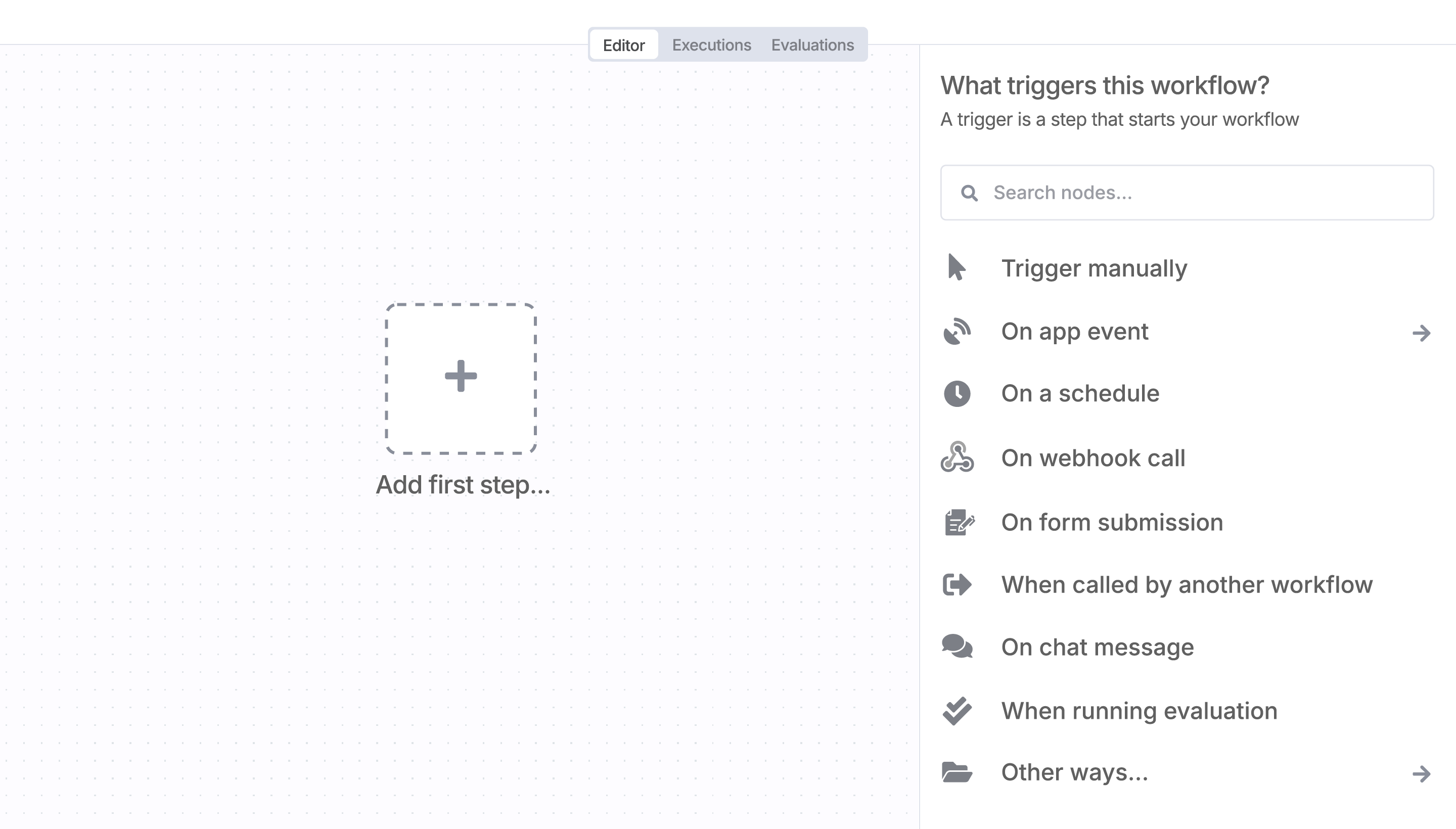
Sign in to n8n, open the editor, and click + in the top right to open the Nodes panel
Resources for Rendley
AI agents and workflows for technical teams at


