See llms.txt for all machine-readable content.


Generate and approve Twitter content from Google News using AI and Telegram
This n8n template automates the creation and approval of Twitter (X) content using real-time news data, AI-generated text, and a human approval workflow.
It is designed to streamline content production while maintaining quality control through manual review.
Good to know
- Generates 5 tweet variations per execution in different styles
- Uses structured JSON output to ensure reliable parsing
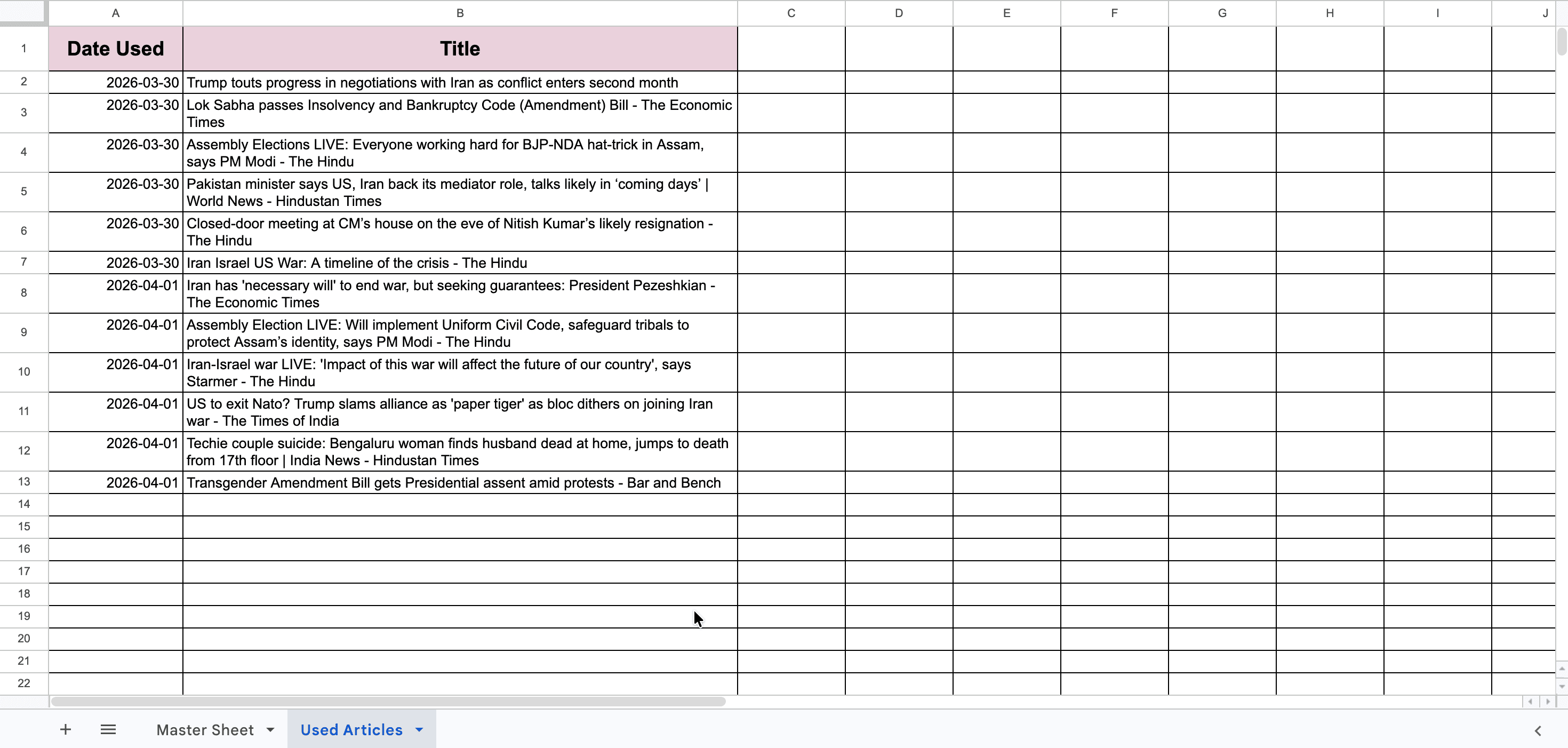
- Prevents duplicate content by tracking previously used articles
- Requires an active workflow for Telegram approval callbacks
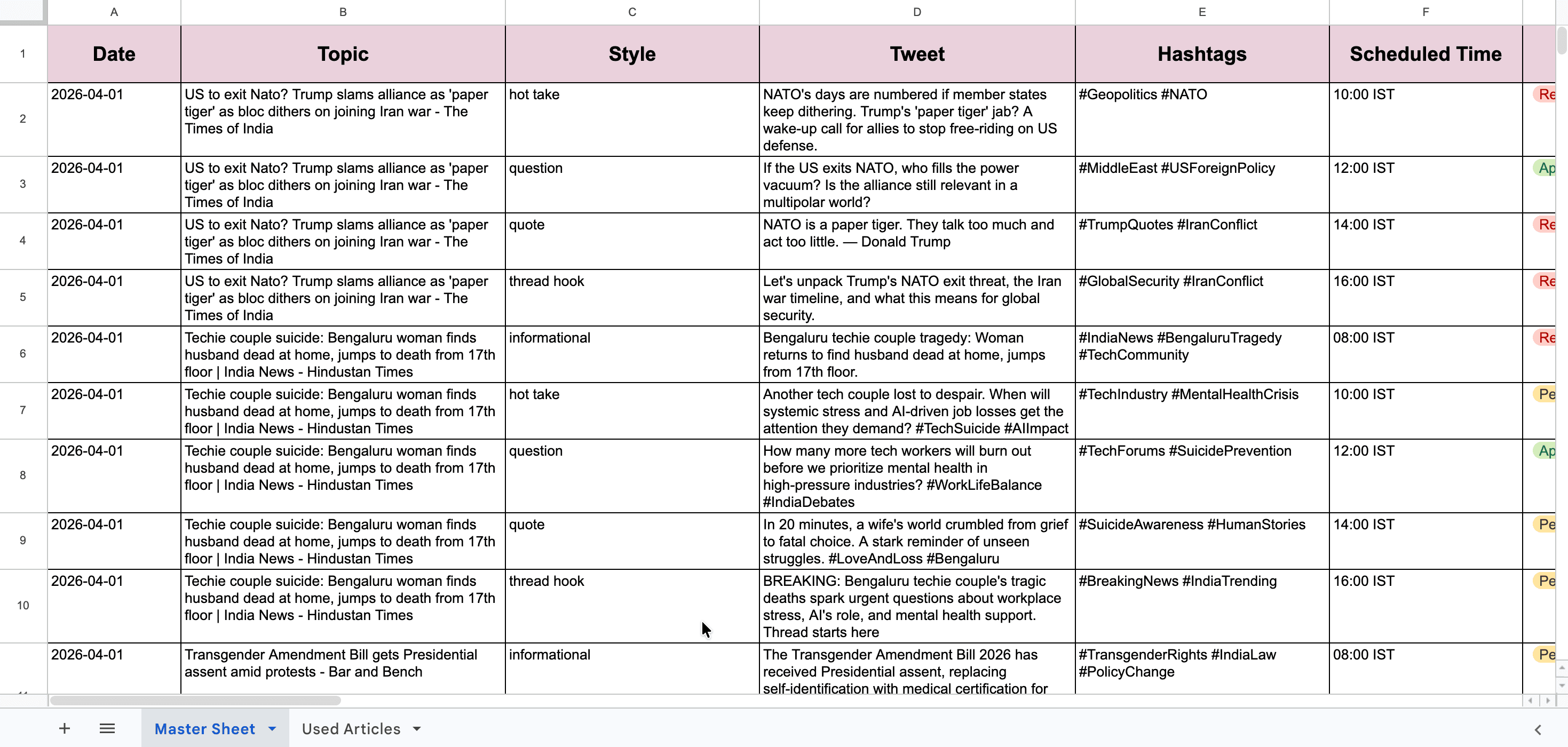
- Google Sheets acts as the central data store
How it works
A scheduled trigger initiates the workflow at a defined time.
The workflow retrieves trending news from Google News RSS and extracts relevant details such as title, description, and publication date.
Previously used articles are fetched from Google Sheets and filtered out to ensure fresh content selection.
The selected article is passed to an AI model (Groq), which generates five tweet variations across different styles including informational, opinion-based, and engagement-focused formats.
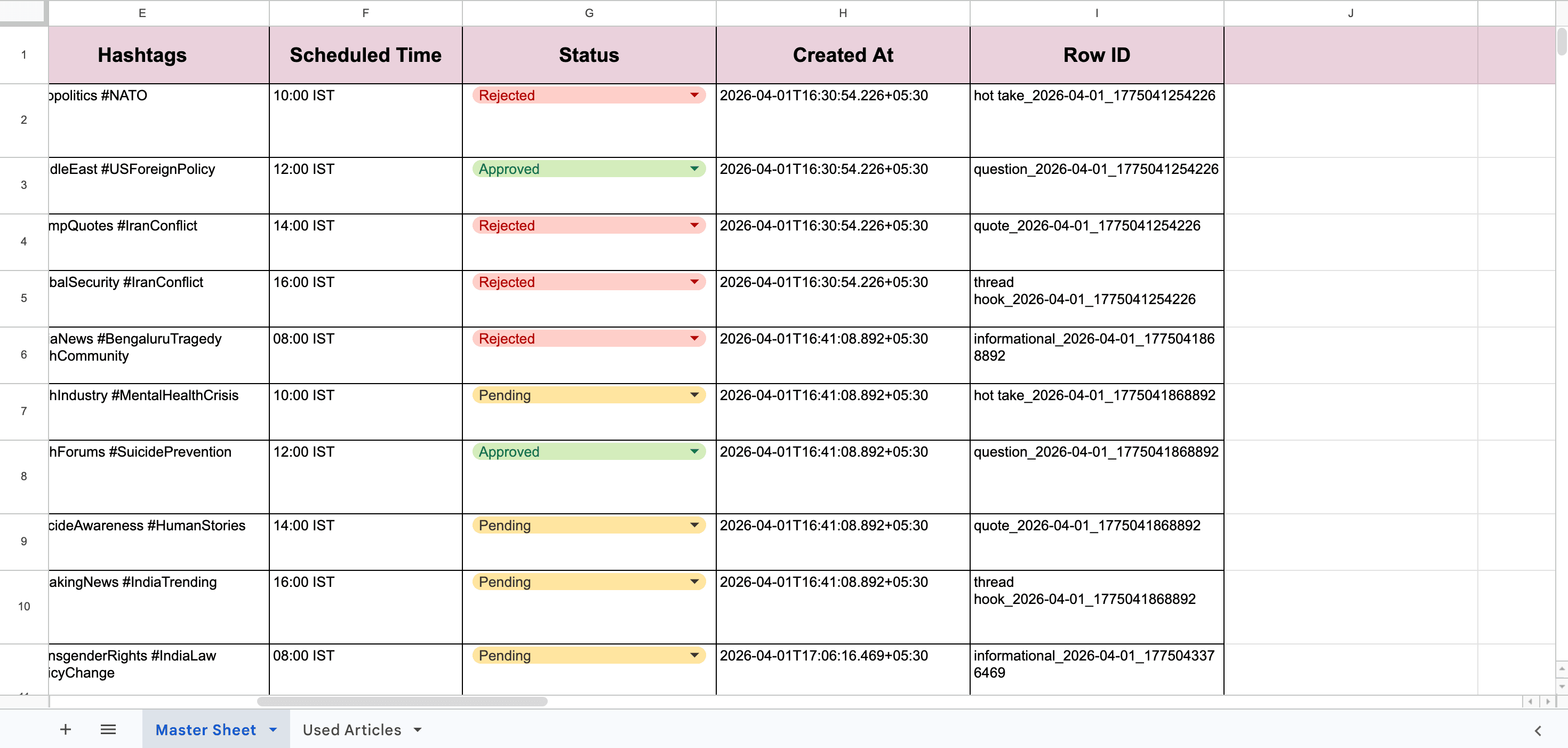
The AI response is cleaned and converted into structured JSON. Each tweet is enriched with metadata such as scheduled time, status, and a unique identifier.
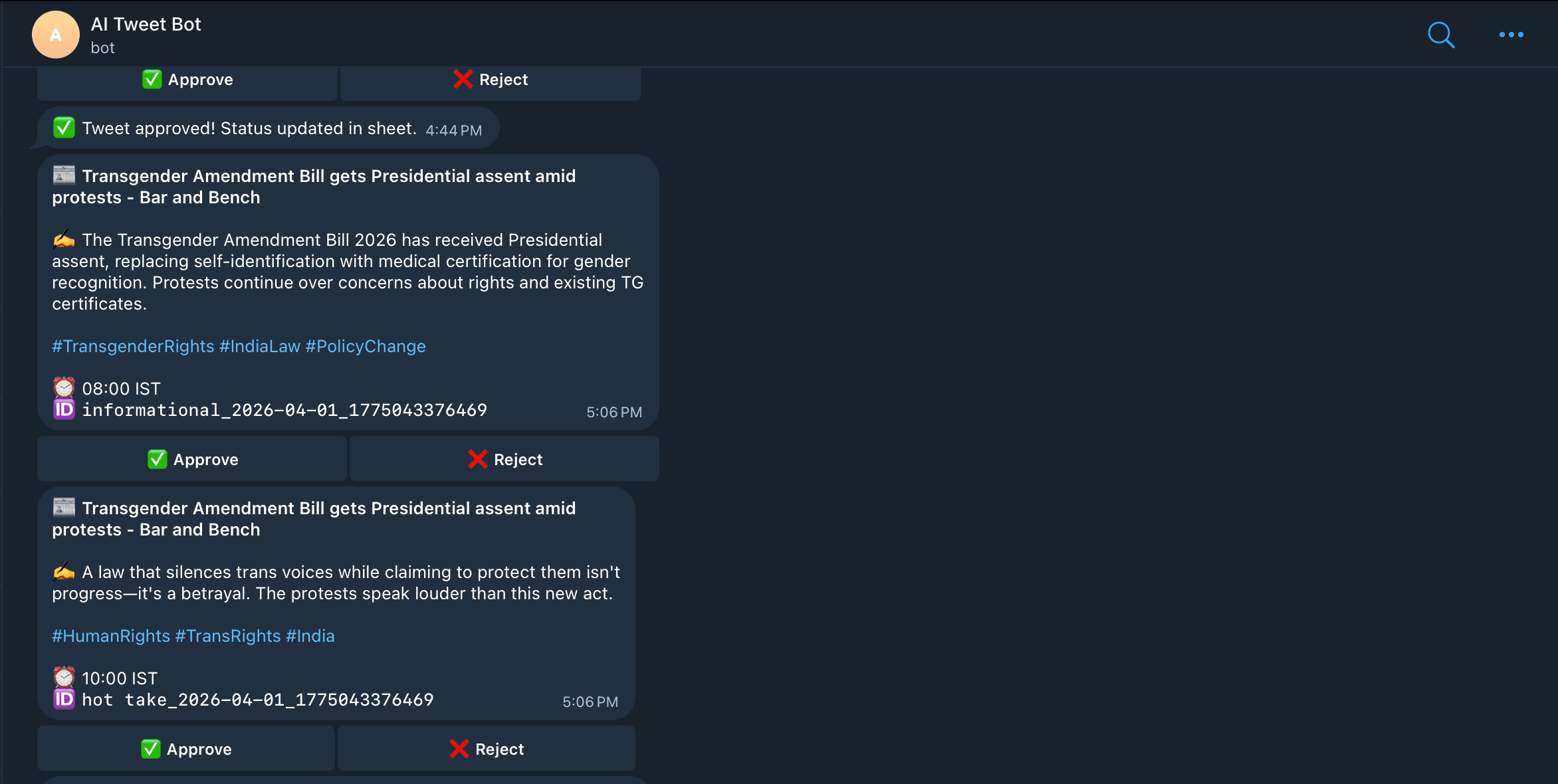
Tweets are sent to Telegram with inline approval buttons.
User actions are captured through Telegram callbacks, and the workflow updates the corresponding status (Approved or Rejected) in Google Sheets.
Finally, the processed article is logged to prevent reuse.
How to use
The workflow runs on a schedule by default, but this can be replaced with a manual trigger or webhook depending on your requirements.
Each execution generates multiple tweets and sends them for review. You can approve or reject each tweet directly within Telegram.
Requirements
- n8n (cloud or self-hosted)
- Groq account or compatible AI provider
- Google Sheets account
- Telegram bot created via BotFather
Customising this workflow
- Adjust the AI prompt to modify tone, format, or writing style
- Change scheduling intervals to match your posting strategy
- Extend the workflow to publish approved tweets automatically
- Integrate additional platforms such as LinkedIn or Slack
- Add analytics or tracking for performance monitoring
Notes
- Replace all placeholder values before activating the workflow
- Ensure Telegram callback format is configured as:
approve::rowId
reject::rowId