See llms.txt for all machine-readable content.



This workflow is designed to fully automate the creation and publishing of Instagram marketing content by combining AI-powered text generation with Bytedance Seedream 4.0, image creation, and social media scheduling into a single streamlined pipeline.
Starting from a simple prompt and reference images, the workflow generates both the visual asset and the caption, then automatically publishes the final content to Instagram. It eliminates the need for manual design, copywriting, and posting, enabling a faster and more scalable content production process.
| BEFORE | AFTER |
|---|---|
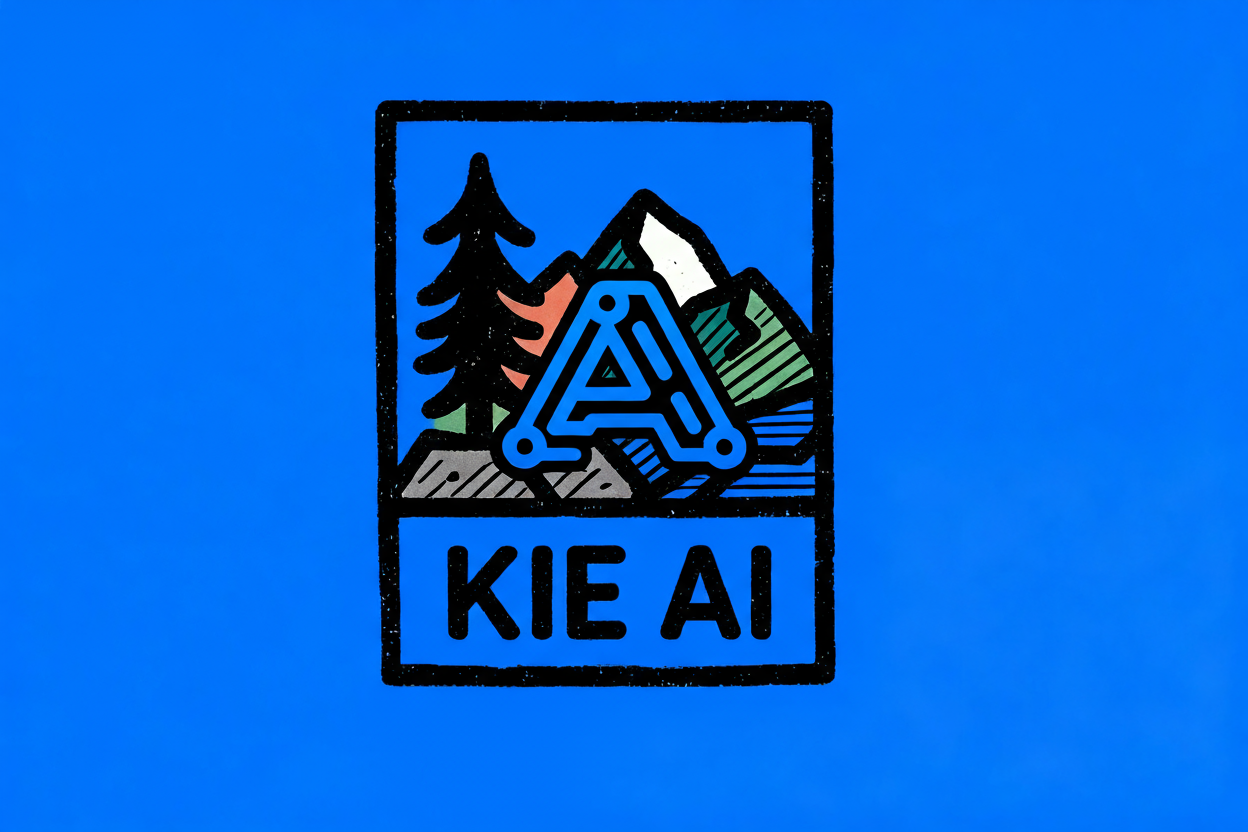 |
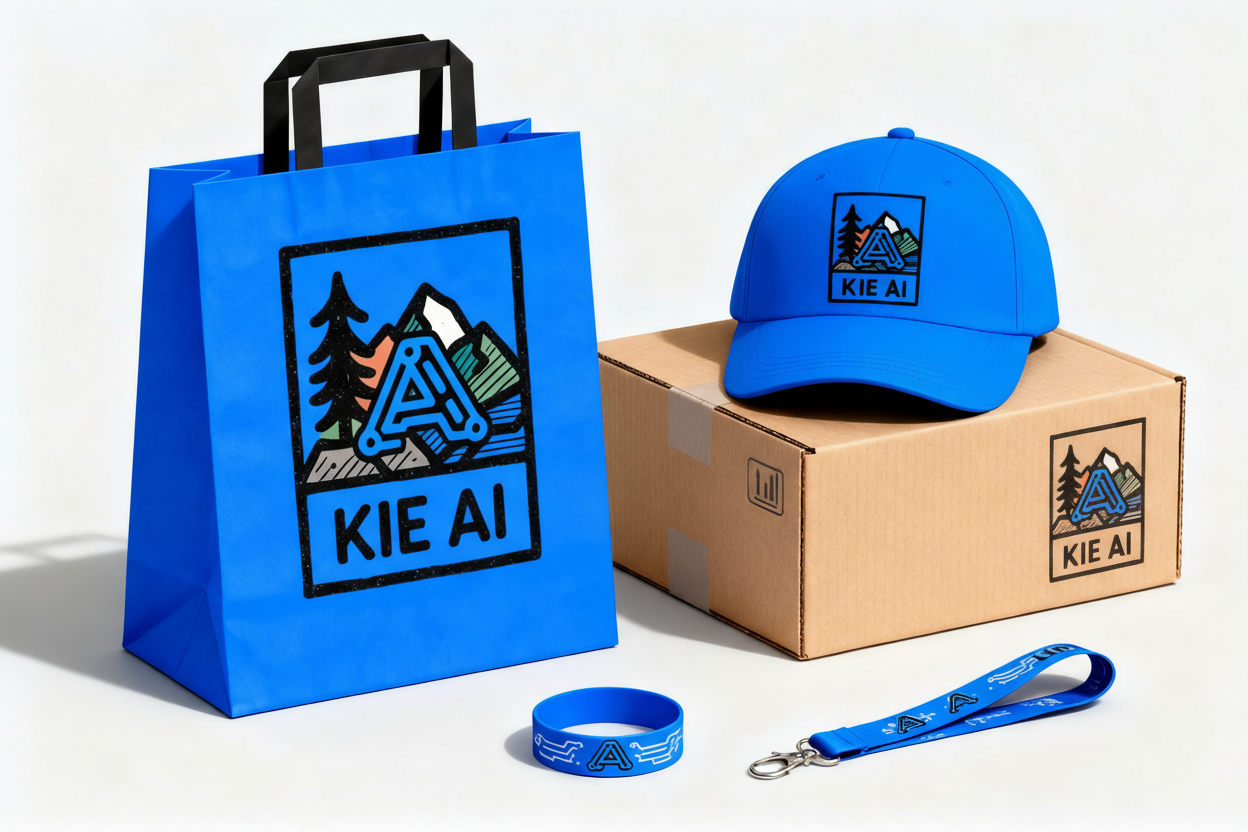 |
Key Advantages
1. ✅ End-to-End Automation
The workflow fully automates the process from initial input (prompt + reference images) to final delivery (Instagram post), eliminating manual content creation and publishing steps.
2. ✅ AI-Powered Content Creation
It leverages advanced AI models to:
- Generate engaging, platform-optimized Instagram captions
- Create branded visual assets from prompts and reference images
- Ensure content is creative, relevant, and ready for social media
3. ✅ Automated Visual Generation
Integrates AI image editing (Kie AI Seedream) to automatically produce high-quality, branded visuals without the need for design tools or manual editing.
4. ✅ Social Media Optimization
Captions are generated with built-in best practices, including:
- Platform-specific tone and structure
- Hashtag optimization for reach and discoverability
- Engagement-driven calls to action
5. ✅ Scalability
The workflow structure allows easy scaling to generate and publish large volumes of content across campaigns with minimal effort.
6. ✅ Modular & Extensible Design
Each step (input setup, caption generation, image creation, upload, publishing) is modular, making it easy to:
- Swap AI models
- Add new social platforms
- Extend functionality with additional services
7. ✅ Automated Publishing & Scheduling
Integration with Postiz enables seamless upload and scheduling of posts directly to Instagram, streamlining the entire publishing pipeline.
8. ✅ Reliability with Asynchronous Processing
The wait/resume mechanism ensures that image generation tasks are completed before proceeding, improving workflow stability and preventing failures.
9. ✅ Consistency & Brand Alignment
Using structured prompts and predefined logic ensures all generated content maintains a consistent brand voice, visual identity, and messaging across posts.
How it works
This workflow automates the creation of a branded visual + Instagram caption, then posts the result to Instagram via Postiz.
- Manual trigger starts the workflow.
- Set params defines:
- A creative prompt for generating an images
- A reference logo URL
- Normalize converts the image URL(s) into a JSON array.
- The workflow splits into two parallel branches:
- Image generation branch:
- Calls Kie AI Seedream 4.0 Edit API with the prompt + image URL(s)
- Waits for async completion via a webhook
- Extracts the generated image URL
- Downloads the image binary
- Caption generation branch:
- Sends the prompt to an OpenAI Chat Model
- Uses a Social Media Manager LLM chain to produce an Instagram caption with emojis and hashtags
- Parses the JSON output into a clean caption
- Image generation branch:
- Merge combines the downloaded image and the caption.
- Upload IG Image sends the image to Postiz’s upload endpoint.
- Instagram node schedules/posts the image + caption to Instagram.
Set up steps
-
Add credentials:
OpenAi account I– OpenAI API keyKie AI– Token from Kie.ai API credentialsPostiz account– Postiz API credentials
-
Adjust the prompt (optional):
- Edit the
Set paramsnode →PROMPTvalue to change the image generation text
- Edit the
-
Confirm webhook for async wait:
- The
Waitnode uses a resume webhook – ensure the webhook URL is reachable by Kie AI
- The
-
Validate Postiz integration:
- Check that the
Instagramnode has the correct Postiz integration ID
- Check that the
-
Activate the workflow (if scheduling needed, replace
Manual Triggerwith a schedule trigger) -
Execute manually to test the full flow from prompt → image → caption → Instagram post
👉 Subscribe to my new YouTube channel. Here I’ll share videos and Shorts with practical tutorials and FREE templates for n8n.

Need help customizing?
Contact me for consulting and support or add me on Linkedin.