See llms.txt for all machine-readable content.


Description
This n8n template demonstrates how to build a Auto Lead Gen & Outreach System for Local Businesses specifically designed to help businesses that don’t have a website yet.
The workflow identifies local businesses (like bakeries, gyms, salons, etc.) that are missing an online presence, enriches their contact data, and sends personalized outreach messages — including your capability deck automatically attached from Google Drive.
Use cases are simple but powerful: find businesses that are invisible online, show them the value of having a website, and present your services professionally with a ready-to-send portfolio.
Good to know
- This workflow targets high-opportunity leads — businesses without websites.
- API usage (Google Maps & Search via Serper) may incur costs.
- A 20–40 second delay is added between emails to improve deliverability.
- Your capability deck is automatically fetched from Google Drive and attached to emails.
How it works
Fetch niches
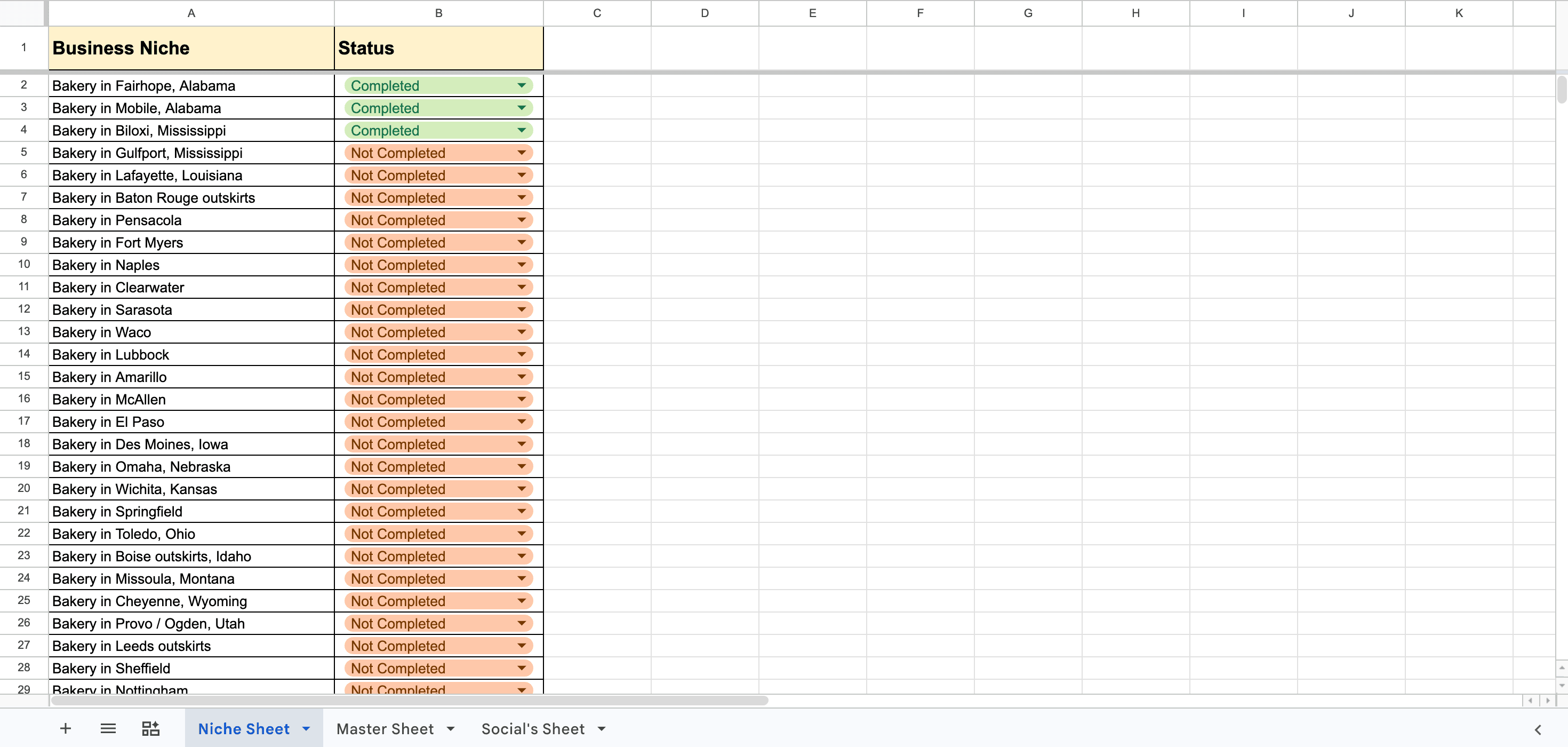
Niche data (e.g., bakeries, gyms) is pulled from Google Sheets.
Discover businesses
The workflow searches Google Maps to find businesses in those niches.
Filter website presence
Businesses that already have websites are filtered out — focusing only on those who need one.
Enrich contact data
Additional searches extract:
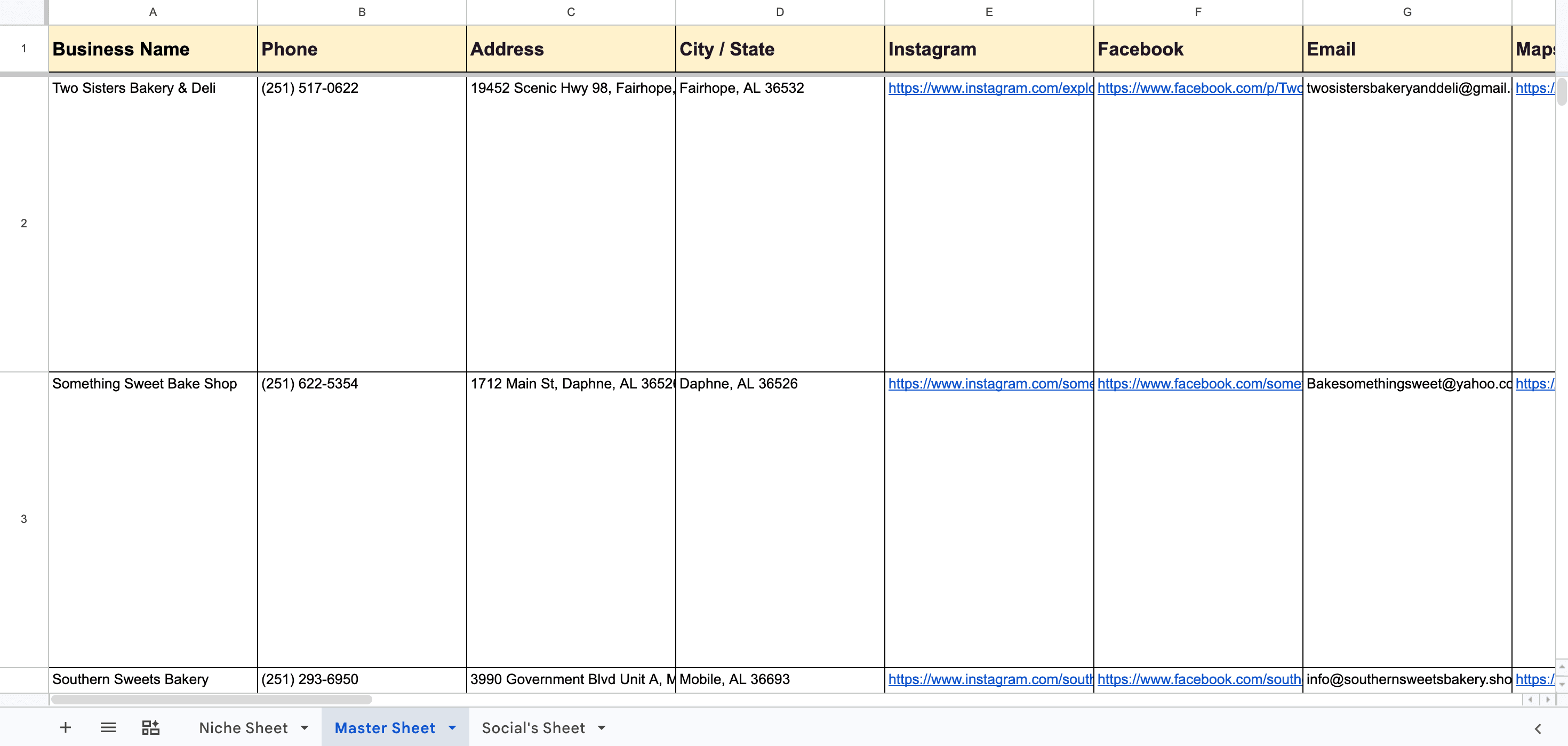
- Emails
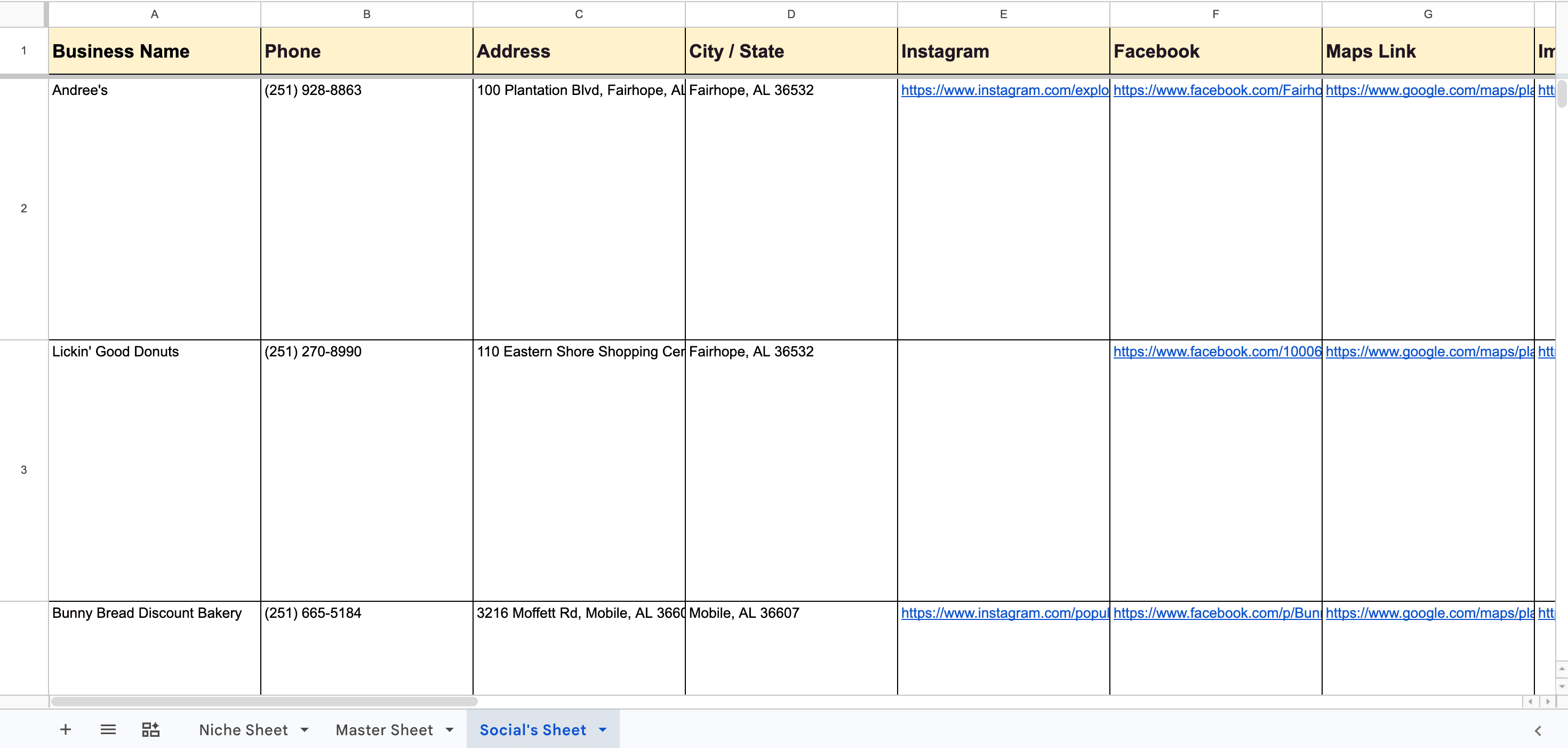
- Instagram profiles
- Facebook pages
Generate personalized outreach
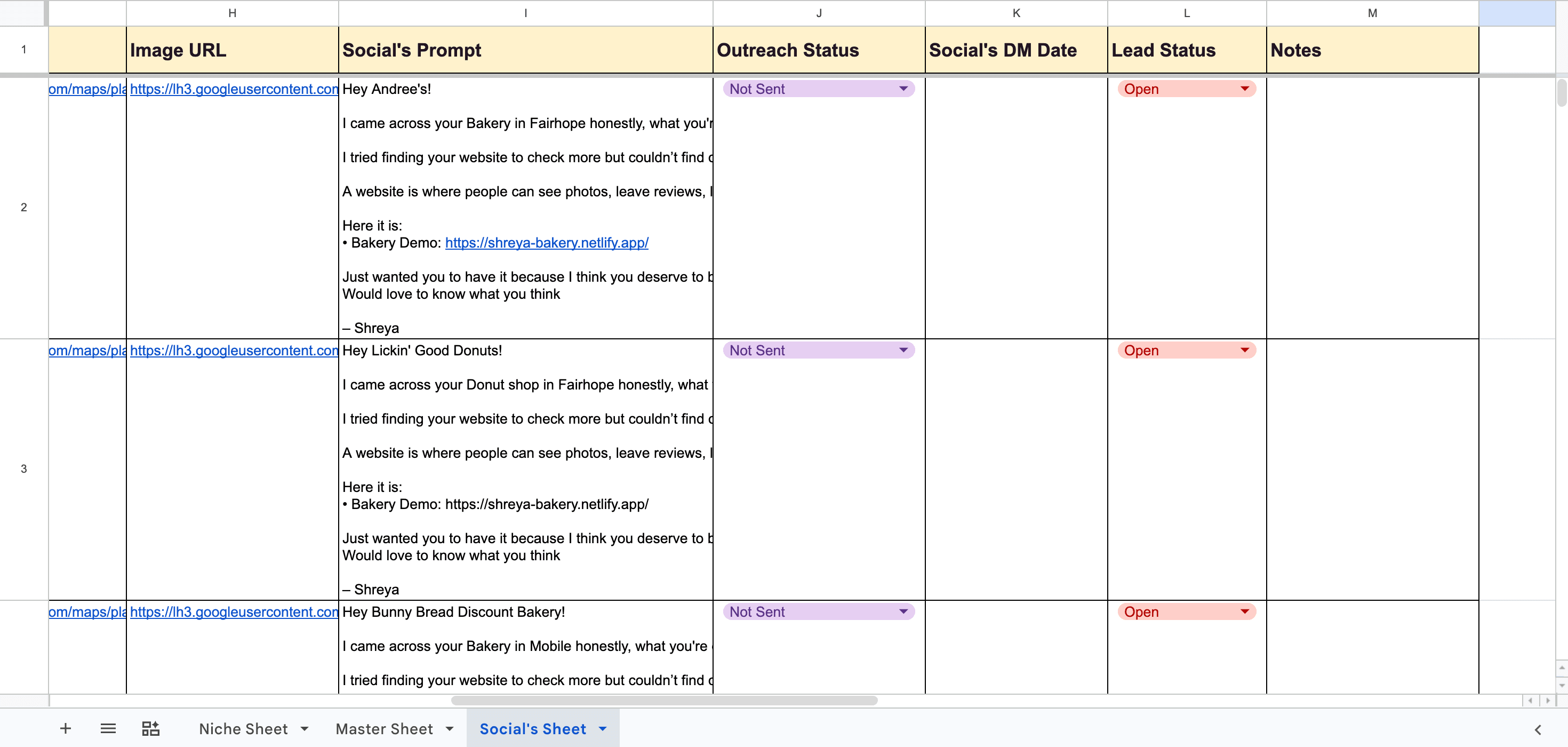
Custom emails and DMs are created highlighting:
- Their business
- The missed opportunity of not having a website
- A demo/example to show potential
Attach capability deck
A Google Drive node fetches your capability deck (portfolio/services document) and attaches it to the email automatically.
Save leads
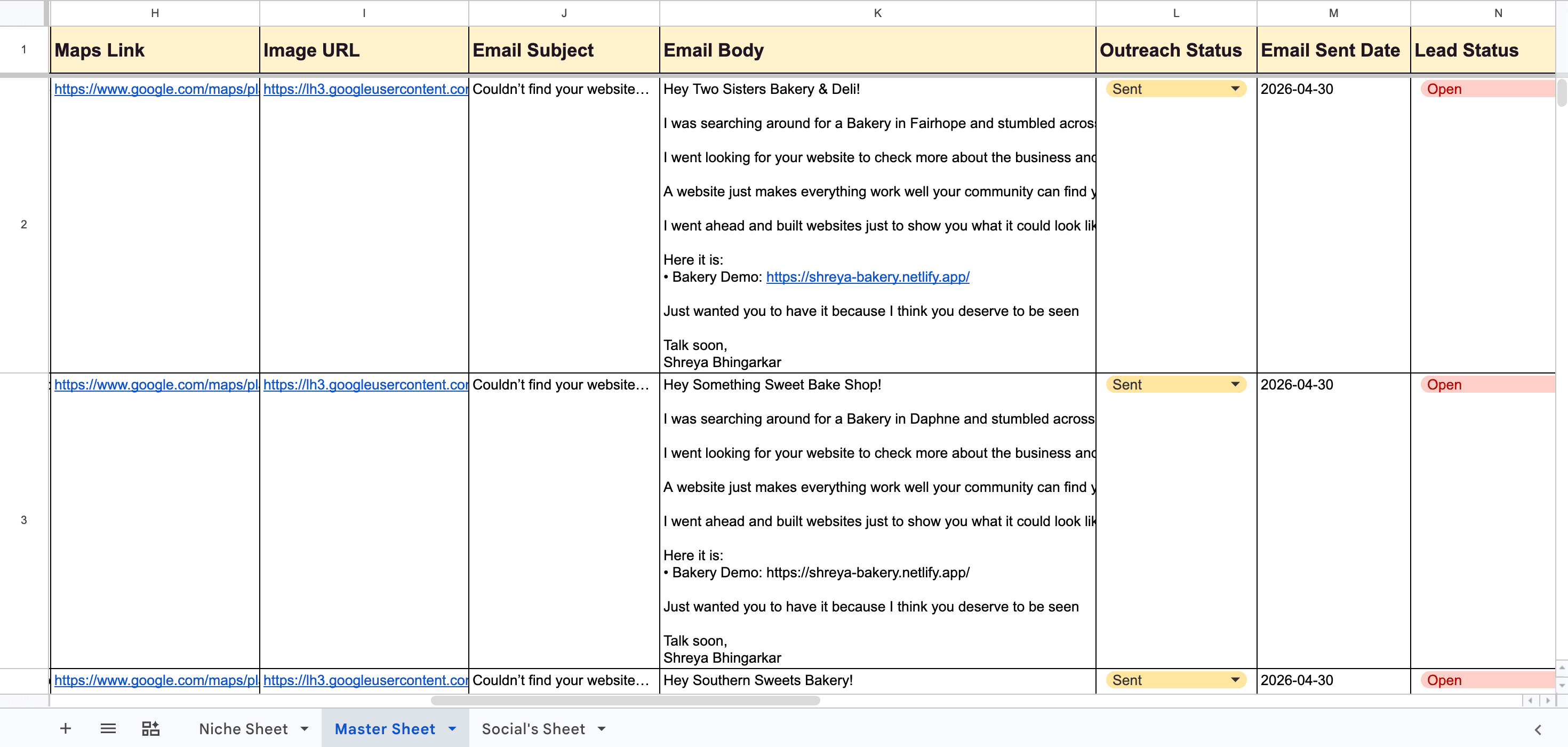
All leads are stored in Google Sheets with contact details and outreach status.
Send emails automatically
Emails are:
- Converted into clean HTML
- Sent via Gmail
- Attached with your capability deck
- Delayed randomly to simulate human behavior
Track outreach
The workflow updates:
- Outreach status → Sent
- Email sent date
- Lead progress
How to use
- Add niches like bakery, gym, salon, restaurant in Google Sheets.
- Upload your capability deck to Google Drive and connect it in the workflow.
- Configure API keys (Serper).
- Connect Gmail for sending emails.
- Run manually or schedule automation.
Requirements
- Google Sheets
- Google Drive (for capability deck)
- Gmail account
- Serper API
- n8n instance
Customising this workflow
You can adapt this workflow to:
- Offer website development services
- Sell branding or digital marketing services
- Send DMs instead of emails
- Target specific regions or industries
Enhancements you can add:
- Multiple capability decks based on niche
- Follow-up email sequences
- AI-based deeper personalization
This workflow helps you not just find leads — but pitch professionally with proof, making it easier to convert businesses into clients