See llms.txt for all machine-readable content.



Monitor Facebook Pages and Analyze Content Safety via Telegram

This n8n template automates the collection, storage, and safety analysis of Facebook posts while simultaneously providing an interactive AI assistant on Telegram.
If you manage communities or brand pages and need to stay instantly informed about toxic content while having a smart assistant to answer quick operational queries, this workflow is perfect for you.
How it works
- Interactive Chatbot (Trigger): The Telegram Trigger listens for direct messages. An AI Agent (powered by Google Gemini) processes the input using MongoDB for conversation memory and custom tools (like SerpAPI) for deep research.
- Data Scraping (Schedule): A Schedule Trigger runs every 3 hours to fetch the latest posts from your specified Facebook page using the Apify Facebook Scraper.
- Data Normalization & Storage: Extracted posts are normalized and upserted into an n8n Data Table. This prevents duplicate processing of the same posts in future runs.
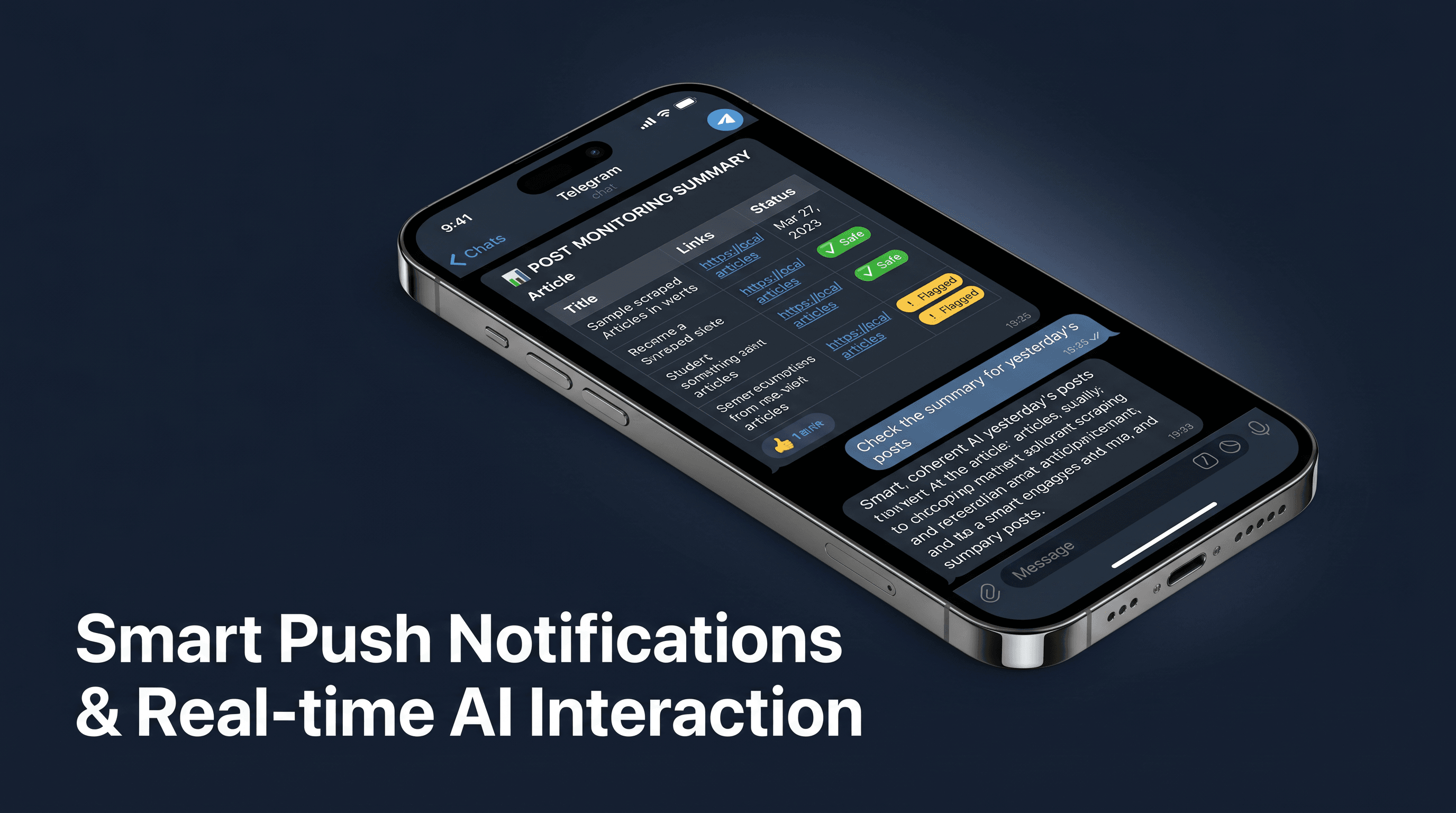
- Safety Analysis: Post text and downloaded images are merged and sent to a secondary AI Agent. The AI evaluates the context and user reactions to flag the content as "Safe" or "Toxic".
- Smart Notification: The safety report is beautifully formatted using Telegram HTML and dispatched directly to the admin's Telegram inbox.
How to use
- Connect your Telegram Bot API credentials in both the Telegram Trigger and Send nodes.
- Connect your Google Gemini API key in all Language Model nodes.
- Connect your Apify API credentials and SerpAPI key.
- Configure your MongoDB connection for the chat memory nodes.
- Create an n8n Data Table (e.g.,
facebook_news_db) with apostIdcolumn (Number) and update the Data Table Upsert node to select your table. - Customize the
Set Context (Chat)andSet Context (Scraper)nodes with your specific details (Telegram Admin ID, Facebook Page URL, Bot Name). - Activate the workflow and let the automation run.
Requirements
- n8n Version: Built and tested on n8n 2.9.4+. (Note: You may encounter errors on older versions. It is highly recommended to update to the latest n8n version to use this workflow effectively).
- Google Gemini API credentials.
- Telegram Bot token.
- Apify API credentials.
- SerpAPI credentials.
- MongoDB connection string.
- An active n8n Data Table.
Customizing this workflow
- Change the scraper: Swap the Apify node with any other social media scraping tool or RSS feed to monitor different platforms (e.g., X, LinkedIn).
- Change the database: Replace the MongoDB Chat Memory node with Postgres or another memory node if you prefer a different database structure.
- Modify the AI persona: Update the system prompt in the AI Agent nodes to change the chatbot's tone or the strictness of the safety evaluation.
About the Author
Created by: Nguyen Thieu Toan (Jay Nguyen)
Email: [email protected]
Website: nguyenthieutoan.com
Company: GenStaff (genstaff.net)
Socials (Facebook / X / LinkedIn): @nguyenthieutoan
More templates: n8n.io/creators/nguyenthieutoan