See llms.txt for all machine-readable content.


Quick overview
This workflow runs on a Tue/Thu schedule to generate a LinkedIn post with OpenAI, create a matching LinkedIn-ready image via the Canvora API, and then publish the post text plus the downloaded image to LinkedIn.
How it works
- Runs every Tuesday and Thursday at 9:00 AM.
- Sets the post topic (and optional Canvora brandId) and asks OpenAI to write a single 120–180 word LinkedIn post.
- Sends the generated post text to Canvora to create a “linkedin_post” visual concept.
- Polls Canvora at 30-second intervals for the generation status until it completes or times out.
- If the generation succeeds, extracts the hosted image URL from Canvora, downloads the image file, and publishes the post text with the image to LinkedIn.
- If the generation fails or times out, stops without posting.
Setup
- Add an OpenAI credential and select the model you want to use for generating the LinkedIn copy.
- Create a Canvora account and add an HTTP Header Auth credential using header name
X-API-Keywith your Canvora API key, then apply it to both Canvora HTTP Request steps. - Connect your LinkedIn credential (personal profile or organization) for publishing posts.
- Edit “Set Post Parameters” to choose your topic and optionally set a Canvora
brandIdto apply a brand kit. - Adjust the schedule cron expression if you want a different posting cadence.
Requirements
- A free Canvora account (API keys on all plans).
- An OpenAI API key (or Claude/Gemini).
- A LinkedIn account (personal or organization).
Customization
- Change the cron in the trigger to your posting cadence.
- Swap
linkedin_postforlinkedin_carouselfor a multi-slide post (100+ formats: GET /api/formats). - Pass a
brandId(GET /api/brands). - Prefer review? Change the LinkedIn node to "create draft" or route to a Gmail draft first.
Additional info
- Core nodes – Cloud & self-hosted. Nodes: Schedule Trigger, Set, OpenAI, Code, HTTP Request, Wait, IF, LinkedIn.
- Canvora returns hosted image URLs, so the visual attaches natively – no S3/Cloudinary step. Works inside ChatGPT, Claude & any workflow → canvora.ai/for-agents.
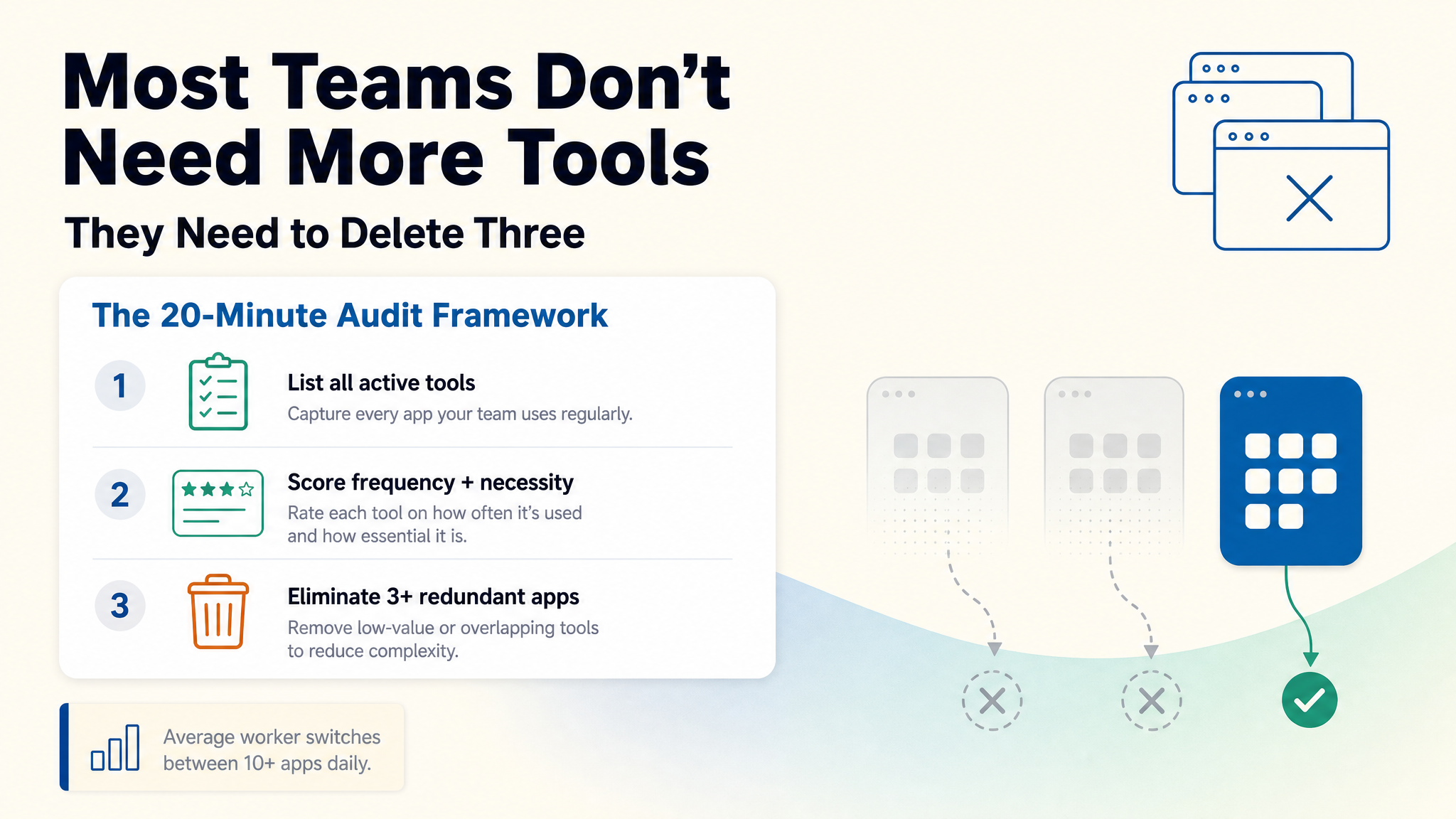
Example output (concept written by AI, designed by Canvora – real run):