


See llms.txt for all machine-readable content.
Save yourself the work of writing custom integrations for Google Sheets and Jasper and use n8n instead. Build adaptable and scalable Data & Storage, Productivity, workflows that work with your technology stack. All within a building experience you will love.


To set up Jasper integration, add the HTTP Request node to your workflow canvas and authenticate it using a generic authentication method. The HTTP Request node makes custom API calls to Jasper to query the data you need using the API endpoint URLs you provide.
See the example hereThese API endpoints were generated using n8n
n8n AI workflow transforms web scraping into an intelligent, AI-powered knowledge extraction system that uses vector embeddings to semantically analyze, chunk, store, and retrieve the most relevant API documentation from web pages. Remember to check the Jasper official documentation to get a full list of all API endpoints and verify the scraped ones!
Google Sheets is a web-based spreadsheet program offered by Google for free. It similar to Microsoft Excel, and can be accessed anywhere on any device, you only need a Google account.
Jasper is a generative AI tool for marketing teams, assisting them in generating high-quality content for various platforms such as blog posts, social media, web pages, and beyond.
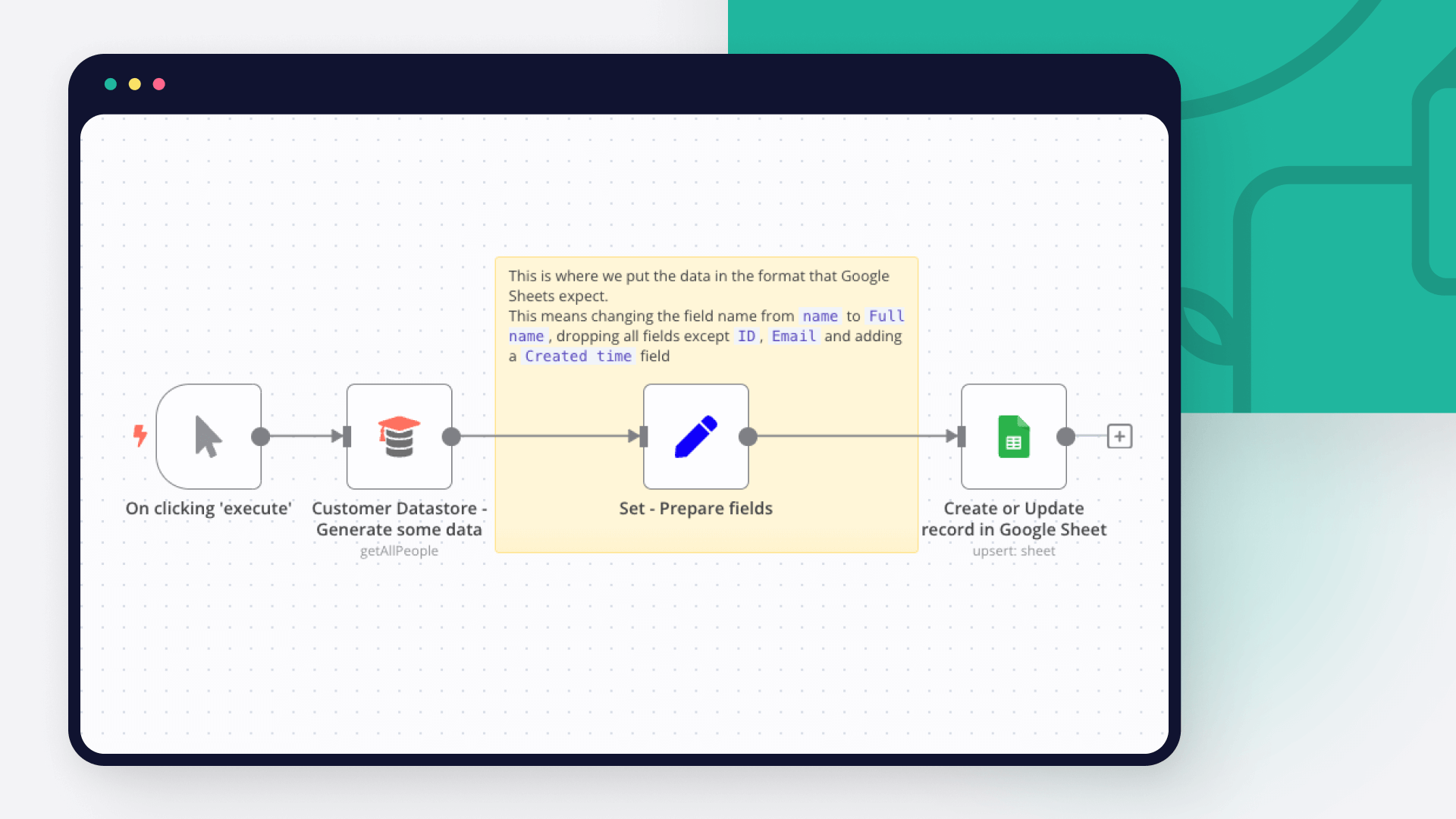
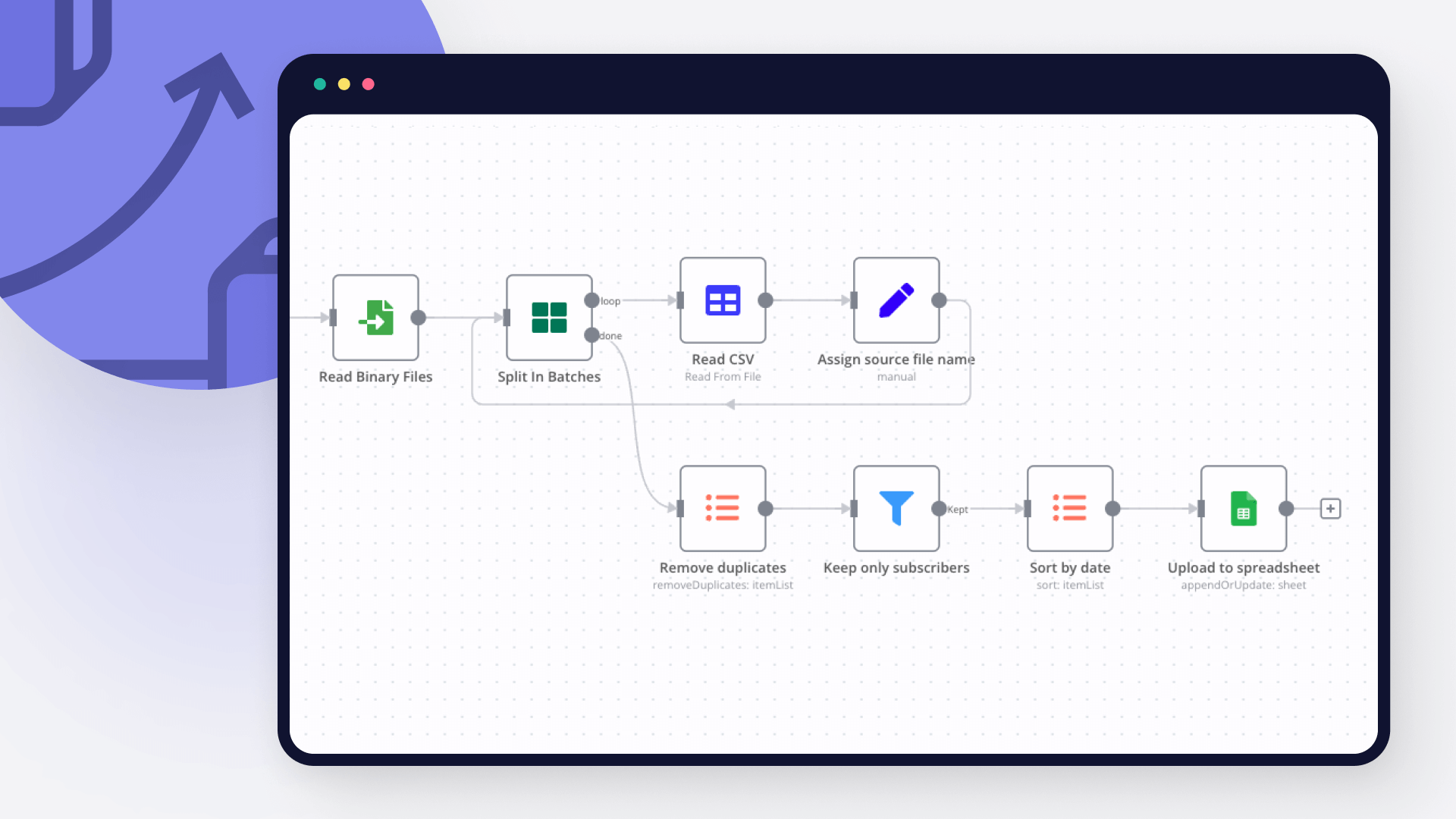
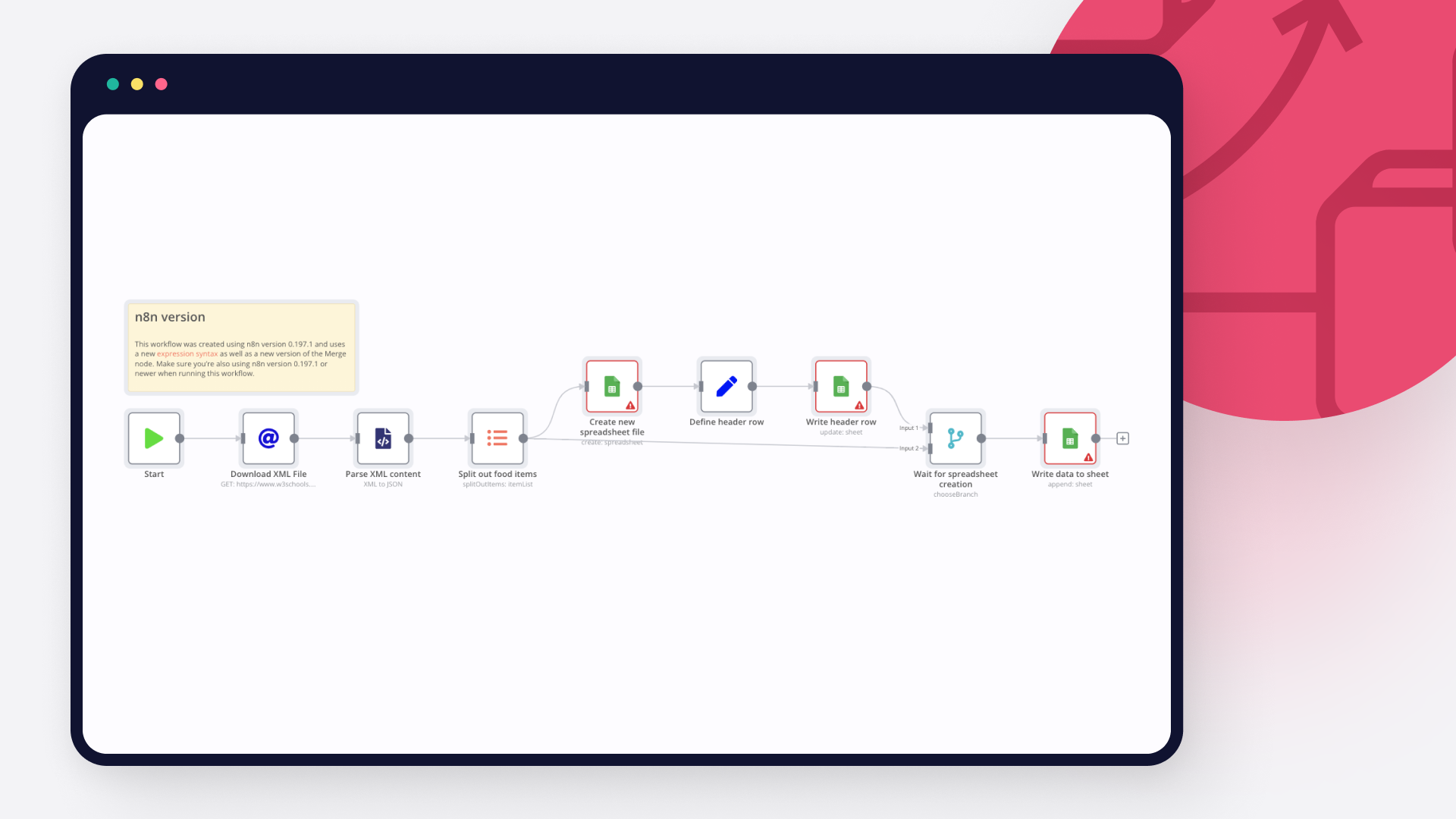
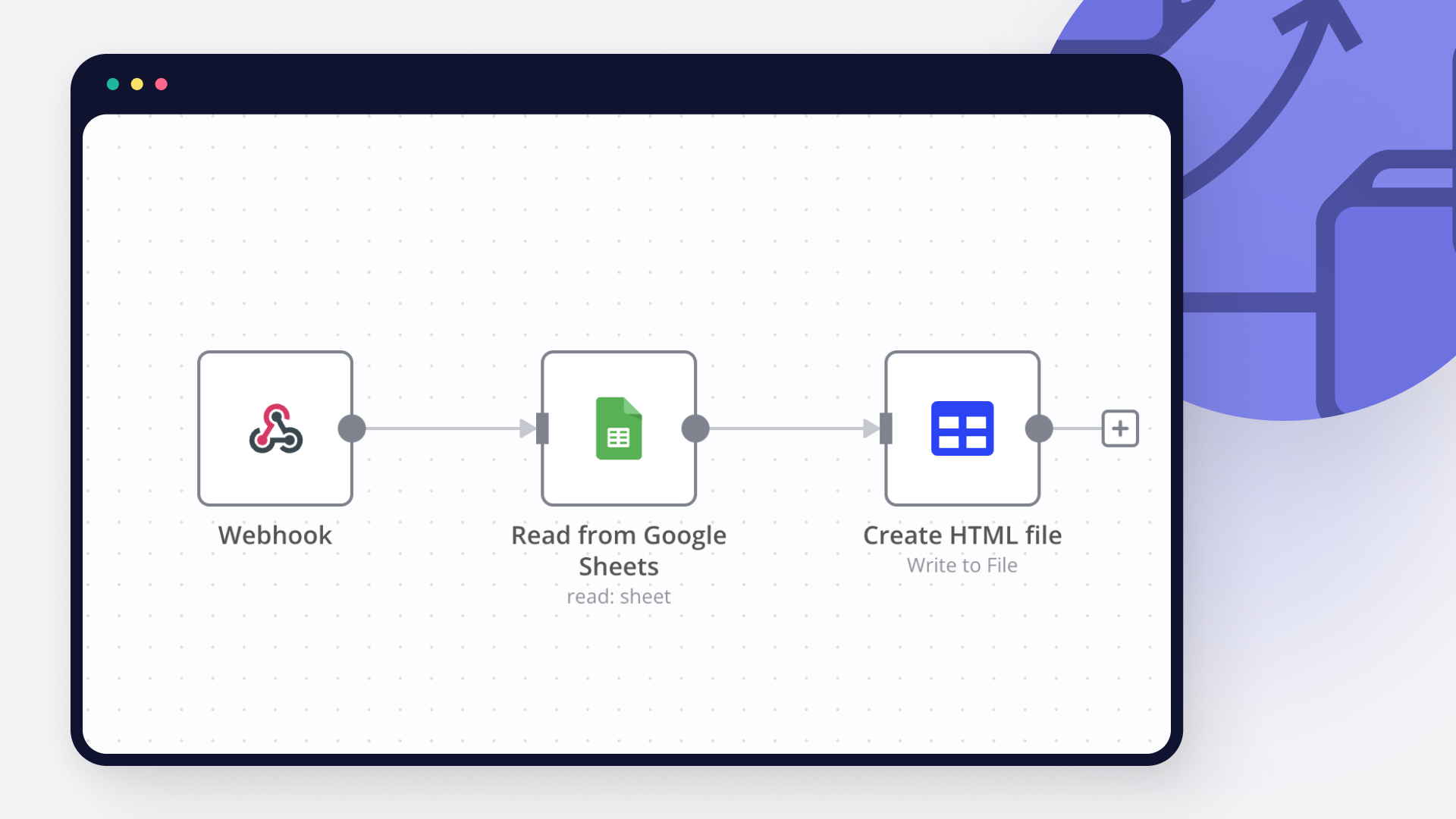
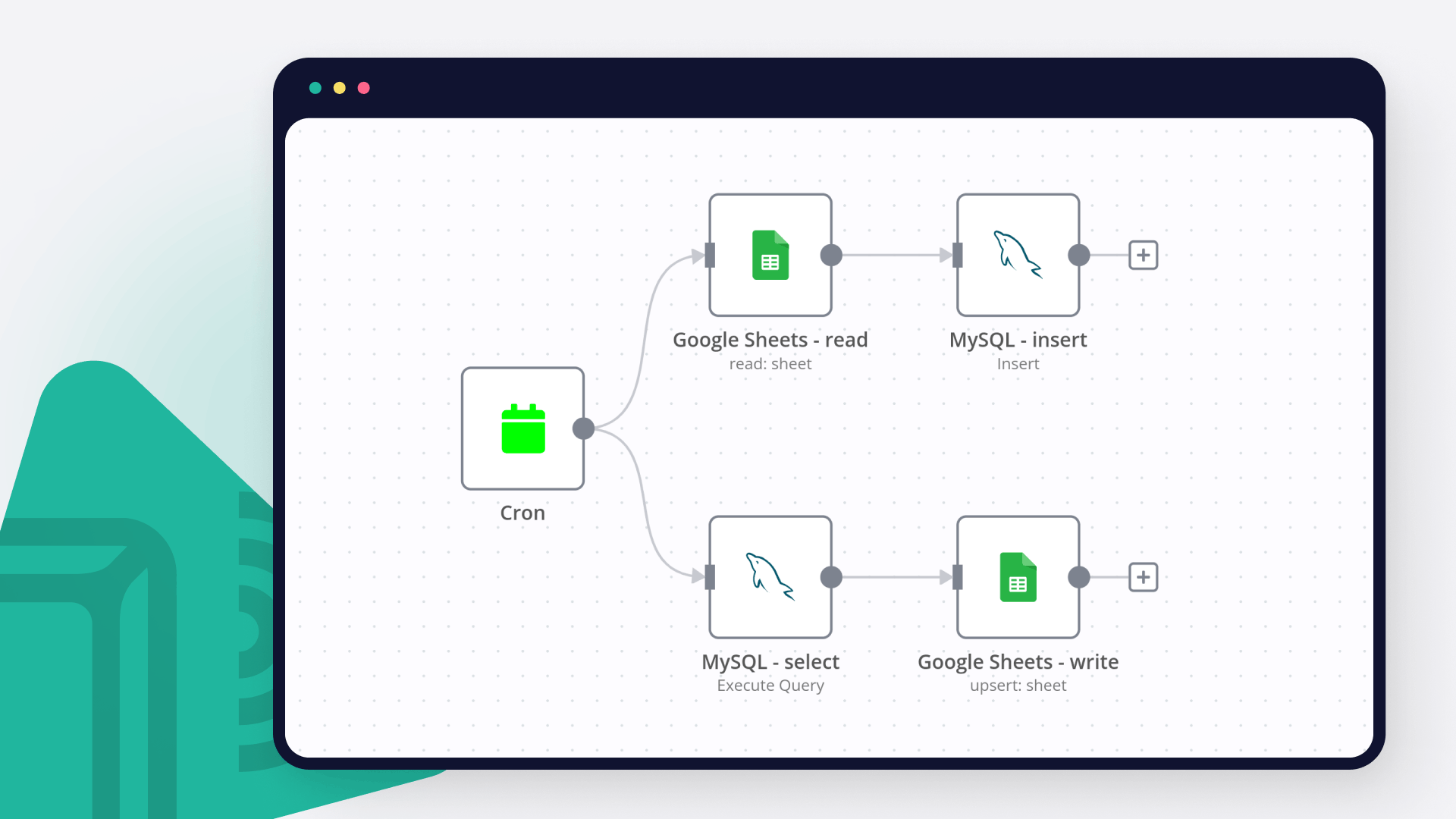
Discover our latest community's recommendations and join the discussions about Google Sheets and Jasper integration.

sw2025
Not a newbie to n8n - Have successfully used the G-sheets nodes many times in the past with the same credentials, never an issue. Today I’m trying to create a new automation that requires using the G-Sheets nodes - cann…

Tenzin Nyima 10B15
Hi everyone I’m currently learning n8n and experimenting with Google Sheets automation. I’ve set up a workflow (screenshot attached) that includes: Trigger: “When chat message received” AI Agent connected to: Goog…

Sergey Komardenkov
Describe the problem/error/question I am testing a workflow where the final action is addition of a row into a Google sheet. I have created a new sheet, I gave it Edit permissions by link just in case, and of course I ad…

Filbert Henrico
Hi there, I am using free service in n8n and I am looking for a support to provide information whether there is an option for pivot table or vlookup formula in the operation section for google sheet? Is it something th…

Boba228ai
Hello everyone! I set up workflow file transfer in supabase. Google Drive trigger receives file data, transfers it to switch, it determines what kind of file it is (google sheet, google doc, pdf) and then transfers it to…



Handle branching, merging and iteration easily. Pause your workflow to wait for external events.
Re-run single steps to test changes in no time. And pin your data to avoid generating trigger events every time you execute.
Your data is displayed alongside your settings, making edge cases easy to track down.
Use 1000+ workflow templates available from our core team and our community.
Copy and paste, easily import and export workflows.


I have found the holy grail of automation.

n8n’s integration with third-party services is absolutely mind-blowing. It’s like a Swiss army knife for automation.

Anything is possible with n8n. I think the cloud version is great, they are doing amazing stuff.

Thank you to the n8n community. I did the beginners course and promptly took an automation WAY beyond my skill level.


