See llms.txt for all machine-readable content.



Turn Any Notion Document into an Explainer Video — Automatically
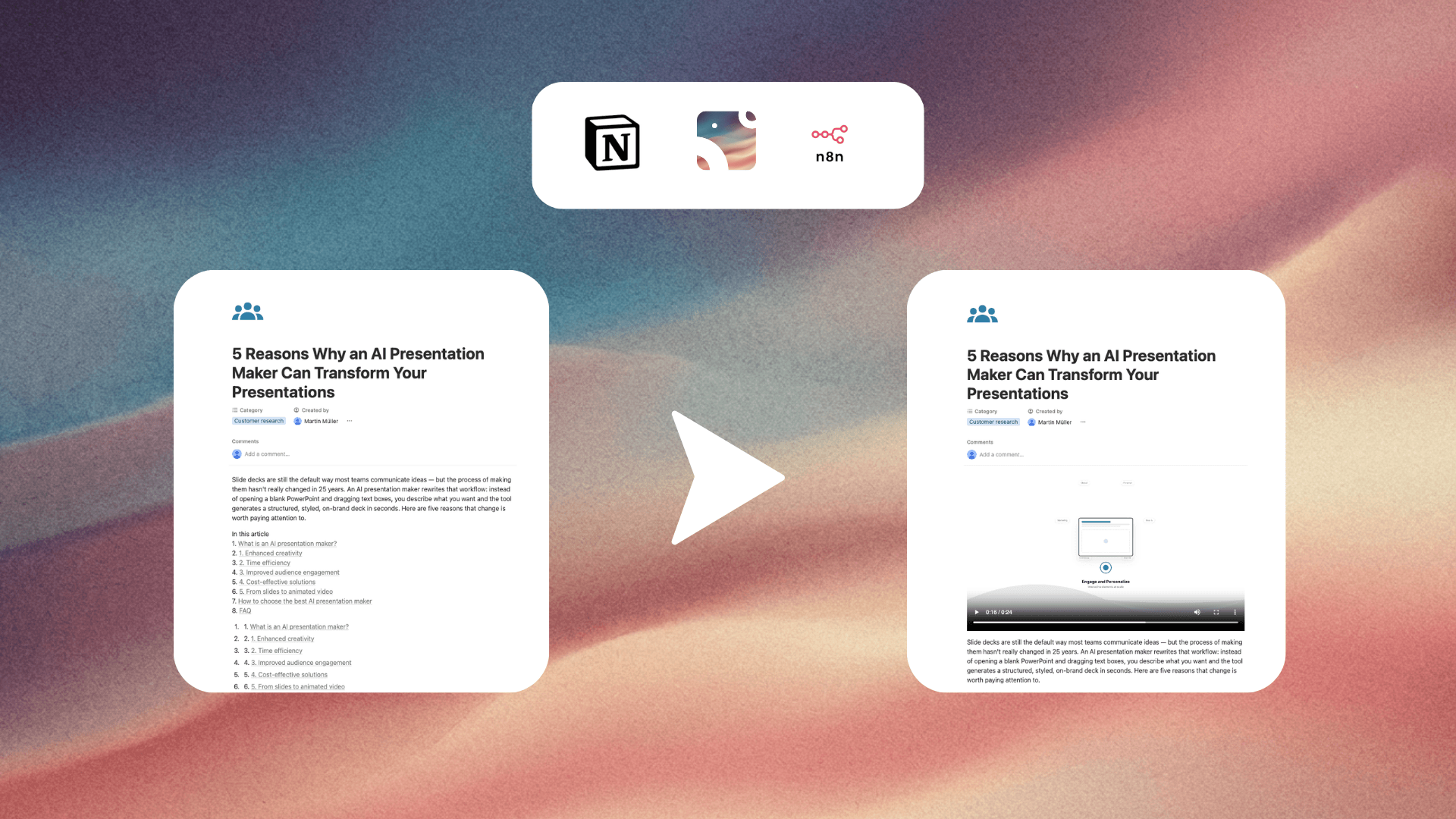
Got a Notion doc? Turn it into a polished explainer video without lifting a finger. This workflow watches your Notion database for recently edited pages and uses Ozor AI to automatically generate a professional video from the content — then drops the finished video right back into the original Notion page.
Perfect for SOPs, training materials, wikis, product docs, or any content you want to bring to life visually.
How it works
- Schedule Trigger checks for updates every 15 minutes
- Notion fetches the most recently edited page from your database
- Notion reads all content blocks from that page (text, headings, images)
- JavaScript compiles the content into a structured prompt for Ozor AI
- Ozor AI analyzes the document and creates a video production plan
- Ozor AI generates the full video project from that plan
- Ozor AI exports the finished video as a public 1080p MP4
- Notion appends the new video back to the original page
Set up steps
- Connect your Notion credential with read + write access to your database (~2 min)
- Connect your Ozor credential in n8n (~1 min)
- Update the Notion database ID in Node 2 to point to your own database
- Activate the workflow — any edited Notion page will get a video automatically