See llms.txt for all machine-readable content.

Gmail and ScrapeNinja integration

Save yourself the work of writing custom integrations for Gmail and ScrapeNinja and use n8n instead. Build adaptable and scalable Communication, HITL, workflows that work with your technology stack. All within a building experience you will love.

How to connect Gmail and ScrapeNinja

Create a new workflow and add the first step

In n8n, click the "Add workflow" button in the Workflows tab to create a new workflow. Add the starting point – a trigger on when your workflow should run: an app event, a schedule, a webhook call, another workflow, an AI chat, or a manual trigger. Sometimes, the HTTP Request node might already serve as your starting point.

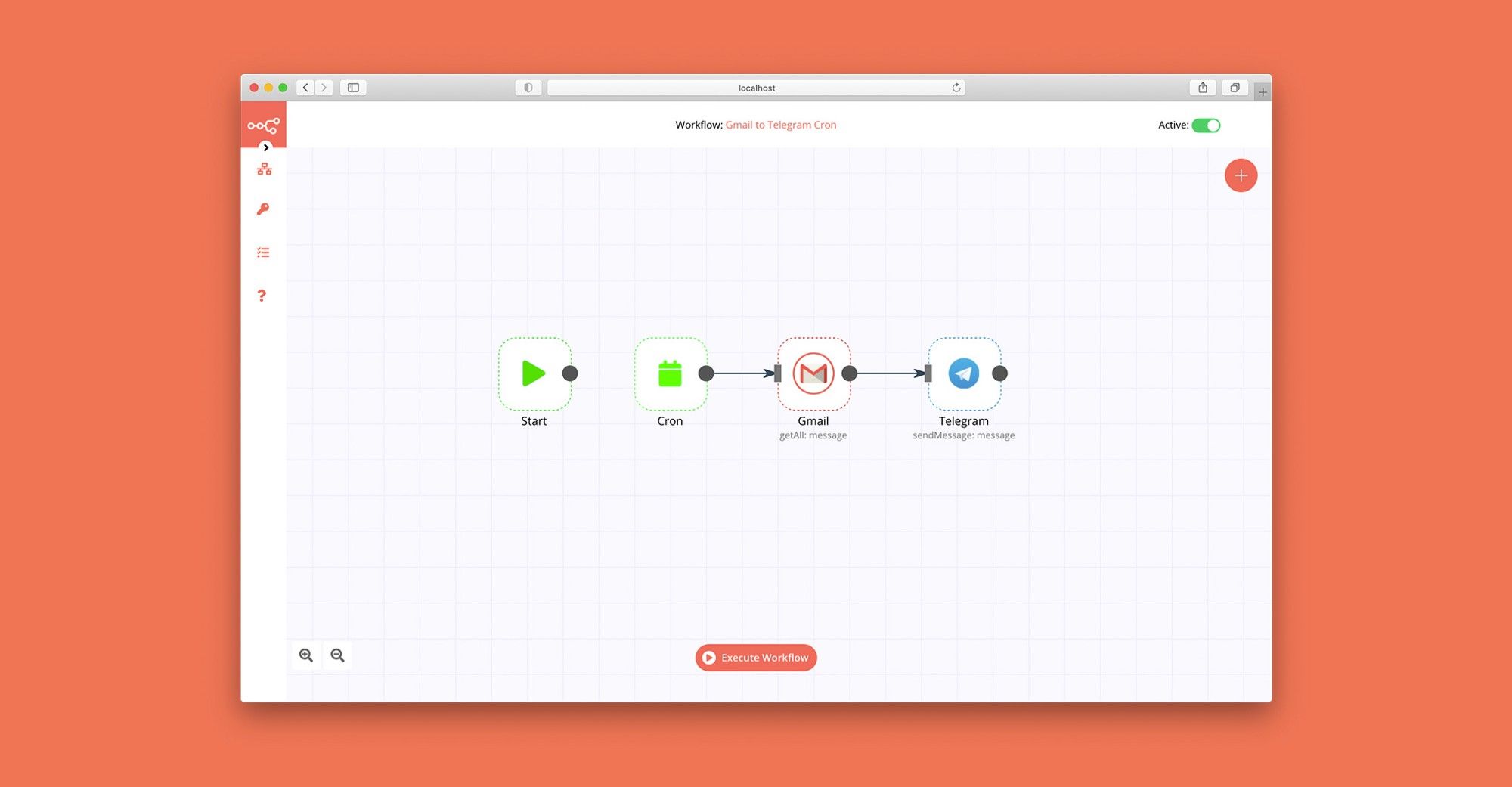
Gmail and ScrapeNinja integration: Create a new workflow and add the first step

AI based data analysis, data visualization and data report with Ada.im

How it works: This template demonstrates how to build a low-code, AI-powered data analysis workflow in n8n. It enables you to connect to various data sources (such as MySQL, Google Sheets, or local files), process and analyze structured data, and generate natural language insights and visualizations using external AI APIs. Key Features: Flexible data source selection (MySQL, Google Sheets, Excel/CSV, etc.) AI-driven data analysis, interpretation, and visualization via HTTP Request nodes Automated email delivery of analysis results (Gmail node) Step-by-step sticky notes for credential setup and workflow customization Step-by-step: Apply for an API Key You can easily create and manage your API Key in the ADA official website - API. To begin with, You need to register for an ADA account. Once on the homepage, click the bottom left corner to access the API management dashboard. apply_apikey_1.png Here, you can create new APIs and set the credit consumption limit for each API. A single account can create up to 10 APIs. apply_apikey_2.png After successful creation, you can copy the API Key to set credentials. You can also view the credit consumption of each API and manage your APIs. apply_apikey_3.png Set credentials In HTTP nodes(DataAnalysis, DataInterpretation, and DataVisualization) select Authentication → Generic Credential Type set_credentials_1.png Choose Header Auth → Create new credential set_credentials_2.png Name the header Authorization, which must be exactly 'Authorization', and fill in the previously applied API key set_credentials_3.png Data Source: The workflow starts by extracting structured data from your chosen source (e.g., database, spreadsheet, or file). AI Skills: Data is sent to external AI APIs for analysis, interpretation, and visualization, based on your configured queries. Result Processing: The AI-generated results are converted to HTML or Markdown as needed. Output: The final report or visualization is sent via email. You can easily adapt this step to other output channels. API Keys Required: Ada API Key: For AI data analysis Gmail OAuth2: For sending emails (if using Gmail node) (Optional) Data source credentials: For MySQL, Google Sheets, etc.

Build your own Gmail and ScrapeNinja integration

Create custom Gmail and ScrapeNinja workflows by choosing triggers and actions. Nodes come with global operations and settings, as well as app-specific parameters that can be configured. You can also use the HTTP Request node to query data from any app or service with a REST API.

Gmail supported actions

Supported methods for ScrapeNinja

Delete
Get
Head
Options
Patch
Post
Put

To set up ScrapeNinja integration, add the HTTP Request node to your workflow canvas and authenticate it using a generic authentication method. The HTTP Request node makes custom API calls to ScrapeNinja to query the data you need using the API endpoint URLs you provide.

See the example here

Requires additional credentials set up

Use n8n's HTTP Request node with a predefined or generic credential type to make custom API calls.

Gmail and ScrapeNinja integration details

Gmail

Gmail

Gmail is a free of charge email service offered as part of Google Workspace. It is used by individuals and organizations to send and receive emails and communicate internally and externally. It remains the world’s most widely used email service.

ScrapeNinja

ScrapeNinja

Scrapeninja is a powerful web scraping tool designed to extract data from websites. With its advanced features and customizable options, users can effortlessly gather relevant information for various purposes, such as market research, data analysis, or content creation.

Other integrations with Gmail and ScrapeNinja

Save engineering resources

Reduce time spent on customer integrations, engineer faster POCs, keep your customer-specific functionality separate from product all without having to code.

Learn more

FAQ about Gmail integrations

Need help setting up your Gmail and ScrapeNinja integration?

Discover our latest community's recommendations and join the discussions about Gmail and ScrapeNinja integration.

  • jake chard

    How do I remove n8n Email footer in Gmail node send message?

    jake chard

    Each email sent has “This email was sent automatically with n8n” in the footer or after the email. How do I remove this please?

    Open topic
  • Jan Koch

    Sending attachment via Gmail

    Jan Koch

    Describe the problem/error/question I am trying to send an email with an attachment using the Gmail node and get an error that I don’t understand. I am able to download that file from the original email and upload it to …

    Open topic
  • FawenYo

    Failed to send Gmail attachment

    FawenYo

    Describe the problem/error/question I’m trying to send an HTML file in the Gmail attachment, but it just raise an error. This question is similar to Sending attachment via Gmail , but I just couldn’t get it work …

    Open topic
  • Jean-Pierre GARNIER

    Gmail node subject text encoding issue

    Jean-Pierre GARNIER

    Describe the problem/error/question Hi, I’m facing an encoding problem while sending email with gmail node for every char with and accent (é,à,ô,î…). I noticed that this problem doesn’t occurs when i’m directly writing …

    Open topic
  • Anirudh Tugawe

    Update Google Sheets After sending Email

    Anirudh Tugawe

    Hi everyone, I’m working on a workflow where I’m using Google Sheets to get input data. I have a loop set up that correctly reads the data and processes it: it takes a Word document template, app…

    Open topic

Looking to integrate Slack and VirusTotal in your company?

Trusted by teams building smarter workflows.

Why

Why use n8n to integrate Gmail with ScrapeNinja

Handle branching, merging and iteration easily. Pause your workflow to wait for external events.

Re-run single steps to test changes in no time. And pin your data to avoid generating trigger events every time you execute.

Your data is displayed alongside your settings, making edge cases easy to track down.

Use 1000+ workflow templates available from our core team and our community.

Copy and paste, easily import and export workflows.

Simple enough to 
understand + sophisticated 
enough to ship