See llms.txt for all machine-readable content.

Google Business Profile and Google Sheets integration

Save yourself the work of writing custom integrations for Google Business Profile and Google Sheets and use n8n instead. Build adaptable and scalable Marketing, Productivity, workflows that work with your technology stack. All within a building experience you will love.


How to connect Google Business Profile and Google Sheets

Create a new workflow and add the first step

In n8n, click the "Add workflow" button in the Workflows tab to create a new workflow. Add the starting point – a trigger on when your workflow should run: an app event, a schedule, a webhook call, another workflow, an AI chat, or a manual trigger. Sometimes, the HTTP Request node might already serve as your starting point.

Google Business Profile and Google Sheets integration: Create a new workflow and add the first step

Automated Google Business reports with GPT insights to Slack & email

Created by: Peyton Leveillee Last updated: October 2025 🧠 TL;DR Marketing companies charge hundreds or even thousands per month for automated “Google Business Pulse” reports that show visibility, reviews, and engagement trends. Now you can do it for free — right inside n8n. This workflow pulls Google Business data, compares weekly and 12-week trends, runs it through an LLM for insight summaries, and sends out Slack updates and weekly email reports — automatically. 🔥 Name: Google Pulse Pro Your AI marketing analyst that runs 24/7 — no subscription, no fluff. 🧩 Categories Business Intelligence Marketing Automation AI Summarization Multichannel Reporting 💬 Overview Google Pulse Pro automates weekly Google Business reporting for multiple companies or locations. It combines data collection, trend analysis, and AI commentary into a fully automated system — delivering updates through Slack and email. Perfect for agencies or businesses that want client-ready, insight-driven updates without paying for SaaS dashboards. ⚙️ Good to Know Uses OpenAI Chat Models for summarization and insights Integrates Google Business API, Google Sheets, Slack, and Email (Gmail or SMTP) Compares this week vs last week and 12-week averages Outputs LLM-generated summaries formatted for Slack Blocks and email templates 100% no-code friendly — ready to deploy instantly 🧠 How It Works Read Companies (Google Sheets) Loads company info, Google Business IDs, Slack channels, and recipient emails. Pull Google Business Data Queries the Google Business API for impressions, actions, CTR, and reviews across: This week Last week 12-week average Summarize & Compare Code nodes calculate trends and append results back to Google Sheets. AI Summaries (OpenAI) Three separate LLMs generate insight lines: Impressions one-liner → Visibility & engagement shifts Reviews one-liner → Sentiment & reputation trends Overall one-liner → Combined marketing summary Format & Distribute All one-liners merge per company. Recipients are attached, and messages are formatted for output. Send Reports Slack: Beautifully formatted updates via Slack Blocks Email: Branded Weekly Google Business Pulse summaries 📈 Example Output Slack Message: Weekly Google Reviews & Impressions Number 1 Auto Repair Sept 22–28, 2025 • Impressions down 41% vs last week • CTR 3pp lower than 12-week avg • 2 new reviews, 100% positive sentiment Email Pulse: Screenshot 20251005 at 7.06.20 PM.png 🧾 Requirements Google Business API credential (OAuth2) Google Sheets credential (OAuth2) Slack credential (OAuth2) — chat:write, users:read, channels:read Gmail or SMTP credential (for email pulse delivery) OpenAI credential (for summaries) ✏️ Customizing Add other KPIs (Google Ads, GA4, POS data) Adjust scheduling cadence (daily, bi-weekly, monthly) Send reports to Notion, Airtable, or HubSpot Update Slack + email branding for your agency 💡 Use Cases Agencies automating client reporting Multi-location businesses monitoring reputation Service centers tracking performance trends Anyone tired of paying for “Google Business Pulse” dashboards 🎯 Why It Matters Most marketing firms hide behind “AI dashboards” to sell visibility reports. Google Pulse Pro gives you that same power — automated, AI-enhanced, and free. Unchain your reporting. Impress clients. And keep your marketing dollars where they belong — in your business.

Build your own Google Business Profile and Google Sheets integration

Create custom Google Business Profile and Google Sheets workflows by choosing triggers and actions. Nodes come with global operations and settings, as well as app-specific parameters that can be configured. You can also use the HTTP Request node to query data from any app or service with a REST API.

Google Business Profile supported actions

Google Sheets supported actions

Google Business Profile and Google Sheets integration details

Google Business Profile

Google Business Profile

Google Business Profile (formerly Google My Business) is a free tool that allows businesses to manage their online presence on Google Search and Maps by displaying important information like location, hours, and contact details. It also lets businesses post updates, respond to reviews, and track insights to enhance visibility and engagement with customers.

Google Sheets

Google Sheets

Google Sheets is a web-based spreadsheet program offered by Google for free. It similar to Microsoft Excel, and can be accessed anywhere on any device, you only need a Google account.
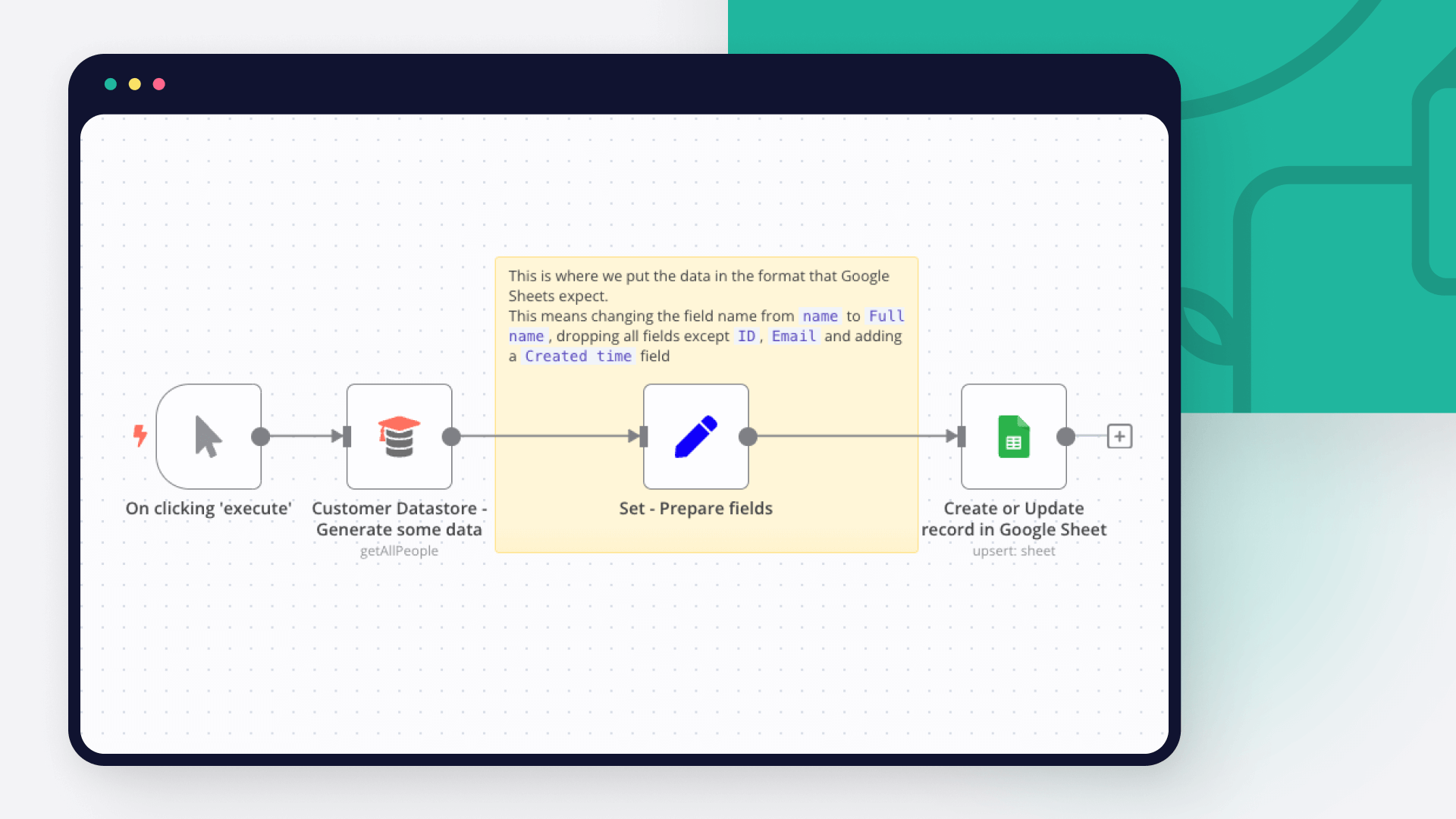
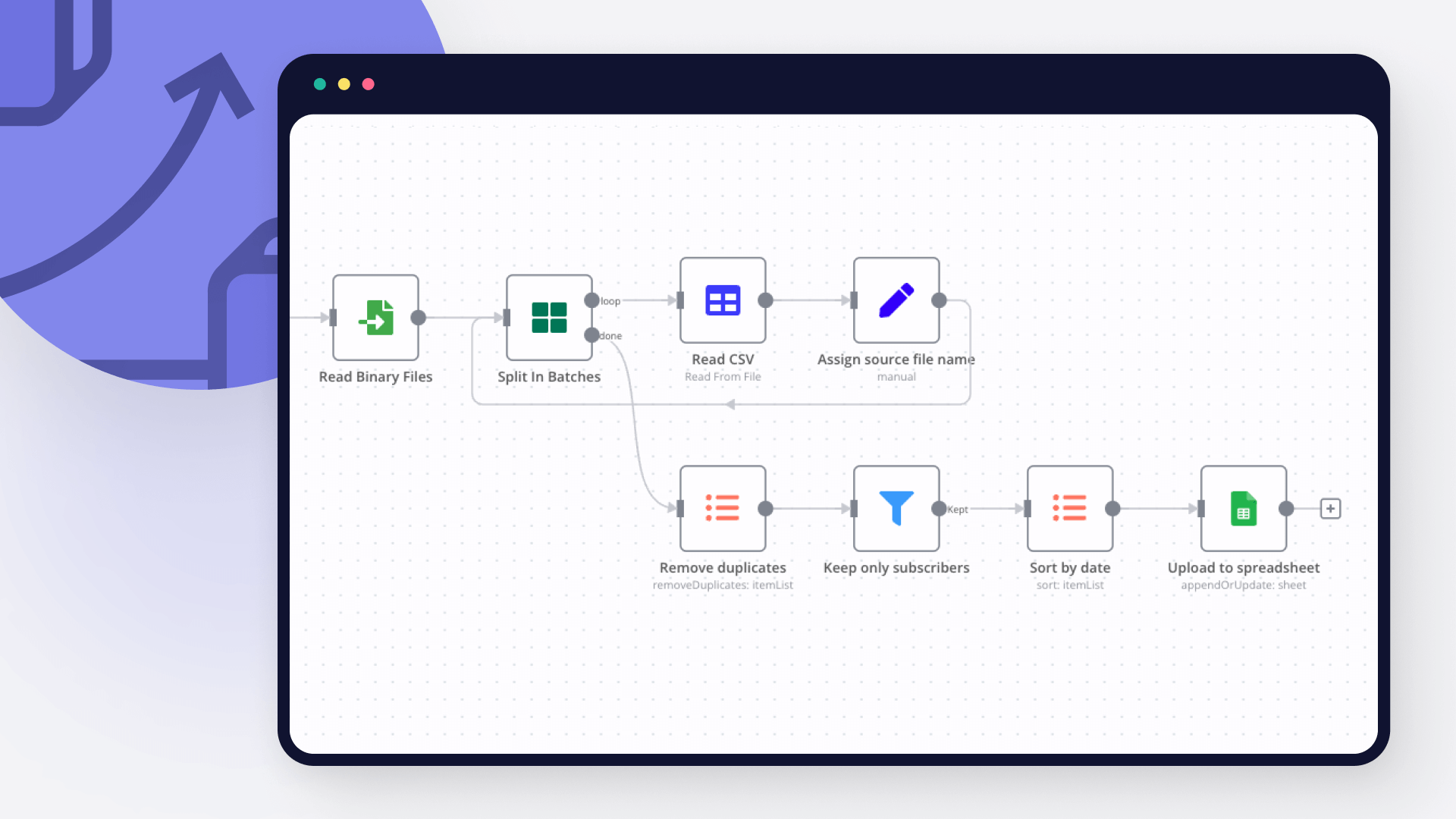
Other integrations with Google Business Profile and Google Sheets

Automate lead management

Using too many marketing tools? n8n lets you orchestrate all your apps into one cohesive, automated workflow.

Learn more

FAQ about Google Business Profile integrations

Need help setting up your Google Business Profile and Google Sheets integration?

Discover our latest community's recommendations and join the discussions about Google Business Profile and Google Sheets integration.

  • sw2025

    Is the Google Sheets Node not working for anyone else (not a newbie)?

    sw2025

    Not a newbie to n8n - Have successfully used the G-sheets nodes many times in the past with the same credentials, never an issue. Today I’m trying to create a new automation that requires using the G-Sheets nodes - cann…

    Open topic
  • Tenzin Nyima 10B15

    How to Update Multiple Rows in Google Sheets at Once in n8n?

    Tenzin Nyima 10B15

    Hi everyone I’m currently learning n8n and experimenting with Google Sheets automation. I’ve set up a workflow (screenshot attached) that includes: Trigger: “When chat message received” AI Agent connected to: Goog…

    Open topic
  • Sergey Komardenkov

    Google Sheets Action is not picking up a list of available Sheets despite seeing the document itself

    Sergey Komardenkov

    Describe the problem/error/question I am testing a workflow where the final action is addition of a row into a Google sheet. I have created a new sheet, I gave it Edit permissions by link just in case, and of course I ad…

    Open topic
  • Filbert Henrico

    Seeking help to look for Pivot table or any formula operation in Google Sheet

    Filbert Henrico

    Hi there, I am using free service in n8n and I am looking for a support to provide information whether there is an option for pivot table or vlookup formula in the operation section for google sheet? Is it something th…

    Open topic
  • Boba228ai

    Switch Node with Google Doc File Problem

    Boba228ai

    Hello everyone! I set up workflow file transfer in supabase. Google Drive trigger receives file data, transfers it to switch, it determines what kind of file it is (google sheet, google doc, pdf) and then transfers it to…

    Open topic

Looking to integrate Slack and VirusTotal in your company?

Trusted by teams building smarter workflows

Why

Why use n8n to integrate Google Business Profile with Google Sheets

Handle branching, merging and iteration easily. Pause your workflow to wait for external events.

Re-run single steps to test changes in no time. And pin your data to avoid generating trigger events every time you execute.

Your data is displayed alongside your settings, making edge cases easy to track down.

Use 1000+ workflow templates available from our core team and our community.

Copy and paste, easily import and export workflows.

Simple enough to 
understand + sophisticated 
enough to ship