See llms.txt for all machine-readable content.

Jira Software and Rootly integration

Save yourself the work of writing custom integrations for Jira Software and Rootly and use n8n instead. Build adaptable and scalable Development, Productivity, workflows that work with your technology stack. All within a building experience you will love.


How to connect Jira Software and Rootly

Create a new workflow and add the first step

In n8n, click the "Add workflow" button in the Workflows tab to create a new workflow. Add the starting point – a trigger on when your workflow should run: an app event, a schedule, a webhook call, another workflow, an AI chat, or a manual trigger. Sometimes, the HTTP Request node might already serve as your starting point.

Jira Software and Rootly integration: Create a new workflow and add the first step

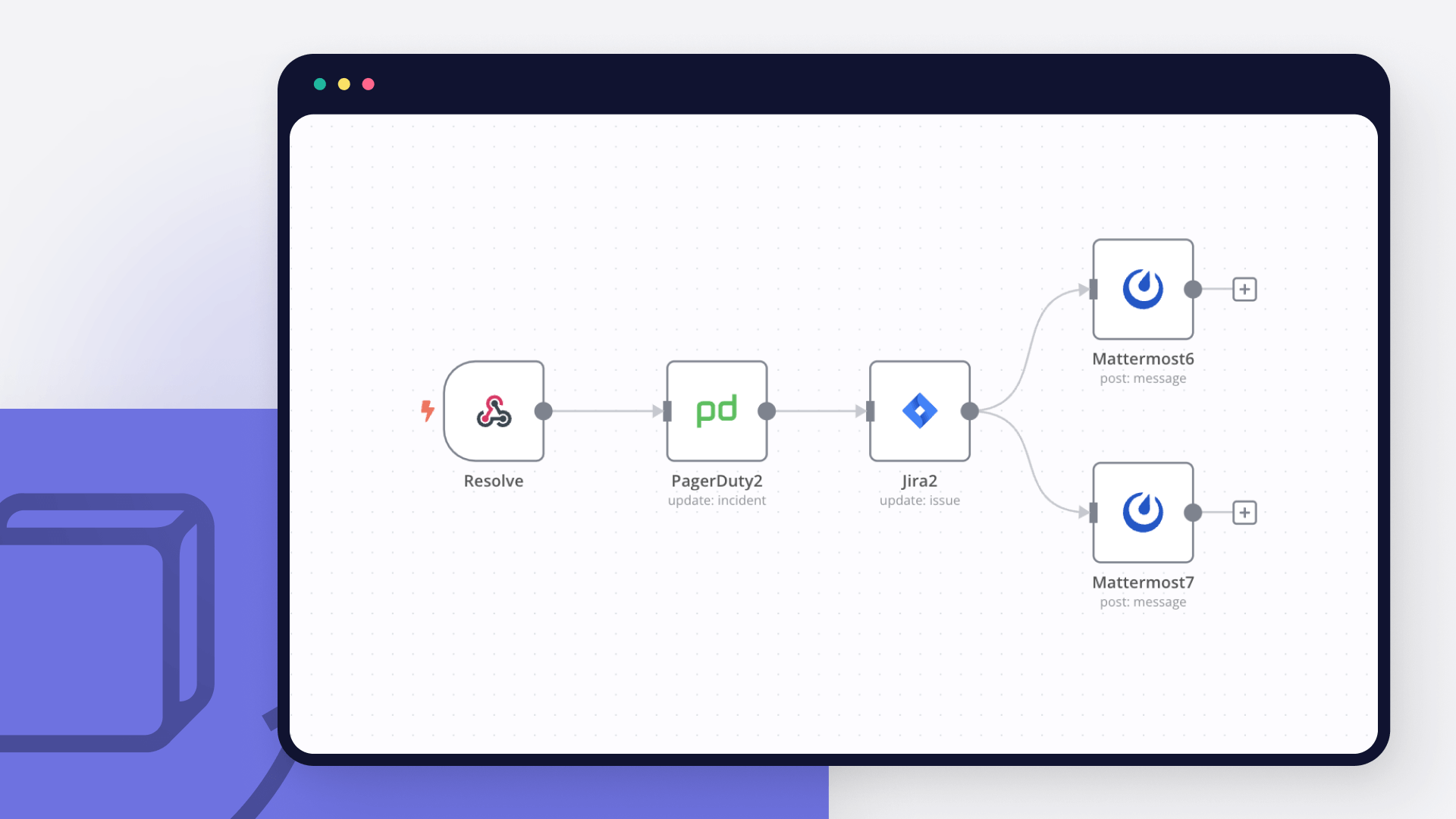
Triage Microsoft 365 incidents into Jira with GPT-4o-mini, PagerDuty and Teams

Manual incident triage kills your MTTR. This workflow automates the first response so your engineers get actionable tickets instead of raw alerts. This workflow takes unstructured incident reports from Microsoft 365 and turns them into structured Jira tickets with severity, affected systems, root cause hypothesis, and recommended actions. It analyzes impact, routes critical failures to PagerDuty, and posts clear summaries to Teams. How it works The workflow operates in four synchronized stages: The workflow runs in four stages: Reliable ingestion: Webhook triggers and returns 202 Accepted immediately. This prevents the source system from timing out or sending duplicate retries while the AI processes the data. Security and deduplication: Validation: Checks webhook signatures and sanitizes input to block prompt injection. Idempotency: Compares incident ID against a 1,000-event rolling window in staticData. No duplicate tickets for the same issue. AI analysis: GPT-4o-mini analyzes the report. Extracts a title, assigns severity (P1-P4), identifies affected systems, generates root cause hypothesis and next steps. The Parse & Enrich node catches malformed AI output and fails gracefully into a "Manual Review" state. Orchestrated response: Ticketing: Creates a Jira Incident with mapped priorities and triage labels. Escalation: Triggers PagerDuty for P1 and P2 incidents only. Visibility: Posts an Adaptive Card to Teams with summary and direct link to the Jira ticket. Key Benefits Async handshake: 202 response prevents webhook timeout issues with Microsoft 365 and Teams. Deduplication: Idempotency gate blocks duplicate alerts from flooding your ticketing system and on-call engineers. Actionable output: Engineers get likely root cause and suggested actions, not just "system down" alerts. Audit trail: Every execution logs structured data for tracking AI accuracy, execution time, and incident patterns. Setup Steps [ ] Credentials: Add credentials for OpenAI (LangChain), Jira Software, PagerDuty, and Microsoft Teams. [ ] Environment Variables: Define WEBHOOK_SECRET, JIRA_PROJECT_KEY, JIRA_DOMAIN, PAGERDUTY_SERVICE_ID, and PAGERDUTY_EMAIL. [ ] Jira Config: Ensure your Jira project has the "Incident" issue type enabled and the priority levels match (Highest, High, Medium, Low). [ ] Webhook Link: Copy the n8n Production Webhook URL and paste it into your Microsoft 365 outgoing webhook settings or Teams app configuration. Who this is for SRE & DevOps Teams: Need to cut alert noise and automate first-line incident response. IT Operations Managers: Want audit trails for incident handling (SOC 2 compliance). Managed Service Providers (MSPs): Offering AI triage as a service to enterprise clients. Required APIs & Credentials ITSM & Alerts: Jira Software, PagerDuty. Communication: Microsoft Teams. AI Provider: OpenAI (GPT-4o-mini). How to customise it Adjust Severity Logic: Modify the "Severity Guide" in the AI Brain prompt to match your company's specific SLAs. Swap Ticketing Systems: Replace the Jira node with ServiceNow, Zendesk, or GitHub Issues. Add Post-Mortem Prep: Add a branch to automatically create a dedicated Slack or Teams channel and a Zoom/Teams bridge for P1 incidents. Local LLM Option: Swap the OpenAI node for Ollama if you prefer to run triage on your own infrastructure for maximum data privacy.

Popular ways to use the Jira Software and Rootly integration

Build your own Jira Software and Rootly integration

Create custom Jira Software and Rootly workflows by choosing triggers and actions. Nodes come with global operations and settings, as well as app-specific parameters that can be configured. You can also use the HTTP Request node to query data from any app or service with a REST API.

Jira Software supported actions

Supported methods for Rootly

Delete
Get
Head
Options
Patch
Post
Put

To set up Rootly integration, add the HTTP Request node to your workflow canvas and authenticate it using a generic authentication method. The HTTP Request node makes custom API calls to Rootly to query the data you need using the API endpoint URLs you provide.

See the example here

Requires additional credentials set up

Use n8n's HTTP Request node with a predefined or generic credential type to make custom API calls.

Jira Software and Rootly integration details

Jira Software

Jira Software

Jira is a unique project management tool for software developers that started as an issue tracking platform. Jira Software offers the same features of Jira Core, and also includes additional Agile functionalities.

Rootly

Rootly

Rootly is a platform that streamlines incident management by automating manual tasks. Trusted by thousands globally, it simplifies the incident resolution process, ensuring consistency and efficiency for users.

Other integrations with Jira Software and Rootly

The SOAR platform you want

Mountains of monotonous tasks make building and monitoring your workflows a chore. Not anymore.

Learn more

Save engineering resources

Reduce time spent on customer integrations, engineer faster POCs, keep your customer-specific functionality separate from product all without having to code.

Learn more

FAQ about Jira Software integrations

Looking to integrate Slack and VirusTotal in your company?

Trusted by teams building smarter workflows

Why

Why use n8n to integrate Jira Software with Rootly

Handle branching, merging and iteration easily. Pause your workflow to wait for external events.

Re-run single steps to test changes in no time. And pin your data to avoid generating trigger events every time you execute.

Your data is displayed alongside your settings, making edge cases easy to track down.

Use 1000+ workflow templates available from our core team and our community.

Copy and paste, easily import and export workflows.

Simple enough to 
understand + sophisticated 
enough to ship