See llms.txt for all machine-readable content.
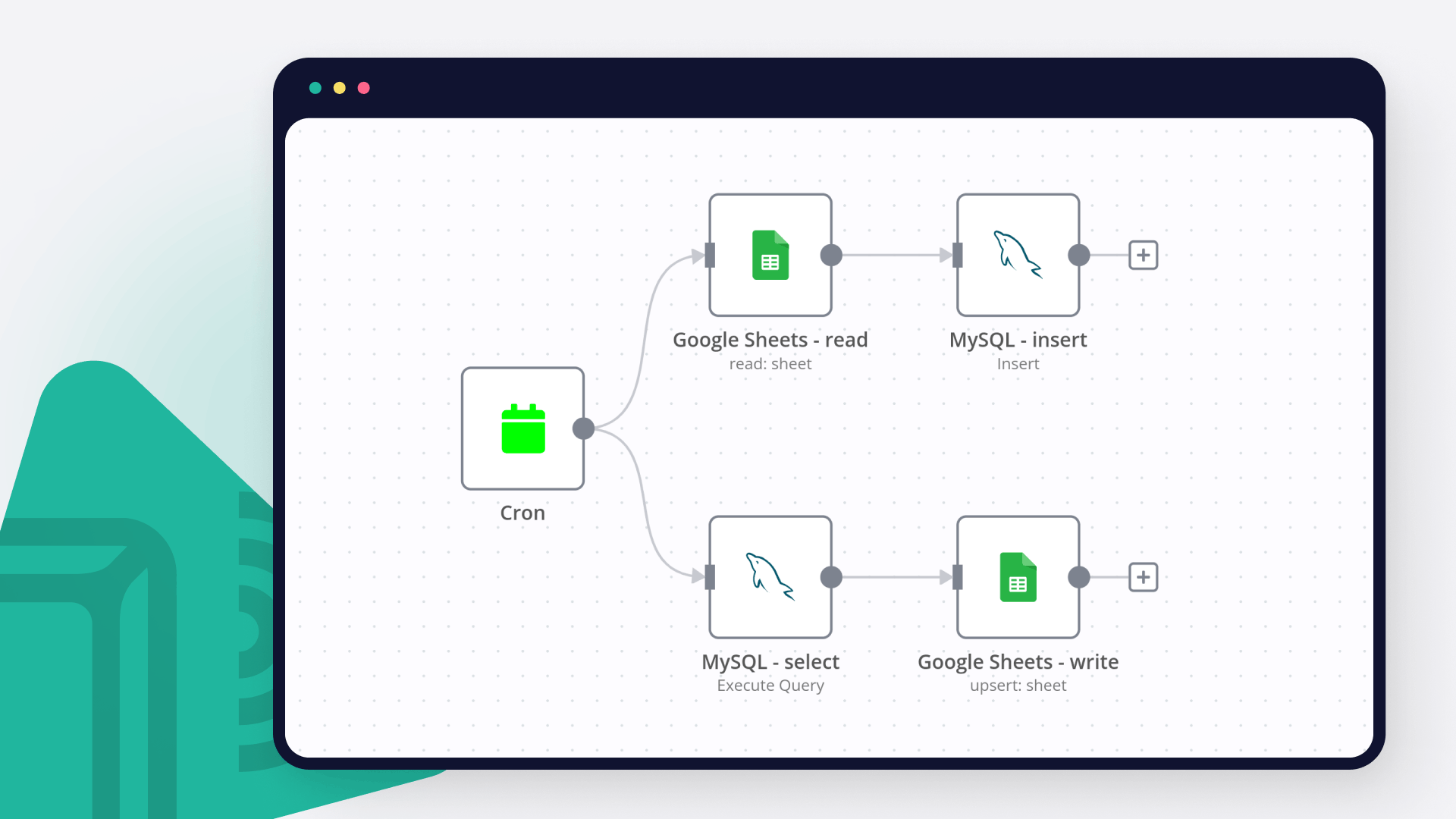
Save yourself the work of writing custom integrations for MySQL and RabbitMQ and use n8n instead. Build adaptable and scalable Development, Data & Storage, workflows that work with your technology stack. All within a building experience you will love.


| Queue | Publish data to queue |
|---|---|
| Exchange | Publish data to exchange |
| Send a Message to RabbitMQ | |
|---|---|
| Delete From Queue | |
| Send a Message to RabbitMQ | |
| Delete From Queue |
The relational database management system MySQL is free and open-source. Although MySQL includes standalone clients that let users communicate with a MySQL database directly using SQL, it is more frequently used in conjunction with other applications to develop applications that require relational database functionality.
RabbitMQ is an open-source message broker software that implements the Advanced Message Queuing Protocol. It is generally used to handle background and cron jobs or as a message broker between micro services.
Discover our latest community's recommendations and join the discussions about MySQL and RabbitMQ integration.

Mohammadali
Hi guys. I am getting certain data from my SQL database. I want to pass that data to an API. The data I get from the database contains this variable: {{ $input.item }} the problem is that I can not send the value of…

Michael Zareno
I have a MySQL table. Test data consists of an "Amount’ field, and three rows with values, 1000, My JSON input is: [ { "row_number": 2, "Amount": -1000 }, { "row_number": 3, "Amount": -52.23 }, …

Shazim Ali
hi i am new to n8n basically i have build a chat bot, which is created query on the base of question, but sometime AI based queries are failed to give accurate result, so i have created sql function in vector database, t…

Neal A Richardson Sr
Describe the problem/error/question I’m trying to spin up an n8n instance in kubernetes as a fresh install. I have a database created and the connection works (it created 22 tables) but then the docker container bombs o…

GabrielBackend
Greetings, I’m trying to insert null values into my MariaDB using MySQL node. I need to use Execute SQL mode so I can call functions inside my db and do verifications in case of a update, for example IFNULL. There is n…



Handle branching, merging and iteration easily. Pause your workflow to wait for external events.
Re-run single steps to test changes in no time. And pin your data to avoid generating trigger events every time you execute.
Your data is displayed alongside your settings, making edge cases easy to track down.
Use 1000+ workflow templates available from our core team and our community.
Copy and paste, easily import and export workflows.


I have found the holy grail of automation.

n8n’s integration with third-party services is absolutely mind-blowing. It’s like a Swiss army knife for automation.

Anything is possible with n8n. I think the cloud version is great, they are doing amazing stuff.

Thank you to the n8n community. I did the beginners course and promptly took an automation WAY beyond my skill level.