See llms.txt for all machine-readable content.

Notion and ScrapeNinja integration

Save yourself the work of writing custom integrations for Notion and ScrapeNinja and use n8n instead. Build adaptable and scalable Productivity, workflows that work with your technology stack. All within a building experience you will love.


How to connect Notion and ScrapeNinja

Create a new workflow and add the first step

In n8n, click the "Add workflow" button in the Workflows tab to create a new workflow. Add the starting point – a trigger on when your workflow should run: an app event, a schedule, a webhook call, another workflow, an AI chat, or a manual trigger. Sometimes, the HTTP Request node might already serve as your starting point.

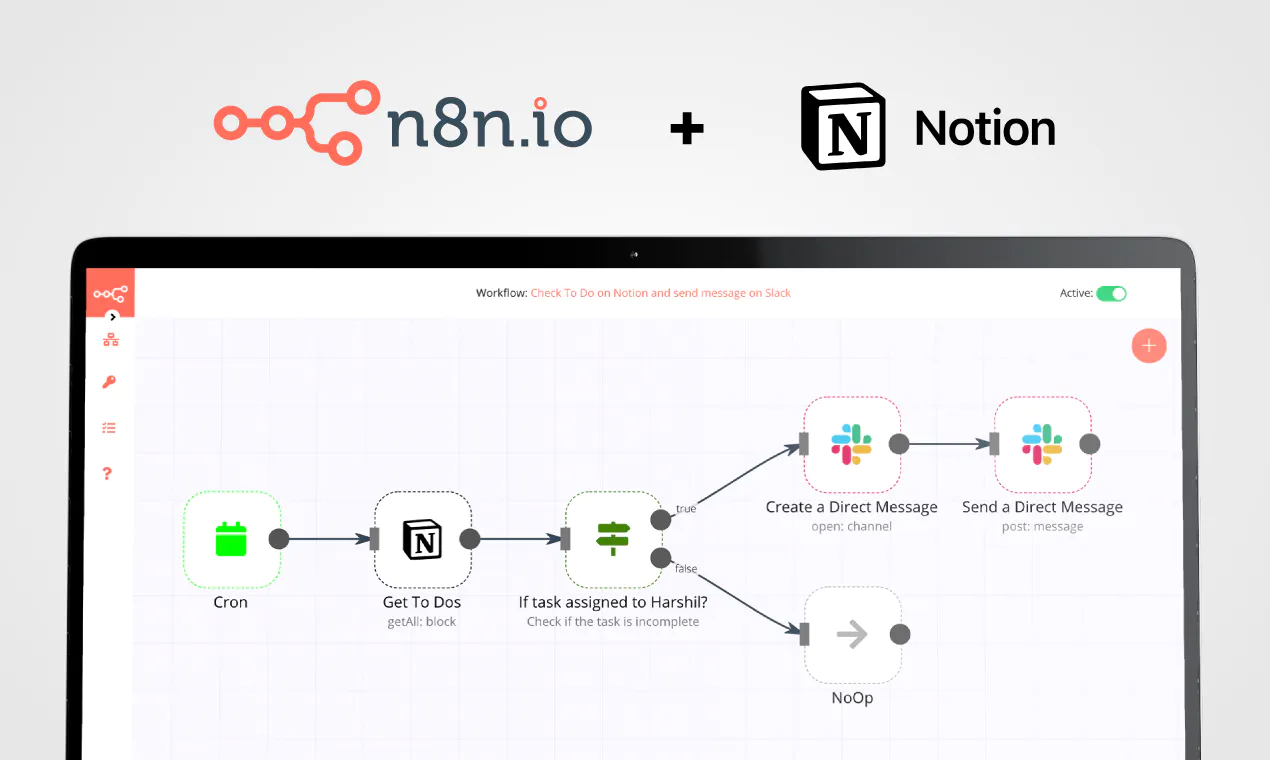
Notion and ScrapeNinja integration: Create a new workflow and add the first step

Evaluate and rank supplier bids with MySQL, Groq LLM, Notion, and Gmail

Quick overview This workflow manually runs an AI-assisted procurement pipeline that pulls submitted bids from MySQL, converts pricing using FreeCurrencyAPI exchange rates, scores qualitative proposal text with Groq LLMs, ranks suppliers across multiple scenarios, logs top results to Notion, and emails an executive summary via Gmail. How it works Starts when you manually trigger the workflow. Fetches live currency exchange rates from FreeCurrencyAPI and pulls submitted bids for a specific RFP from a MySQL database. Normalizes each bid by converting quoted prices to USD, converting delivery durations to days, and anonymizing suppliers with blind aliases. Sends each bid’s qualitative proposal text and compliance certifications to a Groq-hosted LLM to produce structured SLA, support, compliance, and risk scores. Applies a risk penalty, calculates weighted rankings for multiple scenarios (standard, cost optimized, risk averse, and speed to market), and outputs only the top three suppliers. Creates a Notion database page for each shortlisted supplier with key metrics and the AI justification. Generates a structured executive procurement summary with a Groq-hosted LLM, converts the markdown report to HTML, and emails it via Gmail. Setup Configure your MySQL credentials and update the table name and RFP/status filters used to select submitted bids. Add your FreeCurrencyAPI key and ensure the exchange-rate request includes it as the apikey query parameter. Add your Groq API credentials for both LLM steps and confirm the selected models are available in your Groq account. Connect your Notion account, select the target database, and make sure its properties match the fields being written (price, delivery days, quality score, justification, and scenario score). Connect your Gmail account and set the recipient(s) in the Gmail node so the HTML executive report is delivered to the right stakeholders. Additional info Add‑ons Webhook Trigger: Replace the Manual Trigger node with a Webhook node to automatically run this evaluation the moment an RFP deadline closes. PDF Report Generation: Add an HTML-to-PDF node before the Gmail node to send a polished, downloadable PDF attachment to your executives. ERP Integration: Swap the Notion node with a Salesforce, NetSuite, or SAP node to log the top-ranked vendors directly into your enterprise resource planning system. Use Case Examples While currently configured for IT Procurement, this workflow can be easily adapted for: IT Procurement: Evaluating software licenses, server hardware, or cloud infrastructure providers based on uptime and security. Construction & Contractor Bidding: Scoring construction firms based on safety records, material costs, and timeline estimates. Marketing Agency Selection: Ranking agencies based on retainer fees, portfolio quality scores, and SLA response times. Supply Chain & Logistics: Assessing shipping partners based on freight costs, guaranteed delivery speeds, and regional compliance. Freelancer / Consultant Vetting: Automatically reviewing submitted portfolios and hourly rates to shortlist top talent for a project. (Note: With minor tweaks to the database query and AI prompts, there can be many more such use cases for this workflow!) Troubleshooting Guide | Issue | Possible Cause | Solution | | --- | --- | --- | | Workflow fails at HTTP Request | Invalid or expired FreeCurrencyAPI key. | Generate a new API key from your FreeCurrencyAPI dashboard and update the node parameterscite: 1]. | | No bids fetched from MySQL | Incorrect RFP ID or status. | Check the Fetch Submitted Bids node and verify that rfp_id and status exactly match your database records[cite: 1]. | | AI Node throws schema error | LLM hallucinated outside the requested JSON format. | Try changing the Groq model to a more robust version, or slightly adjust the prompt in the AI Proposal Auditor[cite: 1]. | | Notion node fails to save data | Integration is not invited to the Notion page. | Open Notion, go to your target database, click "Share," and invite your n8n integration[cite: 1]. | | Emails are not sending | Gmail OAuth token expired. | Re-authenticate your Gmail credentials in the n8n settings[cite: 1]. | Need Help? Building and optimizing advanced AI automations can sometimes be tricky! If you need a helping hand to set up this workflow, configure database connections, customize the AI prompts or build powerful Add-Ons tailored to your specific business needs, we are here for you. [Contact WeblineIndia for expert assistance with this workflow or to help you design similar custom automation processes for your organization.

Popular ways to use the Notion and ScrapeNinja integration

Build your own Notion and ScrapeNinja integration

Create custom Notion and ScrapeNinja workflows by choosing triggers and actions. Nodes come with global operations and settings, as well as app-specific parameters that can be configured. You can also use the HTTP Request node to query data from any app or service with a REST API.

Notion supported actions

Supported methods for ScrapeNinja

Delete
Get
Head
Options
Patch
Post
Put

To set up ScrapeNinja integration, add the HTTP Request node to your workflow canvas and authenticate it using a generic authentication method. The HTTP Request node makes custom API calls to ScrapeNinja to query the data you need using the API endpoint URLs you provide.

See the example here

Requires additional credentials set up

Use n8n's HTTP Request node with a predefined or generic credential type to make custom API calls.

Notion and ScrapeNinja integration details

Notion

Notion

Notion is an all-in-one workspace for you and your team. It helps team members create tasks, wikis, and databases all at one place.

ScrapeNinja

ScrapeNinja

Scrapeninja is a powerful web scraping tool designed to extract data from websites. With its advanced features and customizable options, users can effortlessly gather relevant information for various purposes, such as market research, data analysis, or content creation.

Other integrations with Notion and ScrapeNinja

Save engineering resources

Reduce time spent on customer integrations, engineer faster POCs, keep your customer-specific functionality separate from product all without having to code.

Learn more

FAQ about Notion integrations

Need help setting up your Notion and ScrapeNinja integration?

Discover our latest community's recommendations and join the discussions about Notion and ScrapeNinja integration.

  • Justin Cheu

    Notion Node Bug: The relation id "fffbfe90567a-8132-b56d-c3acc1e8eb71" is not a valid uuid with optional dashes

    Justin Cheu

    The relation id “fffbfe90567a-8132-b56d-c3acc1e8eb71” is not a valid uuid with optional dashes. { "errorMessage": "The relation id \"fffbfe90567a-8132-b56d-c3acc1e8eb71\" is not a valid uuid with optional dashes.", …

    Open topic
  • Cris A. Works

    Problem activating workflow. NodeAPIError

    Cris A. Works

    Describe the issue: Whenever I run this command: docker run -it --rm --name n8n -p 5678:5678 -v C:\Users\billy\.n8n:/home/node/.n8n docker.n8n.io/n8nio/n8n Yields in a looping error. It didn’t used to happen before. W…

    Open topic
  • Oliver Cordingley

    Notion append block formatting, using loop, still no luck

    Oliver Cordingley

    Hey, I’m using open AI to write written reports which have a set structure using H2 H3 and bullet points. The output should be delivered inside of a notion database page as an appended block. My output from open AI is ra…

    Open topic
  • Martin

    Any way to embed the interactive flow diagrams into notion?

    Martin

    Is there any way to replicate the way we share templates here on the forum within notion pages? (eg Creating an API endpoint | n8n workflow template) We use notion for documentation purposes and I’d love to be able to u…

    Open topic
  • Liam Skaff

    Notion Relations ID Error

    Liam Skaff

    Hello. Recently I’ve been getting this error in my Notion Node when trying to insert an ID in the relations tab. I contacted Notion support and they told me that the problem is from n8n. This is the error I’m receiving…

    Open topic

Looking to integrate Slack and VirusTotal in your company?

Trusted by teams building smarter workflows

Why

Why use n8n to integrate Notion with ScrapeNinja

Handle branching, merging and iteration easily. Pause your workflow to wait for external events.

Re-run single steps to test changes in no time. And pin your data to avoid generating trigger events every time you execute.

Your data is displayed alongside your settings, making edge cases easy to track down.

Use 1000+ workflow templates available from our core team and our community.

Copy and paste, easily import and export workflows.

Simple enough to 
understand + sophisticated 
enough to ship