See llms.txt for all machine-readable content.

Notion and Slack integration

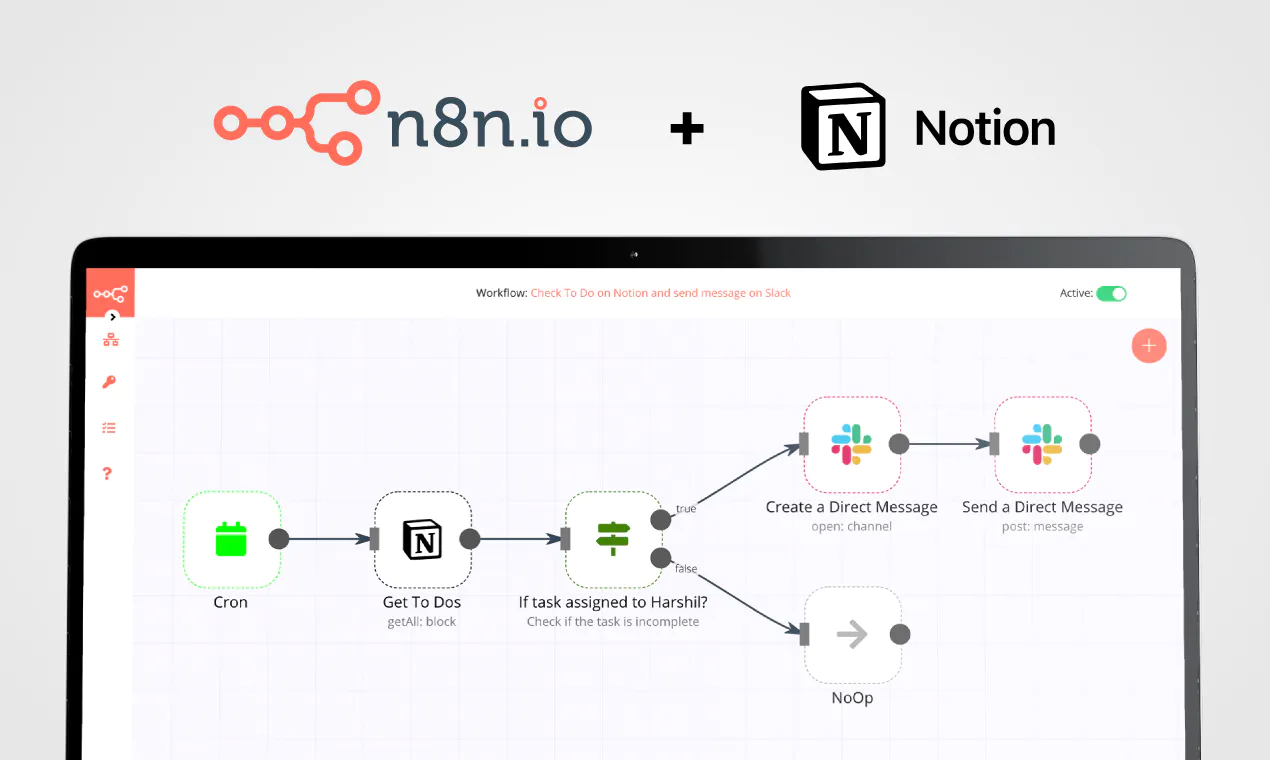
Save yourself the work of writing custom integrations for Notion and Slack and use n8n instead. Build adaptable and scalable Productivity, workflows that work with your technology stack. All within a building experience you will love.


How to connect Notion and Slack

Create a new workflow and add the first step

In n8n, click the "Add workflow" button in the Workflows tab to create a new workflow. Add the starting point – a trigger on when your workflow should run: an app event, a schedule, a webhook call, another workflow, an AI chat, or a manual trigger. Sometimes, the HTTP Request node might already serve as your starting point.

Notion and Slack integration: Create a new workflow and add the first step

Automated content marketing intelligence with OpenAI, Ahrefs & multi-platform integration

🤖 AI-Powered Content Marketing Research Tool > Transform your content strategy with automated competitor intelligence ⚡ What It Does Never miss a competitor move again. This workflow automatically: 🔍 Monitors competitor content across multiple domains 📊 Tracks trending keywords by region 💬 Extracts audience pain points from Reddit & forums 🤖 Generates AI strategy recommendations via OpenAI 📋 Outputs to Airtable, Notion & Slack for instant action 🎯 Perfect For Growth marketers tracking competitor strategies Content teams discovering trending topics SEO specialists finding keyword opportunities Marketing agencies managing multiple clients 🛠️ Technical Setup Required APIs & Credentials | Service | Credential Type | Monthly Cost | Purpose | |---------|----------------|--------------|---------| | Ahrefs | Header Auth | $99+ | Backlink & traffic analysis | | SEMrush | Query Auth | $119+ | Keyword research | | BuzzSumo | Header Auth | $199+ | Content performance | | OpenAI | Header Auth | ~$50 | AI recommendations | | Reddit | OAuth2 | Free | Audience insights | | Google Trends | Public API | Free | Trending topics | 📊 Database Schema Airtable Base: content-research-base Table 1: competitor-intelligence timestamp (Date) domain (Single line text) traffic_estimate (Number) backlinks (Number) content_gaps (Long text) publishing_frequency (Single line text) Table 2: keyword-opportunities timestamp (Date) trending_keywords (Long text) top_questions (Long text) content_opportunities (Long text) 🚀 Quick Start Guide Step 1: Import & Configure Import the workflow JSON Update competitor domains in 📋 Configuration Settings Map all API credentials Step 2: Setup Storage Airtable: Create base with exact schema above Notion: Create database with properties listed Slack: Create #content-research-alerts channel Step 3: Test & Deploy First run populates: ✅ Airtable tables with competitor data ✅ Notion database with AI insights ✅ Slack channel with formatted alerts 💡 Example Output AI Recommendations Format { "action_items": [ { "topic": "Copy trading explainer", "format": "Video", "region": "UK", "priority": "High" } ], "publishing_calendar": [ {"week": "W34", "posts": 3} ], "alerts": [ "eToro gained 8 .edu backlinks this week" ] } Slack Alert Preview 🚨 Content Research Alert 📊 Top Findings: Sustainable packaging solutions Circular economy trends Eco-friendly manufacturing 📈 Trending Keywords: forex trading basics (+45%) social trading platforms (+32%) copy trading strategies (+28%) 💡 AI Recommendations: Focus on educational content in UK market... 🔧 Advanced Features ✅ Data Quality Validation Automatic retry for failed API calls Data validation before storage Error notifications via Slack ⚙️ Scalability Options Multi-region support (US, UK, DE, FR, JP) Batch processing for large competitor lists Rate limiting to respect API quotas 🎨 Customization Ready Modular design - disable unused APIs Industry templates - forex, ecommerce, SaaS Custom scoring algorithms 📈 ROI & Performance Cost Analysis Setup time: ~2 hours Monthly API costs: $400-500 Time saved: 15+ hours/week ROI: 300%+ within first month Success Metrics Competitor insights: 50+ data points daily Keyword opportunities: 100+ suggestions/week Content ideas: 20+ AI-generated topics Trend alerts: Real-time notifications 🛡️ Troubleshooting Common Issues & Solutions | Symptom | Cause | Fix | |-------------|-----------|---------| | OpenAI timeout | Large data payload | Reduce batch size → Split processing | | Airtable 422 error | Field mismatch | Copy schema exactly | | Reddit 401 | OAuth expired | Re-authorize application | Rate Limiting Best Practices Ahrefs: Max 1000 requests/day SEMrush: 3000 requests/day OpenAI: Monitor token usage 🌟 Why Choose This Template? > "From manual research to automated intelligence in 15 minutes" ✅ Production-ready - No additional coding required ✅ Cost-optimized - Uses free tiers where possible ✅ Scalable - Add competitors with one click ✅ Actionable - AI outputs ready for immediate use ✅ Community-tested - 500+ successful deployments Start your competitive intelligence today 🚀 Built with ❤️ for the n8n community

Build your own Notion and Slack integration

Create custom Notion and Slack workflows by choosing triggers and actions. Nodes come with global operations and settings, as well as app-specific parameters that can be configured. You can also use the HTTP Request node to query data from any app or service with a REST API.

Notion supported actions

Slack supported actions

Notion and Slack integration details

Notion

Notion

Notion is an all-in-one workspace for you and your team. It helps team members create tasks, wikis, and databases all at one place.

Slack

Slack

Slack is a powerful collaboration tool for businesses of all sizes. It brings team communication and collaboration into one place so you can get more work done, whether you belong to a large enterprise or a small business.

FAQ about Notion integrations

Need help setting up your Notion and Slack integration?

Discover our latest community's recommendations and join the discussions about Notion and Slack integration.

  • Justin Cheu

    Notion Node Bug: The relation id "fffbfe90567a-8132-b56d-c3acc1e8eb71" is not a valid uuid with optional dashes

    Justin Cheu

    The relation id “fffbfe90567a-8132-b56d-c3acc1e8eb71” is not a valid uuid with optional dashes. { "errorMessage": "The relation id \"fffbfe90567a-8132-b56d-c3acc1e8eb71\" is not a valid uuid with optional dashes.", …

    Open topic
  • Cris A. Works

    Problem activating workflow. NodeAPIError

    Cris A. Works

    Describe the issue: Whenever I run this command: docker run -it --rm --name n8n -p 5678:5678 -v C:\Users\billy\.n8n:/home/node/.n8n docker.n8n.io/n8nio/n8n Yields in a looping error. It didn’t used to happen before. W…

    Open topic
  • Oliver Cordingley

    Notion append block formatting, using loop, still no luck

    Oliver Cordingley

    Hey, I’m using open AI to write written reports which have a set structure using H2 H3 and bullet points. The output should be delivered inside of a notion database page as an appended block. My output from open AI is ra…

    Open topic
  • Martin

    Any way to embed the interactive flow diagrams into notion?

    Martin

    Is there any way to replicate the way we share templates here on the forum within notion pages? (eg Creating an API endpoint | n8n workflow template) We use notion for documentation purposes and I’d love to be able to u…

    Open topic
  • Liam Skaff

    Notion Relations ID Error

    Liam Skaff

    Hello. Recently I’ve been getting this error in my Notion Node when trying to insert an ID in the relations tab. I contacted Notion support and they told me that the problem is from n8n. This is the error I’m receiving…

    Open topic

Looking to integrate Slack and VirusTotal in your company?

Trusted by teams building smarter workflows.

Why

Why use n8n to integrate Notion with Slack

Handle branching, merging and iteration easily. Pause your workflow to wait for external events.

Re-run single steps to test changes in no time. And pin your data to avoid generating trigger events every time you execute.

Your data is displayed alongside your settings, making edge cases easy to track down.

Use 1000+ workflow templates available from our core team and our community.

Copy and paste, easily import and export workflows.

Simple enough to 
understand + sophisticated 
enough to ship