See llms.txt for all machine-readable content.
Back to integrations
Integrate Shotstack with 1000+ apps and services
Unlock the full potential of Shotstack and n8n’s automation platform by connecting Shotstack’s capabilities with over 1,000 apps, data sources, services, and n8n’s built-in AI features.
Need something that’s not covered yet?
Use n8n’s pre-authenticated HTTP Request node to create new connections, giving you the flexibility to build powerful automations on any stack.


Created by
Shotstack
Last update
4 days ago
Shotstack integration
is built and maintained by our partners at Shotstack and verified by n8n. That means it’s solid, safe, and ready to help you tap into some great capabilities.
About Shotstack
Render video and images from JSON, or fill in a saved template. The node waits for the render to finish, then returns a permanent hosted URL. Use it to make social clips, ads and personalised video inside a workflow.
Related categories
What can you do with Shotstack?
Get Asset by Render ID
Get the permanent CDN URL for a finished render
Generate Asset
Generate a single image, video or audio file from a text prompt, without rendering a whole edit. Use the URL it returns as an asset in a later render.
Get Generation Status
Check a generation that was submitted earlier and get its URL
List Generation Models
List the models this account can generate with, and the options each one accepts. Point an AI agent here before it generates anything.
Quote Generation
Estimate the credits a generation would cost. Spends nothing and starts no job.
Render Asset
Render a video or image from a Shotstack edit. This is the general render method. It accepts any number of clips, every asset type and the generative assets. Point an AI agent here.
Render Template
Render a saved template, filling in its placeholders
Get Render Status
Check the status of a render and get its temporary URL. Use Asset → Get Asset by Render ID for the permanent URL.
How to install Shotstack and use it in your n8n workflows
Verified nodes need a quick setup by an instance owner first, but after that, everyone on the instance can start using them in their workflows. Learn more here.
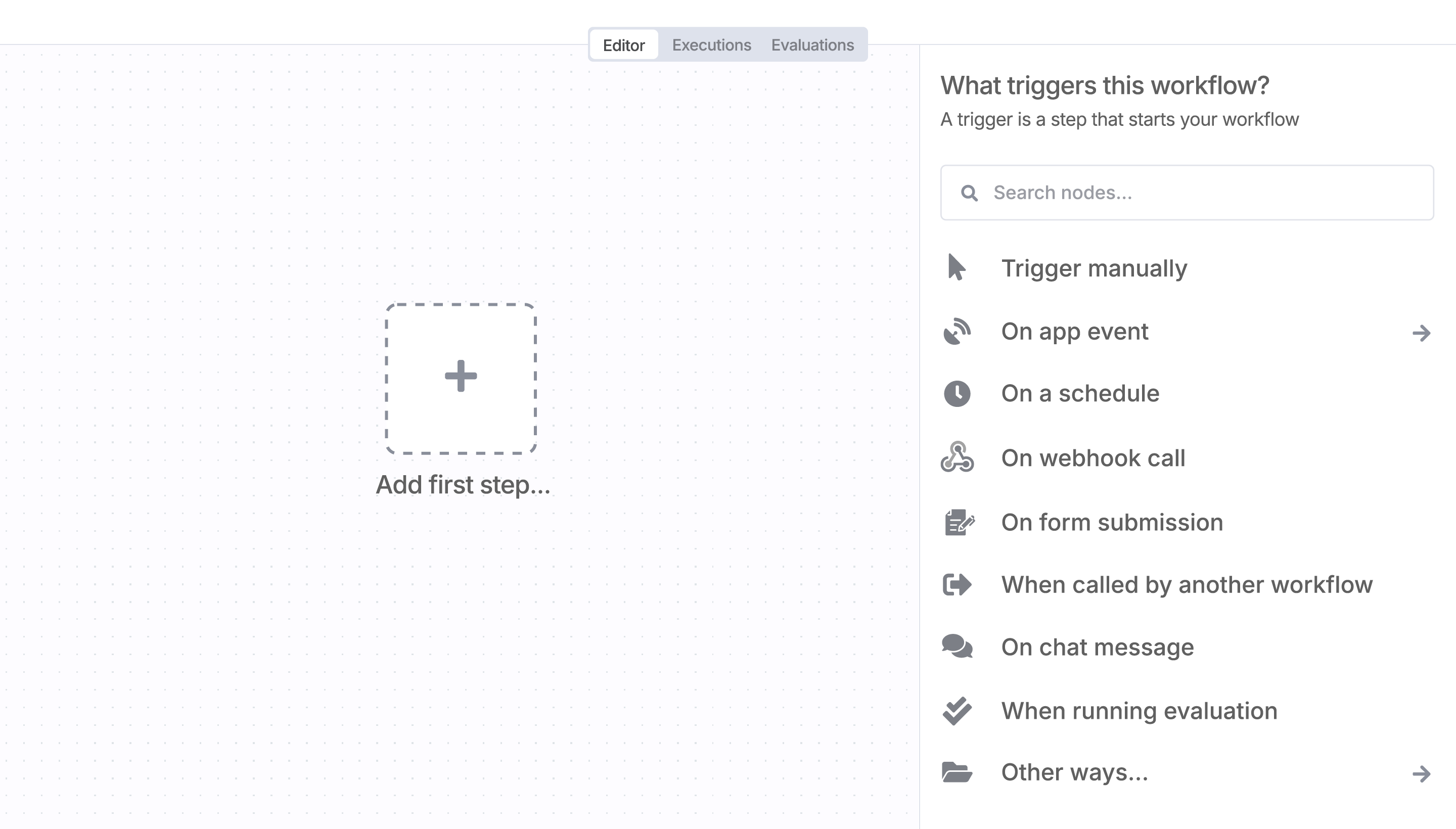
Sign in to n8n, open the editor, and click + in the top right to open the Nodes panel
Resources for Shotstack
Automate lead management
Using too many marketing tools? n8n lets you orchestrate all your apps into one cohesive, automated workflow.
Save engineering resources
Reduce time spent on customer integrations, engineer faster POCs, keep your customer-specific functionality separate from product all without having to code.
AI agents and workflows for technical teams at


