See llms.txt for all machine-readable content.

Facebook Graph API and Google Sheets integration

Save yourself the work of writing custom integrations for Facebook Graph API and Google Sheets and use n8n instead. Build adaptable and scalable Development, workflows that work with your technology stack. All within a building experience you will love.


How to connect Facebook Graph API and Google Sheets

Create a new workflow and add the first step

In n8n, click the "Add workflow" button in the Workflows tab to create a new workflow. Add the starting point – a trigger on when your workflow should run: an app event, a schedule, a webhook call, another workflow, an AI chat, or a manual trigger. Sometimes, the HTTP Request node might already serve as your starting point.

Facebook Graph API and Google Sheets integration: Create a new workflow and add the first step

AI-powered multi-social media post automation: Google Trends & Perplexity AI

Screenshot 20250524 013951.png Overview This comprehensive n8n workflow automatically transforms trending Google search queries into engaging LinkedIn posts using AI. The system runs autonomously, discovering viral topics, researching content, and publishing professionally formatted posts to grow your social media presence. Workflow Description Automate your entire social media content pipeline - from trend discovery to publication. This workflow monitors Google Trends, selects high-potential topics, creates human-like content using advanced AI, and publishes across multiple social platforms with built-in tracking. Key Features Automated Trend Discovery: Pulls trending topics from Google Trends API with customizable filters Intelligent Topic Selection: AI chooses the most relevant trending topic for your niche Multi-AI Content Generation: Combines Perplexity for research and OpenAI for content curation Human-Like Writing: Advanced prompts eliminate AI detection markers LinkedIn Optimization: Proper formatting with Unicode characters, emojis, and engagement hooks Multi-Platform Support: Ready for LinkedIn, Twitter/X, and Facebook posting Automated Scheduling: Configurable posting times (default: 6 AM & 6 PM daily) Performance Tracking: Automatic logging to Google Sheets with timestamps and metrics Error Handling: Built-in delays and retry mechanisms for API stability Technical Implementation Workflow Architecture Schedule Trigger: Automated execution at specified intervals Google Trends API: Fetches trending search queries with geographical filtering Data Processing: JavaScript code node filters high-volume keywords (30+ search volume) Topic Selection: OpenAI GPT-3.5 evaluates and selects optimal trending topic Content Research: Perplexity AI researches selected topic for current information Content Generation: Advanced prompt engineering creates LinkedIn-optimized posts Content Distribution: Multi-platform posting with platform-specific formatting Analytics Tracking: Google Sheets integration for performance monitoring Node Breakdown Schedule Trigger: Configurable timing for automated execution HTTP Request (Google Trends): SerpAPI integration for trend data Set Node: Structures trending data for processing Code Node: JavaScript filtering for high-volume keywords OpenAI Node: Intelligent topic selection based on relevance and trend strength HTTP Request (Perplexity): Advanced AI research with anti-detection prompts Wait Node: Rate limiting and API respect Split Out: Prepares content for multi-platform distribution LinkedIn Node: Authenticated posting with community management Google Sheets Node: Automated tracking and analytics Social Media Nodes: Twitter/X, LinkedIn and Facebook ready for activation Use Cases Content Creators: Maintain consistent posting schedules with trending content Marketing Agencies: Scale content creation across multiple client accounts Business Development: Build thought leadership with timely industry insights Personal Branding: Establish authority by commenting on trending topics SEO Professionals: Create content around high-search-volume keywords Configuration Requirements API Integrations SerpAPI: Google Trends data access Perplexity AI: Advanced content research capabilities OpenAI: Content curation and topic selection LinkedIn Community Management API: Professional posting access Google Sheets API: Analytics and tracking Authentication Setup LinkedIn OAuth2 community management credentials Google Sheets OAuth2 integration HTTP header authentication for AI services Customization Options Industry Targeting: Modify prompts for specific business verticals Posting Schedule: Adjust timing based on audience activity Content Tone: Customize voice and style through prompt engineering Platform Selection: Enable/disable specific social media channels Trend Filtering: Adjust search volume thresholds and geographic targeting Content Length: Modify character limits for different platforms Advanced Features Anti-AI Detection: Sophisticated prompts create human-like content Rate Limit Management: Built-in delays prevent API throttling Error Recovery: Robust error handling with retry mechanisms Content Deduplication: Prevents posting duplicate content Engagement Optimization: LinkedIn-specific formatting for maximum reach Performance Metrics Time Savings: Eliminates 10+ hours of weekly content creation Consistency: Maintains regular posting schedule without manual intervention Relevance: Content always based on current trending topics Engagement: Optimized formatting increases social media interaction Scalability: Single workflow manages multiple platform posting Installation Notes Import JSON workflow file into n8n instance Configure all required API credentials Set up Google Sheets tracking document Test workflow execution with manual trigger Enable schedule trigger for automated operation Best Practices Monitor API usage to stay within rate limits Regularly update prompts based on content performance Review and adjust trending topic filters for your niche Maintain backup of workflow configuration Test content output before enabling automation Support & Updates Comprehensive setup documentation included Configuration troubleshooting guide provided Regular workflow updates for API changes Community support through n8n forums Tags social-media content-automation linkedin ai-generation google-trends perplexity openai marketing trend-analysis content-creation Compatibility n8n Version: 1.0+ Node Requirements: Standard n8n installation External Dependencies: API access to listed services Hosting: Compatible with cloud and self-hosted n8n instances

Build your own Facebook Graph API and Google Sheets integration

Create custom Facebook Graph API and Google Sheets workflows by choosing triggers and actions. Nodes come with global operations and settings, as well as app-specific parameters that can be configured. You can also use the HTTP Request node to query data from any app or service with a REST API.

Google Sheets supported actions

Facebook Graph API and Google Sheets integration details

Facebook Graph API

Facebook Graph API

Facebook needs no introduction. It is an online social networking and media service that gathers people from all parts of the world, from different backgrounds, and allows them to promote their businesses and services, share, react to and comment on all types of content, and communicate and message their friends.

Google Sheets

Google Sheets

Google Sheets is a web-based spreadsheet program offered by Google for free. It similar to Microsoft Excel, and can be accessed anywhere on any device, you only need a Google account.
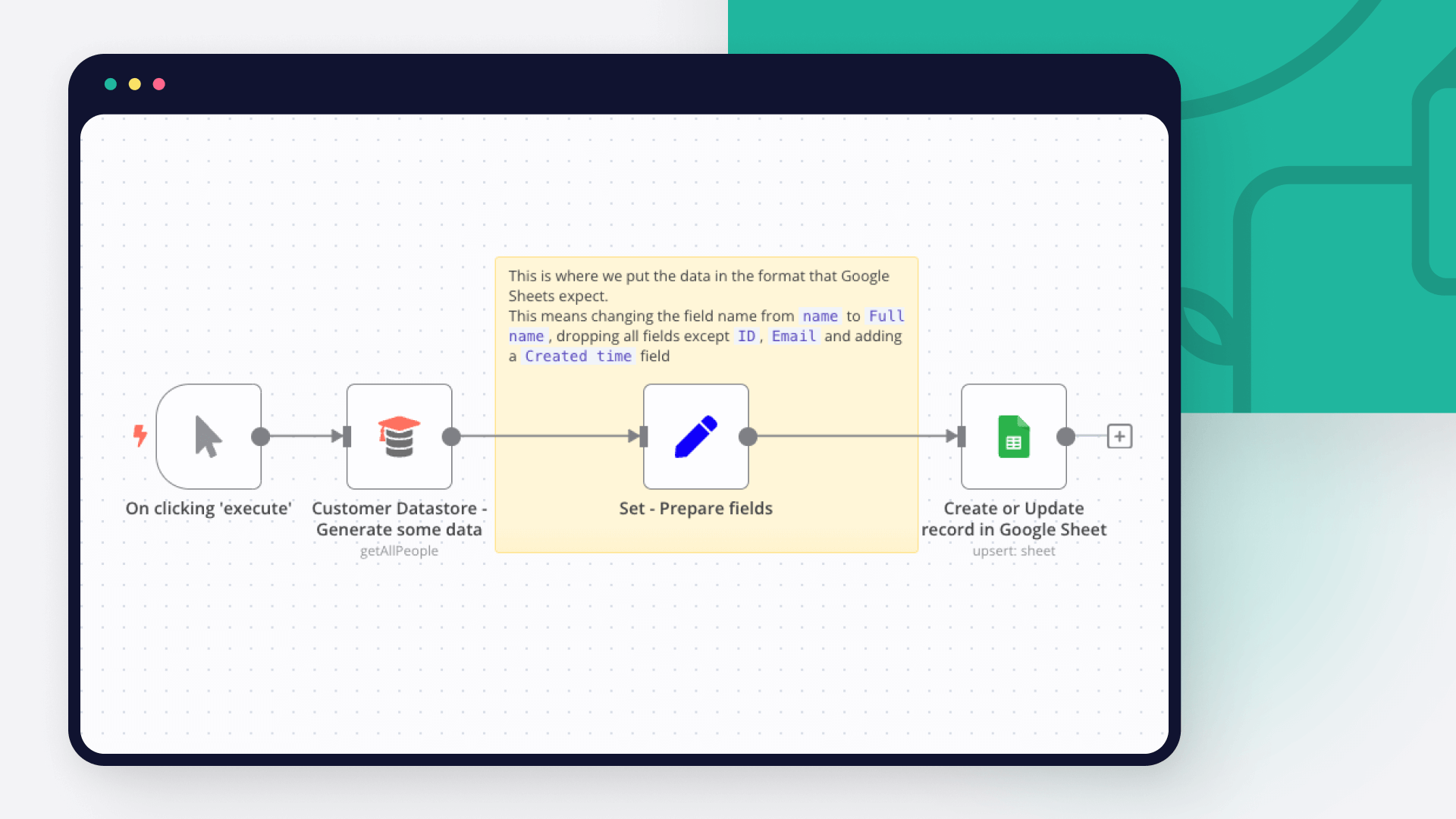
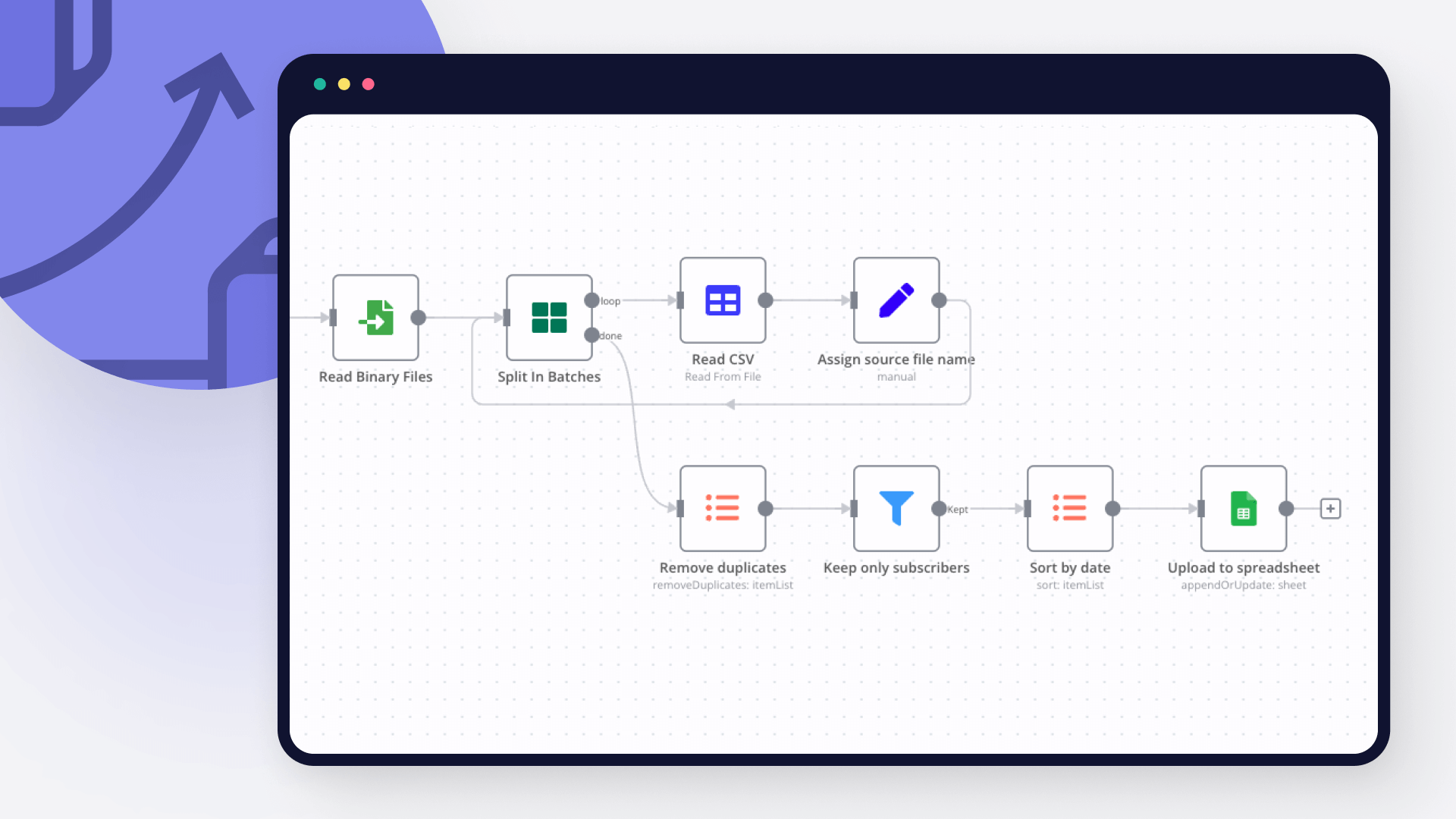
Save engineering resources

Reduce time spent on customer integrations, engineer faster POCs, keep your customer-specific functionality separate from product all without having to code.

Learn more

FAQ about Facebook Graph API integrations

Need help setting up your Facebook Graph API and Google Sheets integration?

Discover our latest community's recommendations and join the discussions about Facebook Graph API and Google Sheets integration.

  • sw2025

    Is the Google Sheets Node not working for anyone else (not a newbie)?

    sw2025

    Not a newbie to n8n - Have successfully used the G-sheets nodes many times in the past with the same credentials, never an issue. Today I’m trying to create a new automation that requires using the G-Sheets nodes - cann…

    Open topic
  • Tenzin Nyima 10B15

    How to Update Multiple Rows in Google Sheets at Once in n8n?

    Tenzin Nyima 10B15

    Hi everyone I’m currently learning n8n and experimenting with Google Sheets automation. I’ve set up a workflow (screenshot attached) that includes: Trigger: “When chat message received” AI Agent connected to: Goog…

    Open topic
  • Sergey Komardenkov

    Google Sheets Action is not picking up a list of available Sheets despite seeing the document itself

    Sergey Komardenkov

    Describe the problem/error/question I am testing a workflow where the final action is addition of a row into a Google sheet. I have created a new sheet, I gave it Edit permissions by link just in case, and of course I ad…

    Open topic
  • Filbert Henrico

    Seeking help to look for Pivot table or any formula operation in Google Sheet

    Filbert Henrico

    Hi there, I am using free service in n8n and I am looking for a support to provide information whether there is an option for pivot table or vlookup formula in the operation section for google sheet? Is it something th…

    Open topic
  • Boba228ai

    Switch Node with Google Doc File Problem

    Boba228ai

    Hello everyone! I set up workflow file transfer in supabase. Google Drive trigger receives file data, transfers it to switch, it determines what kind of file it is (google sheet, google doc, pdf) and then transfers it to…

    Open topic

Looking to integrate Slack and VirusTotal in your company?

Trusted by teams building smarter workflows

Why

Why use n8n to integrate Facebook Graph API with Google Sheets

Handle branching, merging and iteration easily. Pause your workflow to wait for external events.

Re-run single steps to test changes in no time. And pin your data to avoid generating trigger events every time you execute.

Your data is displayed alongside your settings, making edge cases easy to track down.

Use 1000+ workflow templates available from our core team and our community.

Copy and paste, easily import and export workflows.

Simple enough to 
understand + sophisticated 
enough to ship