See llms.txt for all machine-readable content.

Google Calendar and Sierra Interactive integration

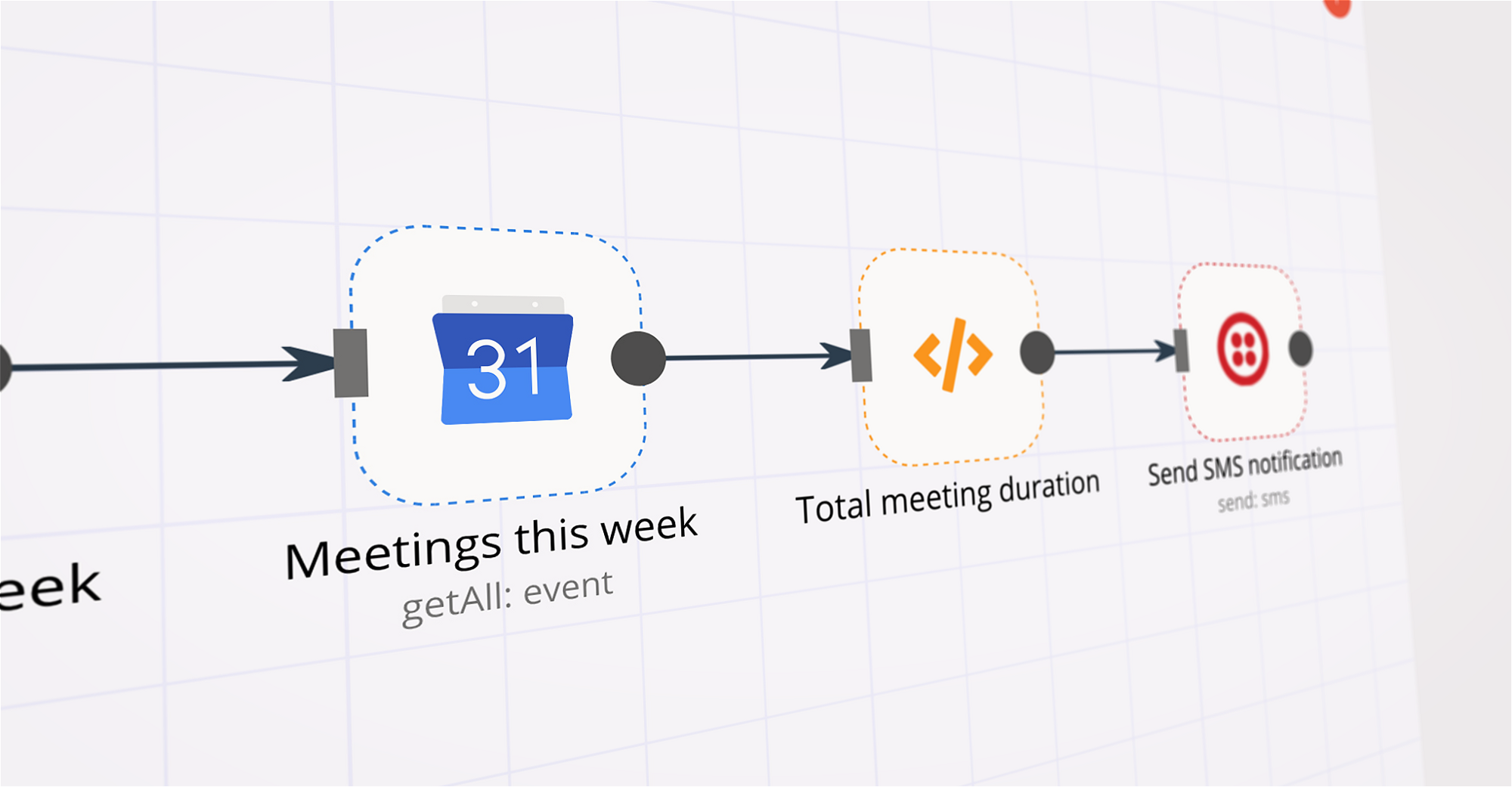
Save yourself the work of writing custom integrations for Google Calendar and Sierra Interactive and use n8n instead. Build adaptable and scalable Productivity, workflows that work with your technology stack. All within a building experience you will love.
How to connect Google Calendar and Sierra Interactive

Create a new workflow and add the first step

In n8n, click the "Add workflow" button in the Workflows tab to create a new workflow. Add the starting point – a trigger on when your workflow should run: an app event, a schedule, a webhook call, another workflow, an AI chat, or a manual trigger. Sometimes, the HTTP Request node might already serve as your starting point.

Google Calendar and Sierra Interactive integration: Create a new workflow and add the first step

Summarize social media activity of a company before a call

How it works It’s very important to come prepared to Sales calls. This often means a lot of manual research about the person you’re calling with. This workflow delivers a summary of the latest social media activity (LinkedIn + X) for businesses you are about to interact with each day. Scans Your Calendar: Each morning, it reviews your Google Calendar for any scheduled meetings or calls with companies based on each attendee email address. Fetches Latest Posts: For each identified company, it fetches recent LinkedIn and X posts and summerizes them using AI to deliver a qucik overview for a busy sales rep. Delivers Insights: You receive personalized emails via Gmail, each dedicated to a company you’re meeting with that day, containing a reminder of the meeting and a summary of company's recent social media activity. Setup steps The workflow requires you to have the following accounts set up in their respective nodes: Google Calendar GMail Clearbit OpenAI Besides those, you will need an account on the RapidAPI platform and subscribe to the following APIs: Fresh LinkedIn Profile Data Twitter Template setup Email example Email example

Build your own Google Calendar and Sierra Interactive integration

Create custom Google Calendar and Sierra Interactive workflows by choosing triggers and actions. Nodes come with global operations and settings, as well as app-specific parameters that can be configured. You can also use the HTTP Request node to query data from any app or service with a REST API.

Google Calendar supported actions

Supported methods for Sierra Interactive

Delete
Get
Head
Options
Patch
Post
Put

To set up Sierra Interactive integration, add the HTTP Request node to your workflow canvas and authenticate it using a generic authentication method. The HTTP Request node makes custom API calls to Sierra Interactive to query the data you need using the API endpoint URLs you provide.

See the example here

Requires additional credentials set up

Use n8n's HTTP Request node with a predefined or generic credential type to make custom API calls.

Google Calendar and Sierra Interactive integration details

Google Calendar

Google Calendar

Google Calendar is a time-management and calendar service created by Google Workspace. It helps you schedule and organize events and meetings, send notifications, and synchronize with your team. It is widely used by both individuals and organizations.

Sierra Interactive

Sierra Interactive

Sierra-Interactive is a software company specializing in creating interactive and user-friendly solutions. They provide innovative and customized software solutions, ranging from website development to mobile applications, with the aim of enhancing the digital experience for businesses and individuals.

Other integrations with Google Calendar and Sierra Interactive

Save engineering resources

Reduce time spent on customer integrations, engineer faster POCs, keep your customer-specific functionality separate from product all without having to code.

Learn more

FAQ about Google Calendar integrations

Need help setting up your Google Calendar and Sierra Interactive integration?

Discover our latest community's recommendations and join the discussions about Google Calendar and Sierra Interactive integration.

  • jake chard

    Google Calendar free/busy times output is confusing the AI sometimes

    jake chard

    Hi all! I’m currently using this workflow to suggest 2 available times in a google calendar. Currently I am just using the straight output from calendar node in the AI response, it gives the AI busy times. (Here are t…

    Open topic

Looking to integrate Slack and VirusTotal in your company?

Trusted by teams building smarter workflows.

Why

Why use n8n to integrate Google Calendar with Sierra Interactive

Handle branching, merging and iteration easily. Pause your workflow to wait for external events.

Re-run single steps to test changes in no time. And pin your data to avoid generating trigger events every time you execute.

Your data is displayed alongside your settings, making edge cases easy to track down.

Use 1000+ workflow templates available from our core team and our community.

Copy and paste, easily import and export workflows.

Simple enough to 
understand + sophisticated 
enough to ship