See llms.txt for all machine-readable content.

Google Calendar and Studio by AI21 Labs integration

Save yourself the work of writing custom integrations for Google Calendar and Studio by AI21 Labs and use n8n instead. Build adaptable and scalable Productivity, workflows that work with your technology stack. All within a building experience you will love.
How to connect Google Calendar and Studio by AI21 Labs

Create a new workflow and add the first step

In n8n, click the "Add workflow" button in the Workflows tab to create a new workflow. Add the starting point – a trigger on when your workflow should run: an app event, a schedule, a webhook call, another workflow, an AI chat, or a manual trigger. Sometimes, the HTTP Request node might already serve as your starting point.

Google Calendar and Studio by AI21 Labs integration: Create a new workflow and add the first step

AI Timesheet Generator with Gmail, Calendar & GitHub to Google Sheets

AI-Powered Automatic Timesheet Generator for Google Sheets Stop wasting billable hours on manual time-tracking. AutoTimesheet Pro uses AI to collect emails, meetings, and GitHub work, then writes a clean timesheet straight into Google Sheets. Perfect for developers, consultants, agencies, and remote teams. Get Started with n8n now! 🚀 Key Features Automated Google Sheets time-tracking — zero spreadsheet prep. AI-generated activity summaries (≤ 120 chars) via OpenAI GPT-4o-mini. Gmail integration — logs only important emails, skipping newsletters & no-replies. Google Calendar time logger — captures confirmed events, duration, and attendees. GitHub commit & PR tracker — records your commits plus opened/closed PRs. Daily 7 PM cron trigger (easily adjustable). Month-based sheet creation — new tab spins up on the first run each month. No-code n8n template — just connect credentials and tweak one Set Variables node. 🔌 Easily extensible — drag-and-drop extra n8n nodes to add Slack, Jira, Notion, Asana, Trello, Toggl, or any other data source you need. 🔍 How It Works Collect — n8n pulls data from Gmail, Google Calendar, and chosen GitHub repos. Clean — filters remove noise (newsletters, irrelevant commits, etc.). Condense — OpenAI rewrites each item into a concise, SEO-friendly description. Write — workflow appends Date, Type, and Description to your Timesheet Google Sheet. Extend — simply insert new n8n nodes (e.g., Slack, Notion, Jira) and merge them into the same pipeline. 📈 Benefits for SEO-Minded Professionals Keyword-rich activity log improves internal search and reporting. Structured data in Sheets simplifies export to accounting or PM tools. Consistent naming (CALENDAR_EVENT, EMAIL, COMMIT, PR) makes analytics easy. ✅ Why Choose AutoTimesheet Pro? Zero manual entry — just open the sheet and bill clients. Immediate visibility into where your hours went. Works with any GitHub repo list and any inbox you own. 100 % no-code setup — activate in minutes. Built on n8n, so you can customize and scale without limits. 📥 Get Started Ready to replace manual time-tracking with smart automation? https://n8n.partnerlinks.io/ds9podzjls6d Join N8N now, connect your Google & GitHub accounts, and let AI handle your daily log.

Build your own Google Calendar and Studio by AI21 Labs integration

Create custom Google Calendar and Studio by AI21 Labs workflows by choosing triggers and actions. Nodes come with global operations and settings, as well as app-specific parameters that can be configured. You can also use the HTTP Request node to query data from any app or service with a REST API.

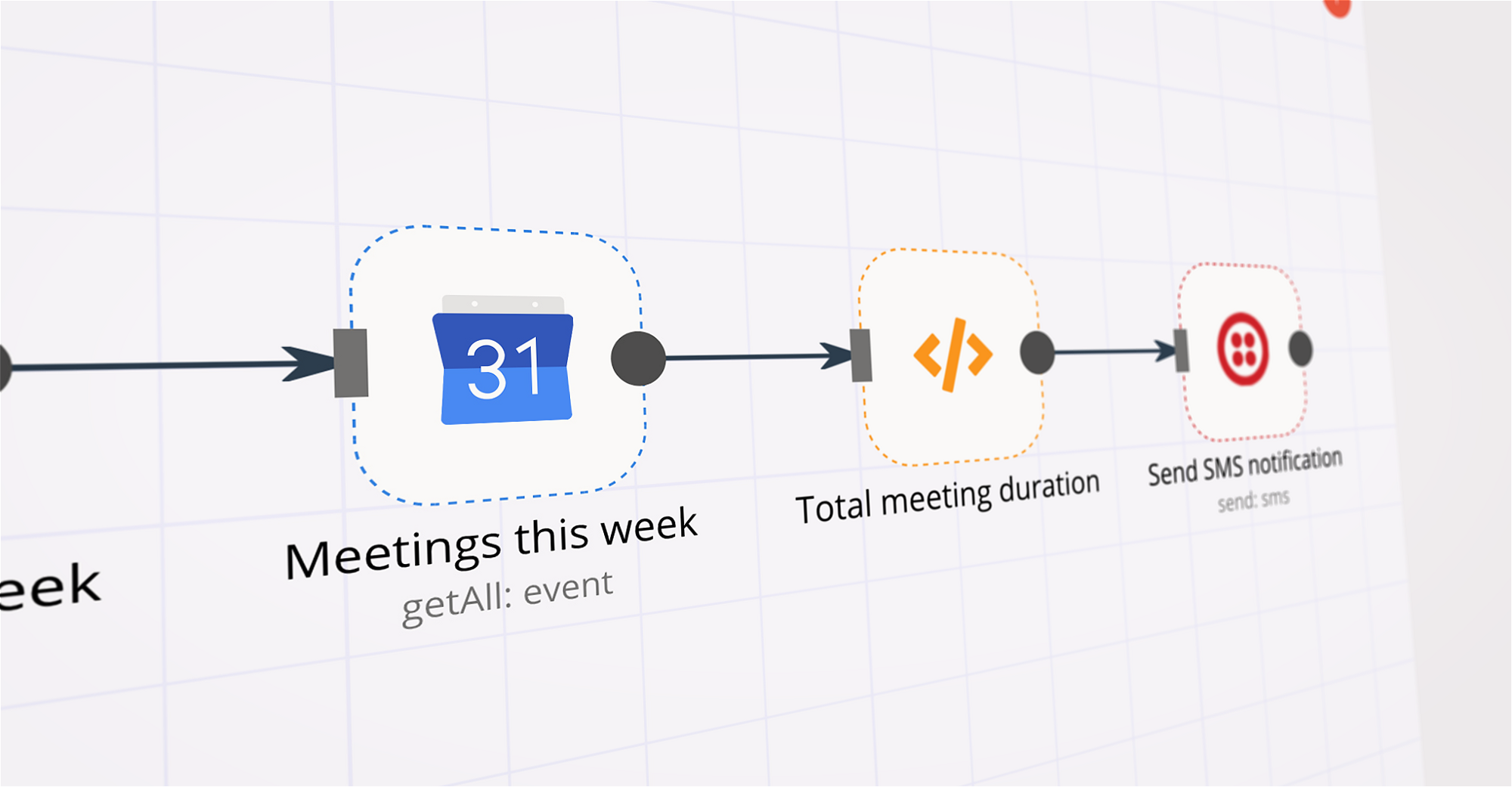
Google Calendar supported actions

Supported API Endpoints for Studio by AI21 Labs

To set up Studio by AI21 Labs integration, add the HTTP Request node to your workflow canvas and authenticate it using a generic authentication method. The HTTP Request node makes custom API calls to Studio by AI21 Labs to query the data you need using the API endpoint URLs you provide.

See the example here

These API endpoints were generated using n8n

n8n AI workflow transforms web scraping into an intelligent, AI-powered knowledge extraction system that uses vector embeddings to semantically analyze, chunk, store, and retrieve the most relevant API documentation from web pages. Remember to check the Studio by AI21 Labs official documentation to get a full list of all API endpoints and verify the scraped ones!

Google Calendar and Studio by AI21 Labs integration details

Google Calendar

Google Calendar

Google Calendar is a time-management and calendar service created by Google Workspace. It helps you schedule and organize events and meetings, send notifications, and synchronize with your team. It is widely used by both individuals and organizations.

Studio by AI21 Labs

Studio by AI21 Labs

Studio by AI21 Labs is an innovative platform where AI-powered tools are developed to enhance creativity in writing. It provides various writing utilities and models that assist users in generating high-quality content by using the power of artificial intelligence, allowing for improved productivity and efficiency.

Other integrations with Google Calendar and Studio by AI21 Labs

Save engineering resources

Reduce time spent on customer integrations, engineer faster POCs, keep your customer-specific functionality separate from product all without having to code.

Learn more

FAQ about Google Calendar integrations

Need help setting up your Google Calendar and Studio by AI21 Labs integration?

Discover our latest community's recommendations and join the discussions about Google Calendar and Studio by AI21 Labs integration.

  • jake chard

    Google Calendar free/busy times output is confusing the AI sometimes

    jake chard

    Hi all! I’m currently using this workflow to suggest 2 available times in a google calendar. Currently I am just using the straight output from calendar node in the AI response, it gives the AI busy times. (Here are t…

    Open topic

Looking to integrate Slack and VirusTotal in your company?

Trusted by teams building smarter workflows.

Why

Why use n8n to integrate Google Calendar with Studio by AI21 Labs

Handle branching, merging and iteration easily. Pause your workflow to wait for external events.

Re-run single steps to test changes in no time. And pin your data to avoid generating trigger events every time you execute.

Your data is displayed alongside your settings, making edge cases easy to track down.

Use 1000+ workflow templates available from our core team and our community.

Copy and paste, easily import and export workflows.

Simple enough to 
understand + sophisticated 
enough to ship