See llms.txt for all machine-readable content.

Mailchimp and OpenAI integration

Save yourself the work of writing custom integrations for Mailchimp and OpenAI and use n8n instead. Build adaptable and scalable Marketing, Communication, workflows that work with your technology stack. All within a building experience you will love.


How to connect Mailchimp and OpenAI

Create a new workflow and add the first step

In n8n, click the "Add workflow" button in the Workflows tab to create a new workflow. Add the starting point – a trigger on when your workflow should run: an app event, a schedule, a webhook call, another workflow, an AI chat, or a manual trigger. Sometimes, the HTTP Request node might already serve as your starting point.

Mailchimp and OpenAI integration: Create a new workflow and add the first step

Ai-powered restaurant newsletter creator with Mailchimp and Telegram approval

This workflow contains community nodes that are only compatible with the self-hosted version of n8n. Who is this for? This workflow is for restaurant owners, marketing managers, and any business owner who wants to automate the creation of high-quality, research-driven email newsletters. It's designed to save hours of manual work by leveraging AI to handle content generation, from initial idea to final send. If you want to consistently engage your customers with fresh, relevant content but lack the time for research and writing, this template is your all-in-one solution. What does this workflow do? This is a comprehensive, multi-agent system that automates the entire email marketing process. It begins with a simple prompt from you and ends with a polished newsletter sent to your Mailchimp subscribers. Initiates on a Schedule: A fully customizable Cron trigger starts the process by sending you a message on Telegram. Asks for Your Input: The Telegram bot asks you for a single topic for the upcoming newsletter (e.g., "healthy eating," "weekend specials," or "new cocktail menu"). Conducts AI-Powered Research: Once you reply, an AI agent researches your topic using Tavily, focusing on current industry trends, food culture, and customer interests to ensure your content is fresh and relevant. Plans the Content: The AI generates a complete table of contents for the newsletter, structuring it into engaging sections. Writes Each Section: A dedicated AI research team then writes detailed, engaging content for each section of the newsletter, weaving in your restaurant's unique brand voice. Assembles the Final Draft: The workflow aggregates all the generated sections into a complete newsletter draft, including a compelling subject line and a full body of text. Requests Final Approval: It sends the complete draft to you via Telegram for a final "Approved" or "Denied" confirmation. If you provide feedback, an AI editor will revise the draft. Sends to Mailchimp: Once approved, the workflow automatically creates a new campaign in Mailchimp and sends the final, polished email to your subscriber list. Setup To get this workflow running, you will need to configure a few credentials and settings. Set Up Credentials: In your n8n instance, add credentials for the following services: Telegram OpenAI Tavily Anthropic Mailchimp (using HTTP Basic Auth with any_string as the username and your Mailchimp API key as the password). Configure the Telegram Bot: Create a Telegram bot using BotFather and obtain its API token. Find your personal Chat ID by messaging a bot like @get_id_bot. In the HITL (Human in the Loop) Telegram node, insert your Chat ID. Configure Mailchimp: In the Create_Campaign HTTP Request node, find the recipients section and replace the placeholder list_id with your actual Mailchimp Audience ID. Customize the System Prompts: This is the most important step for personalization. Go into the AI Agent and OpenAI nodes (e.g., "Restaurant Newsletter Expert," "Newsletter Section Planner," "Restaurant Content Research Team"). In the system prompts, replace all instances of (insert restaurant name), (insert cuisine type), etc., with your own business details. This is where you inject your unique brand, menu, and voice into the AI. How to customize this workflow This template is powerful out of the box but is also designed to be highly flexible. Change the Schedule: Modify the Cron trigger to run at any interval you prefer (e.g., weekly, bi-weekly, or on specific days). Adjust the AI Models: You can easily swap the OpenAI or Anthropic models used in the workflow to different ones (e.g., change from GPT-4o-mini to GPT-4 Turbo) to balance cost and performance. Use a Different Notification Service: Replace the Telegram nodes with Slack, email, or another service for the approval process. Integrate a Different Email Platform: Adapt the final HTTP Request nodes to work with another email marketing provider like SendGrid, ConvertKit, or Brevo by changing the API endpoints and authentication. Refine the AI's Personality: The core of the workflow is in the system prompts. By editing the prompts in the AI nodes, you can completely change the tone, style, and output of the generated content to perfectly match your brand.

Popular ways to use the Mailchimp and OpenAI integration

Build your own Mailchimp and OpenAI integration

Create custom Mailchimp and OpenAI workflows by choosing triggers and actions. Nodes come with global operations and settings, as well as app-specific parameters that can be configured. You can also use the HTTP Request node to query data from any app or service with a REST API.

Mailchimp supported actions

OpenAI supported actions

Mailchimp and OpenAI integration details

Mailchimp

Mailchimp

Mailchimp is an all-in-one marketing, automation & email marketing platform. It helps you manage your mailing lists, send automated emails, increase engagement and track results. It allows for synchronization, integration, and optimizations with its AI tools.

OpenAI

OpenAI

OpenAI, the creator of ChatGPT, offers a range of powerful models including GPT-3, DALL·E, and Whisper. Leverage these models to build AI-powered workflows.
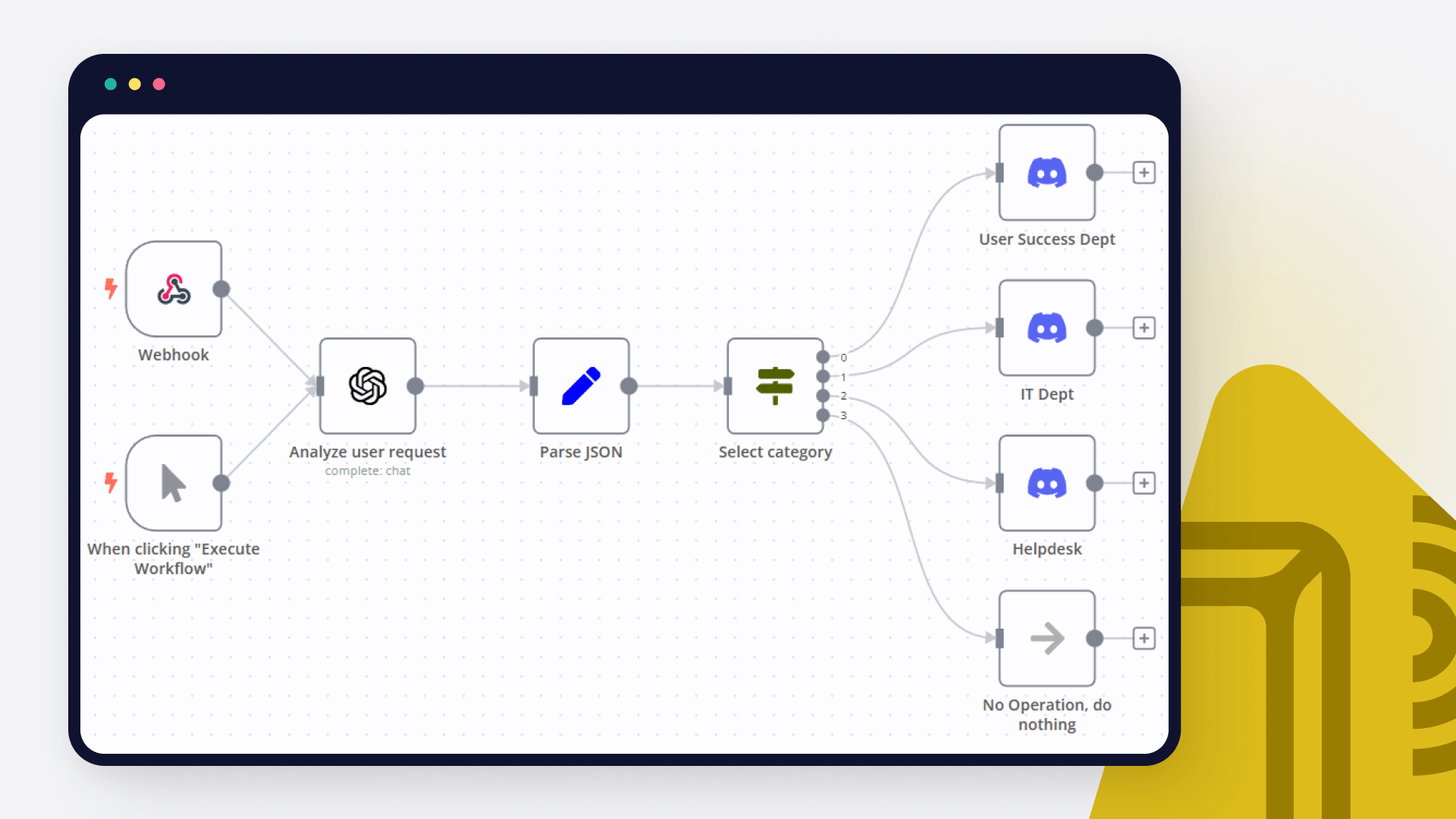
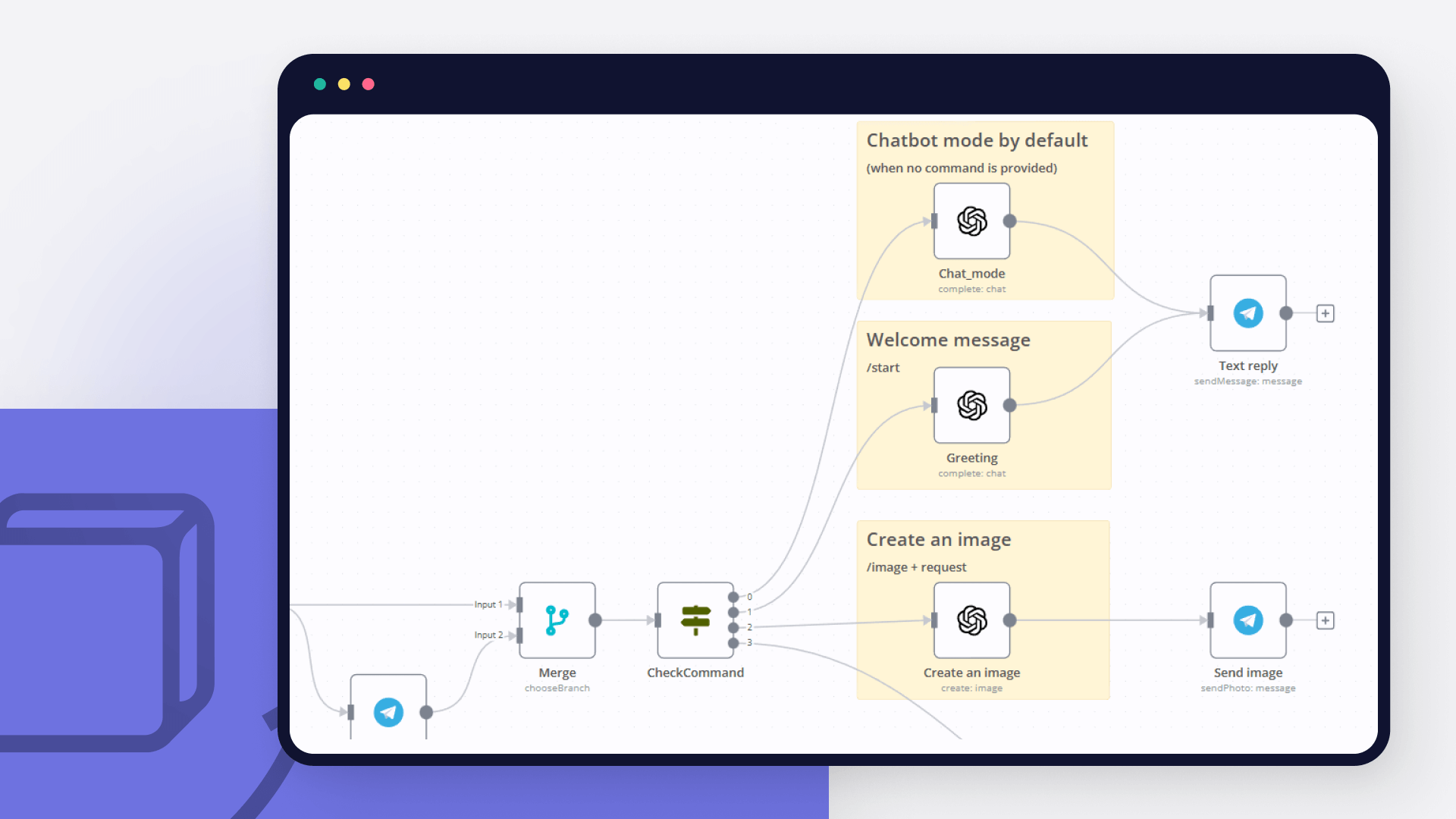
Automate lead management

Using too many marketing tools? n8n lets you orchestrate all your apps into one cohesive, automated workflow.

Learn more

FAQ about Mailchimp integrations

Need help setting up your Mailchimp and OpenAI integration?

Discover our latest community's recommendations and join the discussions about Mailchimp and OpenAI integration.

  • Artem

    How to define AI-powered Extra Workflow Inputs in AI tools?

    Artem

    Describe the question I need to pass to the tool some data from the AI Agent. Like, “task name” and “task tags” to create a task via Custom Workflow Tool. So I don’t know what to refer to in the Extra Inputs. Because th…

    Open topic
  • sérgio eduardo floresta filho

    The prompt is not being executed

    sérgio eduardo floresta filho

    Hello! My goal is to use Google Forms to collect information from my clients and then use n8n to automate the processing of this information. My workflow involves: Collecting data through Google Forms. Using n8n to re…

    Open topic
  • Heisenbug

    How to handle multi-message prompts in OpenAI Chat node?

    Heisenbug

    Describe the problem/error/question I want to send multiple messages to the OpenAI Chat node (LangChain → LLM Prompt Template) in a single execution, simulating a conversation. The first message is fixed, and the followi…

    Open topic
  • Julien

    OpenAI node - How to use the new Endpoint?

    Julien

    Is it possible to choose the Responses API or OpenAI ? It has been updated a few months ago by OpenAI, but the node still seems to be using the old Completions API. [https://platform.openai.com/docs/guides/migrate-to-re…

    Open topic
  • Andrew adawdad

    OpenAI not receicving JSON data from previous node

    Andrew adawdad

    Describe the problem/error/question Im currently using the openAI node to send a text message to the system. I am sending the previous nodes JSON data, but the openai response says that im only sending {{ $json }} instea…

    Open topic

Looking to integrate Slack and VirusTotal in your company?

Trusted by teams building smarter workflows

Why

Why use n8n to integrate Mailchimp with OpenAI

Handle branching, merging and iteration easily. Pause your workflow to wait for external events.

Re-run single steps to test changes in no time. And pin your data to avoid generating trigger events every time you execute.

Your data is displayed alongside your settings, making edge cases easy to track down.

Use 1000+ workflow templates available from our core team and our community.

Copy and paste, easily import and export workflows.

Simple enough to 
understand + sophisticated 
enough to ship