See llms.txt for all machine-readable content.

Notion and Samsung SmartThings integration

Save yourself the work of writing custom integrations for Notion and Samsung SmartThings and use n8n instead. Build adaptable and scalable Productivity, workflows that work with your technology stack. All within a building experience you will love.

How to connect Notion and Samsung SmartThings

Create a new workflow and add the first step

In n8n, click the "Add workflow" button in the Workflows tab to create a new workflow. Add the starting point – a trigger on when your workflow should run: an app event, a schedule, a webhook call, another workflow, an AI chat, or a manual trigger. Sometimes, the HTTP Request node might already serve as your starting point.

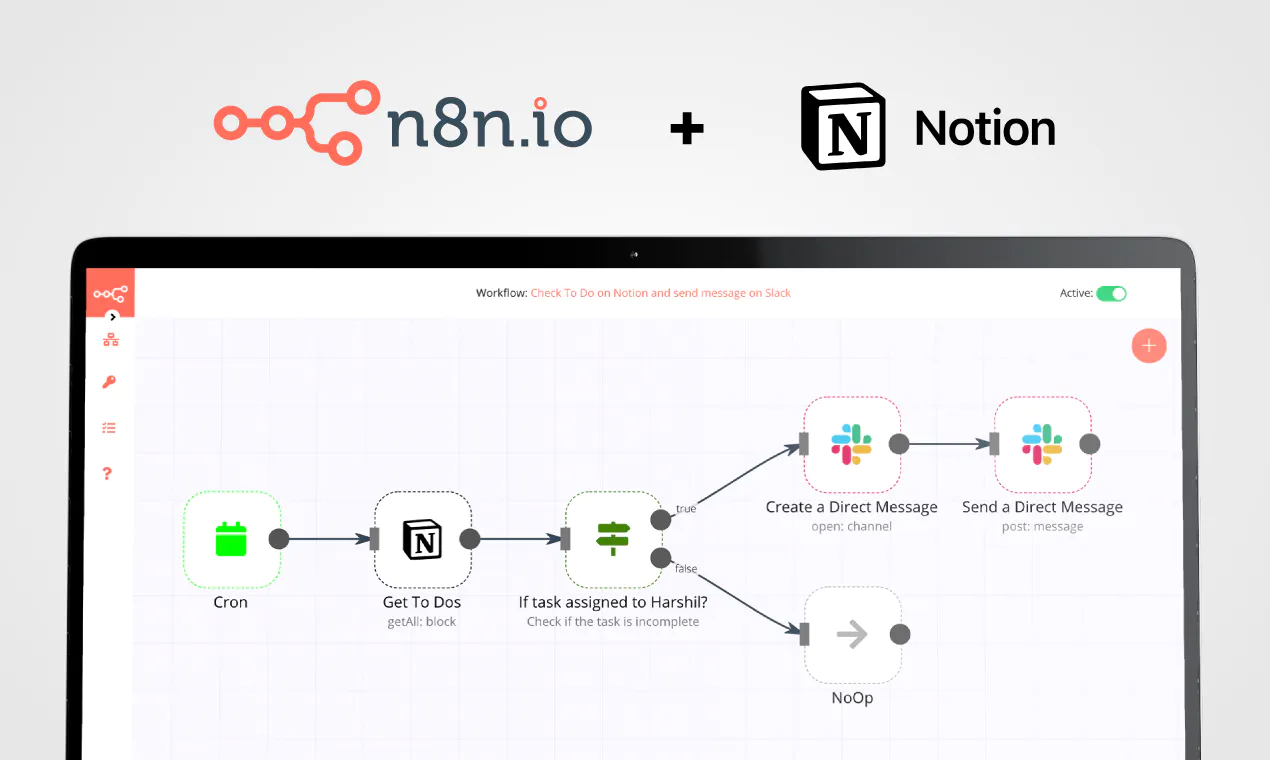
Notion and Samsung SmartThings integration: Create a new workflow and add the first step

Send daily CFO invoice health reports with Google Sheets, Groq, Gmail and Slack

Quick overview This daily workflow pulls invoice and KPI history data from Google Sheets, calculates operational KPIs and trends, generates a CFO-style executive summary with Groq Llama 3, then logs results back to Google Sheets and sends either a Gmail report or a Slack escalation based on a health score. How it works Runs every day at 9 AM on a schedule trigger. Reads active invoice rows from Google Sheets and calculates current KPIs, bottlenecks, SLA-risk invoices, and an overall finance health score. Fetches KPI history from Google Sheets and compares the latest snapshot to compute trend percentages and an overall direction summary. Produces a backlog/SLA risk assessment from the current KPIs and trends, then sends the combined dataset to a Groq Llama 3 agent to generate a CFO-level JSON executive assessment. Cleans and parses the AI response into structured fields, then sets a Looker Studio dashboard URL for reporting. Appends the daily KPI snapshot and updates a dashboard sheet in Google Sheets to keep the Looker Studio data source current. If the health score is above 60 it formats an HTML email and sends the report via Gmail, otherwise it posts a critical alert to a Slack channel. Setup Connect Google Sheets credentials and update the spreadsheet ID and sheet tabs for active invoices, KPI history, KPI snapshot, and dashboard in all Google Sheets steps. Add a Groq API credential and confirm the selected model (llama-3.3-70b-versatile) is available in your Groq account. Add Gmail credentials and set the recipient(s) for the emailed CFO report. Add Slack credentials and select the channel to receive critical alerts. Replace the Looker Studio report URL with your own dashboard link and ensure your dashboard reads from the same Google Sheets “dashboard” tab that the workflow updates. Additional info How To Customize Nodes Trigger Schedule: Open the Trigger: Daily at 9 AM node to change the frequency. You can set it to run weekly, hourly, or at the close of business. KPI Calculations: The logic for the Health Score is located in the Calculate Current KPIs & Bottlenecks code node. If you want to penalize exception rates more heavily, you can easily adjust the math multipliers within that JavaScript block. AI Instructions: Open the Generate CFO Executive Summary node. You can edit the system prompt to change the AI's tone, ask it to focus specifically on vendor relationships, or change the length of the summary. Thresholds: Open the check health score IF node. Currently, it triggers a critical alert if the score is 60 or below. You can change this number based on your organization's risk tolerance. Add‑ons To extend the power of this workflow, consider adding these features: ERP Integration: Replace the first Google Sheets node with a connector for Xero, QuickBooks, or NetSuite to pull live data directly from your accounting software. SMS Escalations: Add a Twilio node after the Slack alert so that severe SLA breaches text the Finance Director directly. PDF Generation: Add an HTML-to-PDF conversion node to attach a downloadable version of the report to the daily email. Use Case Examples Daily AP Health Monitoring: Automatically wake up every morning, check the status of all pending invoices, and provide a quick snapshot to the team before they start their day. Automated Bottleneck Detection: Stop wondering why payments are late. Use the workflow to explicitly name the department or specific manager who is holding up the highest volume of approvals. Executive Finance Briefings: Provide the CFO with an AI-written, jargon-free summary of the entire procurement landscape without requiring an analyst to spend three hours building a PowerPoint. SLA Breach Forecasting: Predict which pending invoices are in danger of violating vendor payment terms, allowing the team to fast-track them before late fees are applied. Audit Trail Generation: Maintain an automated daily snapshot of process health to show auditors how exception rates and cycle times have improved over the fiscal year. Troubleshooting Guide | Issue | Possible Cause | Solution | | --- | --- | --- | | Workflow stops at Google Sheets nodes | Missing permissions or incorrect Document ID. | Verify that the Google account authenticated in n8n has "Editor" access to the target sheet. Double-check that the documentId has been updated in all four nodes. | | AI Node throws a JSON parsing error | The LLM hallucinated markdown formatting or exceeded token limits. | The workflow includes a Parse AI Node to self-heal formatting errors. If it fails completely, check your Groq API limits or slightly reduce the amount of historical data being passed to the prompt. | | Health score is showing as negative | Extreme backlog or exception rates skewing the math. | Open the Calculate Current KPIs code node and adjust the penalty weights for pending invoices and cycle times to better reflect your business scale. | | Emails are sending, but Slack alerts are missing | The health score is above 60, or Slack permissions are missing. | The workflow only triggers Slack alerts for scores 0". If it still fails, ensure your n8n Slack app is invited to the target channel. | Need Help? Building and optimizing intelligent automation pipelines can sometimes require a bit of custom tailoring to perfectly fit your business rules. If you need help setting up this workflow, configuring complex add-ons, integrating it with your specific ERP system, or building entirely new automation solutions from scratch, we are here for you! Please reach out to WeblineIndia. Our team of expert n8n developers and automation architects would be happy to help you turn your business processes into seamless, automated realities.

Popular ways to use the Notion and Samsung SmartThings integration

Build your own Notion and Samsung SmartThings integration

Create custom Notion and Samsung SmartThings workflows by choosing triggers and actions. Nodes come with global operations and settings, as well as app-specific parameters that can be configured. You can also use the HTTP Request node to query data from any app or service with a REST API.

Notion supported actions

Supported methods for Samsung SmartThings

Delete
Get
Head
Options
Patch
Post
Put

To set up Samsung SmartThings integration, add the HTTP Request node to your workflow canvas and authenticate it using a generic authentication method. The HTTP Request node makes custom API calls to Samsung SmartThings to query the data you need using the API endpoint URLs you provide.

See the example here

Requires additional credentials set up

Use n8n's HTTP Request node with a predefined or generic credential type to make custom API calls.

Notion and Samsung SmartThings integration details

Notion

Notion

Notion is an all-in-one workspace for you and your team. It helps team members create tasks, wikis, and databases all at one place.

Samsung SmartThings

Samsung SmartThings

SmartThings is a versatile and intelligent platform that connects and automates various smart devices in your home or office. It enables users to conveniently control and monitor everything from lights and thermostats to security systems and appliances through a single interface.

Other integrations with Notion and Samsung SmartThings

FAQ about Notion integrations

Need help setting up your Notion and Samsung SmartThings integration?

Discover our latest community's recommendations and join the discussions about Notion and Samsung SmartThings integration.

  • Justin Cheu

    Notion Node Bug: The relation id "fffbfe90567a-8132-b56d-c3acc1e8eb71" is not a valid uuid with optional dashes

    Justin Cheu

    The relation id “fffbfe90567a-8132-b56d-c3acc1e8eb71” is not a valid uuid with optional dashes. { "errorMessage": "The relation id \"fffbfe90567a-8132-b56d-c3acc1e8eb71\" is not a valid uuid with optional dashes.", …

    Open topic
  • Cris A. Works

    Problem activating workflow. NodeAPIError

    Cris A. Works

    Describe the issue: Whenever I run this command: docker run -it --rm --name n8n -p 5678:5678 -v C:\Users\billy\.n8n:/home/node/.n8n docker.n8n.io/n8nio/n8n Yields in a looping error. It didn’t used to happen before. W…

    Open topic
  • Oliver Cordingley

    Notion append block formatting, using loop, still no luck

    Oliver Cordingley

    Hey, I’m using open AI to write written reports which have a set structure using H2 H3 and bullet points. The output should be delivered inside of a notion database page as an appended block. My output from open AI is ra…

    Open topic
  • Martin

    Any way to embed the interactive flow diagrams into notion?

    Martin

    Is there any way to replicate the way we share templates here on the forum within notion pages? (eg Creating an API endpoint | n8n workflow template) We use notion for documentation purposes and I’d love to be able to u…

    Open topic
  • Liam Skaff

    Notion Relations ID Error

    Liam Skaff

    Hello. Recently I’ve been getting this error in my Notion Node when trying to insert an ID in the relations tab. I contacted Notion support and they told me that the problem is from n8n. This is the error I’m receiving…

    Open topic

Looking to integrate Slack and VirusTotal in your company?

Trusted by teams building smarter workflows

Why

Why use n8n to integrate Notion with Samsung SmartThings

Handle branching, merging and iteration easily. Pause your workflow to wait for external events.

Re-run single steps to test changes in no time. And pin your data to avoid generating trigger events every time you execute.

Your data is displayed alongside your settings, making edge cases easy to track down.

Use 1000+ workflow templates available from our core team and our community.

Copy and paste, easily import and export workflows.

Simple enough to 
understand + sophisticated 
enough to ship