See llms.txt for all machine-readable content.

Telegram and YouTube integration

Save yourself the work of writing custom integrations for Telegram and YouTube and use n8n instead. Build adaptable and scalable Communication, HITL, workflows that work with your technology stack. All within a building experience you will love.


How to connect Telegram and YouTube

Create a new workflow and add the first step

In n8n, click the "Add workflow" button in the Workflows tab to create a new workflow. Add the starting point – a trigger on when your workflow should run: an app event, a schedule, a webhook call, another workflow, an AI chat, or a manual trigger. Sometimes, the HTTP Request node might already serve as your starting point.

Telegram and YouTube integration: Create a new workflow and add the first step

Create & upload AI-generated ASMR YouTube Shorts with Seedance, Fal AI, and GPT-4

Workflow_Screenshot.png //ASMR AI Workflow Who is this for? Content Creators, YouTube Automation Enthusiasts, and AI Hobbyists looking to autonomously generate and publish unique, satisfying ASMR-style YouTube Shorts without manual effort. What problem does this solve? This workflow solves the creative bottleneck and time-consuming nature of daily content creation. It fully automates the entire production pipeline, from brainstorming trendy ideas to publishing a finished video, turning your n8n instance into a 24/7 content factory. What this workflow does 1. Two-Stage AI Ideation & Planning: Uses an initial AI agent to brainstorm a short, viral ASMR concept based on current trends. A second "Planning" AI agent then takes this concept and expands it into a detailed, structured production plan, complete with a viral-optimized caption, hashtags, and descriptions for the environment and sound. 2. Multi-Modal Asset Generation: Video: Feeds detailed scene prompts to the ByteDance Seedance text-to-video model (via Wavespeed AI) to generate high-quality video clips. Audio: Simultaneously calls the Fal AI text-to-audio model to create custom, soothing ASMR sound effects that match the video's theme. Assembly: Automatically sequences the video clips and sound into a single, cohesive final video file using an FFMPEG API call. 3. Closed-Loop Publishing & Logging: Logging: Initially logs the new idea to a Google Sheet with a status of "In Progress". Publishing: Automatically uploads the final, assembled video directly to your YouTube channel, setting the title and description from the AI's plan. Updating: Finds the original row in the Google Sheet and updates its status to "Done", adding a direct link to the newly published YouTube video. Notifications: Sends real-time alerts to Telegram and/or Gmail with the video title and link, confirming the successful publication. Setup Credentials: You will need to create credentials in your n8n instance for the following services: OpenAI API Wavespeed AI API (for Seedance) Fal AI API Google OAuth Credential (enable YouTube Data API v3 and Google Sheets API in your Google Cloud Project) Telegram Bot Credential (Optional) Gmail OAuth Credential Configuration: This is an advanced workflow. The initial setup should take approximately 15-20 minutes. Google Sheet: Create a Google Sheet with these columns: idea, caption, production_status, youtube_url. Add the Sheet ID to the Google Sheets nodes in the workflow. Node Configuration: In the Telegram Notification node, enter your own Chat ID. In the Gmail Notification node, update the recipient email address. Activate: Once configured, save and set the workflow to "Active" to let it run on its schedule. How to customize Creative Direction: To change the style or theme of the videos (e.g., from kinetic sand to soap cutting), simply edit the systemMessage in the "2. Enrich Idea into Plan" and "Prompts AI Agent" nodes. Initial Ideas: To influence the AI's starting concepts, modify the prompt in the "1. Generate Trendy Idea" node. Video & Sound: To change the video duration or sound style, adjust the parameters in the "Create Clips" and "Create Sounds" nodes. Notifications: Add or remove notification channels (like Slack or Discord) after the "Upload to YouTube" node.

Build your own Telegram and YouTube integration

Create custom Telegram and YouTube workflows by choosing triggers and actions. Nodes come with global operations and settings, as well as app-specific parameters that can be configured. You can also use the HTTP Request node to query data from any app or service with a REST API.

Telegram supported actions

YouTube supported actions

Telegram and YouTube integration details

Telegram

Telegram

Telegram is one of the fastest and most secured messaging apps on the market, connecting people via unique distributed network of data centers around the globe. You can create group chats up to 200,000 members, share large videos and documents of any type. It is completely free, and offers many unique features and options.

YouTube

YouTube

YouTube is the best video hosting and social media website where users can upload, watch, comment, rate and share streaming videos. It is now one of the most popular sites on the Web, with visitors watching around 6 billion hours of video every month.
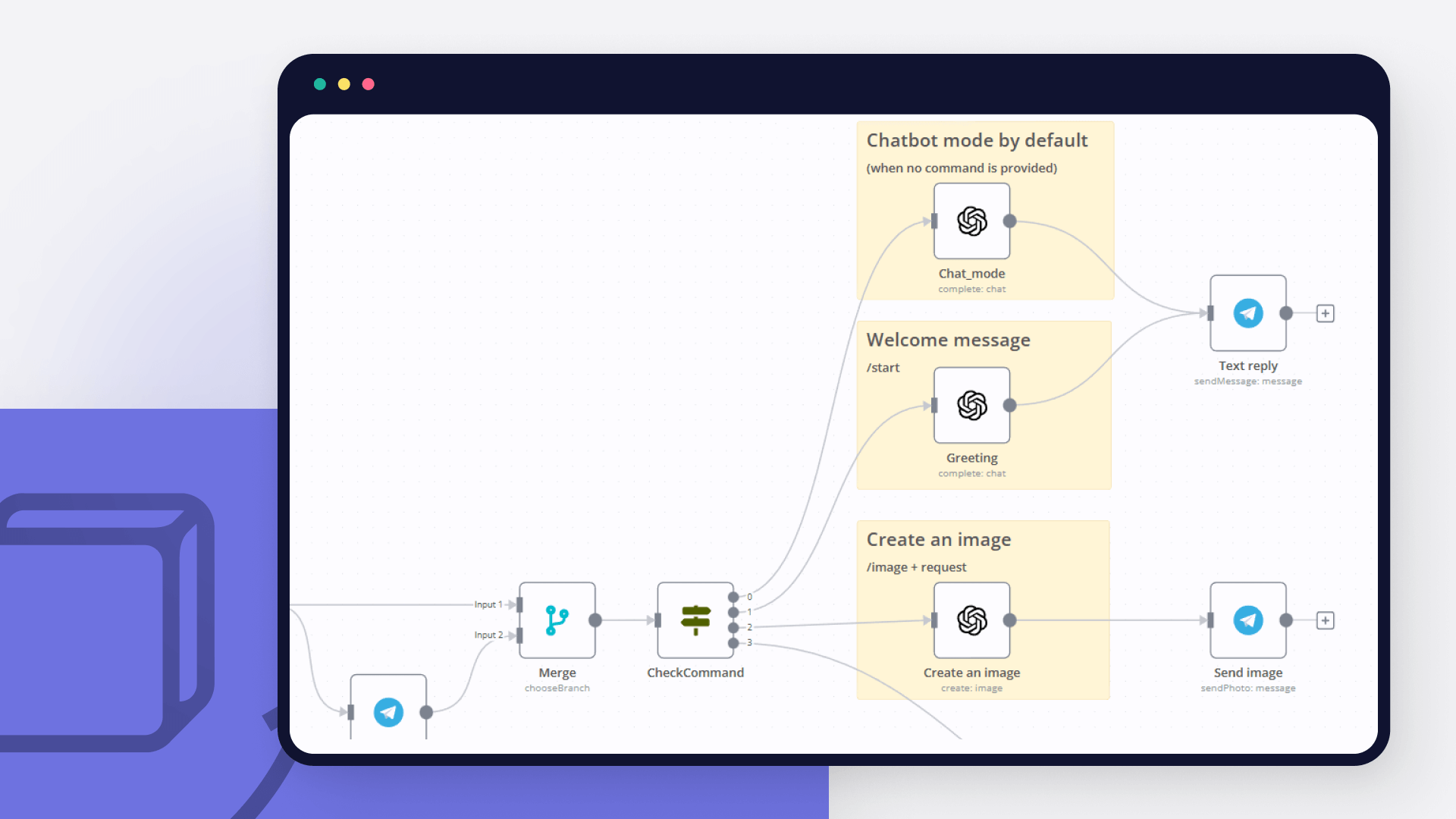
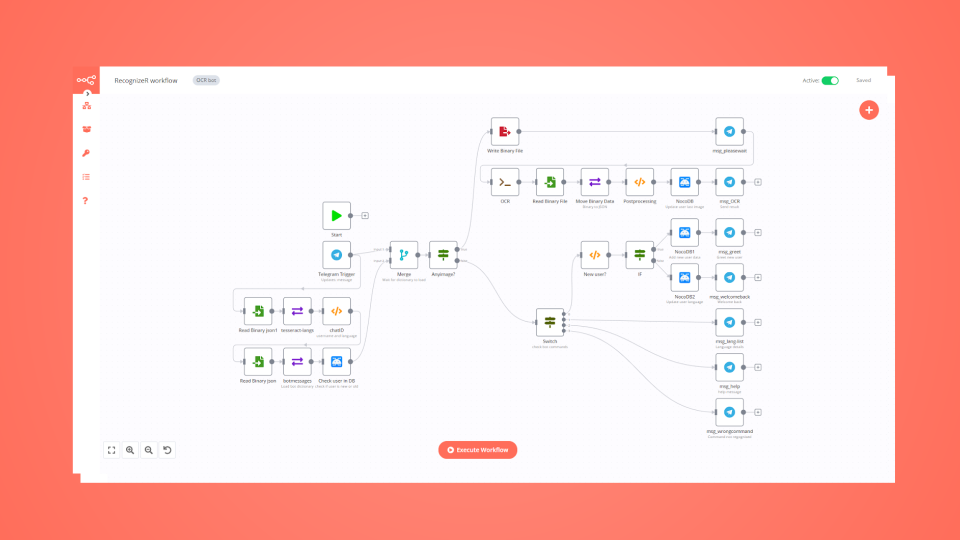
Automate lead management

Using too many marketing tools? n8n lets you orchestrate all your apps into one cohesive, automated workflow.

Learn more

FAQ about Telegram integrations

Need help setting up your Telegram and YouTube integration?

Discover our latest community's recommendations and join the discussions about Telegram and YouTube integration.

  • Trigi Digital

    Telegram Node Error connect ETIMEDOUT

    Trigi Digital

    Describe the problem/error/question I haved 2 n8n installation with same web server and config (Nothing different from firewall etc): n8n version 1.42.1 > No problem n8n version 1.46.0 > Upgrade from 1.44.1 and this is…

    Open topic
  • lg-n9n

    Error Due to Telegram API limitations, you can use just one Telegram trigger for each bot at a time

    lg-n9n

    Hello, i am hosting n8n local on a VPS. I am working on a workflow that starts with a telegram trigger. At first i created multiple telegram triggers until i got the following error Due to Telegram API limitations, you…

    Open topic
  • kingcatlite

    Telegram bot how to - (im still new)

    kingcatlite

    Hi there, this tool is very exciting and im currently having fun trying it out, especially about the possibility for it to make telegram integration and chatbot so i manage to make a simple telegram chatbot that can ans…

    Open topic
  • Sanders Röhling Immobilien

    Telegram AI Agent creates infinite loop by reacting to its own messages

    Sanders Röhling Immobilien

    I am building a Telegram AI agent in n8n to automatically communicate with tenants. The agent decides whether it can answer directly or needs to escalate the message to a team lead. My current workflow structure is: Te…

    Open topic
  • Sanders Röhling Immobilien

    Help: AI Agent with two Telegram tools either returns “Bad request” or sends no message at all

    Sanders Röhling Immobilien

    Hi everyone, I’m currently building a Telegram chatbot in n8n using the AI Agent node. The goal is to create a tenant support bot for property management. The planned logic is the following: The bot receives a messa…

    Open topic

Looking to integrate Slack and VirusTotal in your company?

Trusted by teams building smarter workflows

Why

Why use n8n to integrate Telegram with YouTube

Handle branching, merging and iteration easily. Pause your workflow to wait for external events.

Re-run single steps to test changes in no time. And pin your data to avoid generating trigger events every time you execute.

Your data is displayed alongside your settings, making edge cases easy to track down.

Use 1000+ workflow templates available from our core team and our community.

Copy and paste, easily import and export workflows.

Simple enough to 
understand + sophisticated 
enough to ship