See llms.txt for all machine-readable content.
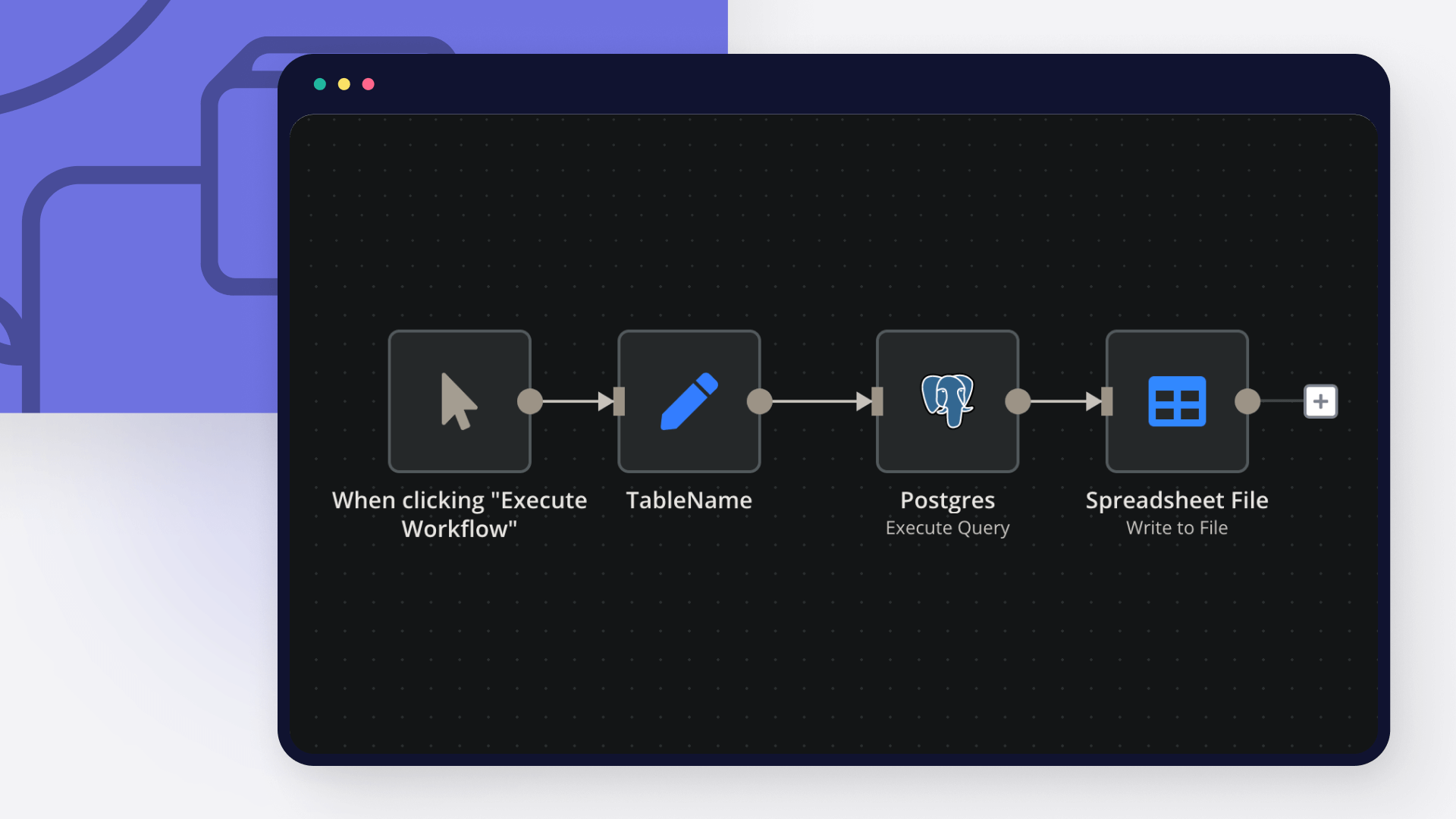
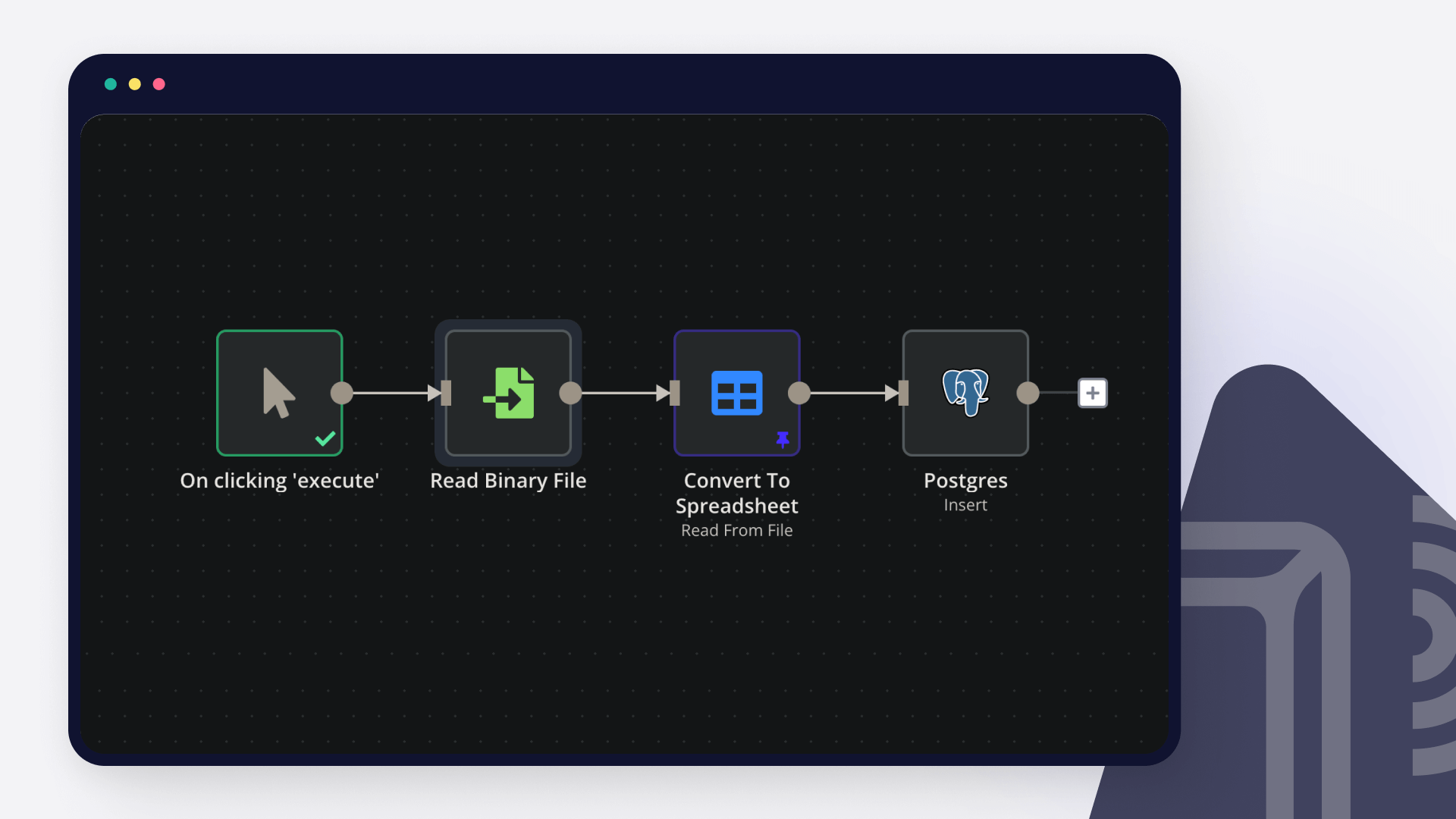
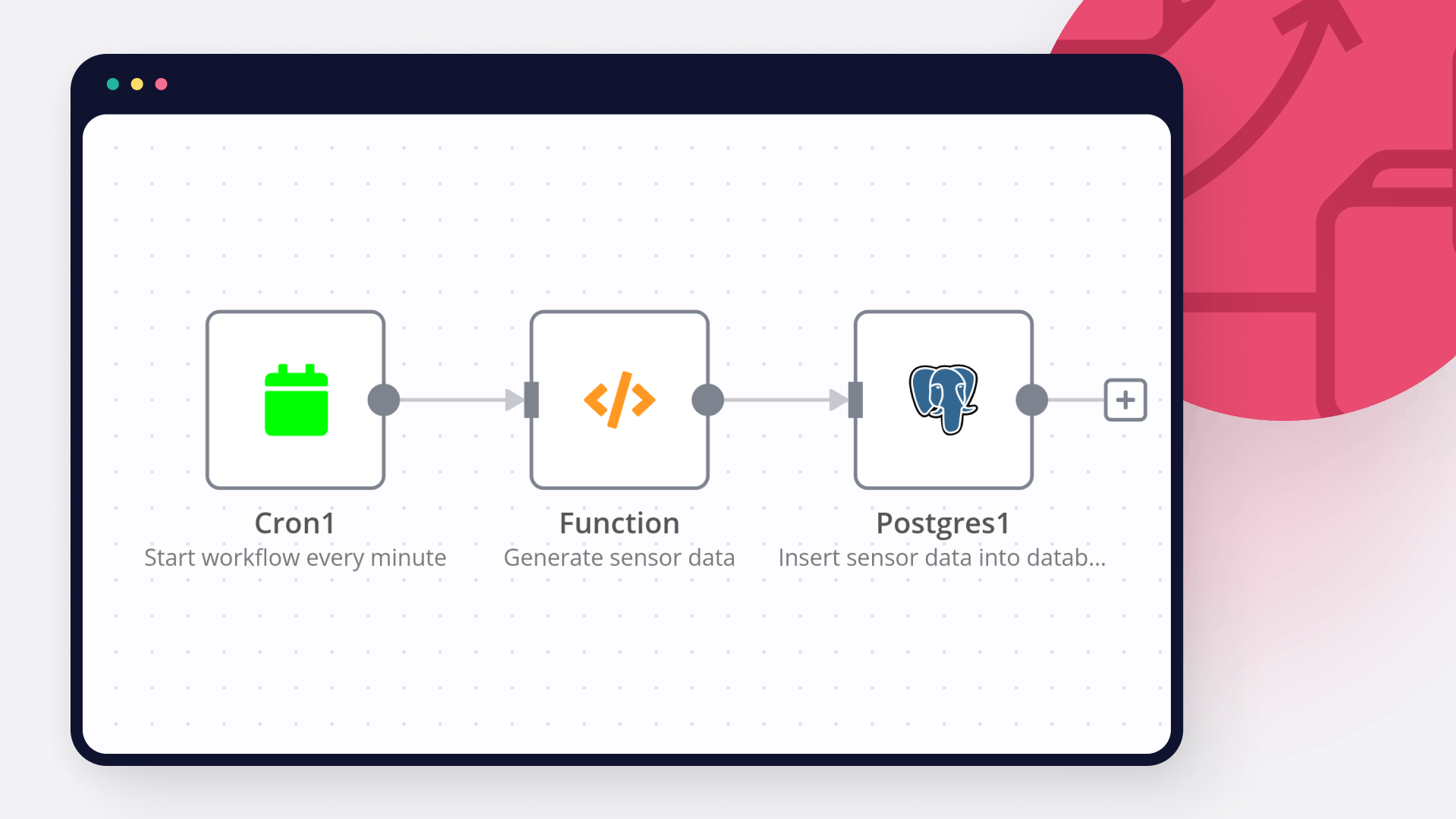
Save yourself the work of writing custom integrations for Microsoft Outlook and Postgres and use n8n instead. Build adaptable and scalable Communication, HITL, workflows that work with your technology stack. All within a building experience you will love.


Microsoft Outlook is a professional email service offered by Microsoft. It serves as an information manager, calendar, task manager, note-taker, and much more. It is widely used by individuals and businesses across the world.
Postgres, or PostgresSQL, is a free, open-source tool that helps you emphasize extensibility and SQL compliance. It is an advanced object-relational database that provides high performance, reliability and feature robustness.
Discover our latest community's recommendations and join the discussions about Microsoft Outlook and Postgres integration.

Mikhail Savenkov
Describe the problem/error/question Postgres node is not working with IN Operator when the parameters is an Array. I suppose that’s because of the sanity checks. E.g. I have a list of some workflows that I’m returning v…

Honza Pav
Hello, I have a follow-up question related to a topic that has been discussed but is closed: Postgres use array as a query parameters I want to pass an array into a Postgresql query as a query parameter. Ideally, I woul…

CrizCJK
Hello everyone, I’m running into an issue with PostgreSQL in n8n that I can’t figure out. My PostgreSQL database has about 20,000 records of sales and stock data. The problem is that my AI Agent doesn’t seem to read th…

Thạch Vũ Ngọc
I using Postgresql Insert node, but it error when column type is timestamp I have the input date in ISO 8601 date string format and I keep getting an error. What is the error message (if any)? Input of Insert node O…

Shazim Ali
hi i am new to n8n basically i have build a chat bot, which is created query on the base of question, but sometime AI based queries are failed to give accurate result, so i have created sql function in vector database, t…



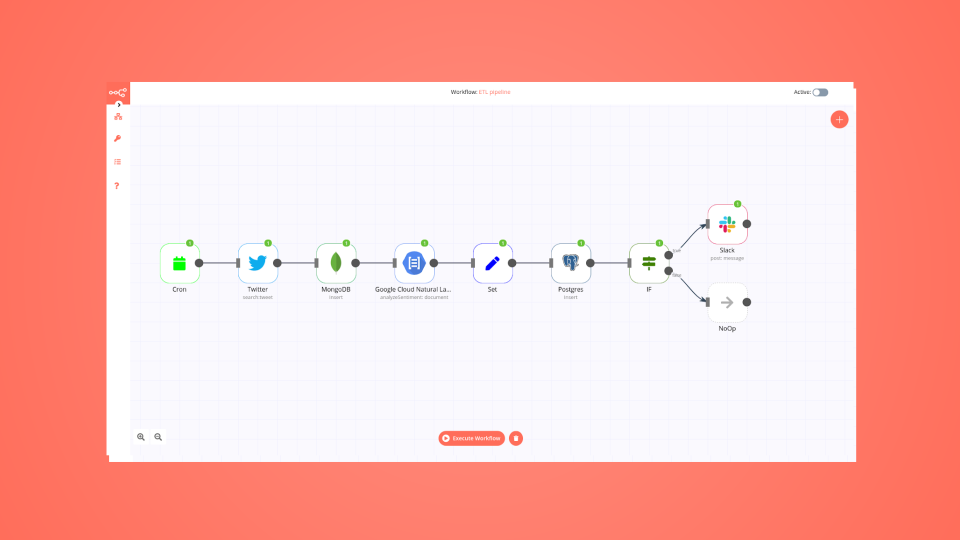
Handle branching, merging and iteration easily. Pause your workflow to wait for external events.
Re-run single steps to test changes in no time. And pin your data to avoid generating trigger events every time you execute.
Your data is displayed alongside your settings, making edge cases easy to track down.
Use 1000+ workflow templates available from our core team and our community.
Copy and paste, easily import and export workflows.


I have found the holy grail of automation.

n8n’s integration with third-party services is absolutely mind-blowing. It’s like a Swiss army knife for automation.

Anything is possible with n8n. I think the cloud version is great, they are doing amazing stuff.

Thank you to the n8n community. I did the beginners course and promptly took an automation WAY beyond my skill level.