See llms.txt for all machine-readable content.

Notion and Qualys integration

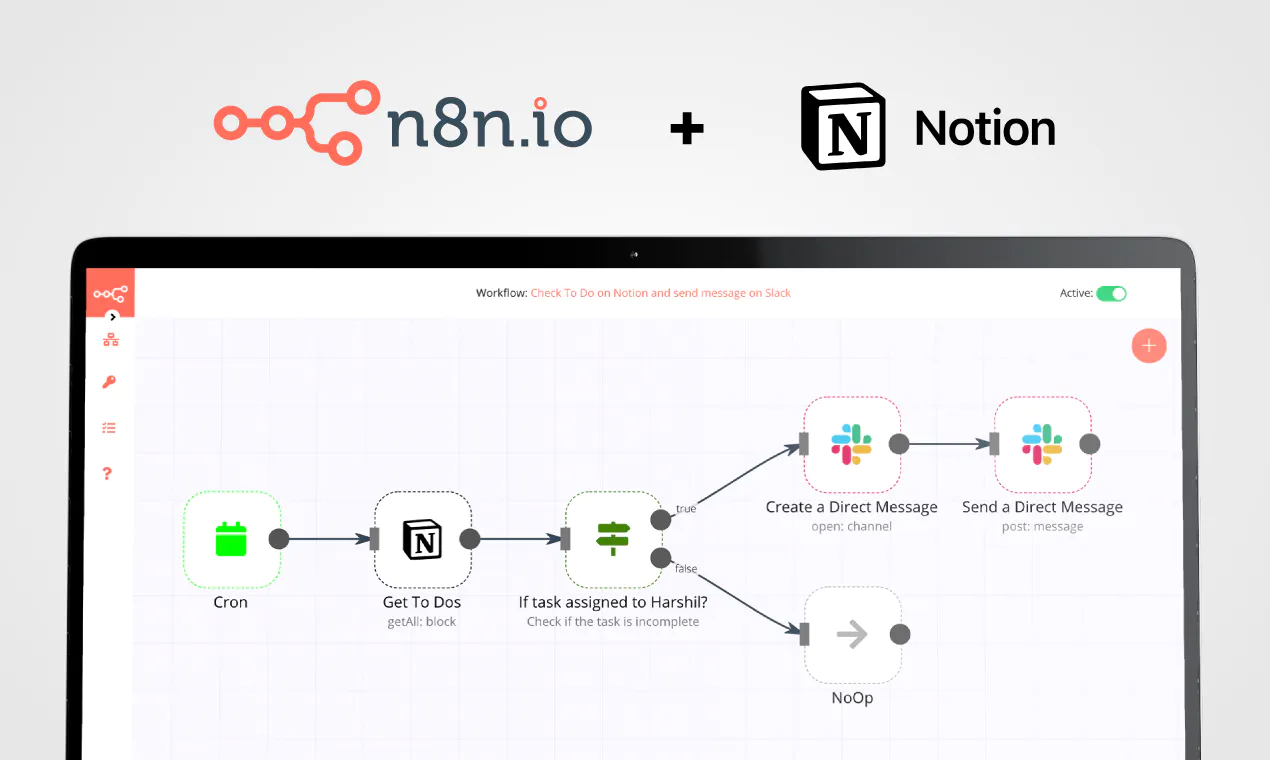
Save yourself the work of writing custom integrations for Notion and Qualys and use n8n instead. Build adaptable and scalable Productivity, workflows that work with your technology stack. All within a building experience you will love.

How to connect Notion and Qualys

Create a new workflow and add the first step

In n8n, click the "Add workflow" button in the Workflows tab to create a new workflow. Add the starting point – a trigger on when your workflow should run: an app event, a schedule, a webhook call, another workflow, an AI chat, or a manual trigger. Sometimes, the HTTP Request node might already serve as your starting point.

Notion and Qualys integration: Create a new workflow and add the first step

Detect SEO opportunities with GSC, GA4, GPT-4o, Sheets, Notion, Slack and Gmail

Quick overview This workflow runs daily to compare the last 28 days vs the prior 28 days in Google Search Console and Google Analytics 4, detects and scores SEO opportunities, saves them to Google Sheets, and uses OpenAI (GPT-4o) to generate an action plan sent to Notion, Slack, and Gmail. How it works Runs every day on a schedule and calculates current and previous 28-day date ranges. Queries the Google Search Console Search Analytics API for query+page performance for both periods. Fetches GA4 page metrics (sessions, page views, and engagement duration) for both periods using Google Analytics. Analyzes the combined datasets to detect and score SEO signals (quick wins, CTR gaps, content decay, cannibalization, new queries, and low-engagement high-traffic pages) and ranks the top opportunities. Appends the ranked opportunity backlog to a Google Sheets tab for tracking. Sends the top opportunities to OpenAI (GPT-4o) to produce a structured SEO action plan. Publishes the AI action plan to a Notion database page, posts it to a Slack channel, and emails the HTML report via Gmail. Setup Connect Google OAuth credentials for Google Search Console (HTTP Request OAuth2) and Google Analytics, and select your GA4 property ID. Replace the placeholder Search Console API URL in both GSC requests with your verified, URL-encoded site property. Connect Google Sheets OAuth credentials and select the target spreadsheet and the “Opportunities” sheet (with columns matching the workflow output). Add an OpenAI credential for the GPT-4o model used by the AI agent. Connect Notion credentials and select the target database for the SEO backlog page. Connect Slack and Gmail credentials, set the Slack channel, and replace the recipient email address placeholder.

Popular ways to use the Notion and Qualys integration

Build your own Notion and Qualys integration

Create custom Notion and Qualys workflows by choosing triggers and actions. Nodes come with global operations and settings, as well as app-specific parameters that can be configured. You can also use the HTTP Request node to query data from any app or service with a REST API.

Notion supported actions

Supported API Endpoints for Qualys

To set up Qualys integration, add the HTTP Request node to your workflow canvas and authenticate it using a predefined credential type. This allows you to perform custom operations, without additional authentication setup. The HTTP Request node makes custom API calls to Qualys to query the data you need using the URLs you provide.

Take a look at the Qualys official documentation to get a full list of all API endpoints

Notion and Qualys integration details

Notion

Notion

Notion is an all-in-one workspace for you and your team. It helps team members create tasks, wikis, and databases all at one place.

Qualys

Qualys

Qualys is a cybersecurity company offering cloud-based solutions for vulnerability management, security and compliance. Its software scans and assesses an organization's IT infrastructure to identify vulnerabilities and ensure compliance with security standards, helping businesses protect their systems and data.

Other integrations with Notion and Qualys

The SOAR platform you want

Mountains of monotonous tasks make building and monitoring your workflows a chore. Not anymore.

Learn more

FAQ about Notion integrations

Need help setting up your Notion and Qualys integration?

Discover our latest community's recommendations and join the discussions about Notion and Qualys integration.

  • Justin Cheu

    Notion Node Bug: The relation id "fffbfe90567a-8132-b56d-c3acc1e8eb71" is not a valid uuid with optional dashes

    Justin Cheu

    The relation id “fffbfe90567a-8132-b56d-c3acc1e8eb71” is not a valid uuid with optional dashes. { "errorMessage": "The relation id \"fffbfe90567a-8132-b56d-c3acc1e8eb71\" is not a valid uuid with optional dashes.", …

    Open topic
  • Cris A. Works

    Problem activating workflow. NodeAPIError

    Cris A. Works

    Describe the issue: Whenever I run this command: docker run -it --rm --name n8n -p 5678:5678 -v C:\Users\billy\.n8n:/home/node/.n8n docker.n8n.io/n8nio/n8n Yields in a looping error. It didn’t used to happen before. W…

    Open topic
  • Oliver Cordingley

    Notion append block formatting, using loop, still no luck

    Oliver Cordingley

    Hey, I’m using open AI to write written reports which have a set structure using H2 H3 and bullet points. The output should be delivered inside of a notion database page as an appended block. My output from open AI is ra…

    Open topic
  • Martin

    Any way to embed the interactive flow diagrams into notion?

    Martin

    Is there any way to replicate the way we share templates here on the forum within notion pages? (eg Creating an API endpoint | n8n workflow template) We use notion for documentation purposes and I’d love to be able to u…

    Open topic
  • Liam Skaff

    Notion Relations ID Error

    Liam Skaff

    Hello. Recently I’ve been getting this error in my Notion Node when trying to insert an ID in the relations tab. I contacted Notion support and they told me that the problem is from n8n. This is the error I’m receiving…

    Open topic

Looking to integrate Slack and VirusTotal in your company?

Trusted by teams building smarter workflows.

Why

Why use n8n to integrate Notion with Qualys

Handle branching, merging and iteration easily. Pause your workflow to wait for external events.

Re-run single steps to test changes in no time. And pin your data to avoid generating trigger events every time you execute.

Your data is displayed alongside your settings, making edge cases easy to track down.

Use 1000+ workflow templates available from our core team and our community.

Copy and paste, easily import and export workflows.

Simple enough to 
understand + sophisticated 
enough to ship