See llms.txt for all machine-readable content.
Back to integrations
Google Sheets and Zoho WorkDrive integration
Save yourself the work of writing custom integrations for Google Sheets and Zoho WorkDrive and use n8n instead. Build adaptable and scalable Data & Storage, Productivity, workflows that work with your technology stack. All within a building experience you will love.




How to connect Google Sheets and Zoho WorkDrive
Create a new workflow and add the first step
In n8n, click the "Add workflow" button in the Workflows tab to create a new workflow. Add the starting point – a trigger on when your workflow should run: an app event, a schedule, a webhook call, another workflow, an AI chat, or a manual trigger. Sometimes, the HTTP Request node might already serve as your starting point.

Build your own Google Sheets and Zoho WorkDrive integration
Create custom Google Sheets and Zoho WorkDrive workflows by choosing triggers and actions. Nodes come with global operations and settings, as well as app-specific parameters that can be configured. You can also use the HTTP Request node to query data from any app or service with a REST API.
Google Sheets supported actions
Create
Create a spreadsheet
Delete
Delete a spreadsheet
Append or Update Row
Append a new row or update an existing one (upsert)
Append Row
Create a new row in a sheet
Clear
Delete all the contents or a part of a sheet
Create
Create a new sheet
Delete
Permanently delete a sheet
Delete Rows or Columns
Delete columns or rows from a sheet
Get Row(s)
Retrieve one or more rows from a sheet
Update Row
Update an existing row in a sheet
What can you do with Zoho WorkDrive?
Copy
Copy a file to another folder
Delete
Move a file to Trash
Download
Download a file as binary data
Get
Get metadata for a file
Move
Move a file to another folder
Rename
Rename a file
Upload
Upload a file to a folder
Copy
Copy a folder to another folder
Create
Create a new folder
Delete
Move a folder to Trash
Get
Get metadata for a folder
List Contents
List contents of a folder
Move
Move a folder to another folder
Rename
Rename a folder
Create External Link
Create a public external share link
Delete External Link
Revoke an external share link
Get External Link
Get info about a share link
Google Sheets and Zoho WorkDrive integration details
Other integrations with Google Sheets



Google Sheets and Zoho WorkDrive integration tutorials
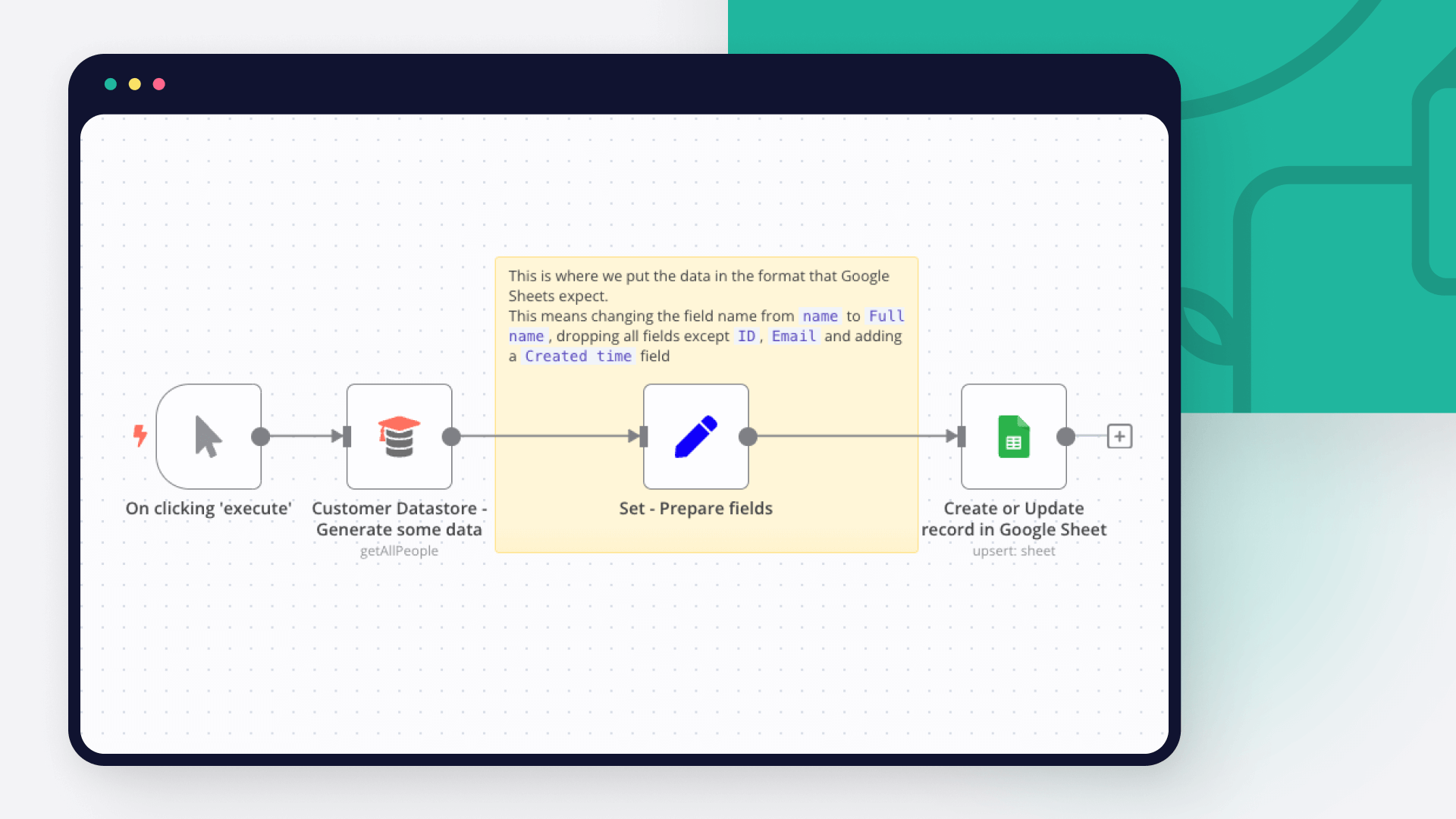
How to use Google Sheets as a database
Dive into the versatility of Google Sheets as a database with our in-depth comparison of Python scripting and n8n automation. Get 7 free workflows to set up your Google Sheets database in n8n!
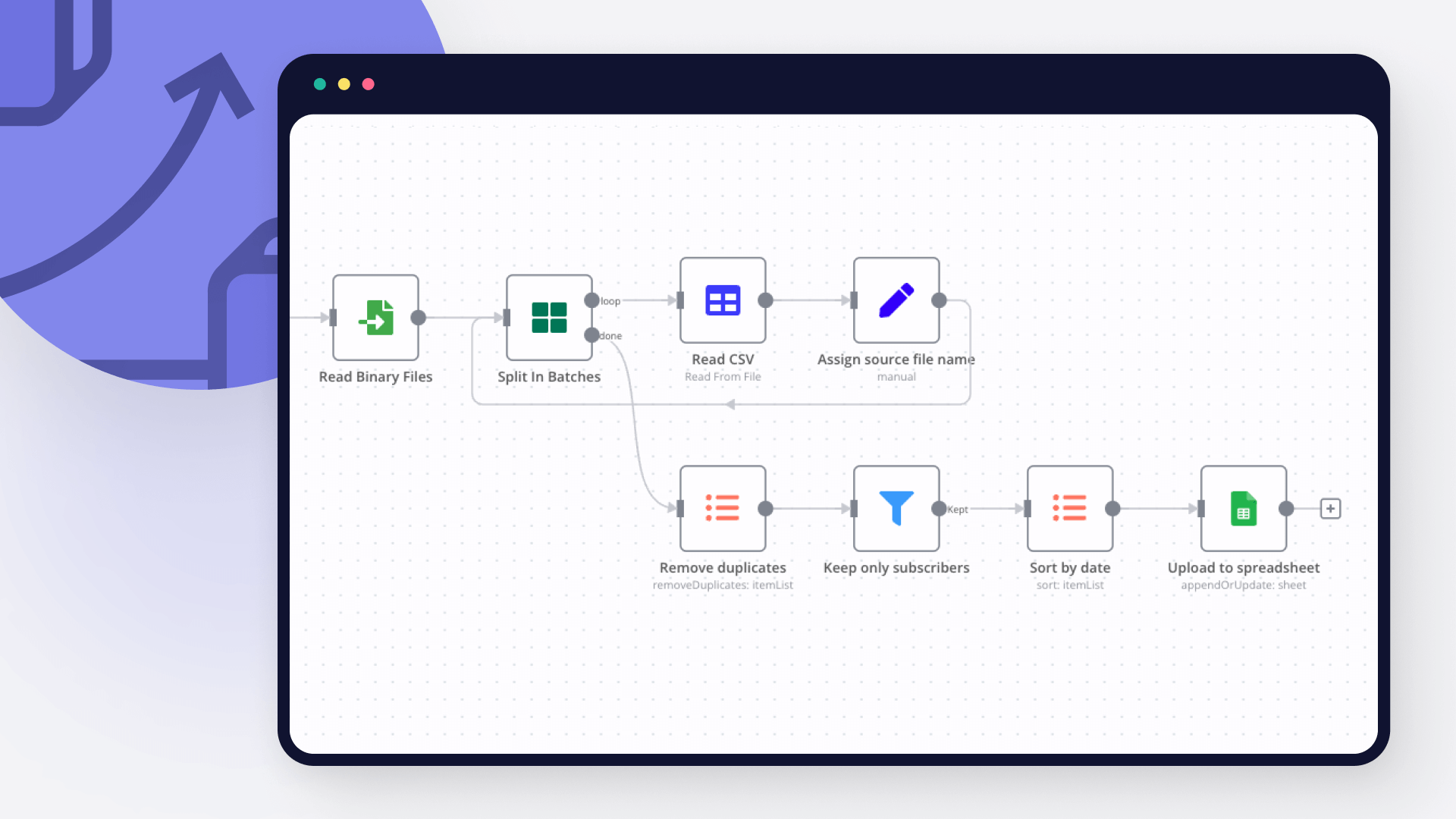
How to import CSV into Google Sheets: 3 best methods
Explore 3 efficient methods for importing CSV files into Google Sheets, comparing n8n's automated workflow with the manual import via native Google Sheets interface and the programmatic import via Python.
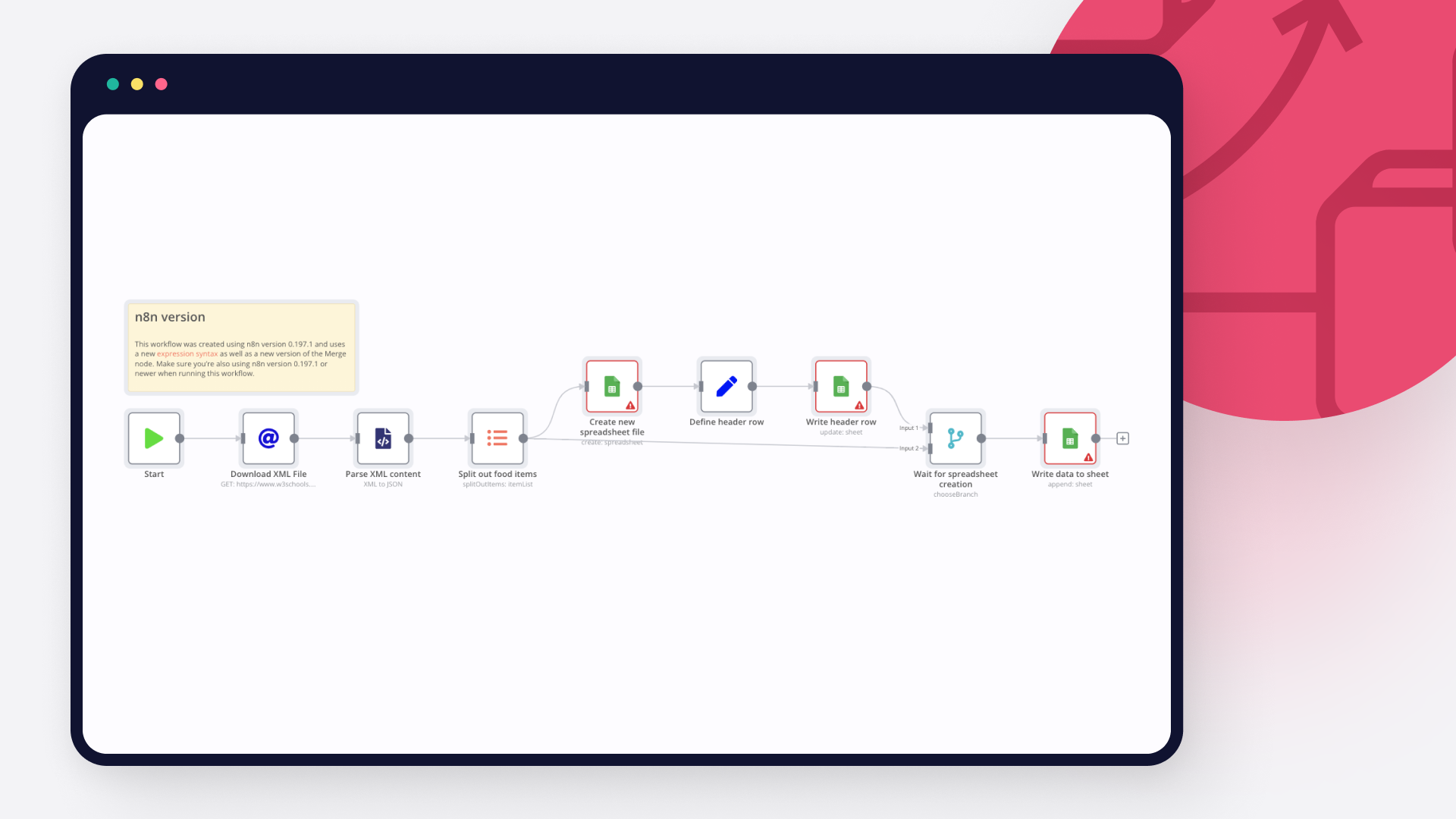
How to import XML to Google Sheets: 3 step-by-step techniques
Learn three different ways to import XML to Google sheets: with Google sheet’s IMPORTXML function, with Google AppScript and automation with n8n.
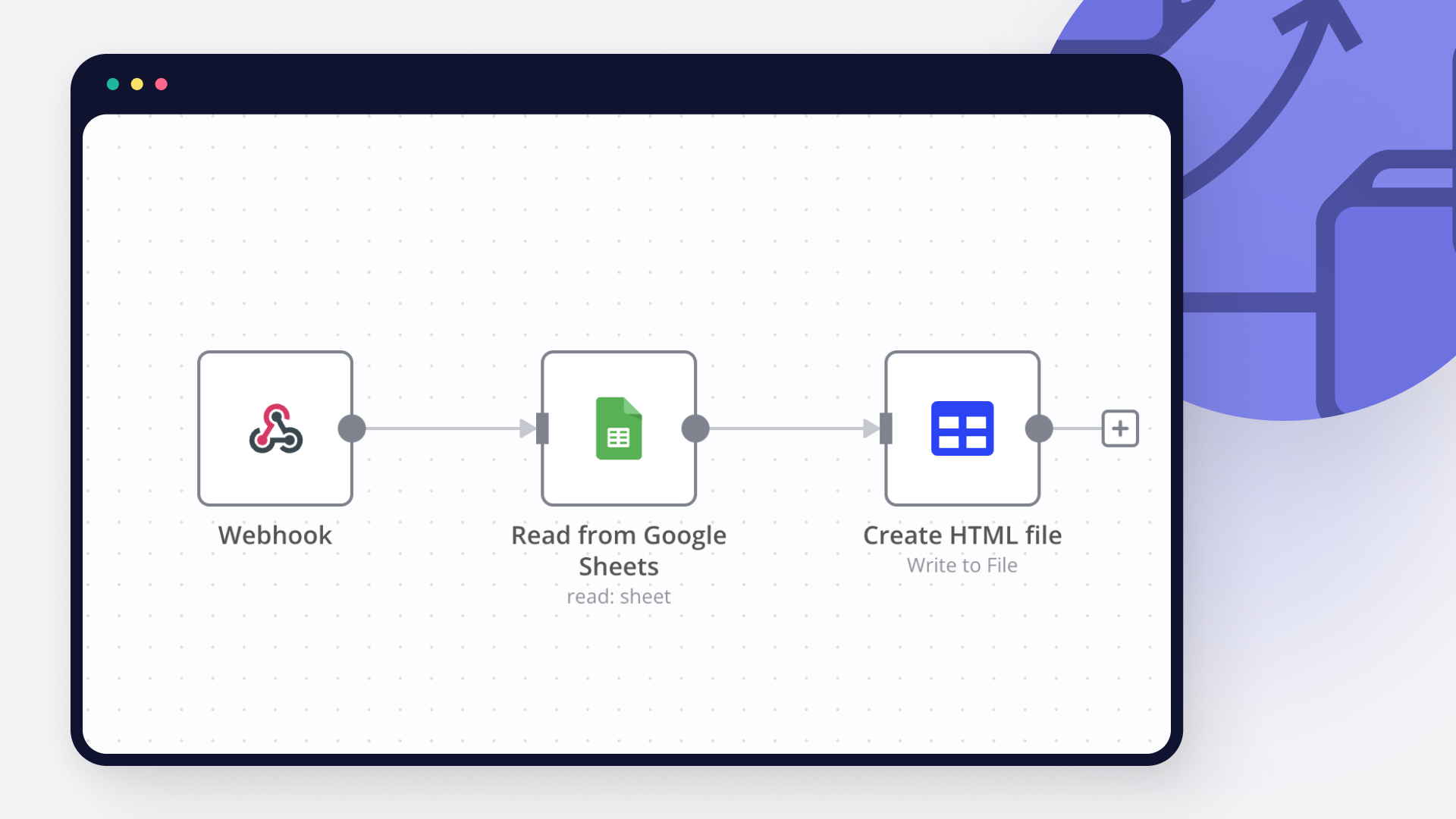
How to pull data from Google Spreadsheet to HTML: Code and no code approaches
Learn how to pull data from Google Spreadsheet to a website using Google Apps Script or n8n: two approaches, with and without writing code, explained.
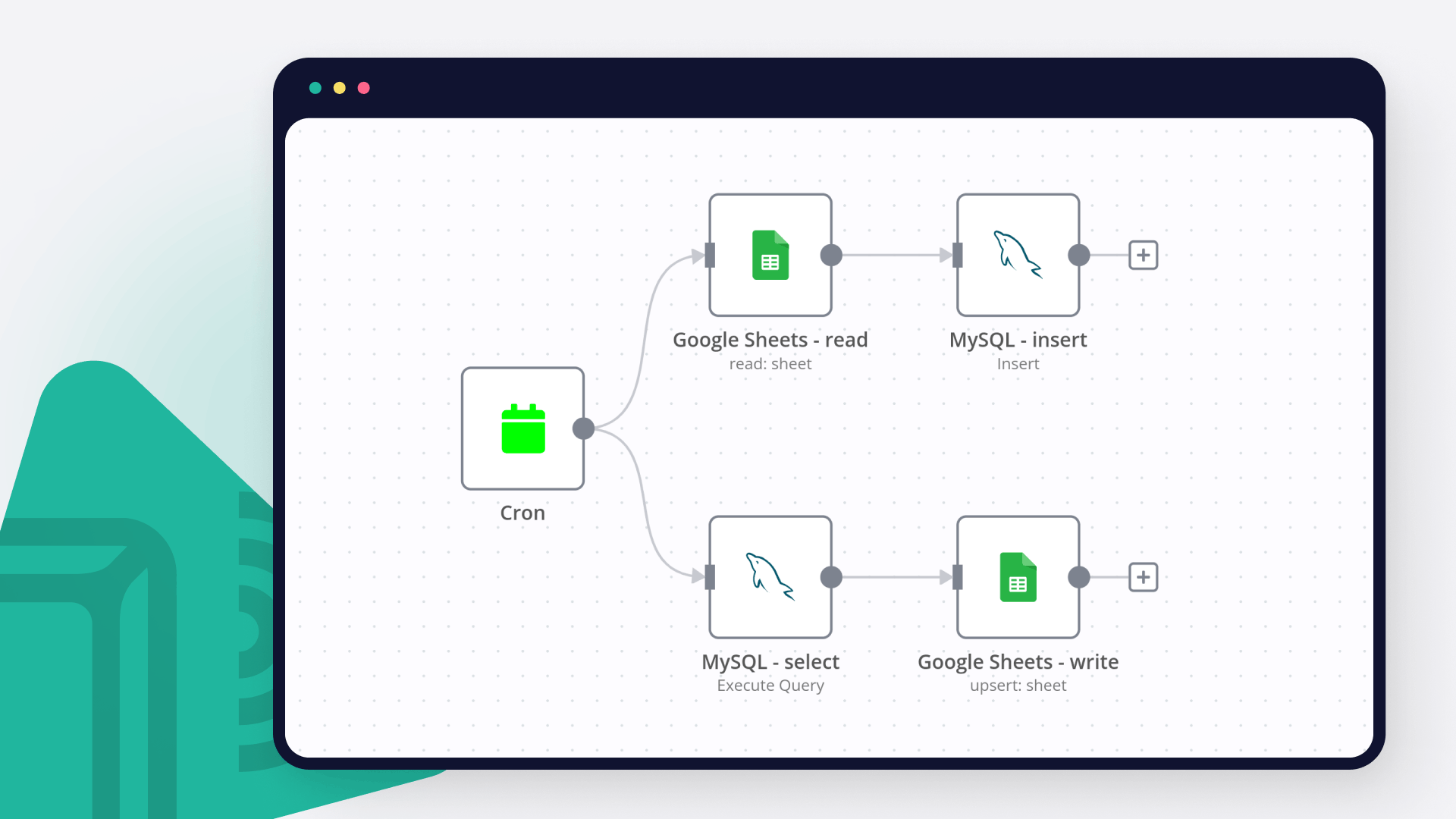
How to connect Google Sheets to MySQL: Code and no-code methods
Discover two ways to connect MySQL with Google Sheets, and learn to build no-code workflows for automating it.
How to automatically import JSON into Google Sheets
Learn 3 ways to go from JSON to Google Sheets or a CSV file, plus 5 no-code n8n workflows for automatically moving data between JSON and spreadsheets.
FAQs
FAQ
Need help setting up your Google Sheets and Zoho WorkDrive integration?
Discover our latest community's recommendations and join the discussions about Google Sheets and Zoho WorkDrive integration.

Is the Google Sheets Node not working for anyone else (not a newbie)?
sw2025
Not a newbie to n8n - Have successfully used the G-sheets nodes many times in the past with the same credentials, never an issue. Today I’m trying to create a new automation that requires using the G-Sheets nodes - cann…

How to Update Multiple Rows in Google Sheets at Once in n8n?
Tenzin Nyima 10B15
Hi everyone I’m currently learning n8n and experimenting with Google Sheets automation. I’ve set up a workflow (screenshot attached) that includes: Trigger: “When chat message received” AI Agent connected to: Goog…

Google Sheets Action is not picking up a list of available Sheets despite seeing the document itself
Sergey Komardenkov
Describe the problem/error/question I am testing a workflow where the final action is addition of a row into a Google sheet. I have created a new sheet, I gave it Edit permissions by link just in case, and of course I ad…

Seeking help to look for Pivot table or any formula operation in Google Sheet
Filbert Henrico
Hi there, I am using free service in n8n and I am looking for a support to provide information whether there is an option for pivot table or vlookup formula in the operation section for google sheet? Is it something th…

Switch Node with Google Doc File Problem
Boba228ai
Hello everyone! I set up workflow file transfer in supabase. Google Drive trigger receives file data, transfers it to switch, it determines what kind of file it is (google sheet, google doc, pdf) and then transfers it to…
The world's most popular workflow automation platform for technical teams including


Why use n8n to integrate Google Sheets with Zoho WorkDrive
Build complex workflows, really fast
