See llms.txt for all machine-readable content.
Back to integrations
Microsoft Outlook and Postgres integration
Save yourself the work of writing custom integrations for Microsoft Outlook and Postgres and use n8n instead. Build adaptable and scalable Communication, HITL, workflows that work with your technology stack. All within a building experience you will love.




How to connect Microsoft Outlook and Postgres
Create a new workflow and add the first step
In n8n, click the "Add workflow" button in the Workflows tab to create a new workflow. Add the starting point – a trigger on when your workflow should run: an app event, a schedule, a webhook call, another workflow, an AI chat, or a manual trigger. Sometimes, the HTTP Request node might already serve as your starting point.

Popular ways to use the Microsoft Outlook and Postgres integration
Build your own Microsoft Outlook and Postgres integration
Create custom Microsoft Outlook and Postgres workflows by choosing triggers and actions. Nodes come with global operations and settings, as well as app-specific parameters that can be configured. You can also use the HTTP Request node to query data from any app or service with a REST API.
Microsoft Outlook supported actions
Create
Create a new calendar
Delete
Delete a calendar
Get
Retrieve a calendar
Get Many
List and search calendars
Update
Update a calendar
Create
Create a new contact
Delete
Delete a contact
Get
Retrieve a contact
Get Many
List and search contacts
Update
Update a contact
Create
Create a new email draft
Delete
Delete an email draft
Get
Retrieve an email draft
Send
Send an existing email draft
Update
Update an email draft
Create
Create a new event
Delete
Delete an event
Get
Retrieve an event
Get Many
List and search events
Update
Update an event
Create
Create a mail folder in the root folder of the user's mailbox
Delete
Delete a folder
Get
Retrieve a folder
Get Many
Get many folders
Update
Update a folder
Get Many
Retrieves the messages in a folder
Delete
Delete a message
Get
Retrieve a single message
Get Many
List and search messages
Move
Move a message to a folder
Reply
Create a reply to a message
Send
Send a message
Send and Wait for Response
Send a message and wait for response
Update
Update a message
Add
Add an attachment to a message
Download
Download an attachment from a message
Get
Retrieve information about an attachment of a message
Get Many
Retrieve information about the attachments of a message
Postgres supported actions
Delete
Delete an entire table or rows in a table
Execute Query
Execute an SQL query
Insert
Insert rows in a table
Insert or Update
Insert or update rows in a table
Select
Select rows from a table
Update
Update rows in a table
Microsoft Outlook and Postgres integration details
Microsoft Outlook
Microsoft Outlook is a professional email service offered by Microsoft. It serves as an information manager, calendar, task manager, note-taker, and much more. It is widely used by individuals and businesses across the world.
Microsoft Outlook node docs + examples
Microsoft Outlook credential docs
See Microsoft Outlook integrations
Related categories
Other integrations with Microsoft Outlook



Other integrations with Postgres




Microsoft Outlook and Postgres integration tutorials
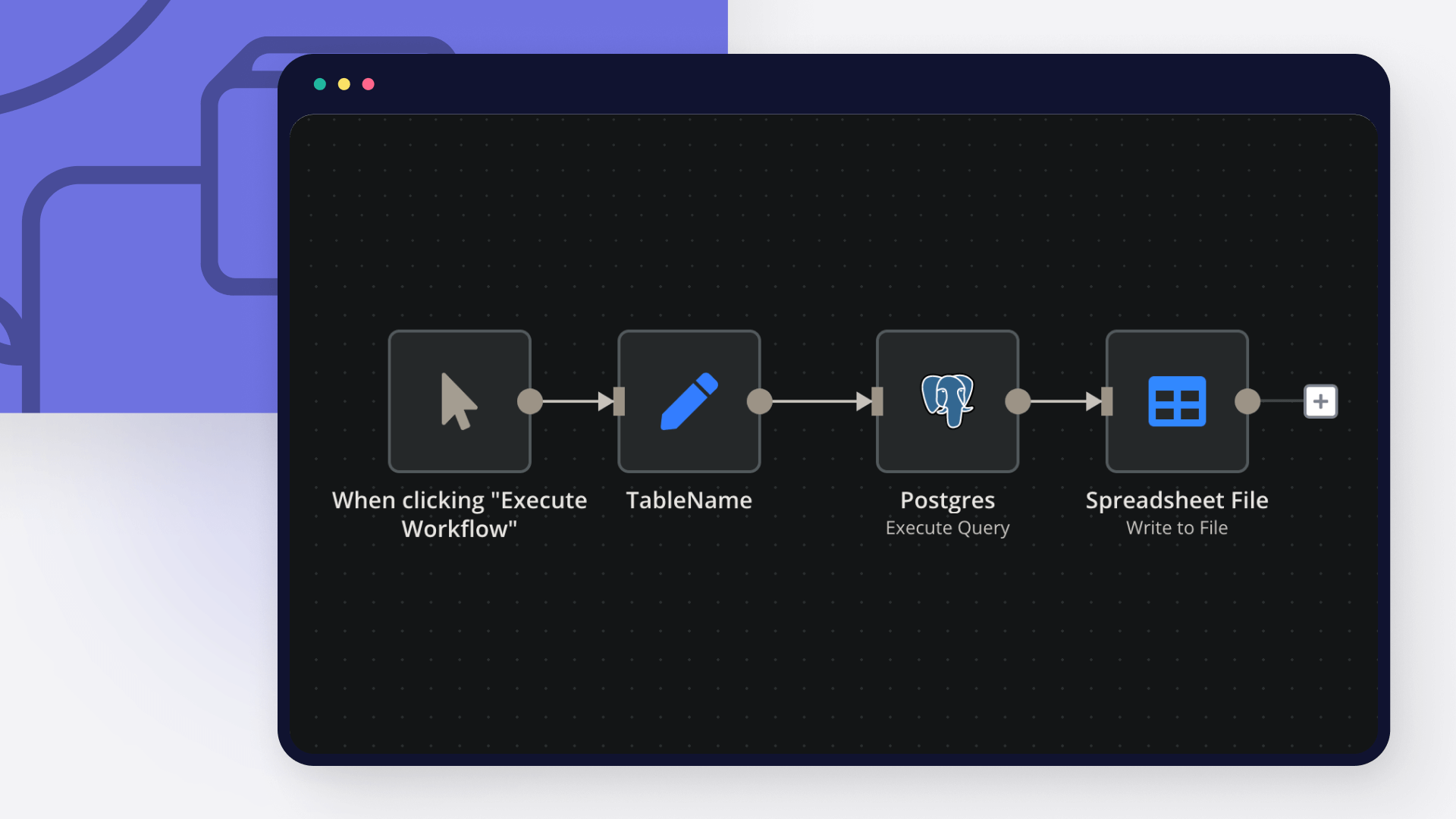
How to export data from PostgreSQL to CSV
CSV is a universally accepted and easy-to-read format to interpret data, and PostgreSQL is one of the most popular relational databases. Read on to learn how to export PostgreSQL as a CSV file using the COPY command, \copy command, and n8n.
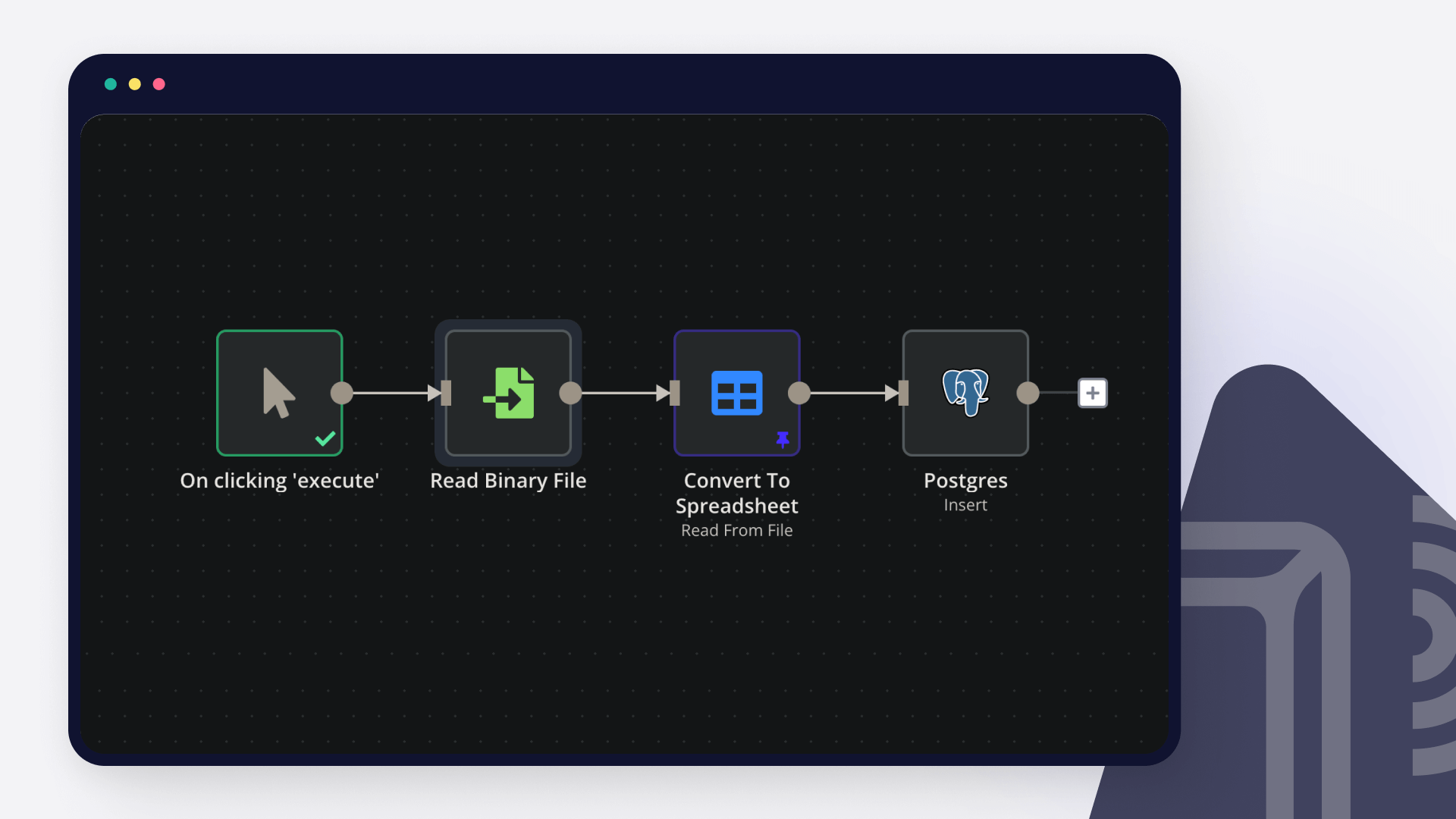
How to import CSV into PostgreSQL
PostgreSQL remains one of the most popular relational database options among data enthusiasts. Read on to learn how to import a CSV file into PostgreSQL using pgAdmin, SQL statements, and n8n.
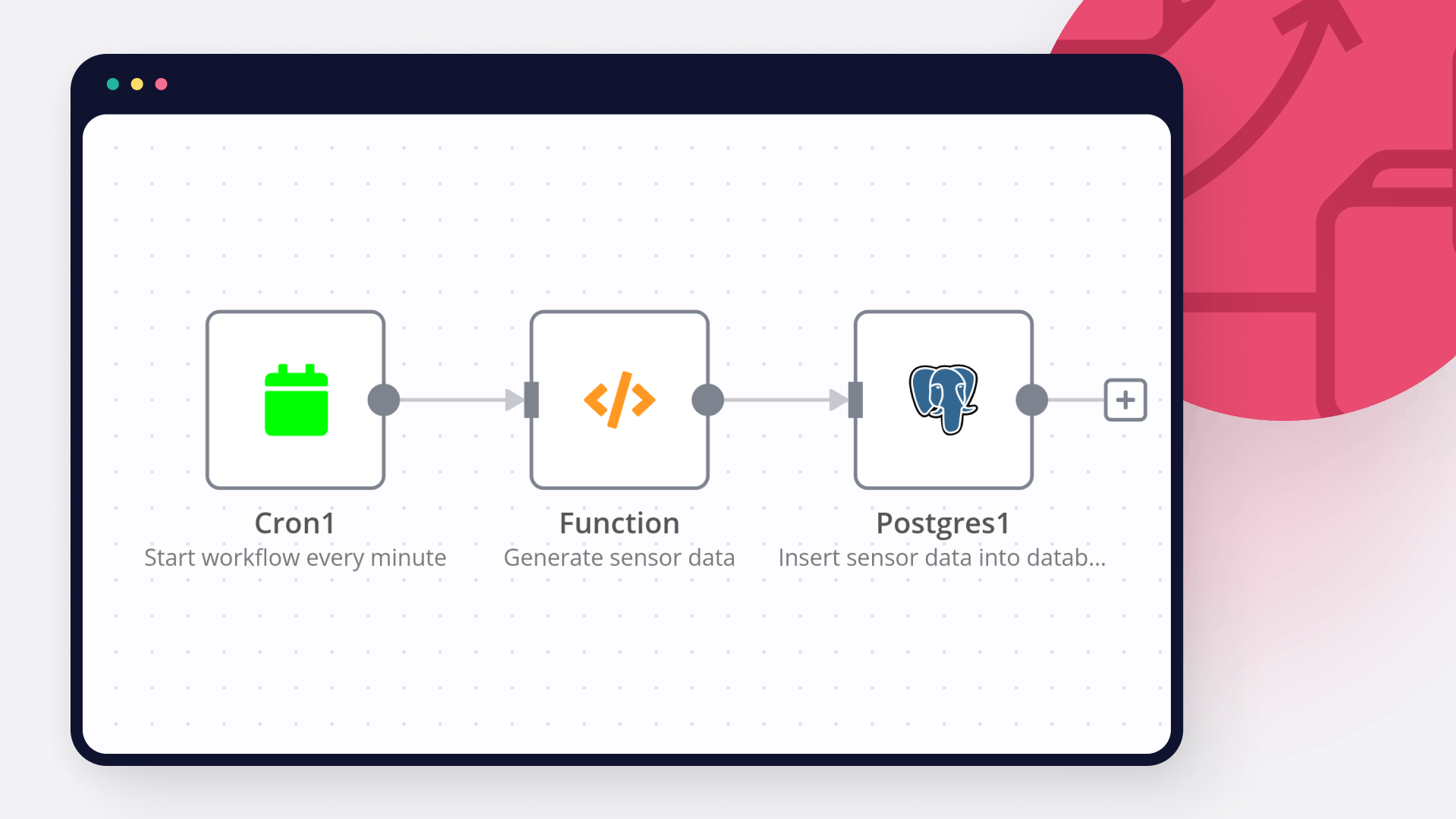
Database activity monitoring: How to automatically monitor and set alerts for a database
Learn what database activity monitoring is, why it's important, and how to automatically monitor a Postgres database containing IoT data with n8n workflows.
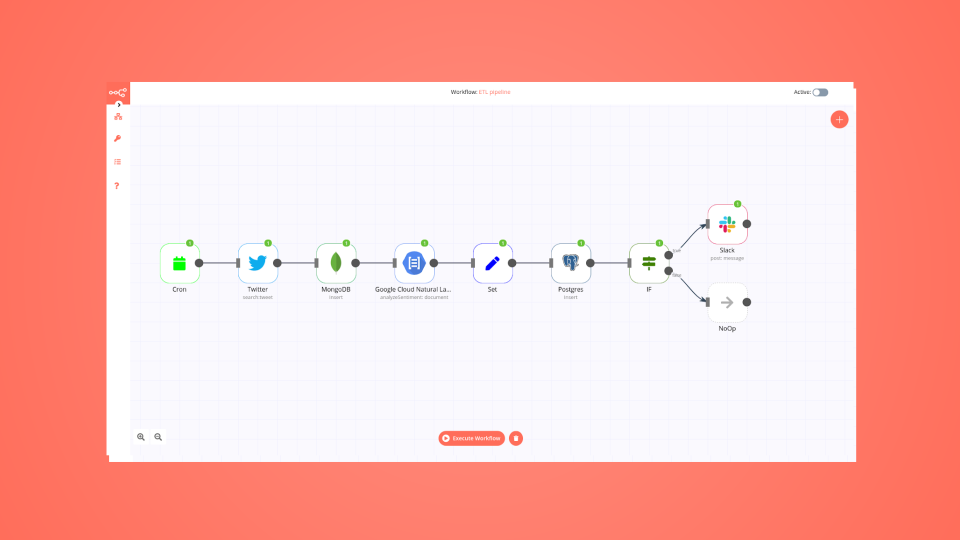
Automate your data processing pipeline in 9 steps
Learn how to build an n8n workflow that processes text, stores data in two databases, and sends messages to Slack.
FAQs
FAQ
Need help setting up your Microsoft Outlook and Postgres integration?
Discover our latest community's recommendations and join the discussions about Microsoft Outlook and Postgres integration.

Postgres node IN operator with parameters
Mikhail Savenkov
Describe the problem/error/question Postgres node is not working with IN Operator when the parameters is an Array. I suppose that’s because of the sanity checks. E.g. I have a list of some workflows that I’m returning v…

Passing an array as query parameter in Postgresql
Honza Pav
Hello, I have a follow-up question related to a topic that has been discussed but is closed: Postgres use array as a query parameters I want to pass an array into a Postgresql query as a query parameter. Ideally, I woul…

Issue with AI Agent not reading full PostgreSQL data
CrizCJK
Hello everyone, I’m running into an issue with PostgreSQL in n8n that I can’t figure out. My PostgreSQL database has about 20,000 records of sales and stock data. The problem is that my AI Agent doesn’t seem to read th…

Postgresql Insert error parsing ISO format string
Thạch Vũ Ngọc
I using Postgresql Insert node, but it error when column type is timestamp I have the input date in ISO 8601 date string format and I keep getting an error. What is the error message (if any)? Input of Insert node O…

Pass dynamic perameters to postgres_SQL node query
Shazim Ali
hi i am new to n8n basically i have build a chat bot, which is created query on the base of question, but sometime AI based queries are failed to give accurate result, so i have created sql function in vector database, t…
AI agents and workflows for technical teams at


Why use n8n to integrate Microsoft Outlook with Postgres
Build complex workflows, really fast
