Back to Templates


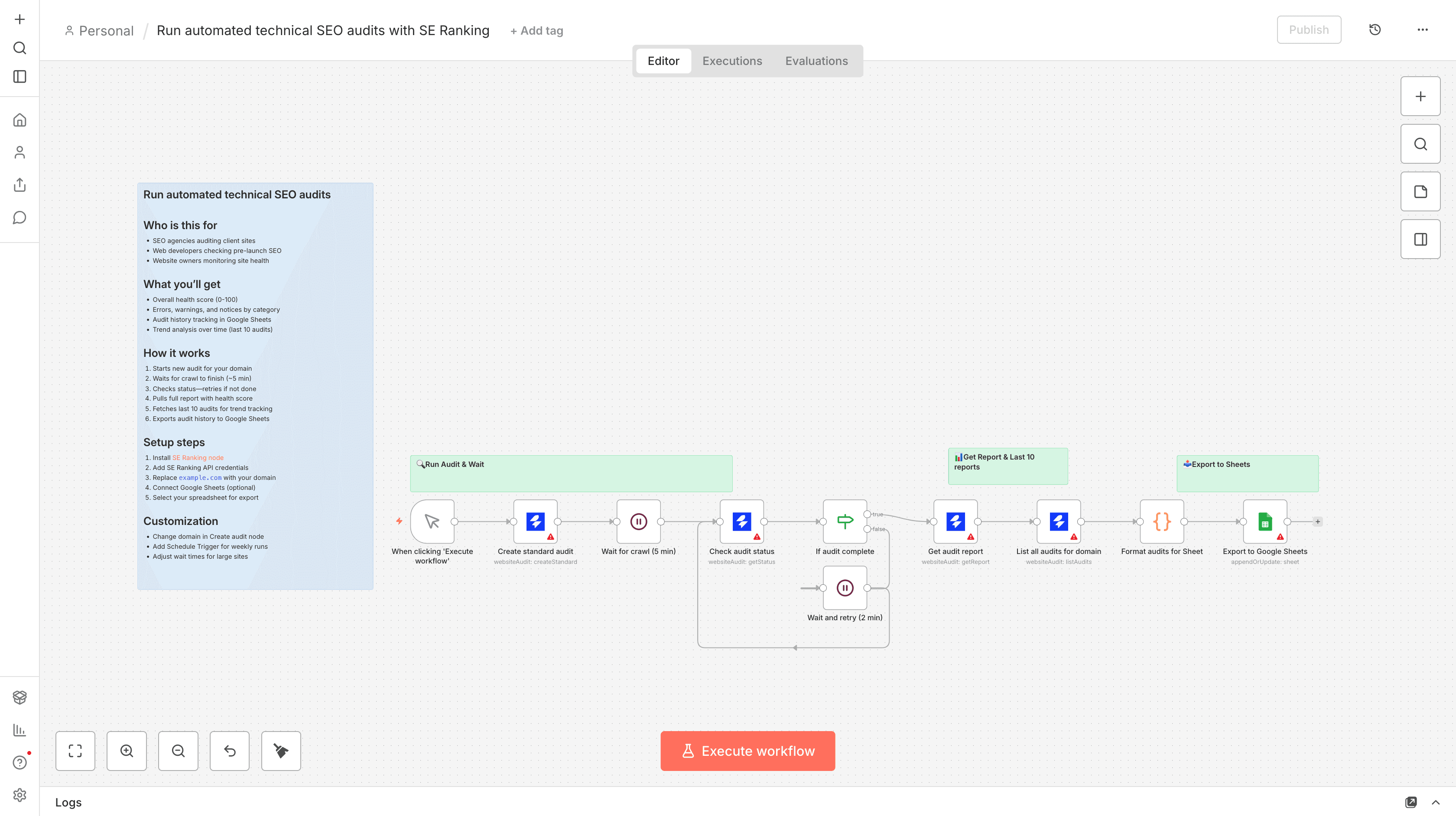
Who is this for
- SEO agencies tracking client site health over time
- Web developers monitoring technical SEO improvements
- Website owners measuring audit progress week over week
What this workflow does
Run a technical SEO audit on any website, wait for completion, then export audit history to Google Sheets for trend tracking and progress monitoring.
What you'll get
- Overall health score (0-100) for your site
- Errors, warnings, and notices count by category
- Audit history tracking (last 10 audits)
- Trend analysis over time in Google Sheets
- Progress monitoring week over week
How it works
- Starts a new audit for your domain
- Waits for the crawl to finish (~5 min for small sites)
- Checks if done—automatically retries if not complete
- Pulls the full report with health score and issue counts
- Fetches last 10 audits for the domain
- Exports audit history to Google Sheets with 10 columns
Requirements
- SE Ranking account with API access (Get one here)
- SE Ranking community node installed (Install from npm)
- Website Audit subscription in SE Ranking
- Google Sheets account (optional)
Setup steps
- Install the SE Ranking community node
- Add your SE Ranking API credentials
- Replace
example.comwith your domain in the Create audit node - Connect Google Sheets credentials (optional)
- Select your spreadsheet for export
Customization
- Change the domain and audit title in the Create audit node
- Adjust wait times if auditing larger sites (5 min default may not be enough)
- Connect a Schedule Trigger to run audits automatically each week
- Change
limitin List audits node to get more/fewer historical audits (max 100)