See llms.txt for all machine-readable content.



🤖 Smart Interview Assistant: Tailored Questions Based on CV, JD, and Round
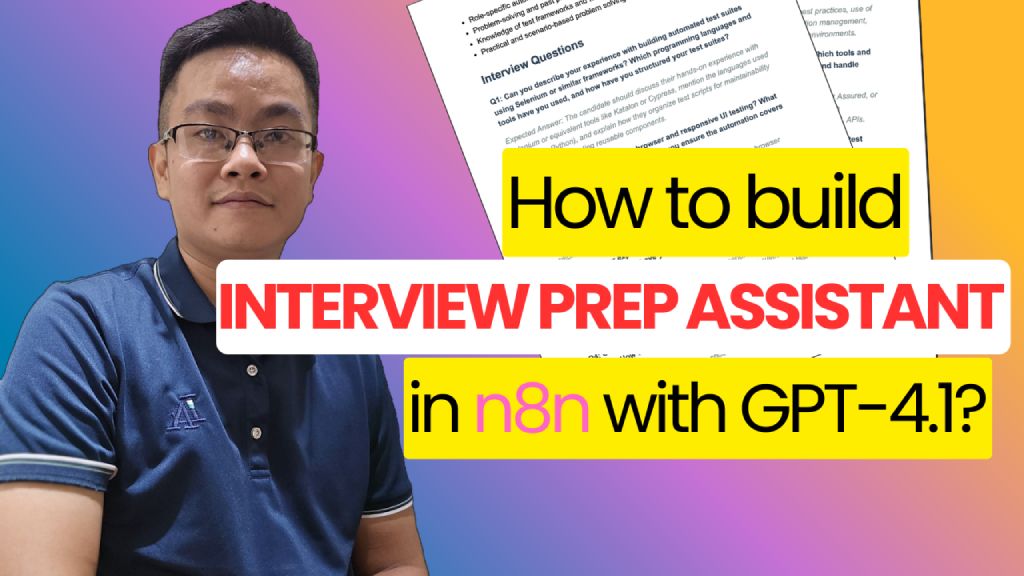
Watch the demo video below:
📌 Who’s it for
This workflow is designed for:
- Recruiters and Talent Acquisition Specialists who want to automate candidate interview prep.
- Hiring Managers conducting multiple interviews and needing personalized question sets.
- Technical Interviewers who want to save time and be well-prepared with relevant questions.
⚙️ How it works / What it does
The Smart Interview Assistant automates the interview preparation process in a few clicks:
- Accepts:
- Multiple resumes (PDFs)
- Selected job role
- Chosen interview round
- Extracts structured data from:
- The candidate’s CV
- The corresponding Job Description (JD)
- Uses GPT-4 to analyze:
- Candidate profile
- Role requirements
- Interview round context
- Generates:
- Tailored interview questions
- Expected answers
- A summarized interview prep report
- Sends the report directly to the hiring team via email (SMTP)
📁 Google Drive Structure
📂 Root Folder
├── 📁 jd/                          # Stores all job descriptions in PDF format
│   ├── Backend_Engineer.pdf
│   ├── Azure_DevOps_Lead.pdf
│   └── ...
└── 📄 Positions (Google Sheet)    # Maps Job Role ↔ JD File Link
📝 Sample Mapping Sheet:
Positions Sheet
Columns:
Job RoleJob Description File URL(pointing to PDF injd/folder)
🛠️ How to Set Up
Step 1: Configure API Integrations
- ✅ Connect your OpenAI GPT-4 API Key
- ✅ Enable Google Cloud APIs:
- Google Sheets API (to read job roles)
- Google Drive API (to access CV and JD files)
- ✅ Set up SMTP credentials (for email delivery)
Step 2: Prepare Google Drive & Mapping Sheet
- Create a root folder on Google Drive
- Inside the root folder:
- Create a folder named
/jd/and upload all job descriptions (PDFs)
- Create a folder named
- Create a Google Sheet named
Positionswith the following format:
| Job Role                     | Job Description File URL                   |
|-----------------------------|--------------------------------------------|
| Azure DevOps Engineer        | https://drive.google.com/xxx/jd1.pdf       |
| Full-Stack Developer (.NET)  | https://drive.google.com/xxx/jd2.pdf       |
Step 3: Build the Application Form
Use any form tool (e.g., Typeform, Tally, or custom HTML) that collects:
- 📎 Resume file (PDF)
- 🧾 Job Role (dropdown)
- 🔄 Interview Round (dropdown)
Step 4: Resume & JD Extraction
- 🔍 Use
Extract from PDFto parse the resume content - 📄 Retrieve the JD link from the
Positionssheet based on the selected Job Role - 🔗 Use
Download fileto pull the PDF for processing
Step 5: Analyze with GPT-4
- Run both Resume and JD through a Profile Analyzer Agent (GPT-4 with JSON output)
- Merge results
- Add manual input or mapping for the Interview Round metadata
Step 6: Generate Interview Report
- Use a second GPT-4 agent (e.g.,
HR Expert Agent) to:- Generate 6–8 tailored interview questions
- Include expected answers and rationale
Step 7: Deliver Final Report
- Format the content as:
- 📄 PDF (optional)
- 📨 Email body
- Send the report to the recruiter, hiring manager, or interviewer via SMTP
✅ Requirements
- 🔑 OpenAI GPT-4 API Key
- 📁 Google Drive (for resume and JD storage)
- 📊 Google Sheet (job role mapping)
- 📬 SMTP credentials (host, username, password)
- 🧰 n8n self-hosted or cloud instance with:
- PDF Parser
- Google Sheets node
- HTTP Download node
- Email node
✏️ How to Customize the Workflow
| Part | Customization Options |
|---|---|
| Form UI | Modify the design, dropdown options, or input validations |
| Job Description Source | Replace Google Sheet with Notion, Airtable, or database |
| Interview Metadata | Add job level, region, or language preference |
| AI Prompt Tuning | Adjust prompt phrasing or temperature in GPT nodes |
| Report Format | Generate PDF instead of email body using PDF node |
| Delivery Method | Add internal HR portal webhook or generate downloadable link |